

A Friendly Warning About Apple ID Scams
Hey there, Apple Users!
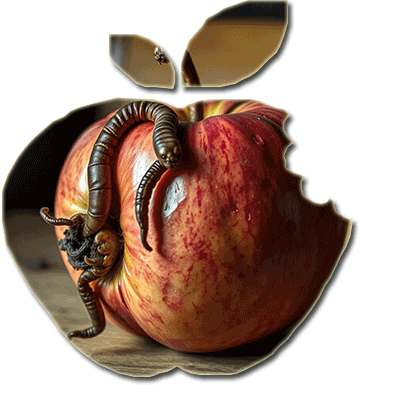
I wanted to share something important that's been making the rounds lately. You know how we all get those heart-stopping moments when we see an email about our accounts being compromised? Well, there's a particularly sneaky scam targeting Apple users that I think you should know about.
Picture this: You're checking your email, maybe sipping your morning coffee, when you spot what looks like an official message from Apple Support. The email claims your Apple ID has been suspended due to "unusual activity" or "invalid information." There's even a professional-looking blue button labeled "Go to Apple ID" that seems to be calling out for your attention. The message might even try to rush you, saying something like "You have 24 hours to verify your identity, or your account will be permanently blocked!"

Sounds scary, right? That's exactly what these scammers want you to feel.
But here's the thing – these fraudsters are like amateur actors wearing really convincing costumes. They might look the part at first glance, but if you look closer, the disguise starts falling apart. Here's what gives them away:
First, check out their email address. Real Apple emails always come from @email.apple.com. This scam is coming from a completely different address (@uaepass.ae in this case). It's like someone wearing an Apple employee badge made with a printer at home – it might look similar, but it's definitely not the real deal.
Another dead giveaway is the writing itself. These scammers often struggle with proper English, so their messages read a bit... off. It's like they're trying to sound professional but can't quite nail it. The grammar might be wonky, or the sentences might sound strange when you read them out loud.
So, how do we stay safe? Here's your friendly checklist:
Take a breath before you click! When you get an urgent-sounding email about your account, pause for a moment. Scammers love to make us panic because when we're scared, we're more likely to make mistakes.
Always, always check the sender's email address. If it's not from an official Apple domain, it's not from Apple – simple as that!
Be super cautious about clicking links in emails. Instead of using the link in the email, open your browser and go directly to Apple's website.
Turn on multi-factor authentication if you haven't already. It's like having a security guard for your account – even if someone gets your password, they can't get in without your phone or trusted device.
Consider installing good antivirus software on your computer. Think of it as a security system for your digital home.
Remember, as Apple products become more popular (and they definitely have!), scammers are getting more creative with their tricks. But now that you know what to look for, you can spot these fakes from a mile away.
Stay safe out there, and remember – when in doubt, don't click! Instead, open a new browser window and log into your Apple account directly through Apple's website. Your digital security is worth those extra few seconds. 😊

Looking to bring your story to life? I'm a professional writer and ghostwriter available for creative and commercial projects. Let's collaborate on making your vision a reality. Contact me today to discuss your project.