

Memory leaks can turn great apps into resource hogs that can slow down and even crash your Mac over time. While modern macOS development makes it much easier to write leak-free apps, there are still plenty of situations where memory leaks can happen.
The process of finding memory leaks during development often involves spinning up complex profiling tools and invoking arcane programming voodoo -- especially if you're a casual or hobbyist developer like me.
That’s where Leeks can help. It's a lightweight tool I built to help detect, isolate, and flag memory leaks in apps. I've used it myself to find and fix memory leaks in some of my apps and even discover new ones in apps that I thought were completely robust (oh well!).
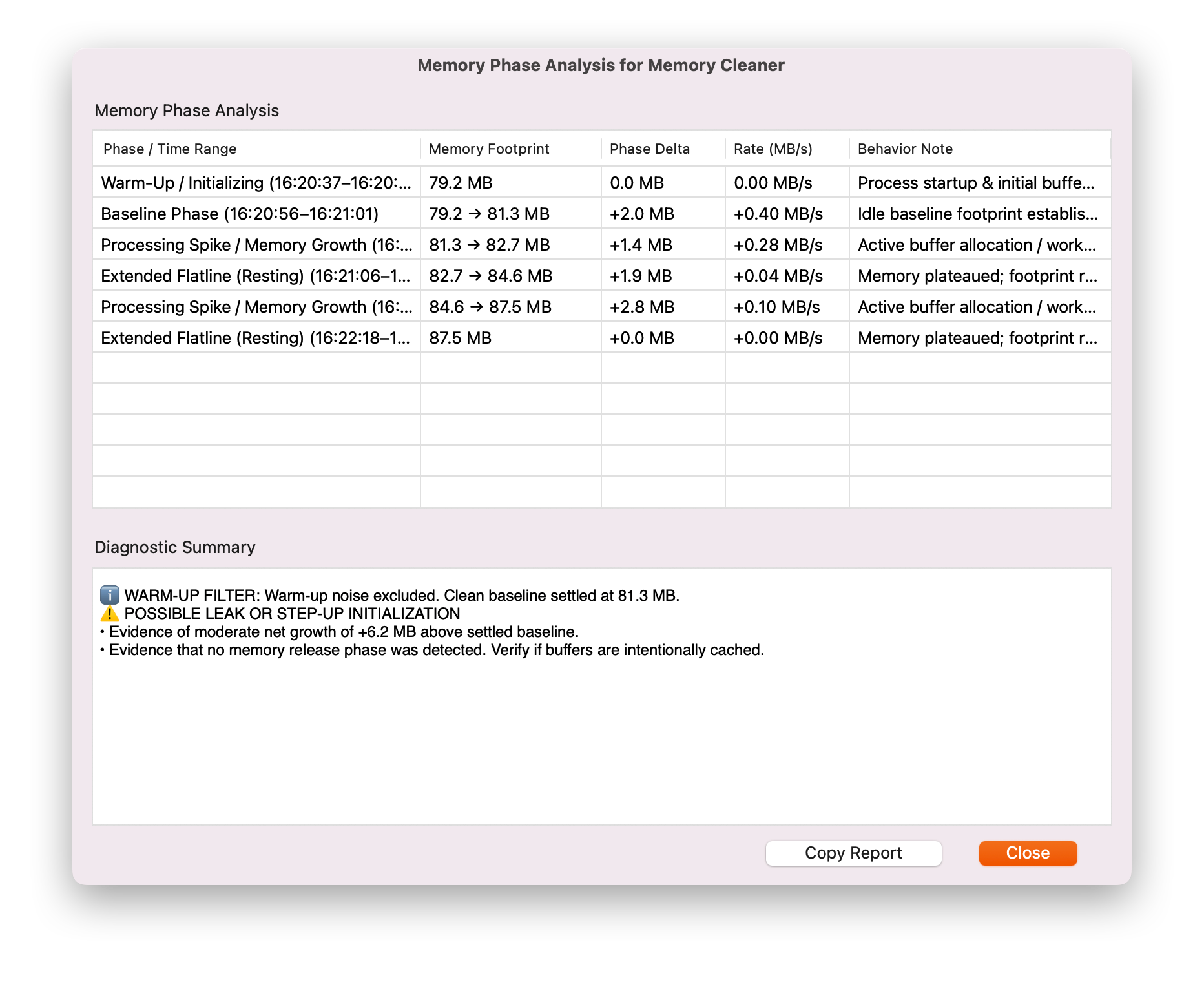
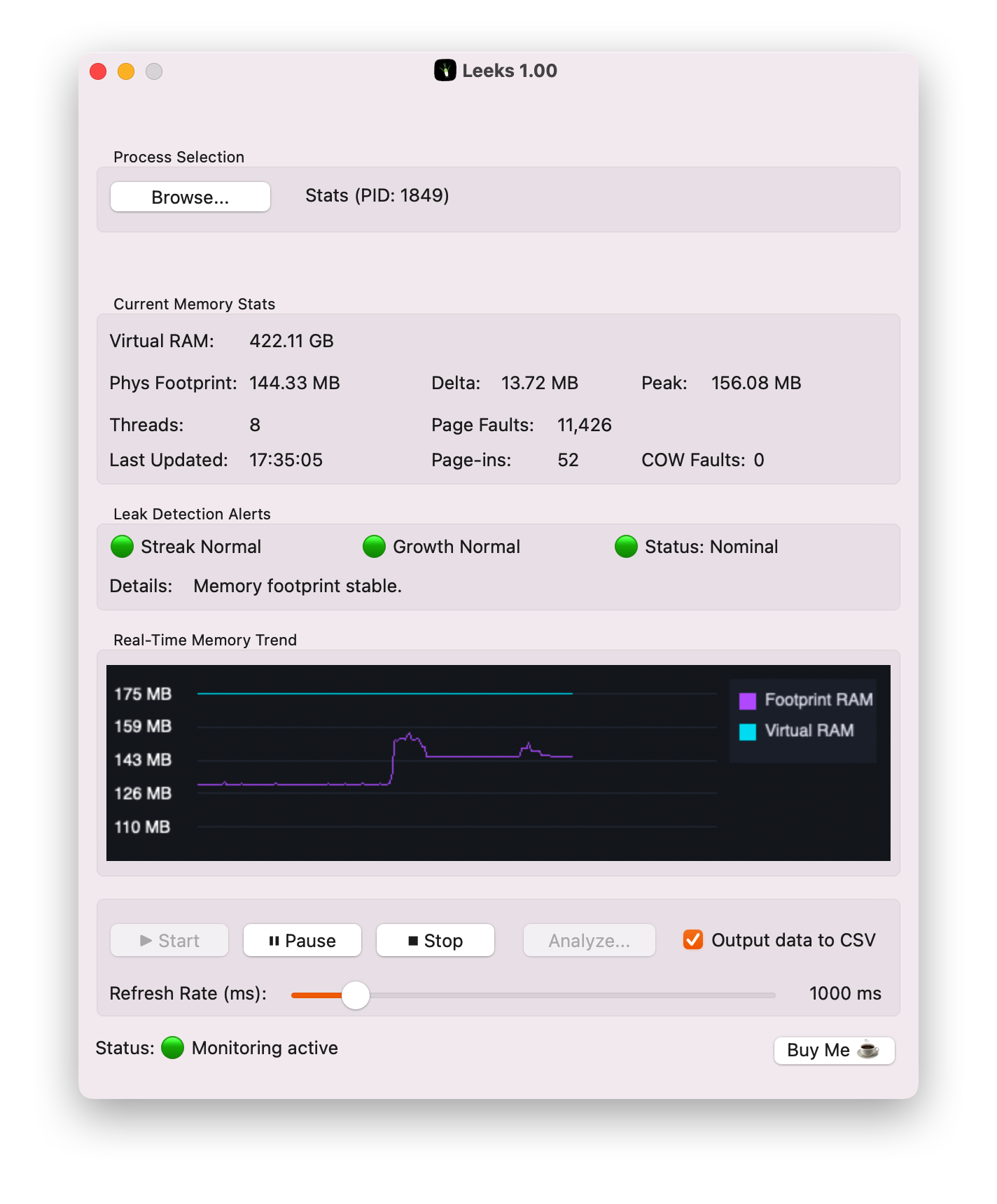 At the end of an app leak-hunting session, you will get an assessment of whether a given app has a potential problem.
 Some Potential Use Cases for Leeks
Detecting Memory Leaks During Development: Identify unreleased pointers, cyclic object references, or unclosed buffers while executing specific application workflows.
Investigating Resource Hogging Apps: High memory pressure caused by runaway memory growth forces macOS to perform continuous memory compression and disk paging, which can drain battery life and cause performance issues.
Testing Apps Before Adding Them to Your Daily Workflow: Before trusting a new app to run in the background 24/7, first see if Leeks finds anything concerning their memory use since it can be used on both desktop apps and menu bar apps.
You can test drive Leeks for yourself and I suggest reading the included User Guide to use it effectively. Leeks is free and if you find it useful, please let me know.
Until next time...
Ari