


Command Keeper
$4.99
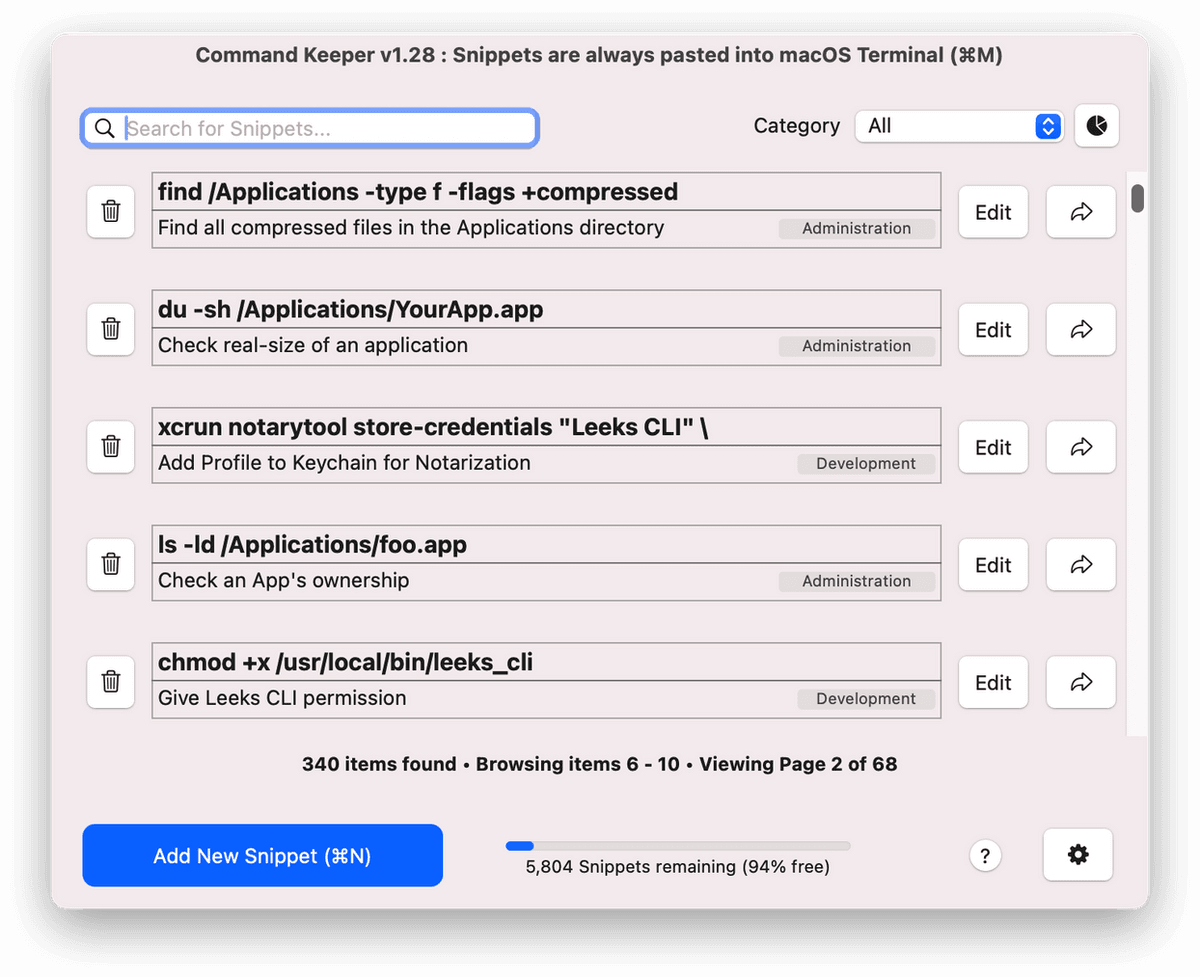
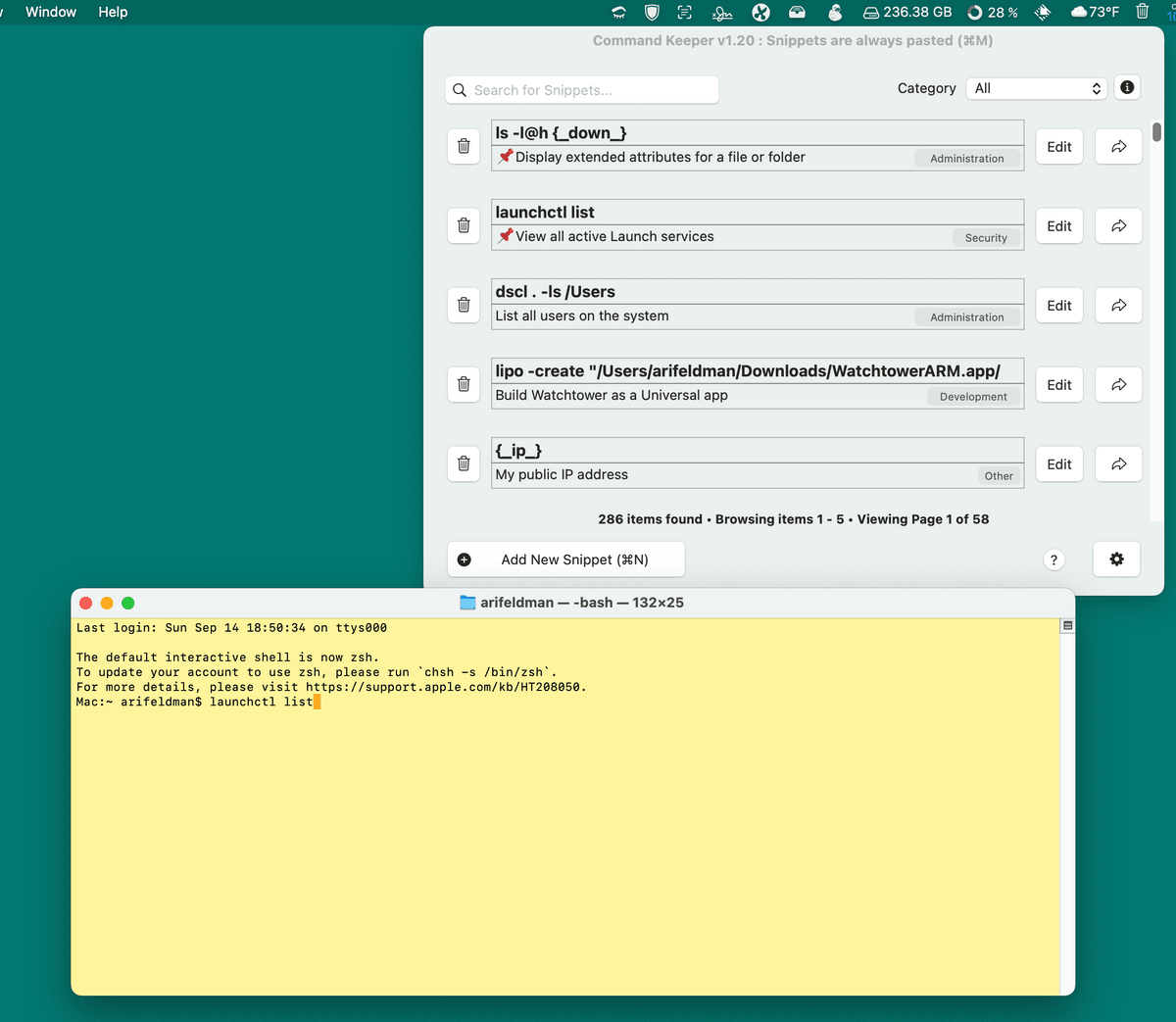
Command Keeper is menu bar tool for app developers, web developers, and anyone else who needs to spend time in the Terminal or Web IDEs.
It allows you to organize and quickly access a library of command snippets and is especially well suited for users who are comfortable with the command line, but can’t remember the exact syntax to sort files in a directory by size (ls -l | sort -n +4) or who can’t remember how to unhide the Mac's Library folder (chflags nohidden ~/Library).
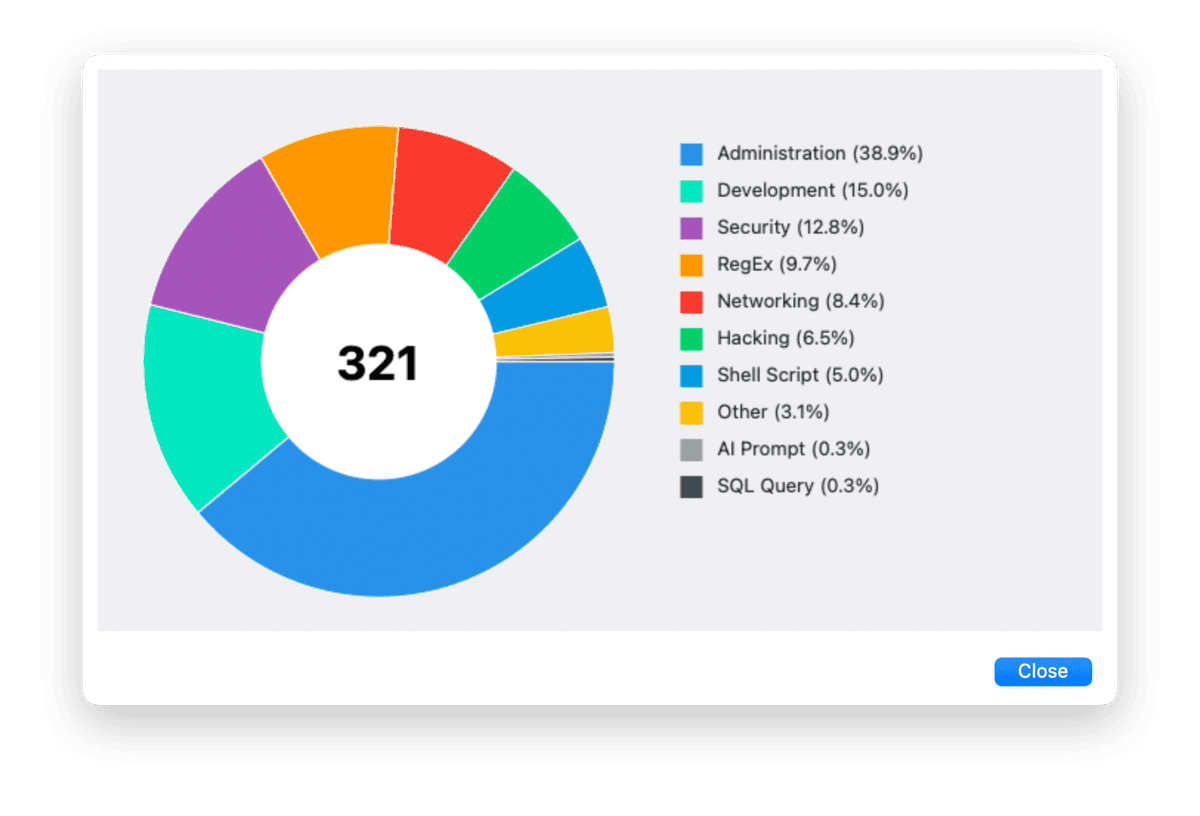
Command Keeper can be useful for more than just managing Terminal commands. You can use it to store SQL queries, shell scripts, Regular Expressions, and even AI prompts.
Command Keeper has the following features and capabilities:
- Add / edit up to 6,144 command snippets (each can be up to 16K in size)
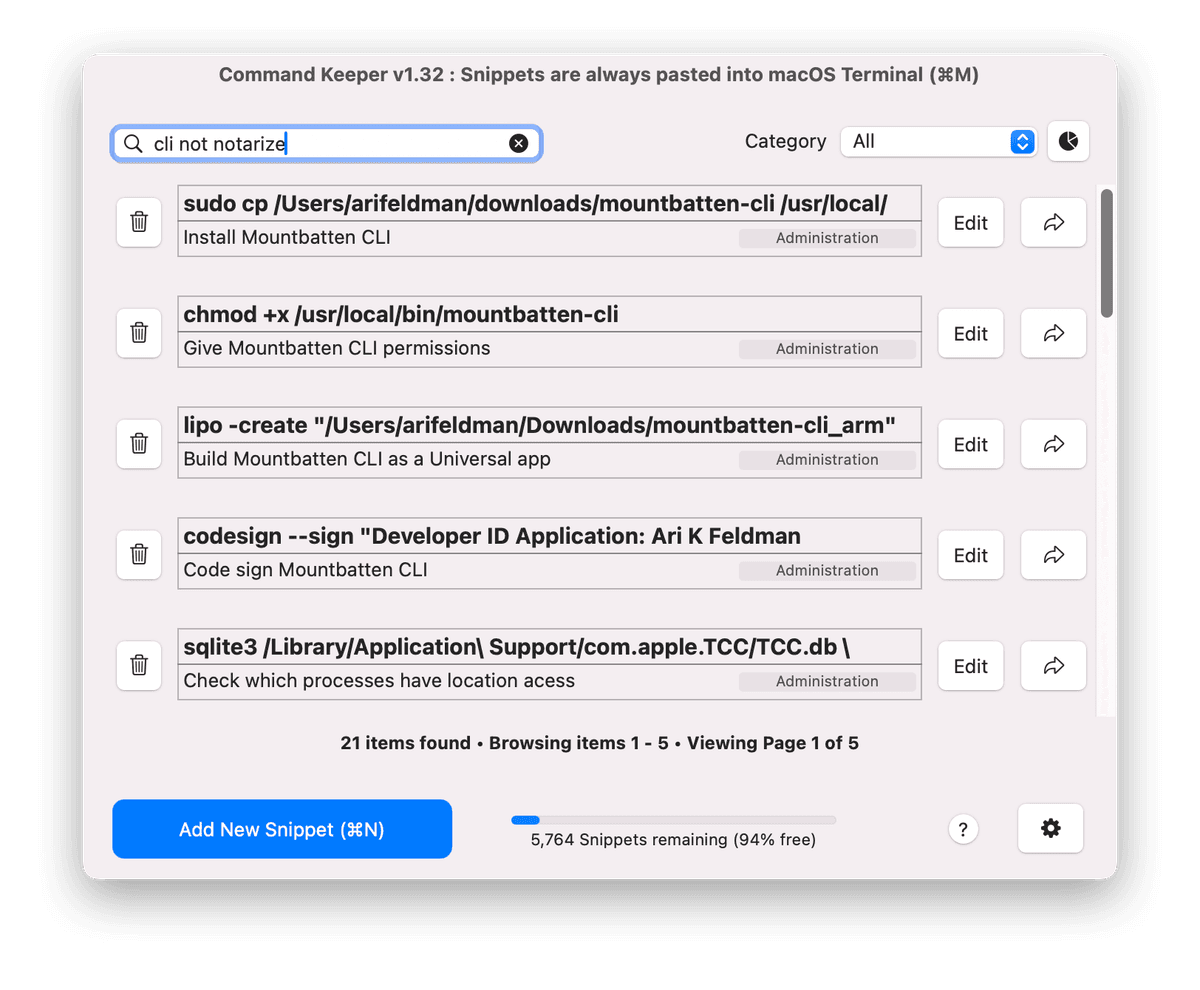
- Search your command snippets, description, and notes and get fast, relevant results using OR and NOT operators
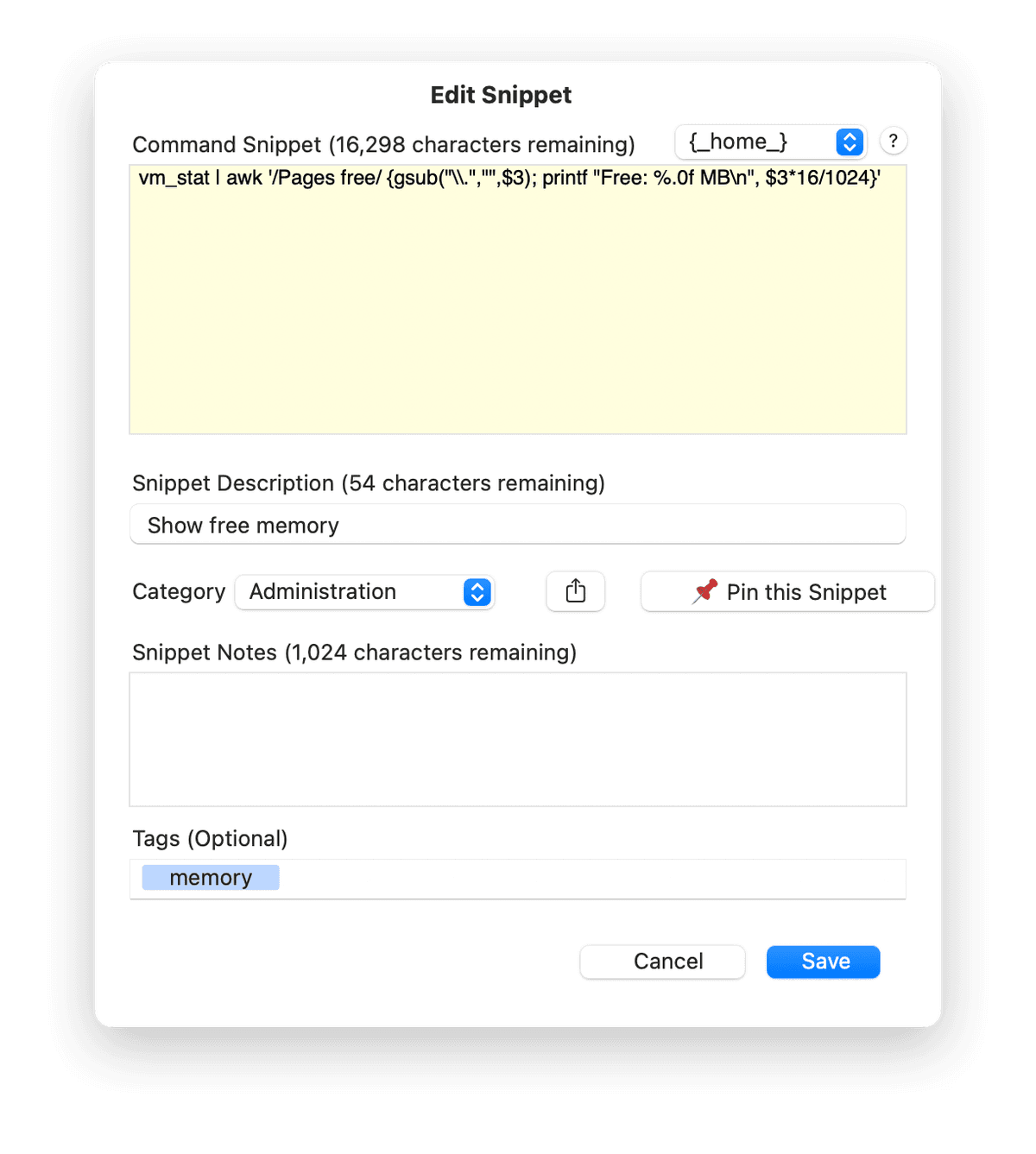
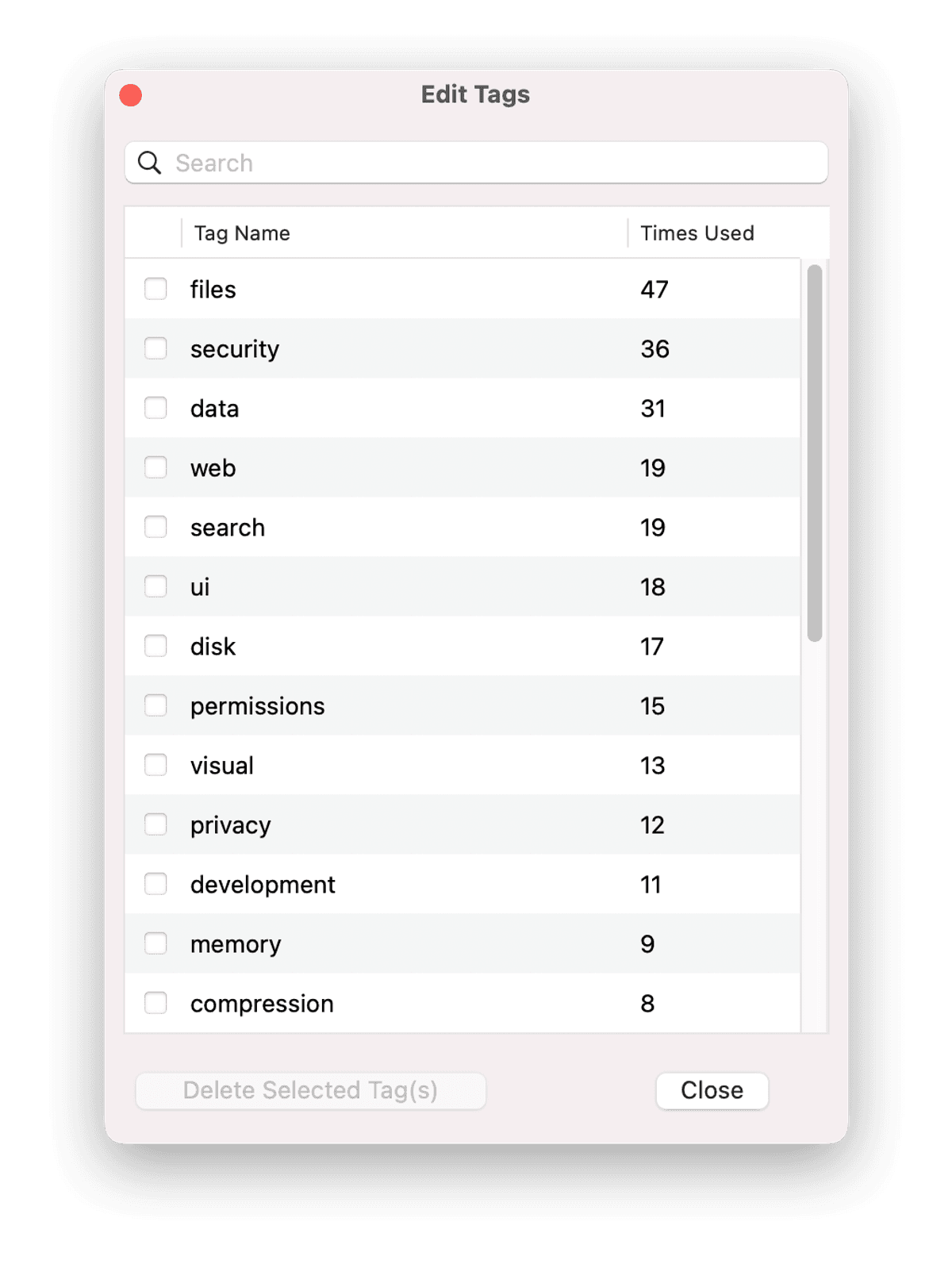
- Enrich your snippet entries with custom tags that support autocompletion
- Use the keyboard arrow keys to quickly scroll through different pages of snippets
- Pin (favorite) up to 5 snippets so they always appear first in your collection
- Bulk import command snippets into Command Keeper
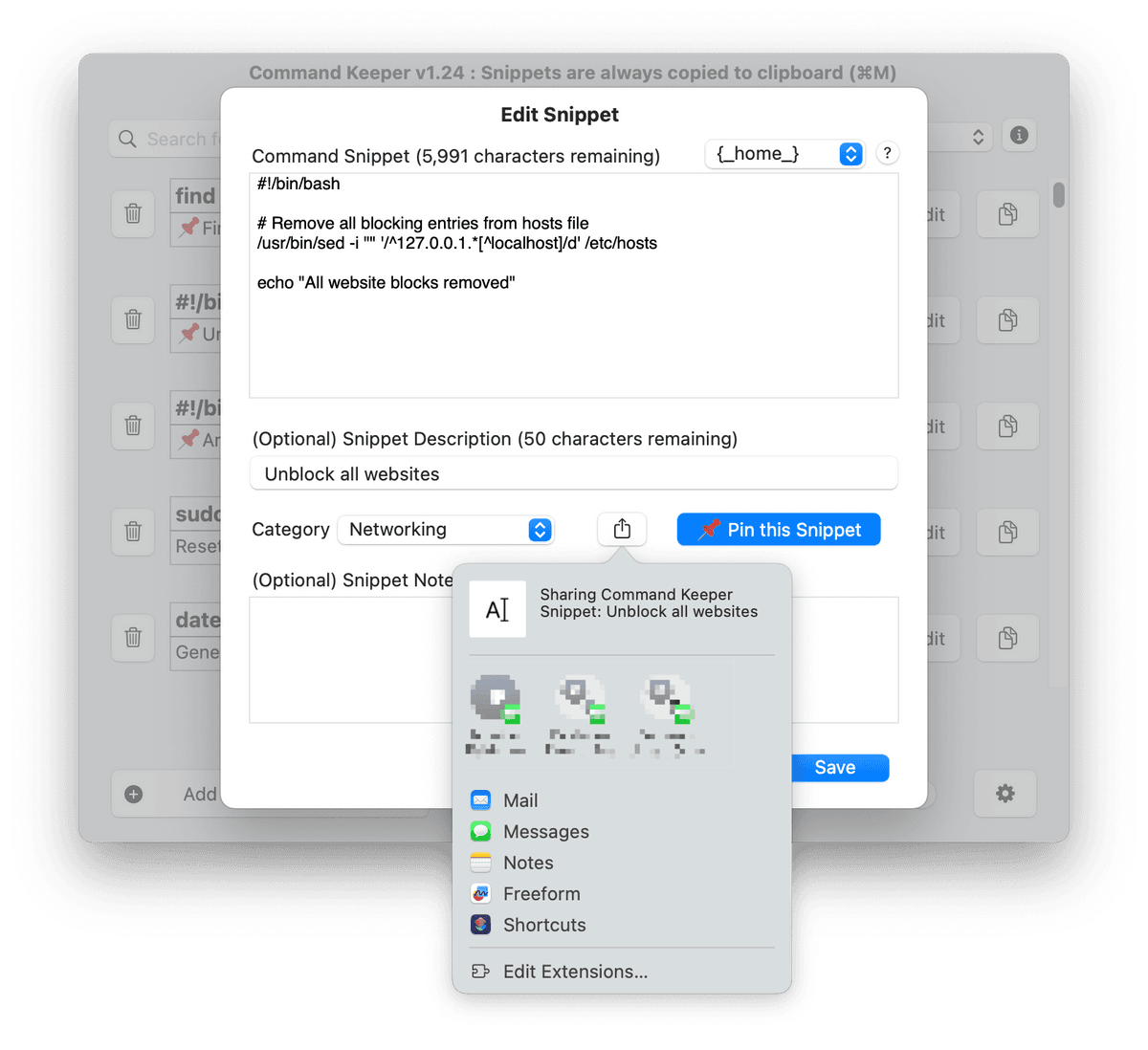
- Share your snippetswith friends and family using macOS' sharing service
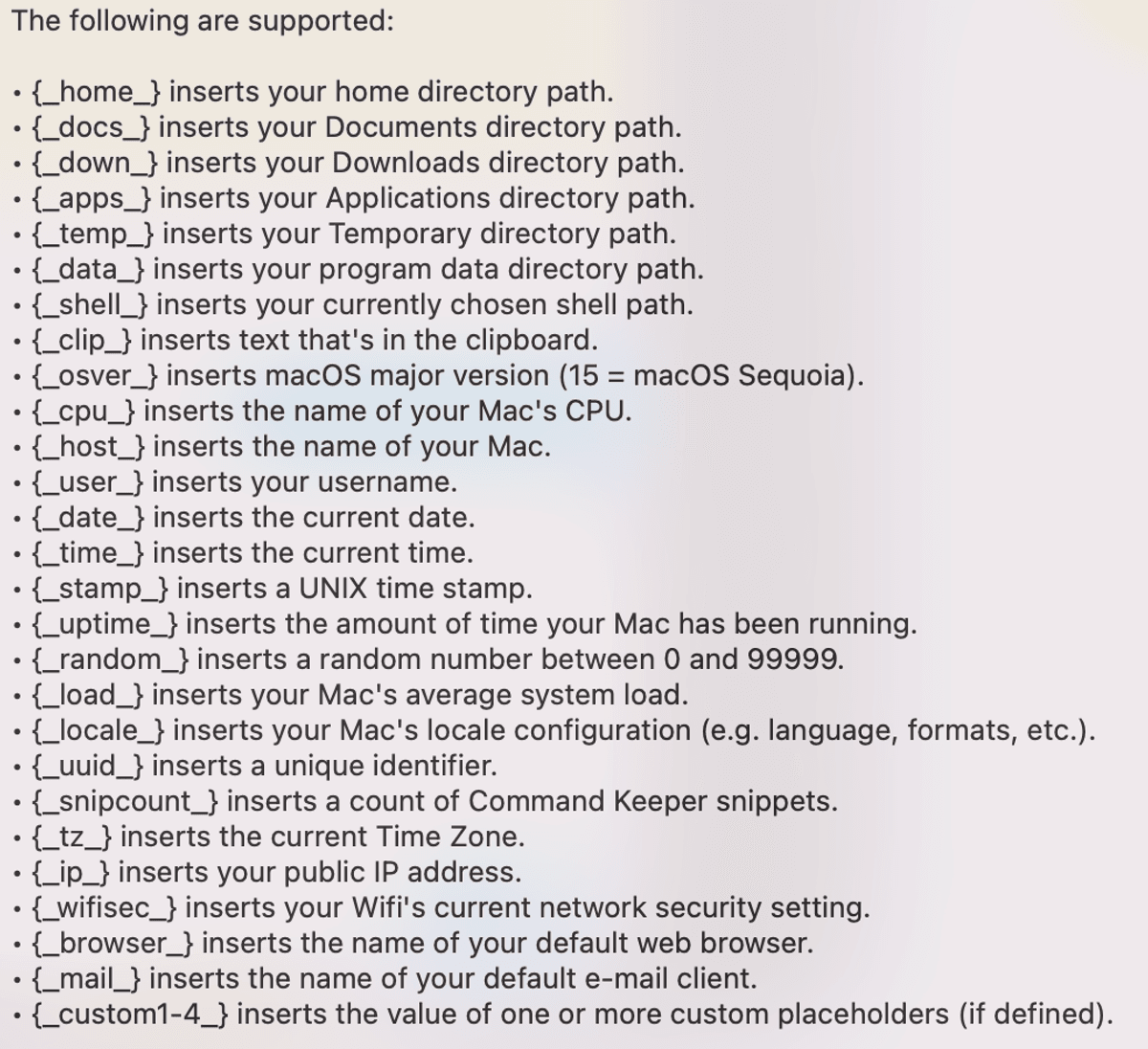
- Use placeholder variables to dynamically replace certain items like directory paths, email addresses, hostnames, UUIDs, date stamps, and other functions
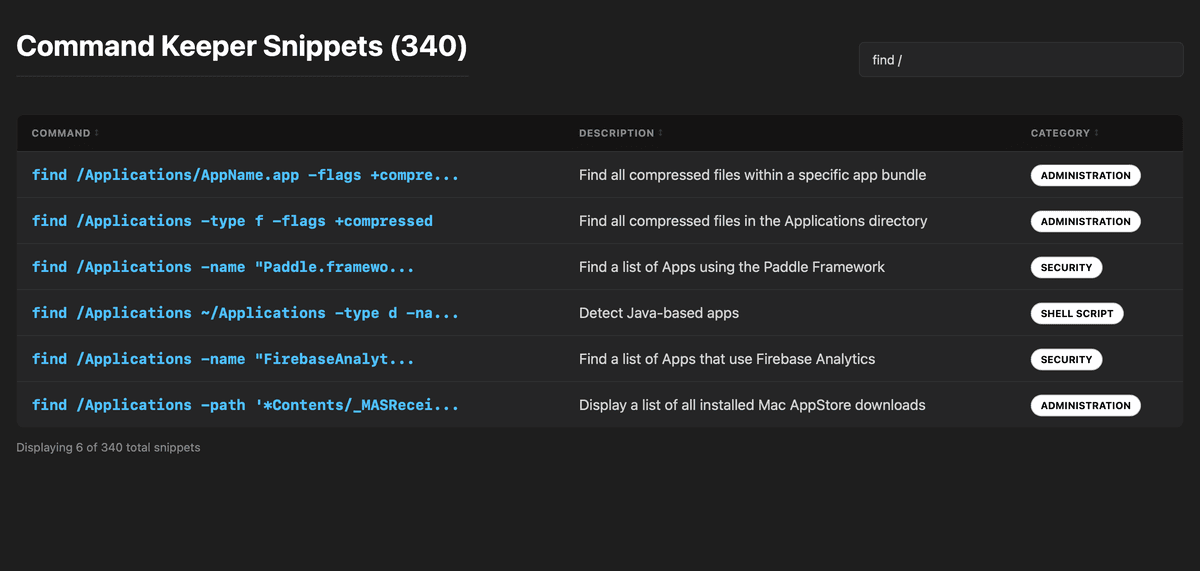
- Export your collection to a CSV, JSON file or as a clickable HTML catalog
- Set a global keyboard shortcut to bring Command Keeper into focus from any program
- Copy the current command snippet to the clipboard
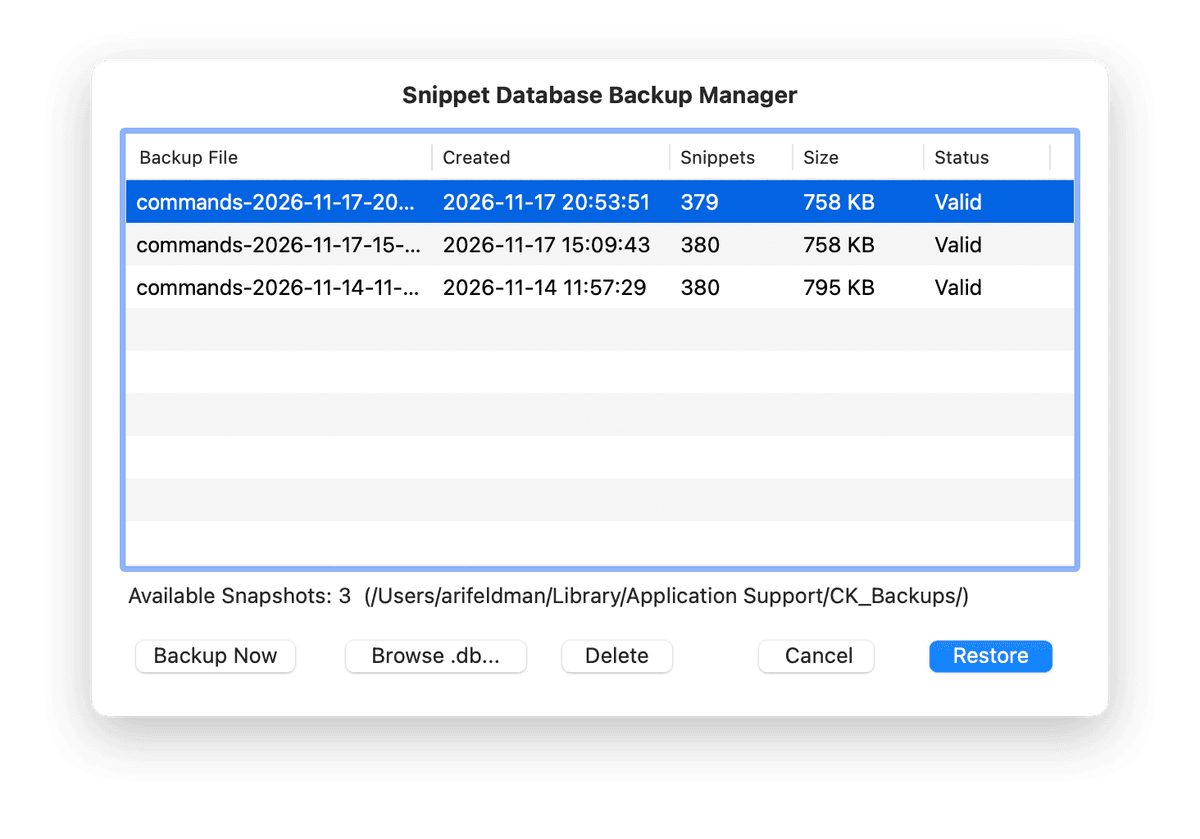
- Easily backup and restore your snippet databases
- Localized in English, German, French, and Spanish
- Automatically insert command snippets into the Terminal window (also supports iTerm, Warp, Ghostty, and Alacritty terminals if they are installed)
Learn more about what Command Keeper can do:
NOTE: This is a one-time purchase. Your license key will work for future versions of this program.
$4.99
Nur $2.50 für Mitglieder
Werden Sie Mitglied, um einen Rabatt und andere exklusive Vorteile zu erhalten.
$4.99