


Command Keeper
$4.99
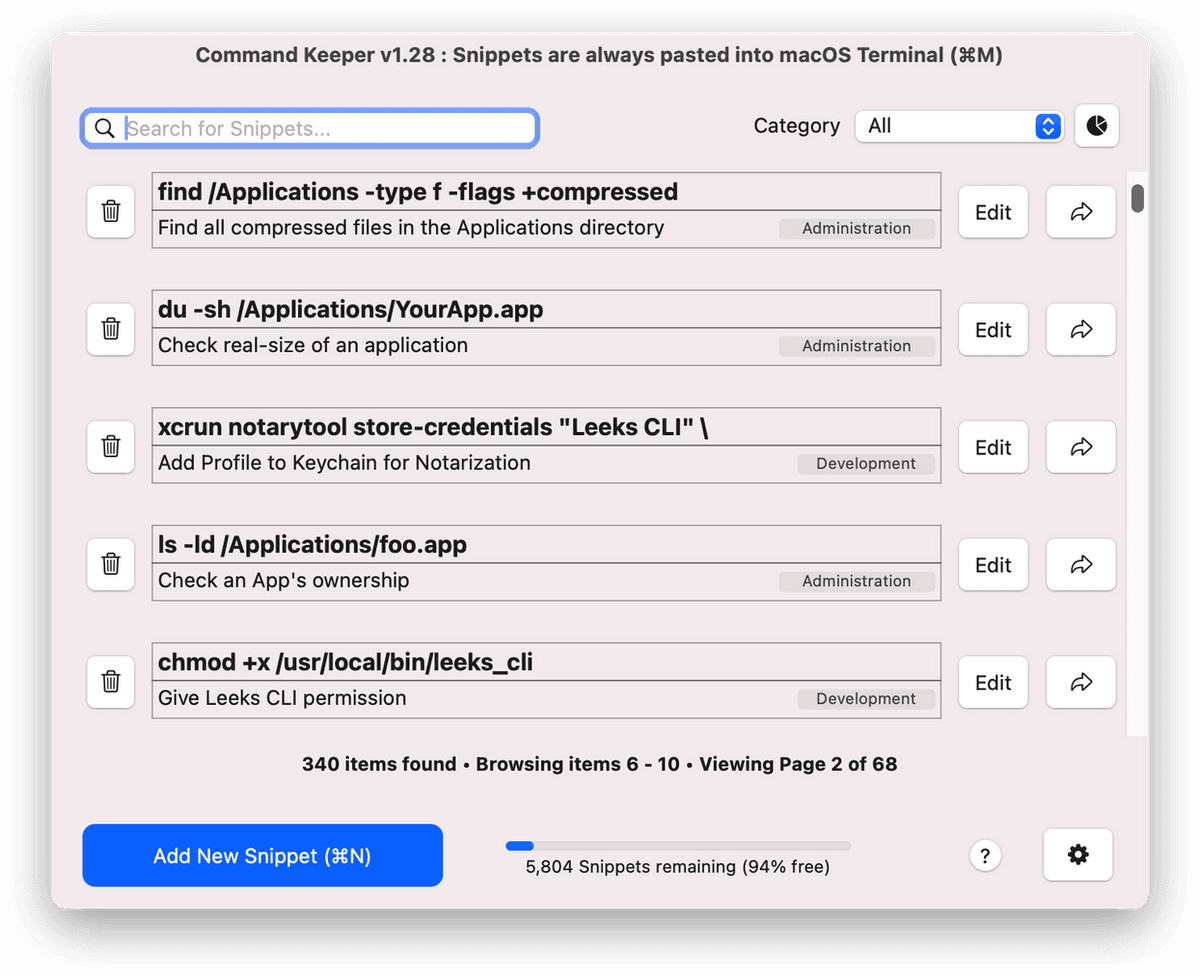
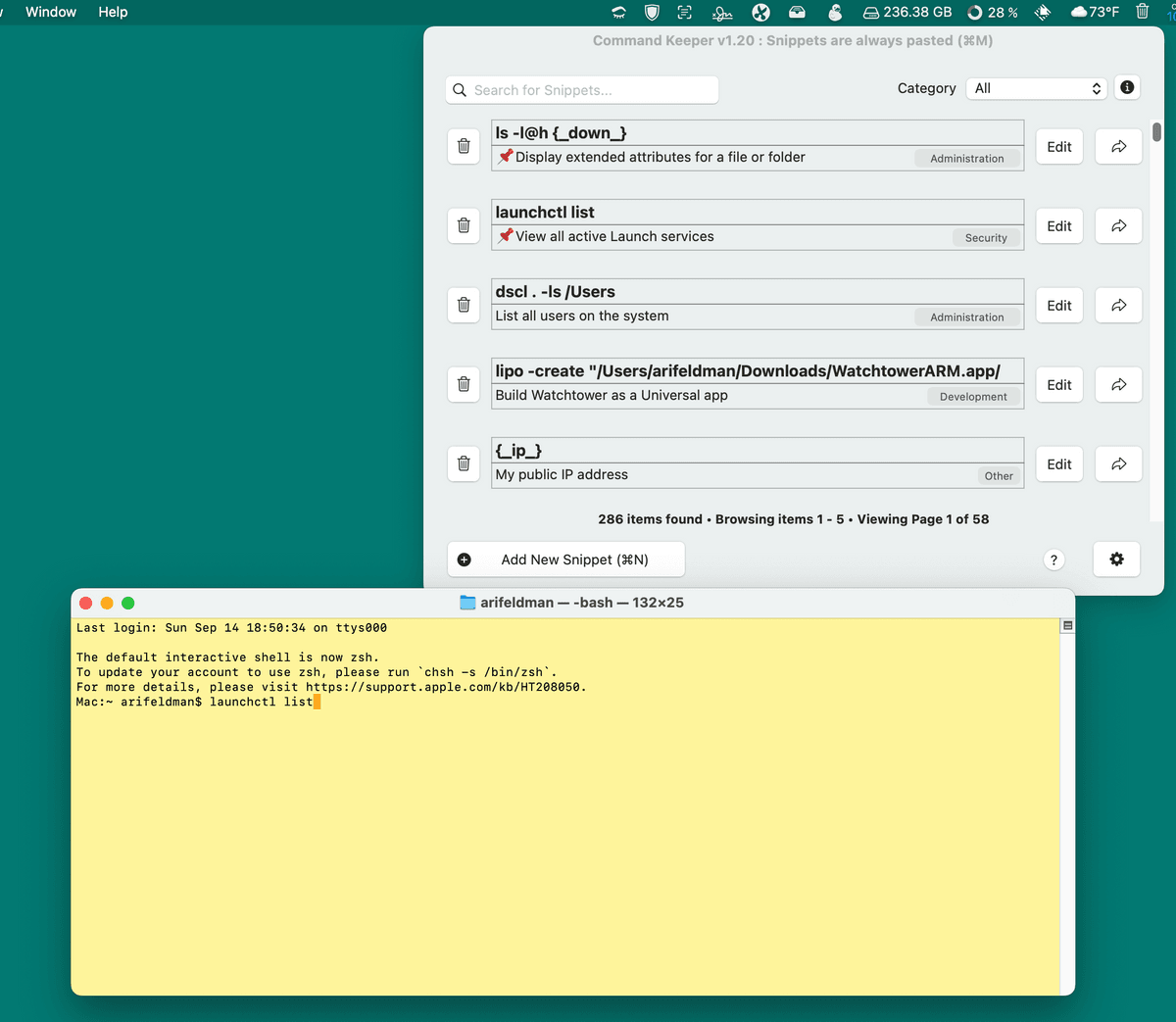
Command Keeper is menu bar tool for app developers, web developers, and anyone else who needs to spend time in the Terminal or Web IDEs. It allows you to organize and quickly access a library of command snippets and is especially well suited for users who are comfortable with the command line, but can’t remember the exact syntax to sort files in a directory by size (ls -l | sort -n +4) or who can’t remember how to unhide the Library folder (chflags nohidden ~/Library).
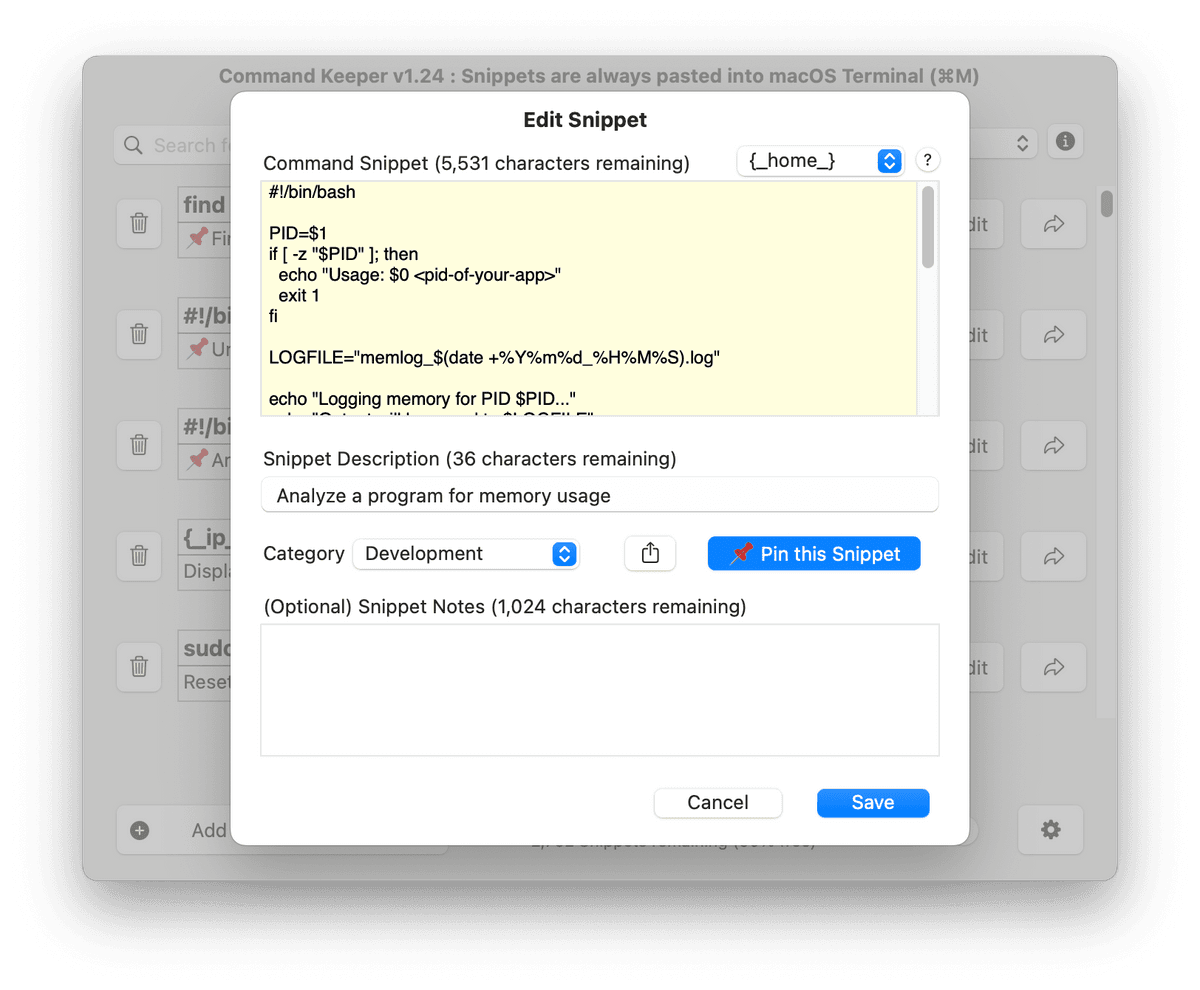
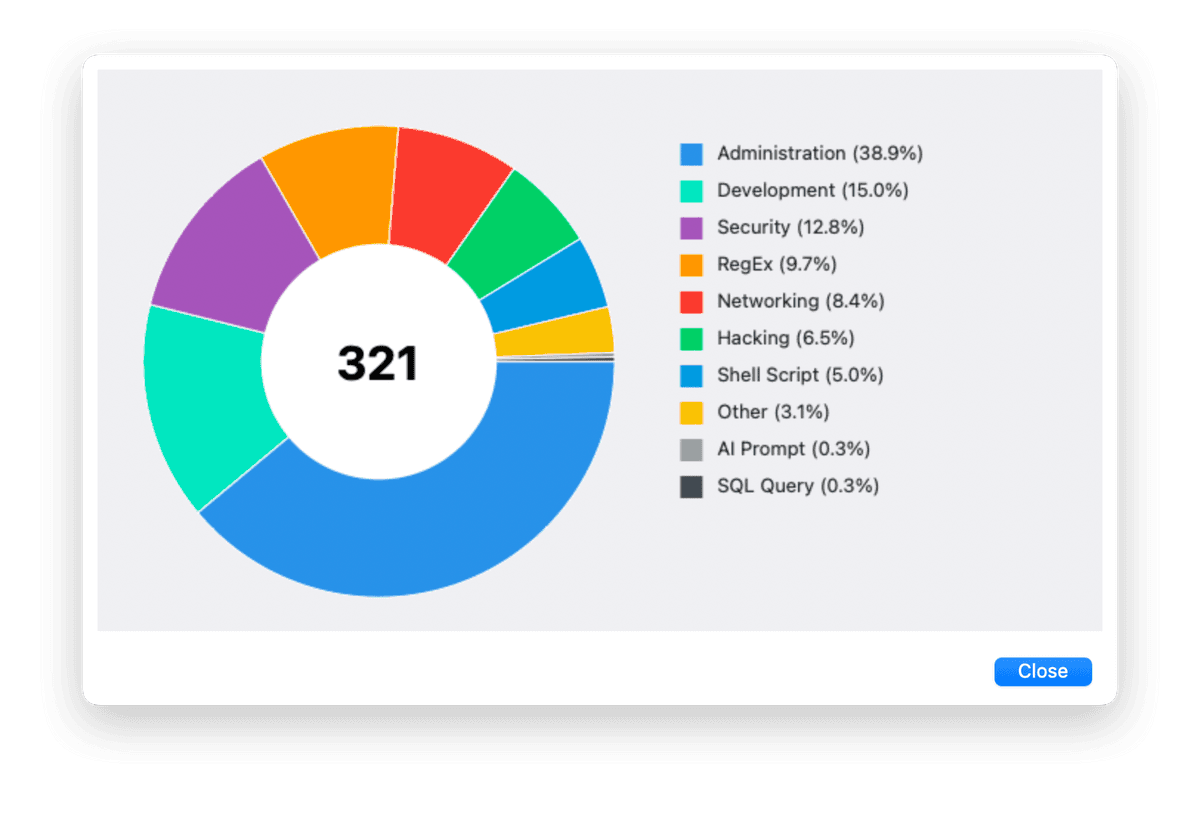
Command Keeper can be useful for more than just managing Terminal commands. You can use it to store SQL queries, shell scripts, Regular Expressions, and even AI prompts.
Command Keeper has the following features and capabilities:
- Add / edit up to 6,144 command snippets (each can be up to 16K in size)
- Search your command snippets, description, and notes and get fast, relevant results
- Filter your command snippets by category and search your command snippets, description, and notes
- Use the keyboard arrow keys to quickly scroll through different pages of snippets
- Pin (favorite) up to 5 snippets so they always appear first in your collection
- Bulk import command snippets into Command Keeper
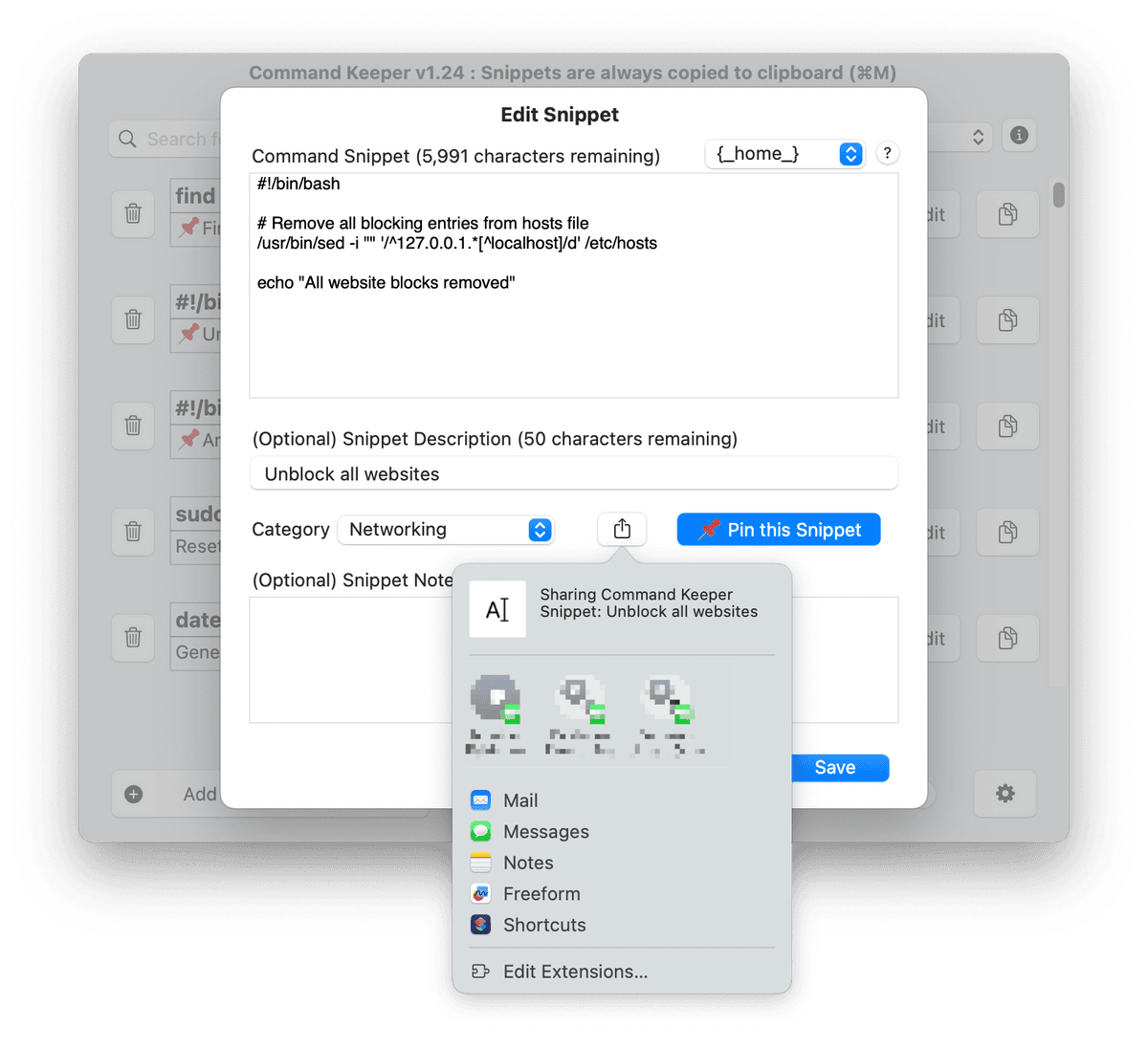
- Share your snippets using macOS' sharing service
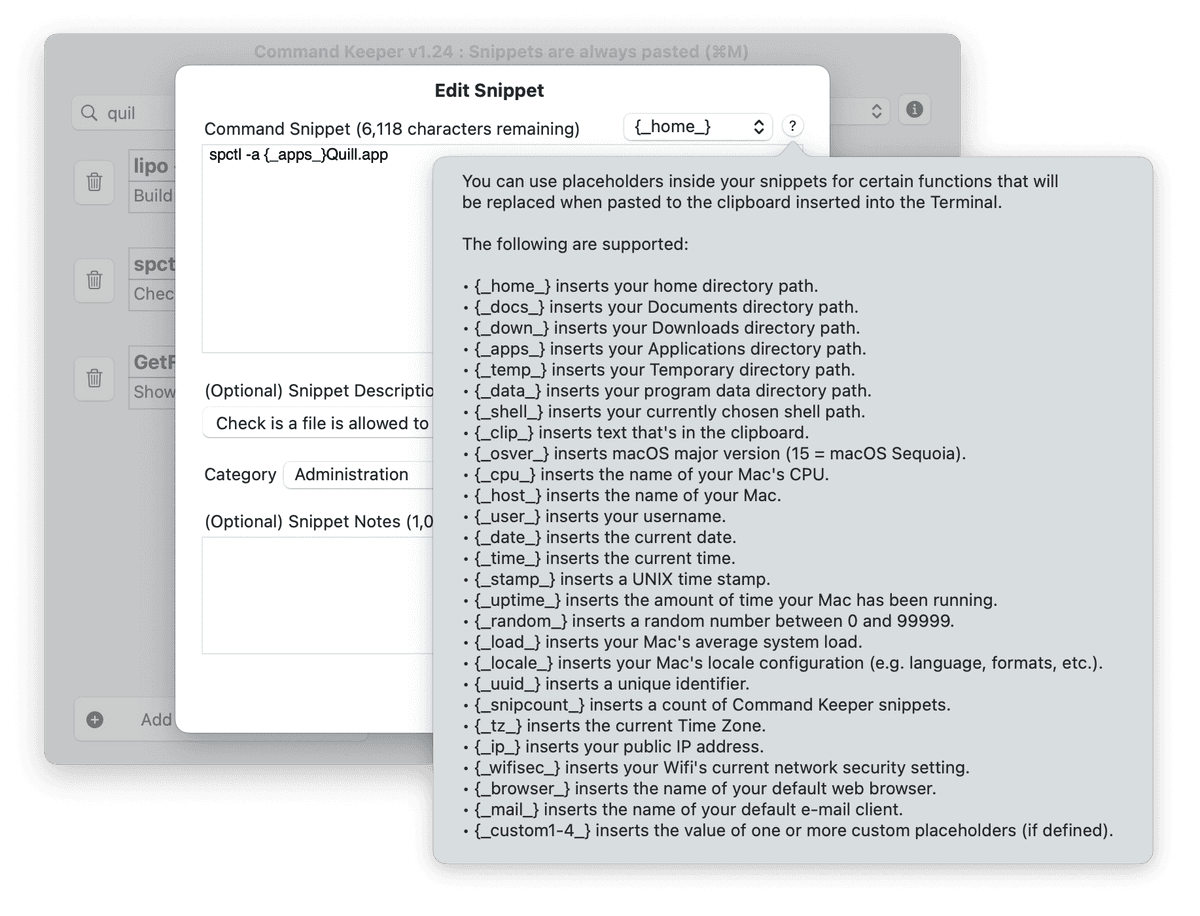
- Use placeholder variables to dynamically replace certain items like directory paths, email addressed, hostnames, and date stamps, and other functions
- Export your collection to a CSV or to a JSON file
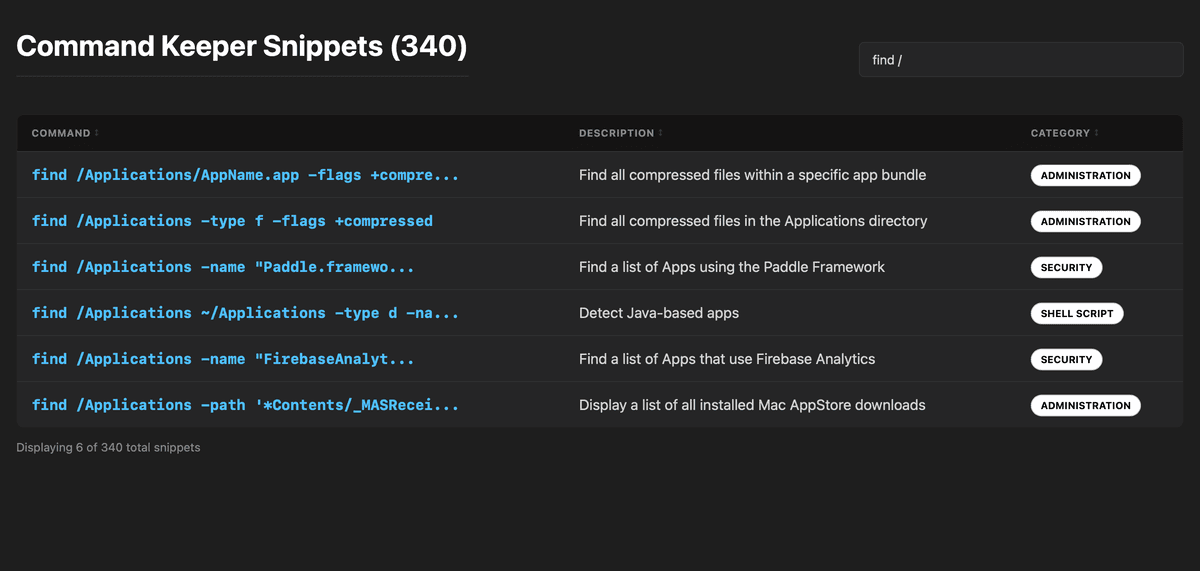
- Export your collection as a clickable HTML catalog
- Set a global keyboard shortcut to bring Command Keeper into focus from any program
- Copy the current command snippet to the clipboard
- Automatically insert command snippets into the Terminal window (also supports iTerm, Warp, Ghostty, and Alacritty terminals if they are installed)
NOTE: This is a one-time purchase. Your license key will work for future versions of this program.
$4.99
Solo $2.50 per i membri
Diventa membro per ottenere uno sconto e altri vantaggi esclusivi.
$4.99