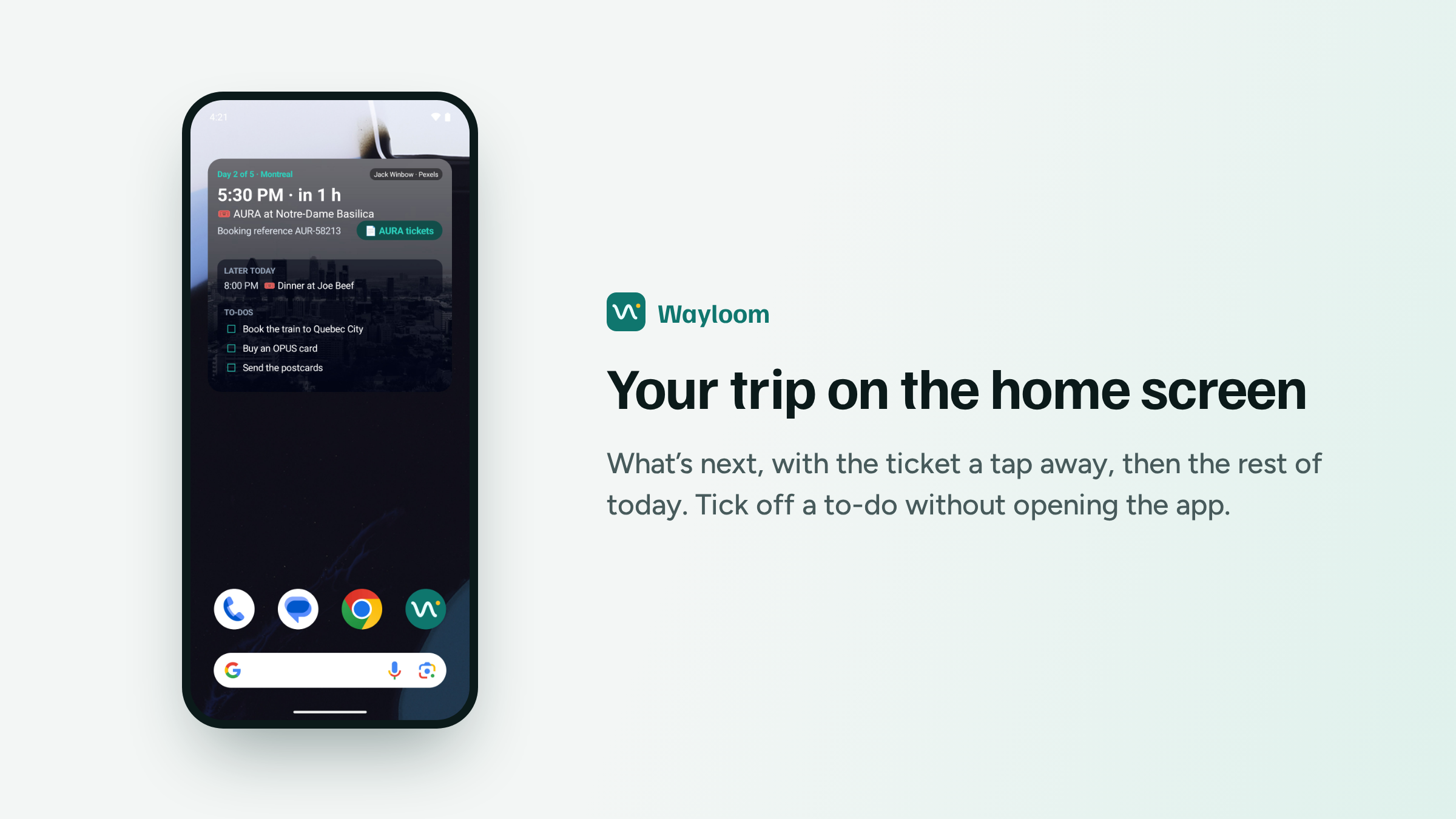

When I said I was building an Android app, widgets were on the list with "I have a few ideas for these." I ended up with ten ideas and kept four, and they turned into one widget.
It changes with where you are in your travels. Before a trip it counts the days, on the trip's cover photo. During the trip it shows what's next: the time, how long until it starts and a button that opens the ticket. Under that come the rest of the day's plans and the to-dos due today. Tap the box next to a to-do and it's done without opening the app. In the evening, once nothing is left for today, it moves on to tomorrow.
Make it bigger and it shows more. The small size has just the next plan. Medium adds the booking reference and the ticket button, and large adds the rest of the day. When it runs out of room it says "+ 2 more today" instead of squeezing. That took me two tries. The first version cut the last line in half on the large size, because the checkbox next to a to-do is a little taller than the text beside it and I had counted it wrong.
The photo is the trip's cover from Pexels, with the photographer's name on it. A trip without a cover gets one of a few photos that come with the app. I tried a dark panel behind the text so it would stay readable on bright photos, then took it out again. A dark fade over the photo is enough, even on a nearly white sky.
It reads your trip from the phone, not the internet, so your plans and to-dos are there with no signal.
This one is Android only. A web app can't put a widget on your home screen, so on iPhone nothing changes for now.
Still free, still one person building it. Coffee pays for the server your trips sync to and the AI that reads your booking emails.