

ViralAddonsPOS For Botble Ecommerce By Viral Addons
$79
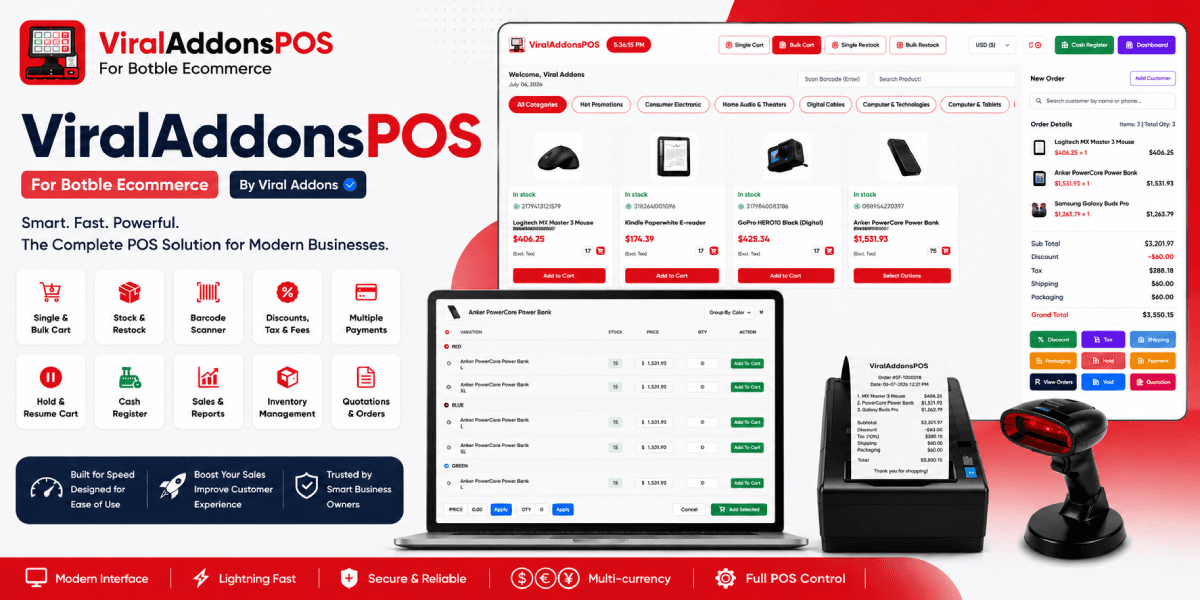
Welcome to ViralAddonsPOS, the ultimate Point of Sale tool for modern shops using Botble Ecommerce. Sell faster, manage your inventory with ease, and provide a seamless checkout experience for your customers directly from your store's dashboard!
Demo Access : https://demo.viraladdons.com/admin
Username : demo
Password : demo123
Key Features
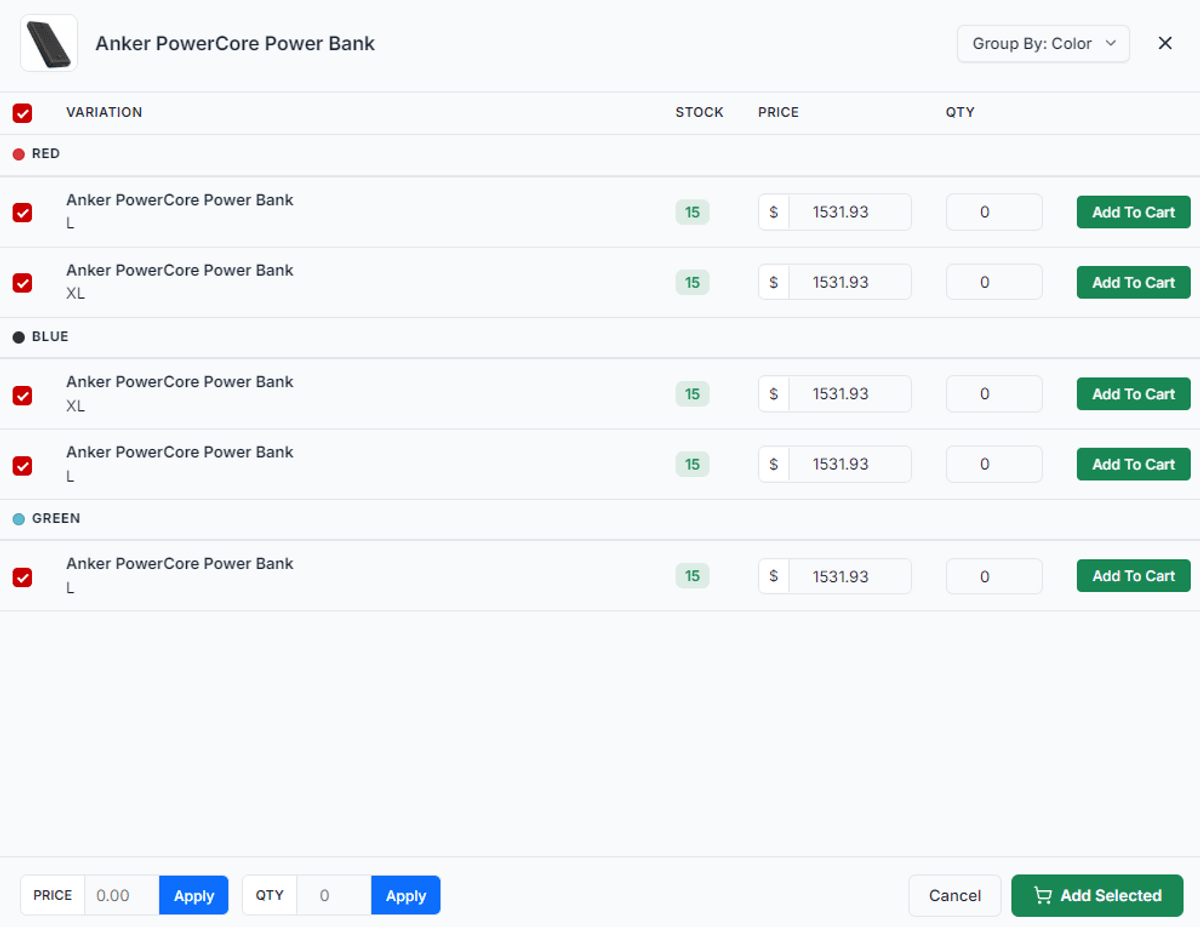
Lightning-Fast Bulk Billing: Add multiple products and variations to your cart at the exact same time without clicking back and forth.
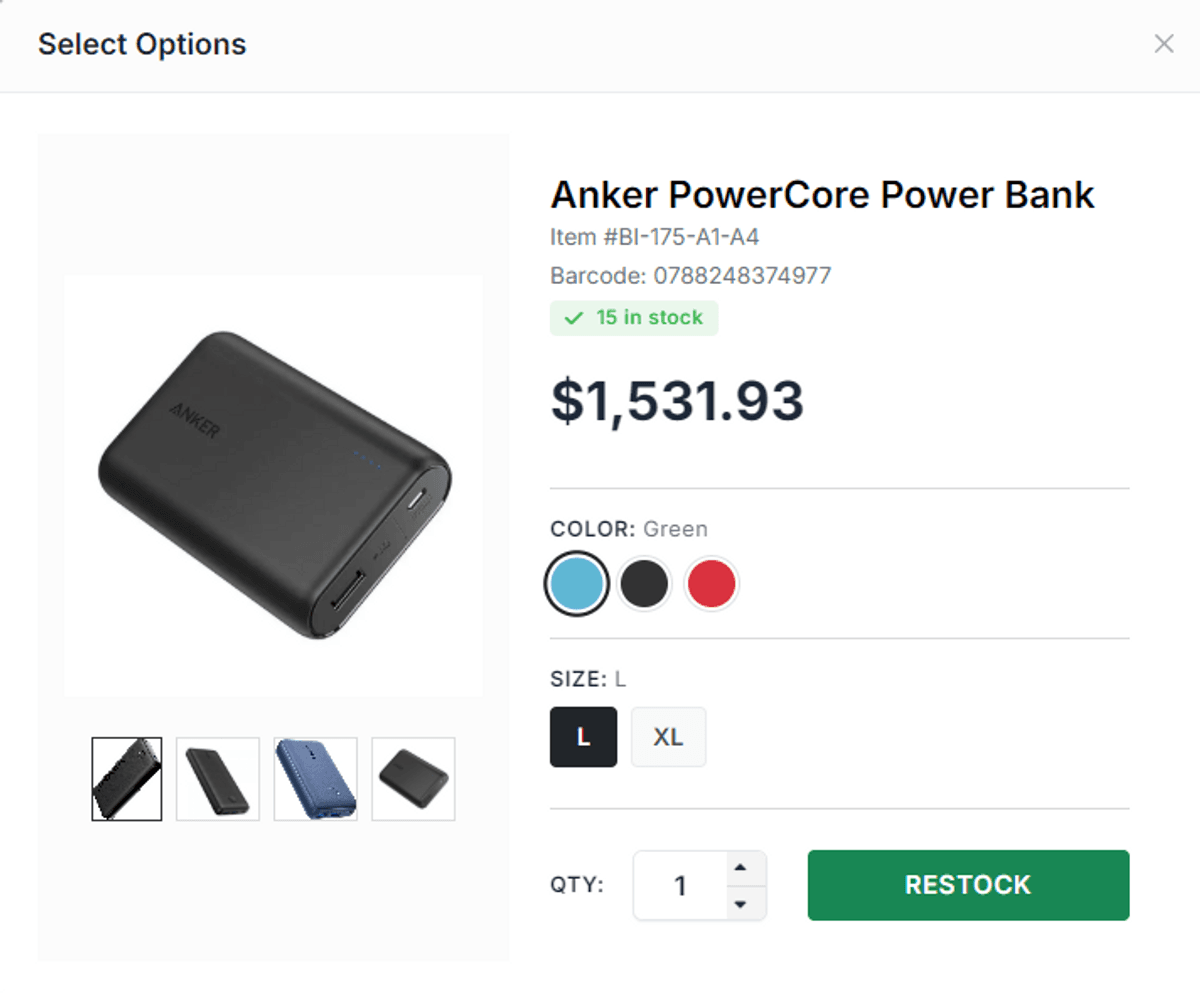
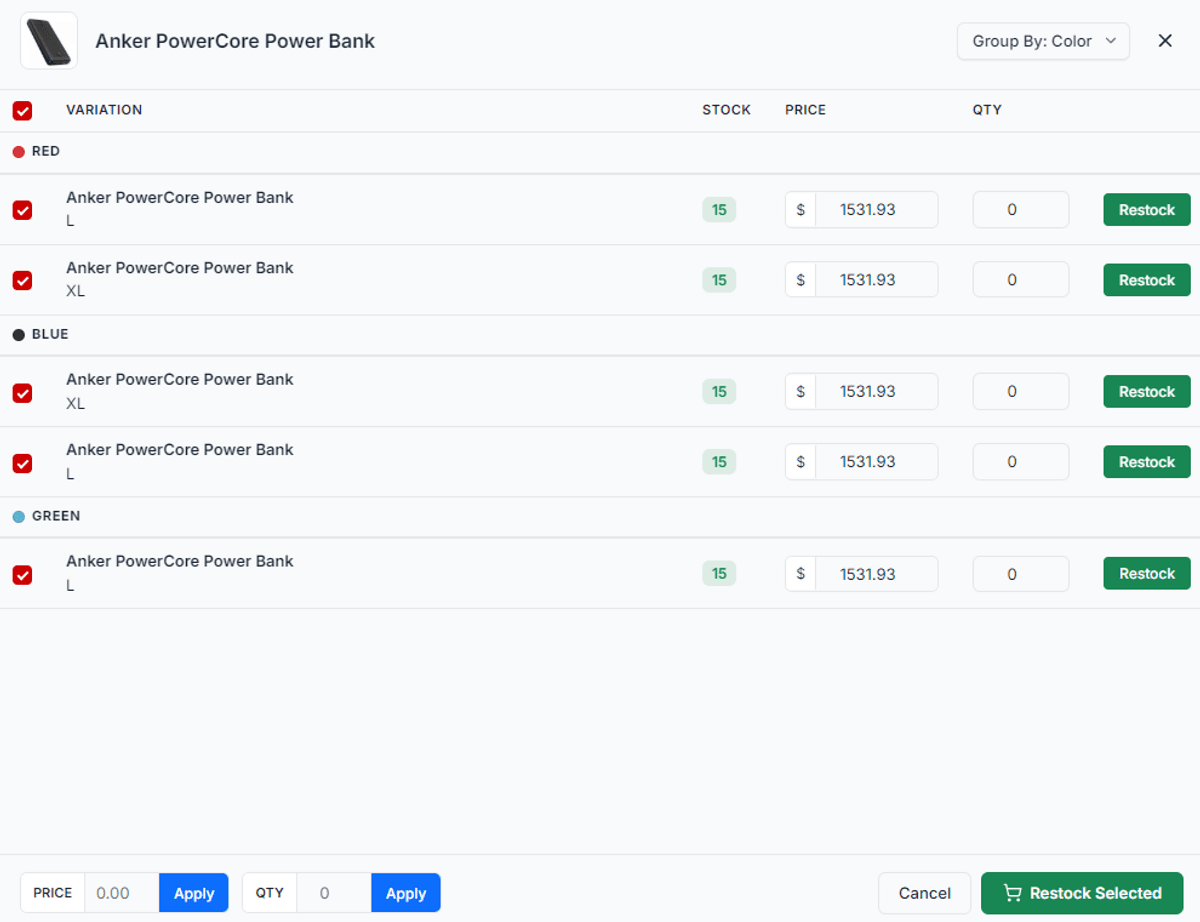
Easy Bulk Restock: Quickly update your product stock levels and prices in bulk right from the POS screen, or simply scan a barcode to instantly manage stock!
Custom Quotations: Instantly generate professional price quotes for your customers and print or share them with a single click.
Barcode Scanner Ready: Seamlessly scan product barcodes to instantly add items to the cart.
Smart Auto-Scrolling Cart: The cart automatically scrolls down when you add a new item, so you always see exactly what you just scanned.
Beautiful Design: A stunning layout that automatically adapts to match your store's primary branding colors perfectly.
Currency Switcher: Switch between currencies smoothly while ringing up customers. (Note: The POS thermal receipt will print in your currently selected currency so the customer sees exactly what they paid, but the official backend PDF Invoice will always be generated in your system's default base currency to maintain consistent financial accounting and tax records.)
Custom Receipts: Print clean, professional, and detailed receipts for every order.
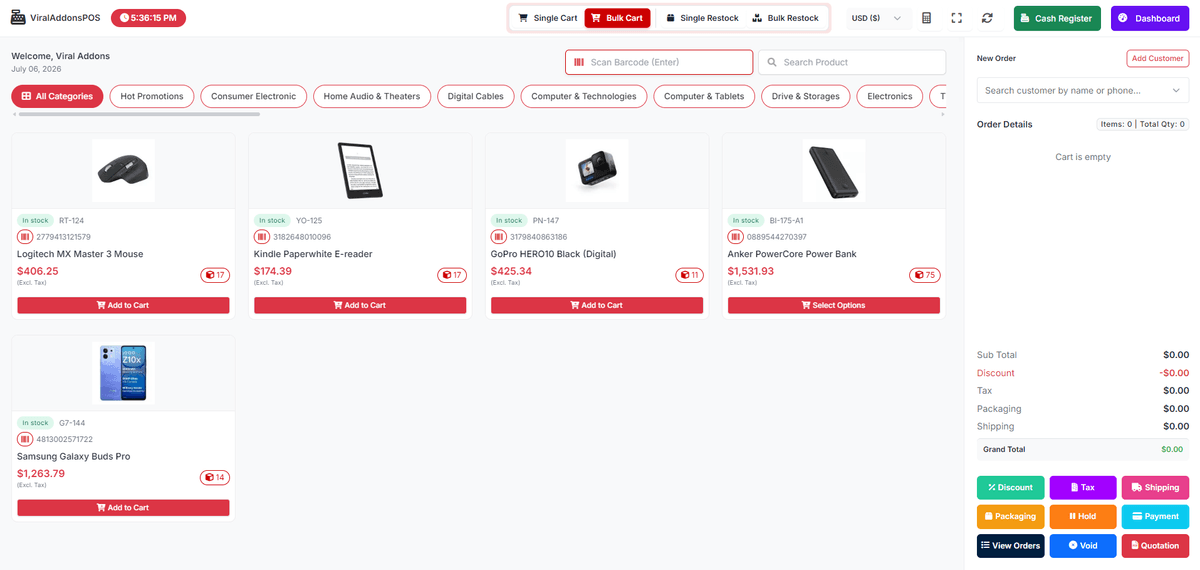
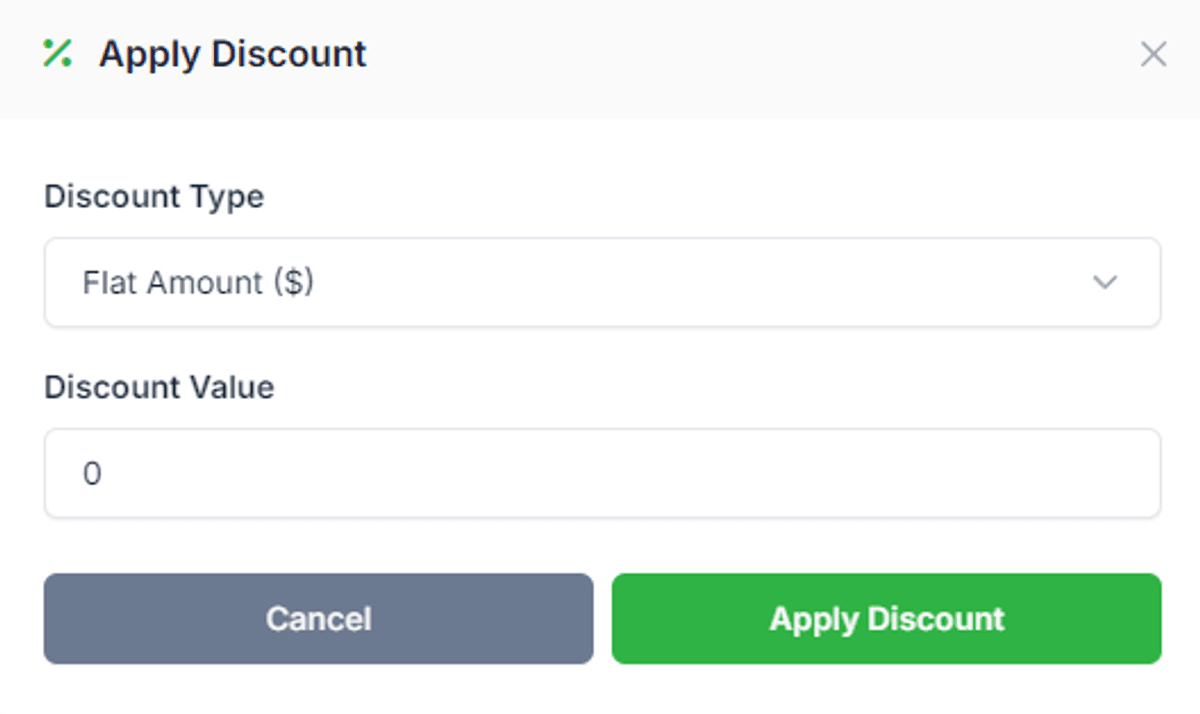
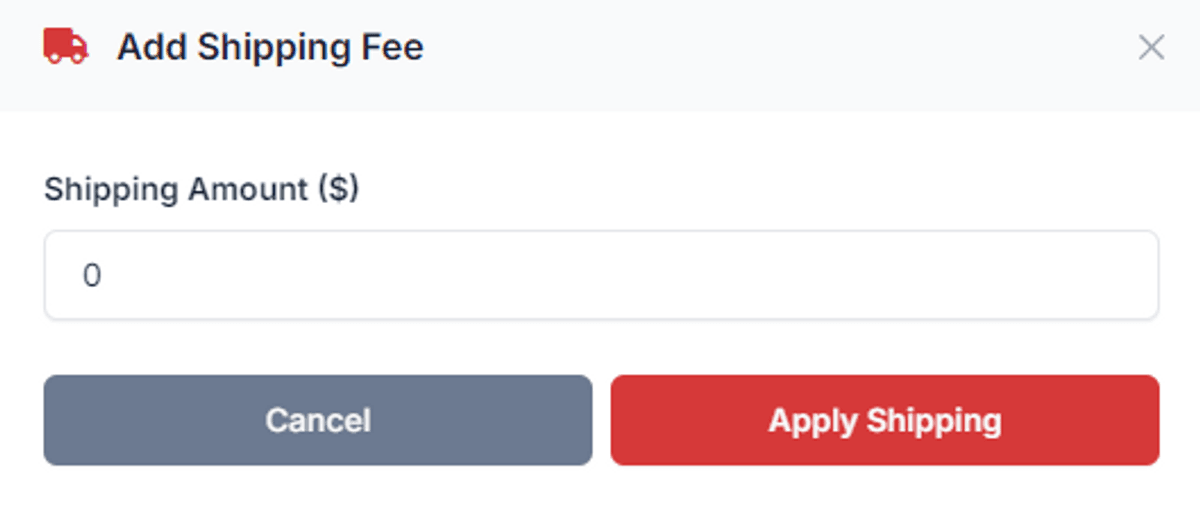
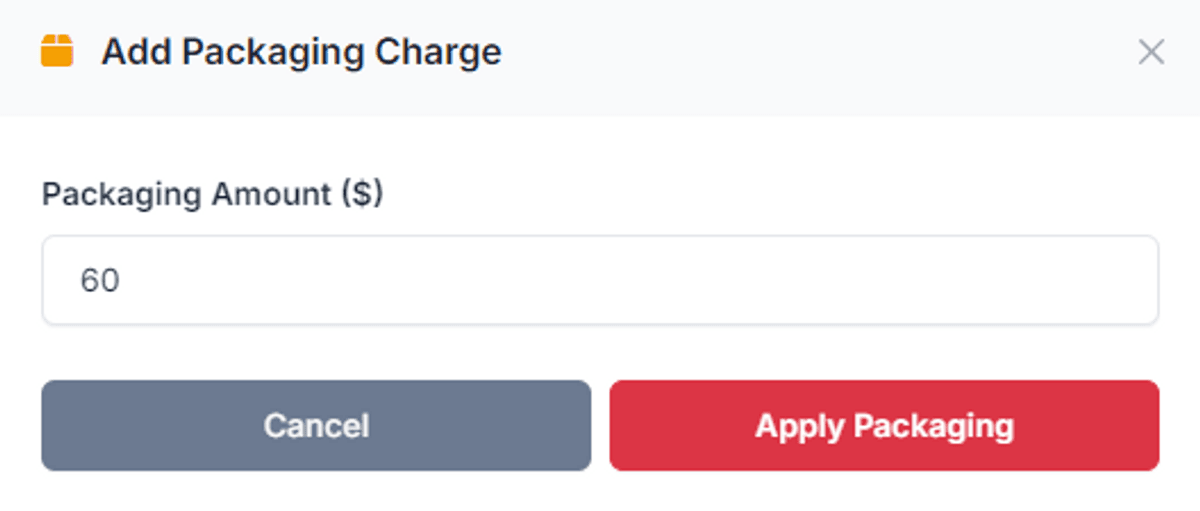
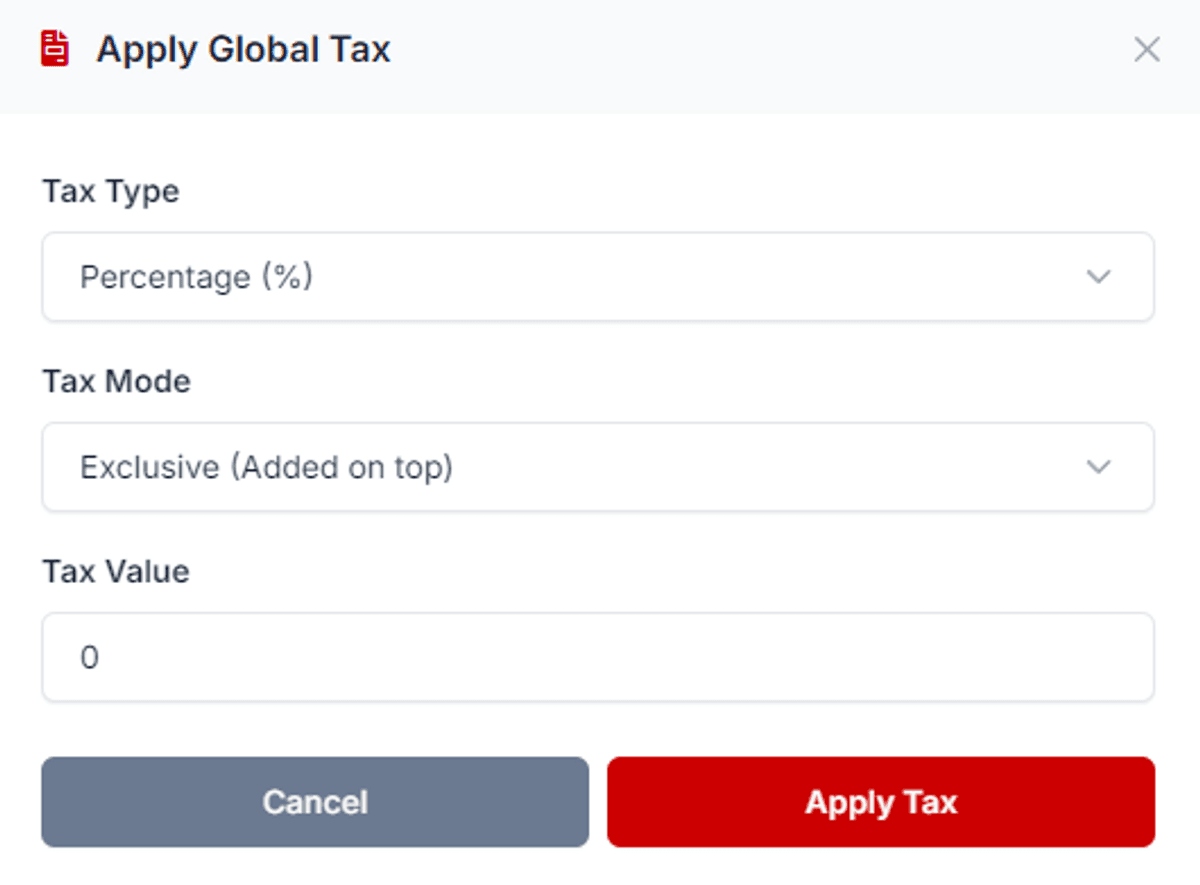
Comprehensive POS Actions: Easily apply Discounts, Taxes, Shipping, and Packaging fees, or put orders on Hold and Void them as needed.
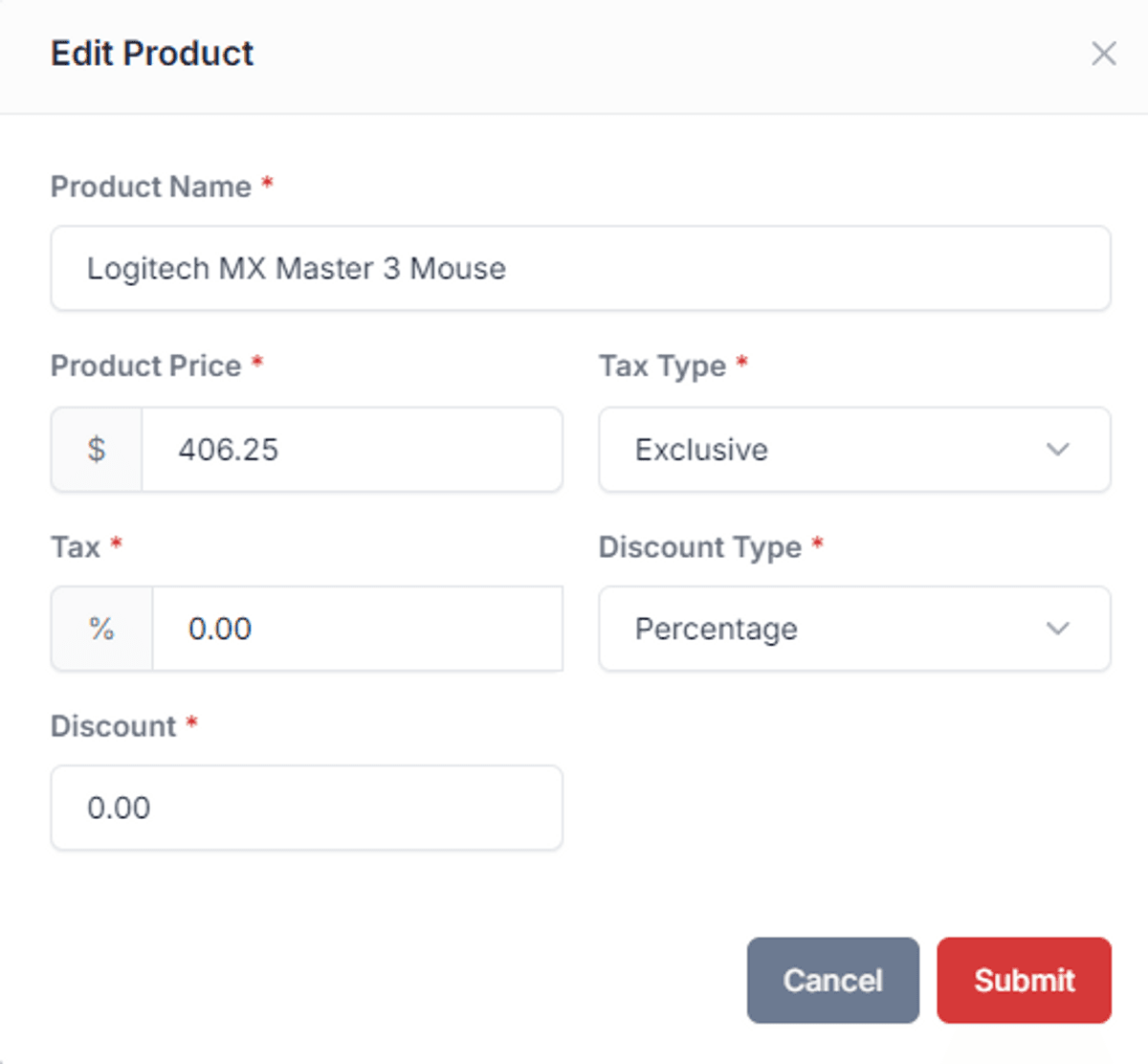
Per-Product Customization: Edit individual products directly inside the cart to set custom prices, specific tax rates (inclusive/exclusive), and unique item-level discounts (percentage or fixed amount). (Note: These changes apply exclusively to the current POS sale and do not affect your main website's product data.)
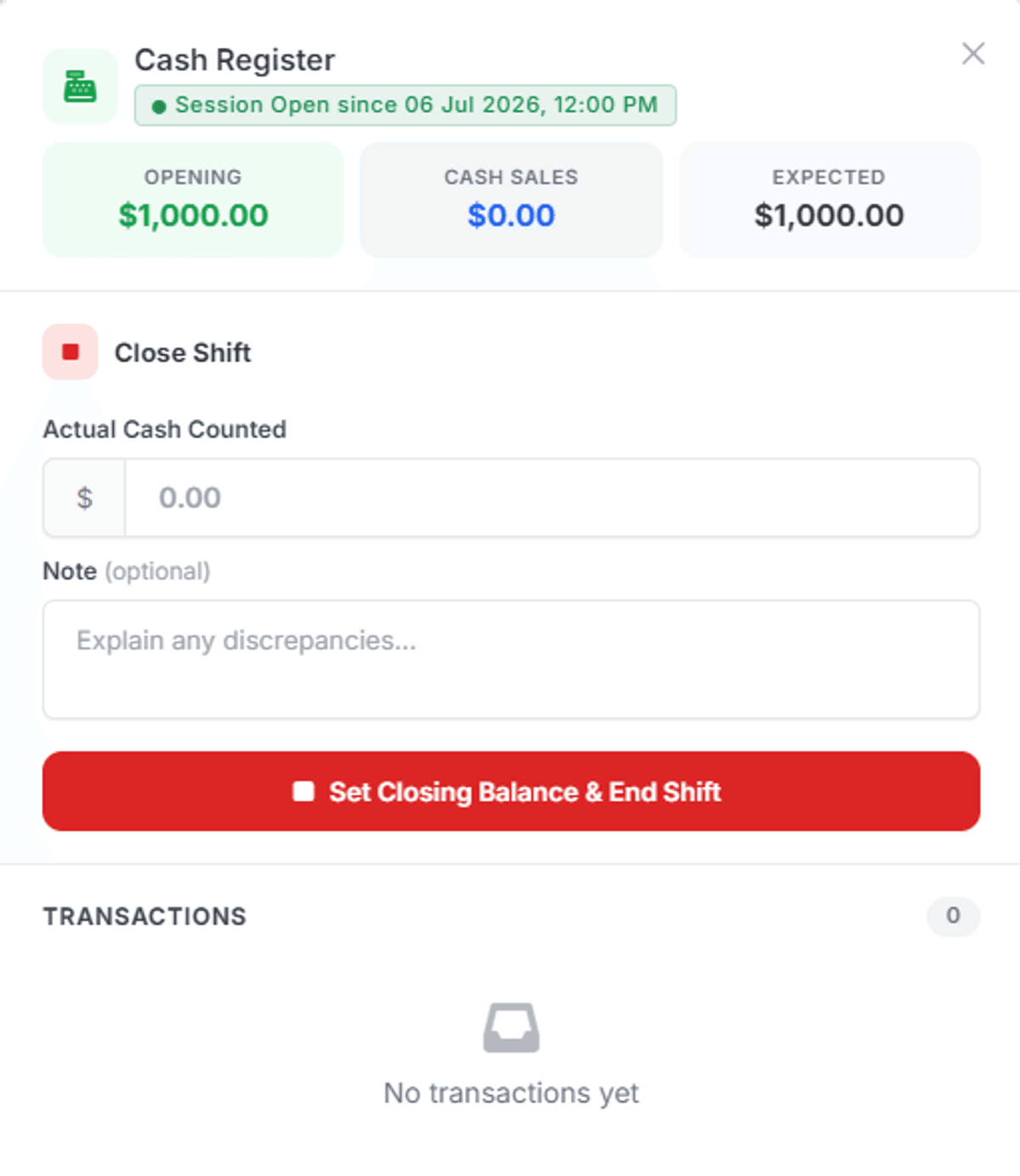
Cash Register Management: Open and close shifts, track expected cash versus actual cash counted, and monitor all transactions for complete accountability.
Advanced Permissions System: Finely control staff access with detailed permissions (e.g., restrict editing prices, viewing other cashiers' orders, or accessing specific cart modes).
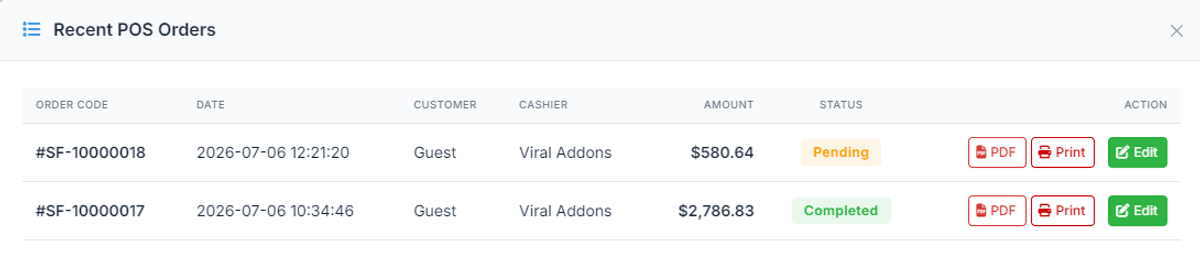
Recent POS Orders: View, edit, and print PDFs or receipts for recent orders directly from the POS interface.
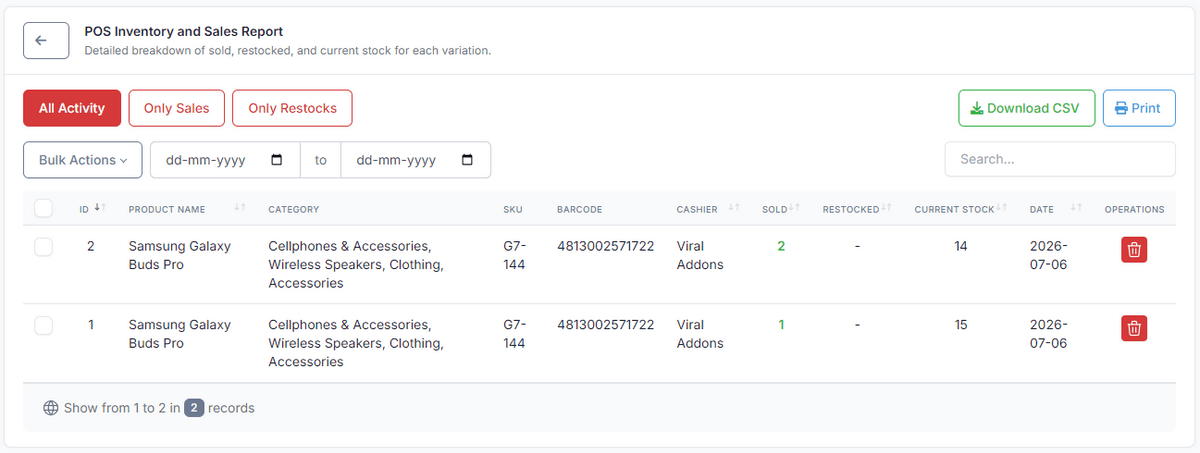
Detailed POS Reports: Access dedicated inventory and sales reports exclusively for your Point of Sale transactions. Filter by sales or restocks, print, or download directly to CSV.
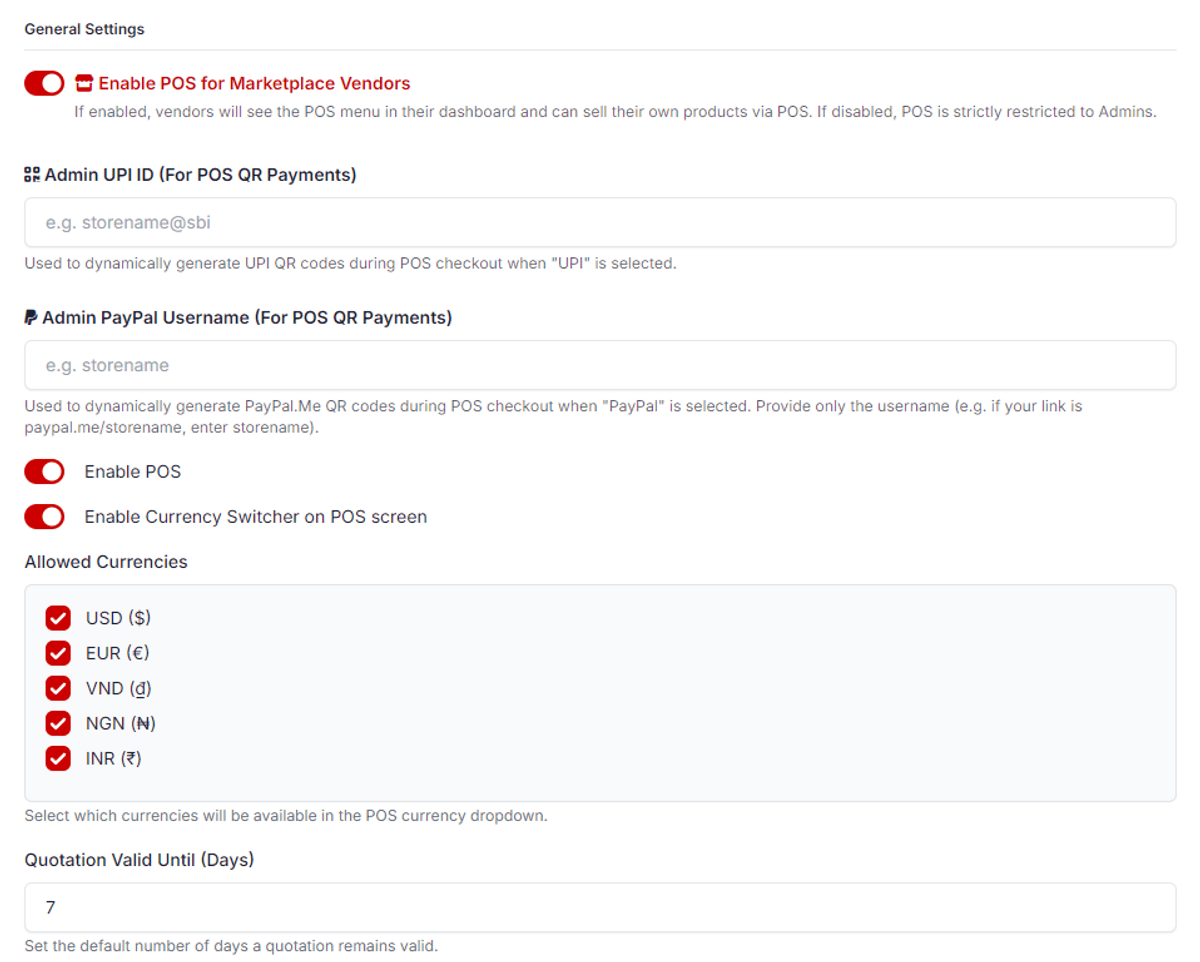
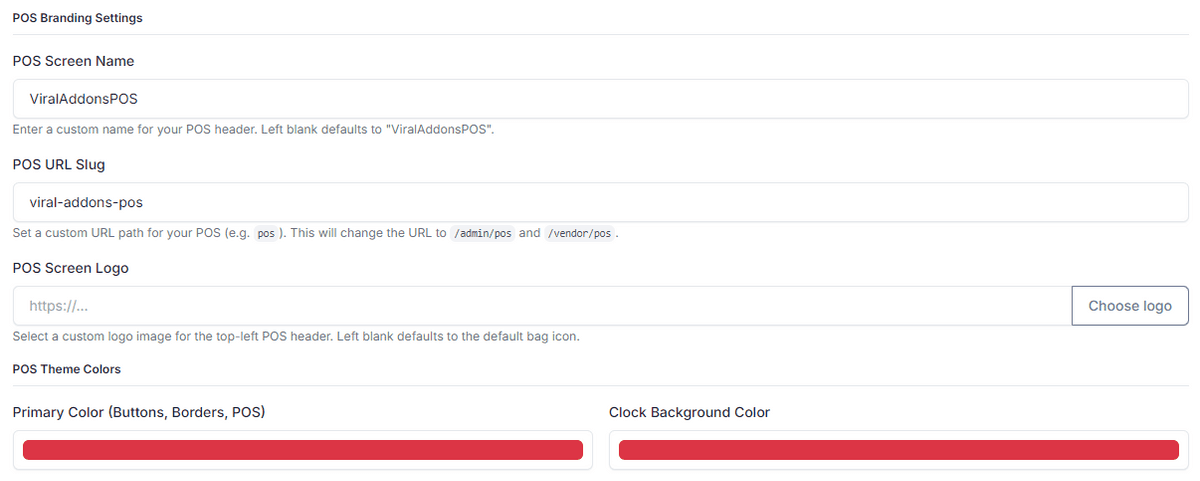
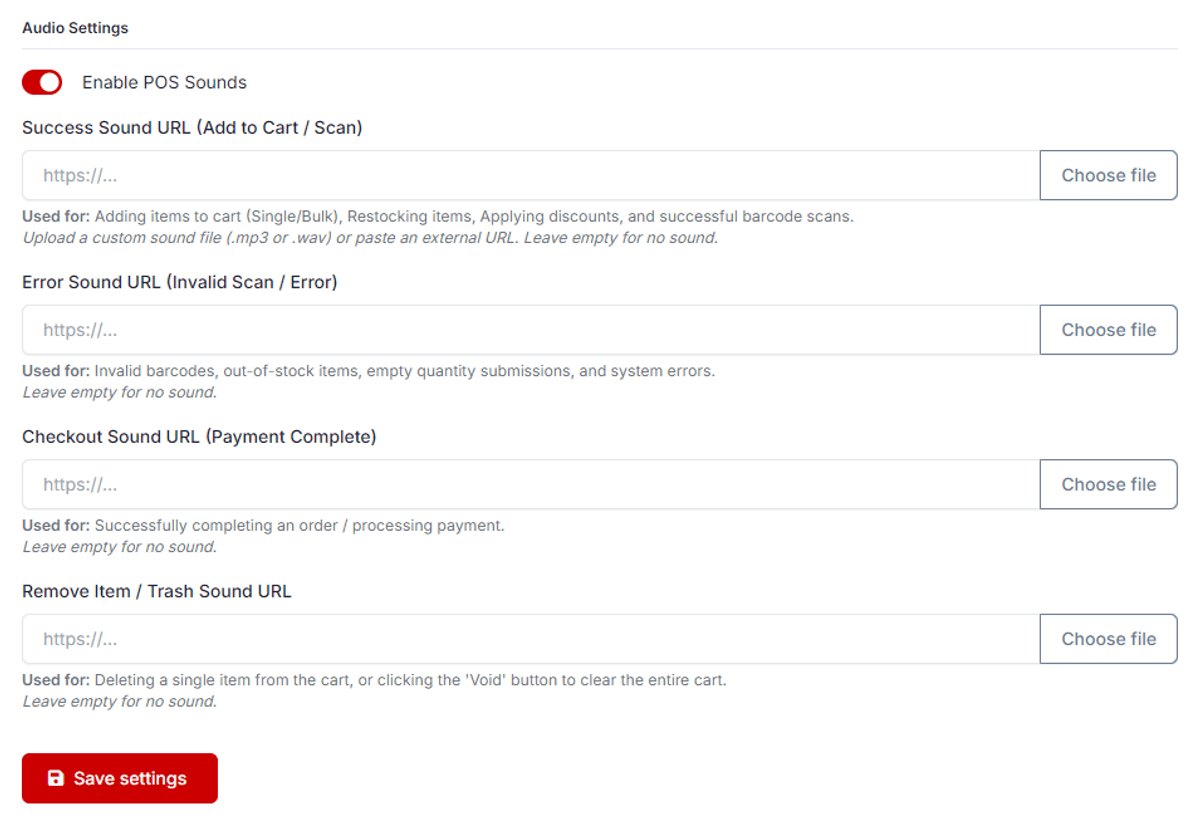
Extensive POS Settings: Fully customize your POS experience! Change the screen name, upload a custom logo, pick exact theme colors, enable/disable the POS entirely, restrict specific currencies, set quotation validity days, manage active payment methods, and even configure custom sound effects for scanning, errors, checkout, and deleting items.
Digital Payments Integration: Seamlessly accept modern payment methods directly at your counter, including PayPal and UPI (Unified Payments Interface) for fast, secure, and cashless transactions.
How to Install
1. Download the plugin folder.
2. Upload the viral-addons-pos folder into your website's platform/plugins/ directory.
3. Log in to your website's Admin Panel.
4. In the left-hand menu, click on Plugins.
5. Find ViralAddonsPOS For Botble Ecommerce By Viral Addons in the list.
6. Click the Activate button.
7. You're done!
How to Use
1. Accessing the POS: Once activated, you will see a new "POS" option in your Admin Panel sidebar. Click it to open your new Point of Sale system.
2. Adding Products: Simply click on any product image to add it to the cart, or use a barcode scanner.
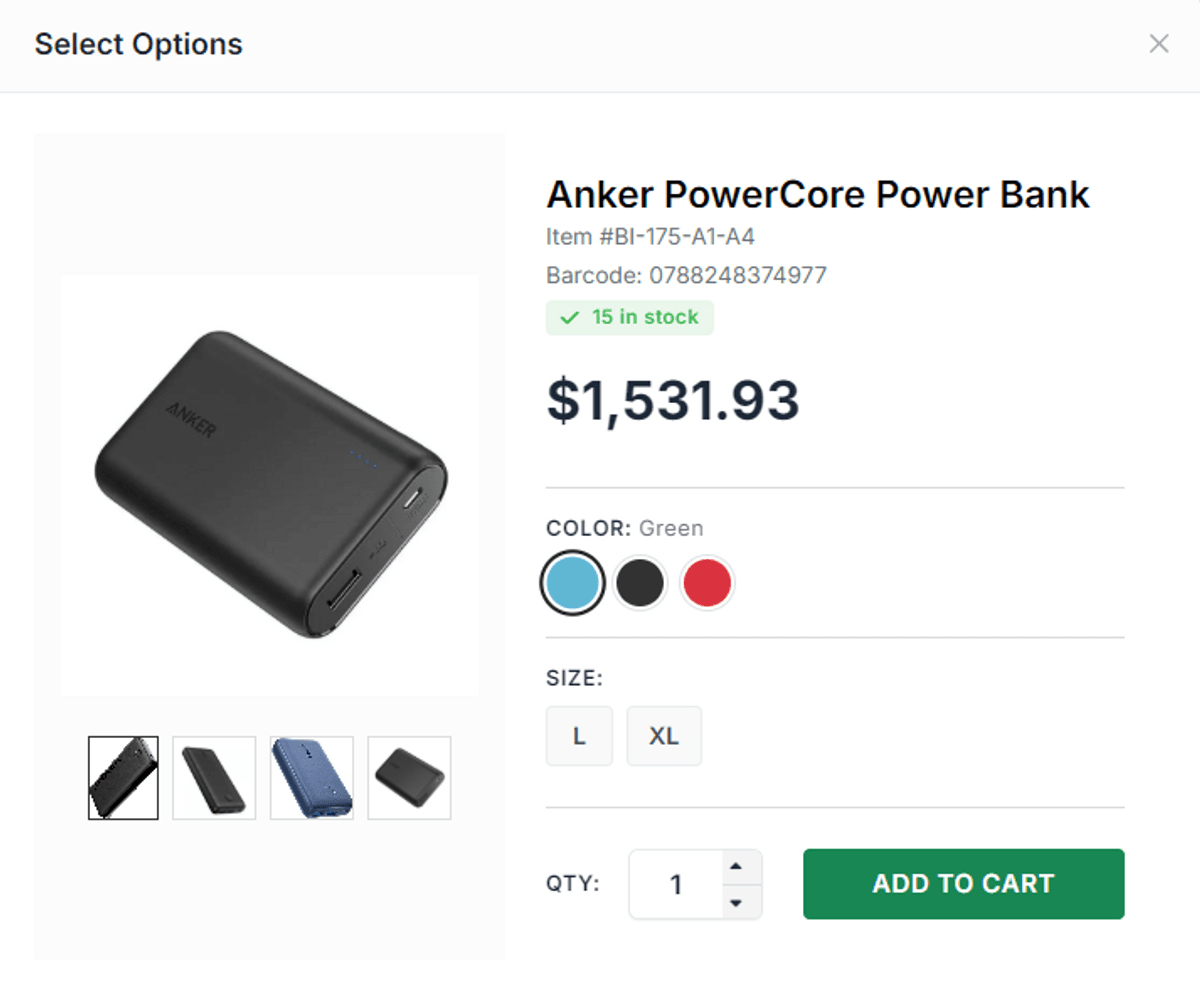
3. Using Bulk Actions: Look for the Bulk Billing and Bulk Restock buttons at the top. Click them to select multiple variations of products all at once, or use a barcode scanner to instantly open the bulk option popup.
4. Checkout: Select your customer from the dropdown on the right side, enter any discount or shipping fees, and choose your payment method (Cash, Card, PayPal, or UPI).
- For UPI & PayPal: A dynamic QR code can be scanned directly by the customer's mobile phone (using their UPI or PayPal app) to complete the payment instantly and securely.
- Once the payment is confirmed, hit Checkout to print the receipt.
5. Quotations: If a customer isn't ready to buy yet, simply click the Quotation button to generate a document you can hand to them instead of checking out.
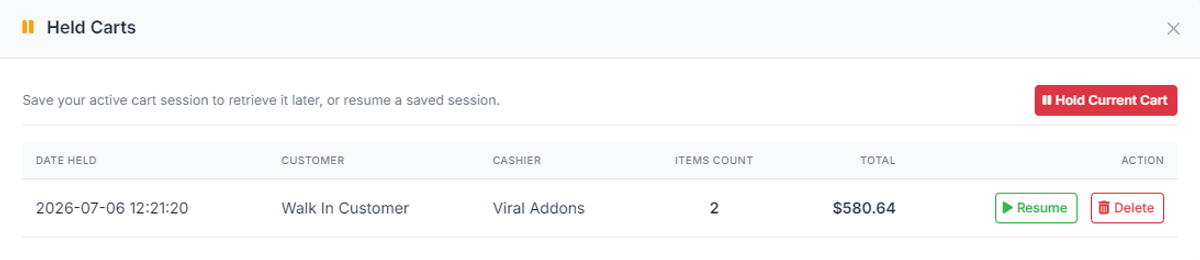
6. Putting Orders on Hold: If a customer needs to step away, click the Hold button. The cart is saved (which safely blocks those items from your inventory) so you can serve the next person, and you can resume the held order anytime.
7. Managing Recent Orders: Click View Orders to see your recent transactions. You can instantly reprint receipts (PDF/Print) or click Edit to modify a previously completed POS order.
Customizing Your Invoice Variables
You can seamlessly display various order charges directly on the invoice by placing the corresponding variables in the Invoice Template HTML. Here are the exact variables you can use:
Discount:{{ invoice.discount_amount|price_format }}
Tax: {{ invoice.tax_amount|price_format }}
Shipping Fee:{{ invoice.shipping_amount|price_format }}
Packaging Charges:{{ packaging_amount|price_format }}
Refund Policy
Due to the digital nature of this product, all sales are final. Once your purchase is completed and access to the digital product has been provided, we are unable to offer refunds, returns, or exchanges.
Developed with ❤️ by ViralAddons.
Changelog
Version 1.0.1 -
Fix some major bugs.
Extra Discount Option Added to POS.
Static and Dynamic QR code added for Czech Republic.
Invoice customisation option added like logo, qr code, bank details etc.
Version 1.0.0 -
Initial release
$79
$79