

A new macOS utility called Quit All Apps has just launched on the Mac App Store, offering users a faster, cleaner way to close all running applications at once. Designed to be as minimal as possible, the app lets you instantly quit every open app with a single click or shortcut, no menus, no extra steps, and no distractions.
A Fresh Start in One Click
Quit All Apps is built for those moments when you want a clean slate on your Mac before a presentation, video meeting, recording session, or simply at the end of your workday. Instead of closing each app manually, you can reset your entire workspace in one smooth action.
Key Features
One-Click Quit
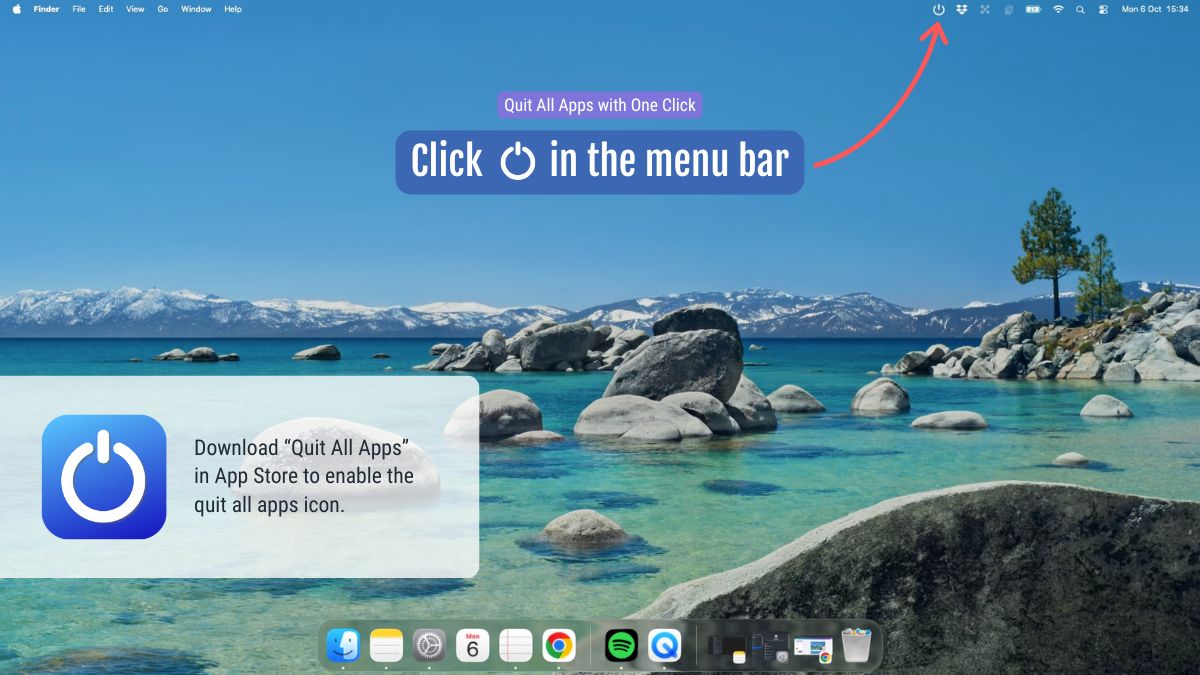
Click the Quit All Apps icon in the menu bar to instantly close all open apps. The process is near-instant, freeing up memory and giving your Mac a fresh start.
 Keyboard Shortcut
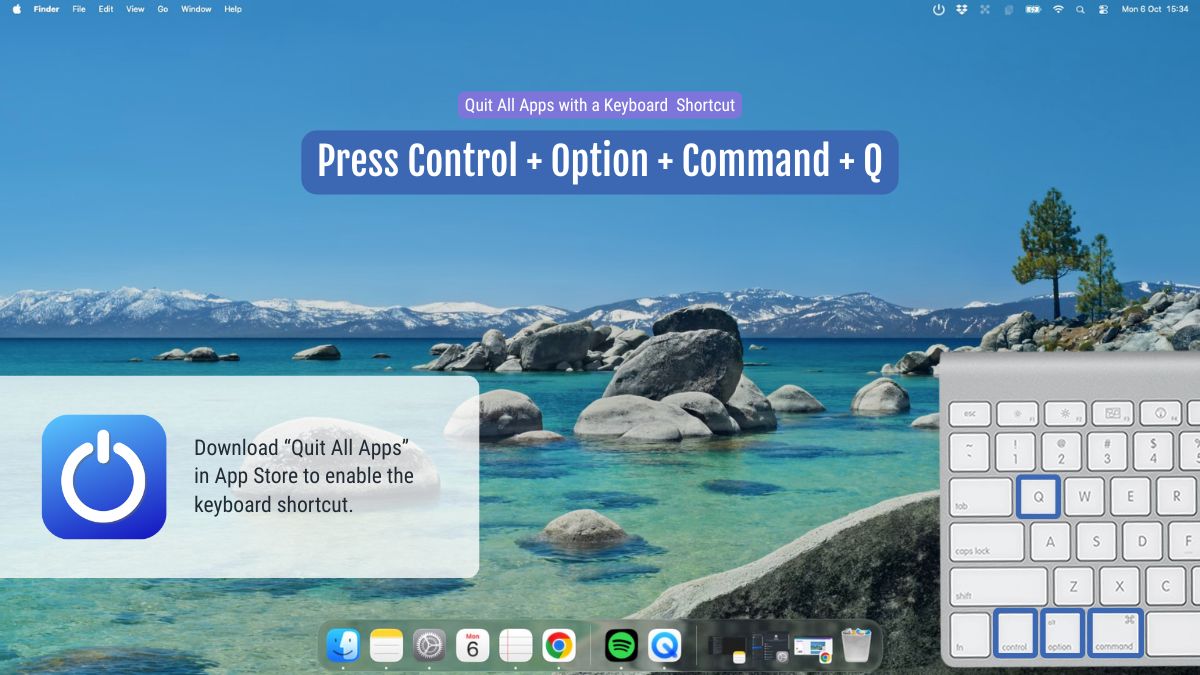
Prefer speed over clicks? Use the shortcut Control + Option + Command + Q to quit all apps instantly. This is the fastest possible way to close everything at once.
 Safe Quitting
Quit All Apps never force-quits. If you have unsaved changes in any app, macOS will prompt you to save or cancel, exactly as it would if you quit each app manually. This makes the app both fast and safe to use, even during ongoing projects.
Minimal and Distraction-Free
There are no complex menus, settings, or confirmations. The entire experience is built around simplicity with one icon, one action, one clean slate.
When to Use
Quit All Apps is perfect before:
Presentations and online meetings
Recording or streaming sessions
Starting a new project
Ending your workday
It’s like taking a deep digital breath, helping your Mac (and your mind) start fresh.
Availability and Pricing
Quit All Apps is available now on the Mac App Store. It’s free to download for a limited time, and those who install it now will keep it free for life. After the introductory period, the app will be available for a small one-time cost for new users.
About Quit All Apps
Quit All Apps is developed by Victor Duse, a Swedish designer and developer focused on creating simple, elegant tools that enhance the everyday work experience. The app is fully sandboxed, privacy-friendly, and designed specifically for macOS.