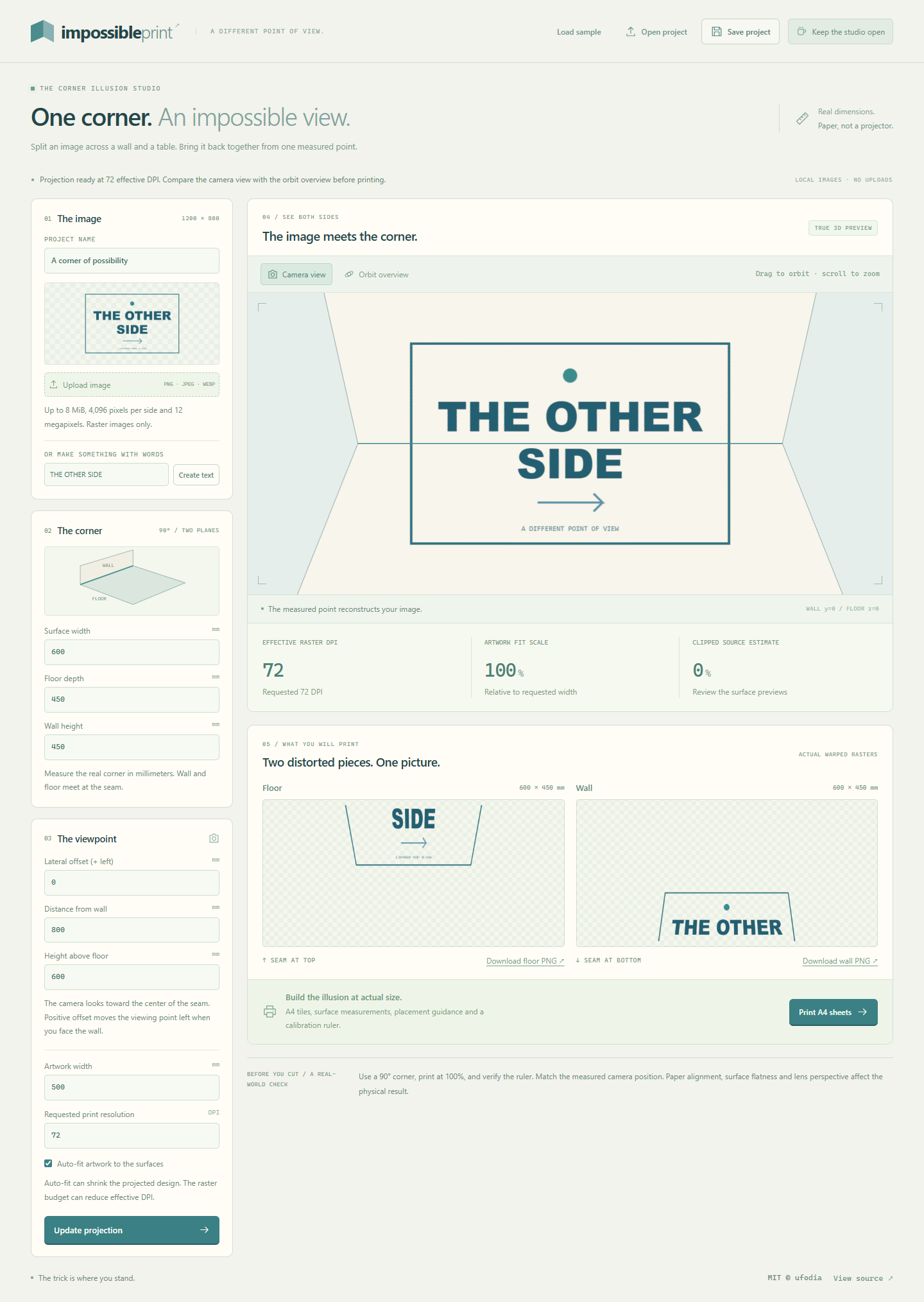

Two stretched fragments can be designed to reconnect into one picture from a measured viewpoint. Impossible Print lets you explore the distortion that makes that possible.
Impossible Print turns local artwork into separate wall and floor/tabletop rasters for a flat 90° corner. You supply the surface dimensions and viewing point; the studio lets you compare the reconstruction with the underlying warped surfaces.
See the trick before using paper
Open the original THE OTHER SIDE sample and wait for Projection ready. Start in Camera view to inspect the virtual reconstruction.
Switch to Orbit overview and drag around the corner. Change Lateral offset (+ left), update the projection, and compare the floor and wall images.
Return to Camera view, then explore the separate PNG downloads and Print A4 sheets assembly plan. Save a project to retain its source image and measurements.
You can also create text artwork or bring a PNG, JPEG, or WebP image. Processing happens in your browser. Camera view is a virtual viewpoint; the studio does not scan your room or request a webcam.
The physical illusion needs a physical check
Use a true 90° corner, measured placement, and 100% / Actual size printing. Measure the plan’s 100 mm ruler before assembly. Printer scaling, paper alignment, surface flatness, and lens distortion affect the result; the browser preview does not certify your installation.
Explore Impossible Print · Read the MIT-licensed source
If another point of view gives you a project idea, an optional coffee supports ufodia’s geometry regressions, browser compatibility work, and clearer print instructions.
Screenshot: the original sample in the actual browser studio, with a virtual reconstruction and generated warped rasters; no completed physical installation is claimed.