
📢 Added
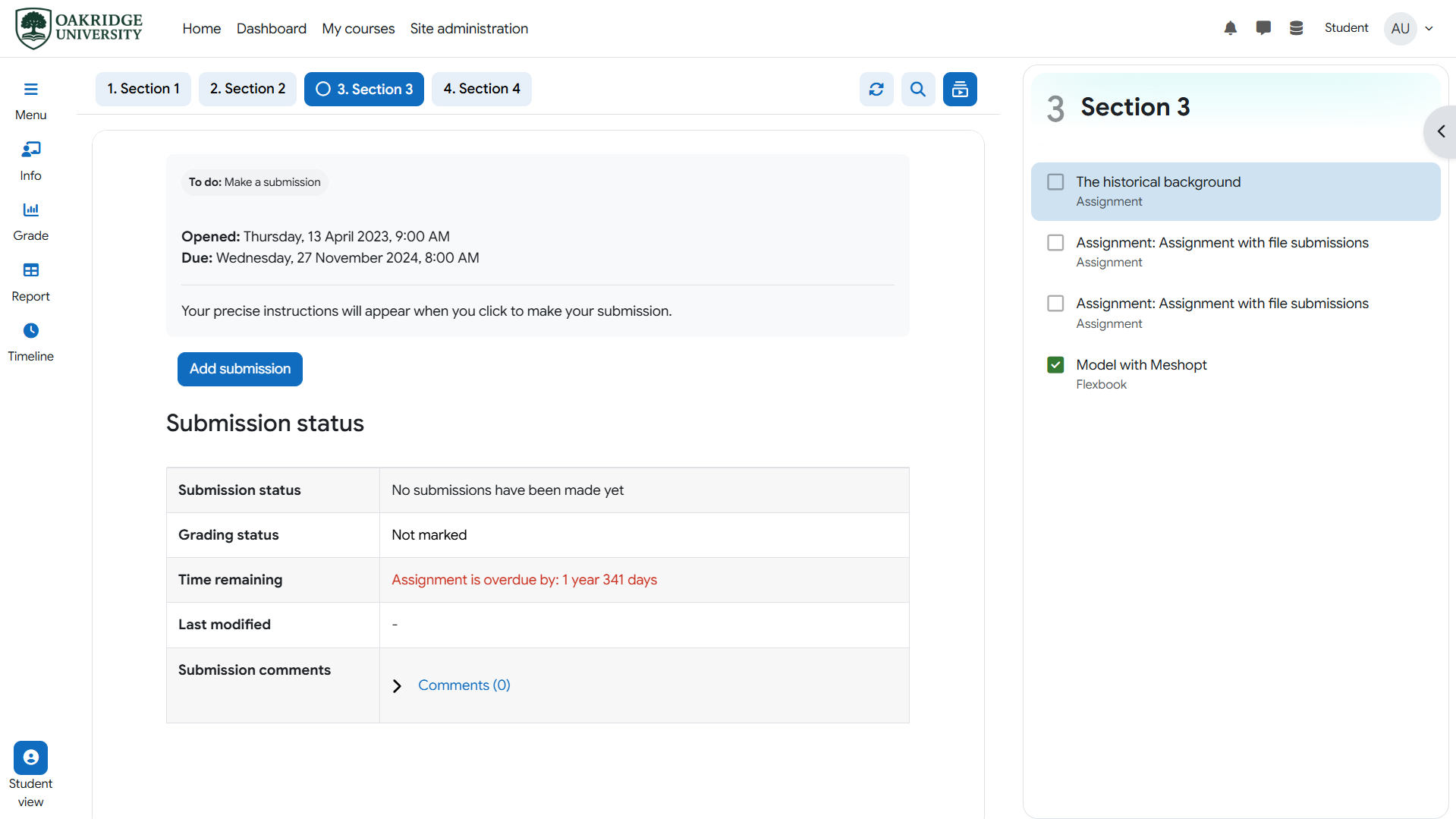
New section type: Activity playlist
This section type is similar to the existing video playlist section type, except that the activity playlist supports all activity types and sub-sections.
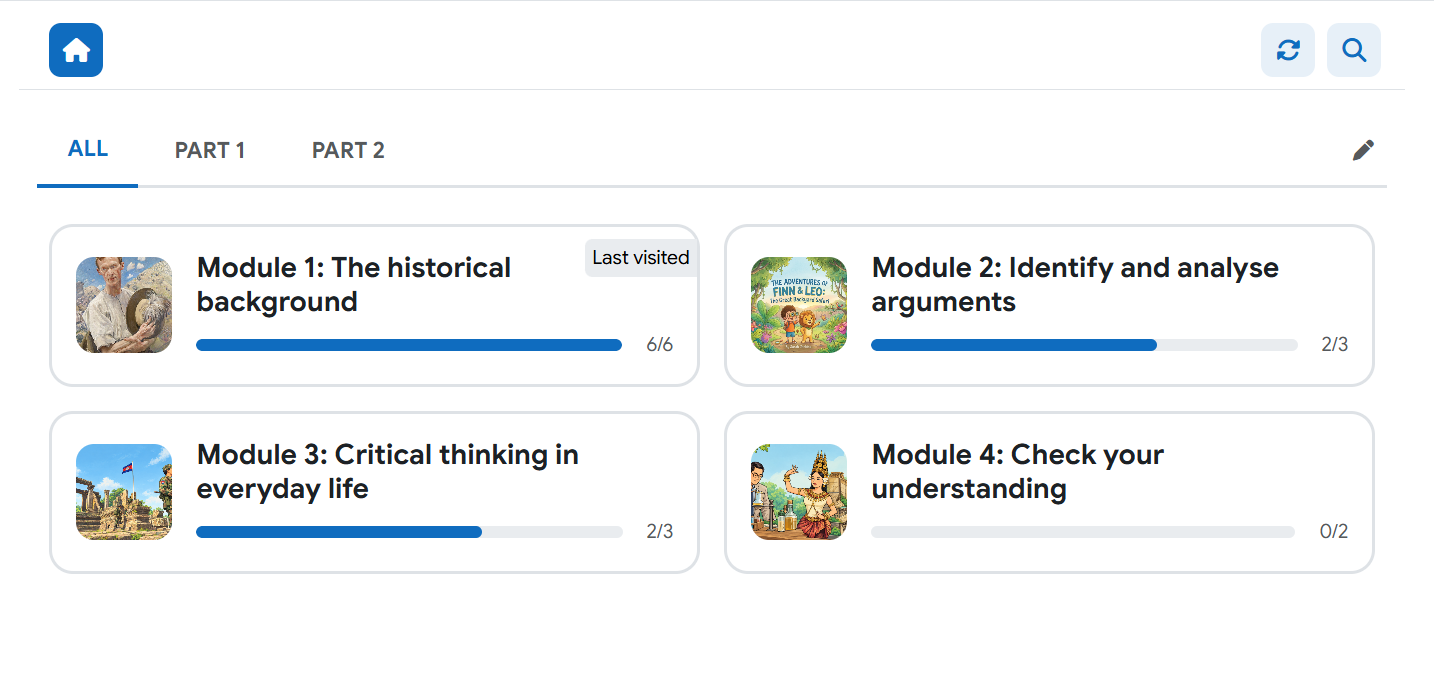
 New card section layout: Tab
Section cards can now be displayed as bordered blocks with a progress bar. Sections can also be grouped into tabs.
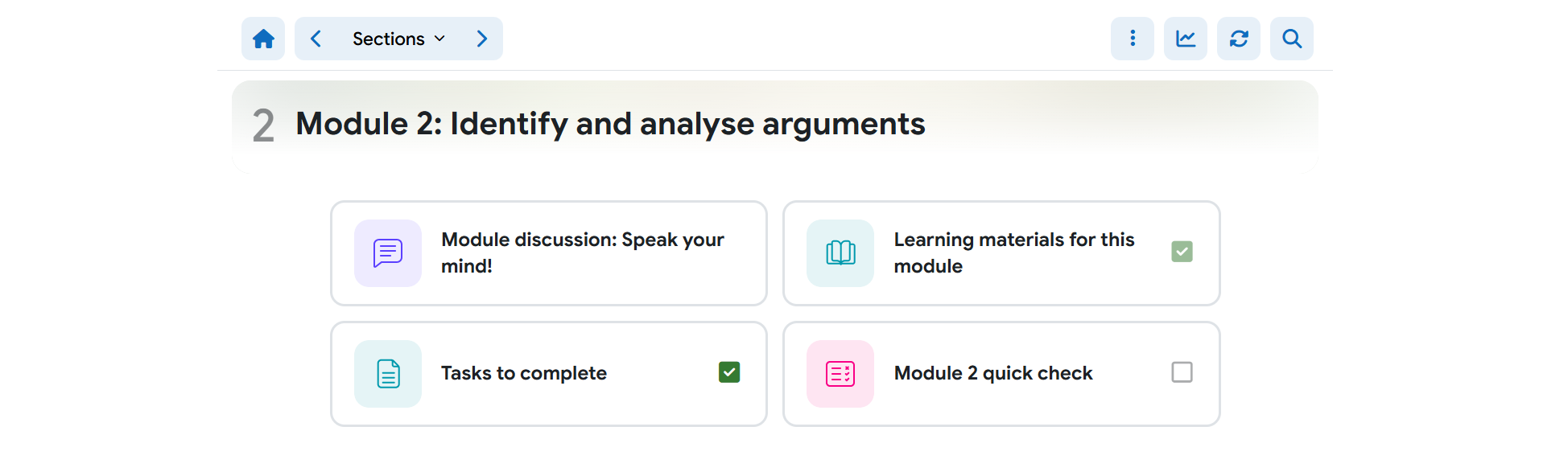
 New activity card UI: Block
Activity cards can now be displayed as half-width blocks, consistent with the new section card layout above.
 Section report
It is similar to the Course report but focuses on only a specific section. Teachers can see the activity completion, user progress, and more on this report. To open the report, click on the chart icon button on the section navbar.
New activity card fields
You can further control the look of the activity cards with four new options, including hiding the activity title, hiding the activity icon when a poster is available, replacing the completion checkbox with a minimal status dot, and center-aligning the activity title.
Completion sound effects
When toggling completion status on an activity, users can now hear a subtle sound effect.
📢 Changed
Color mode improvement
In Moodle 5.3, when the course page's color mode is switched between dark and light, the embed activity's color mode is also synced.
Activity appearance section
All activity appearance-related fields are not moved into the Activity appearance section on the section format form.
📢 Fixed
Activity card poster compression now skips WebP and SVG and returns the original image if compression fails.
📢 Add-ons
(Since 2.5, MooTube has been supporting a hook extension that allows developers to build new features as add-ons without touching MooTube's codebase and breaking the license. Add-ons can extend report tabs, section types, and course tools. Add-ons are not included in your MooTube license and can be purchased separately as needed.)
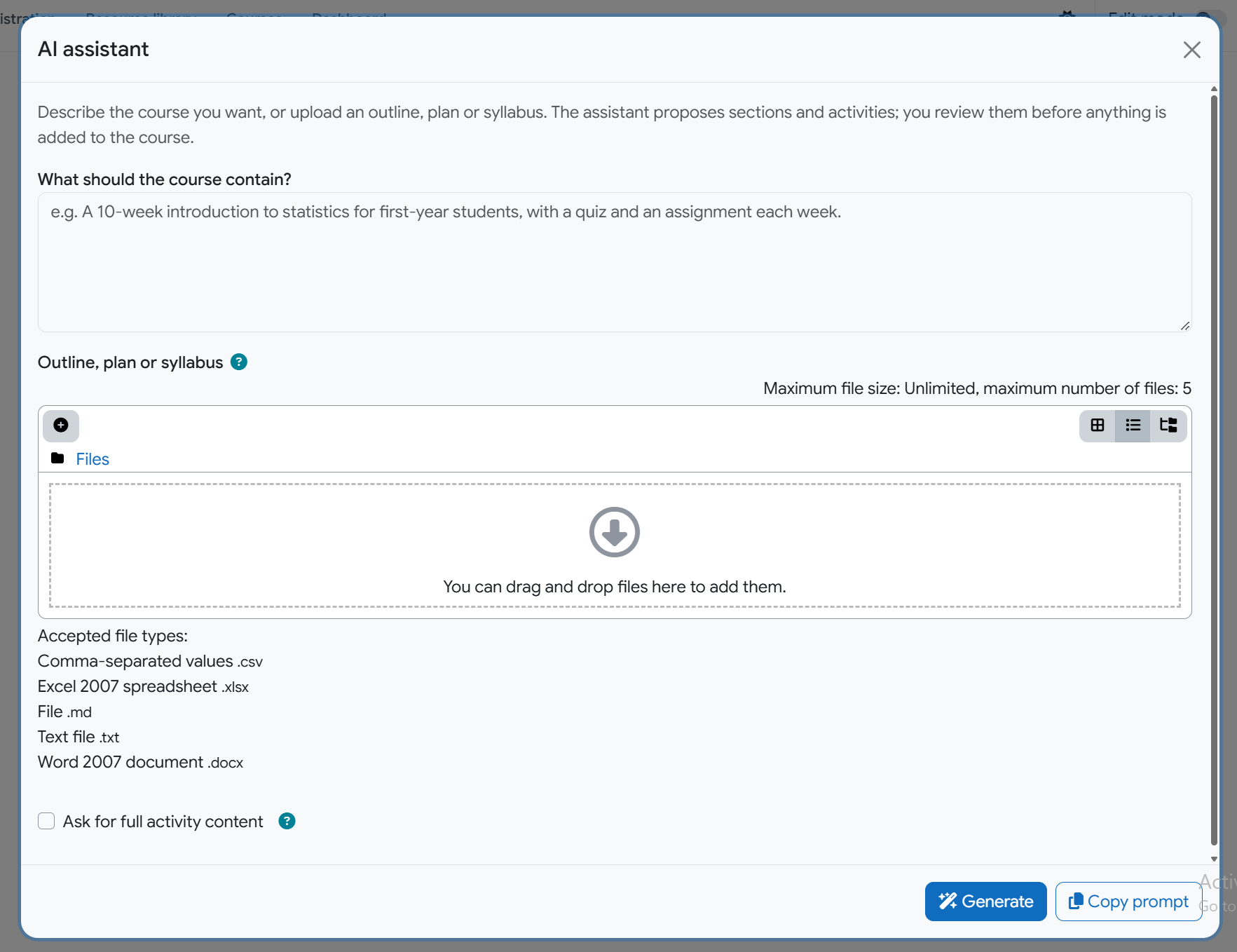
Build with AI assistant
With this add-on, teachers can quickly structure the course content using an AI prompt or an uploaded course syllabus or training plan. Teachers still need to go and adjust the content inside the activities, but this feature saves teachers a tremendous amount of time compared to manually adding each activity one by one. This feature supports both core AI providers and prompt export/import from/to AI chats.
Section type: Path
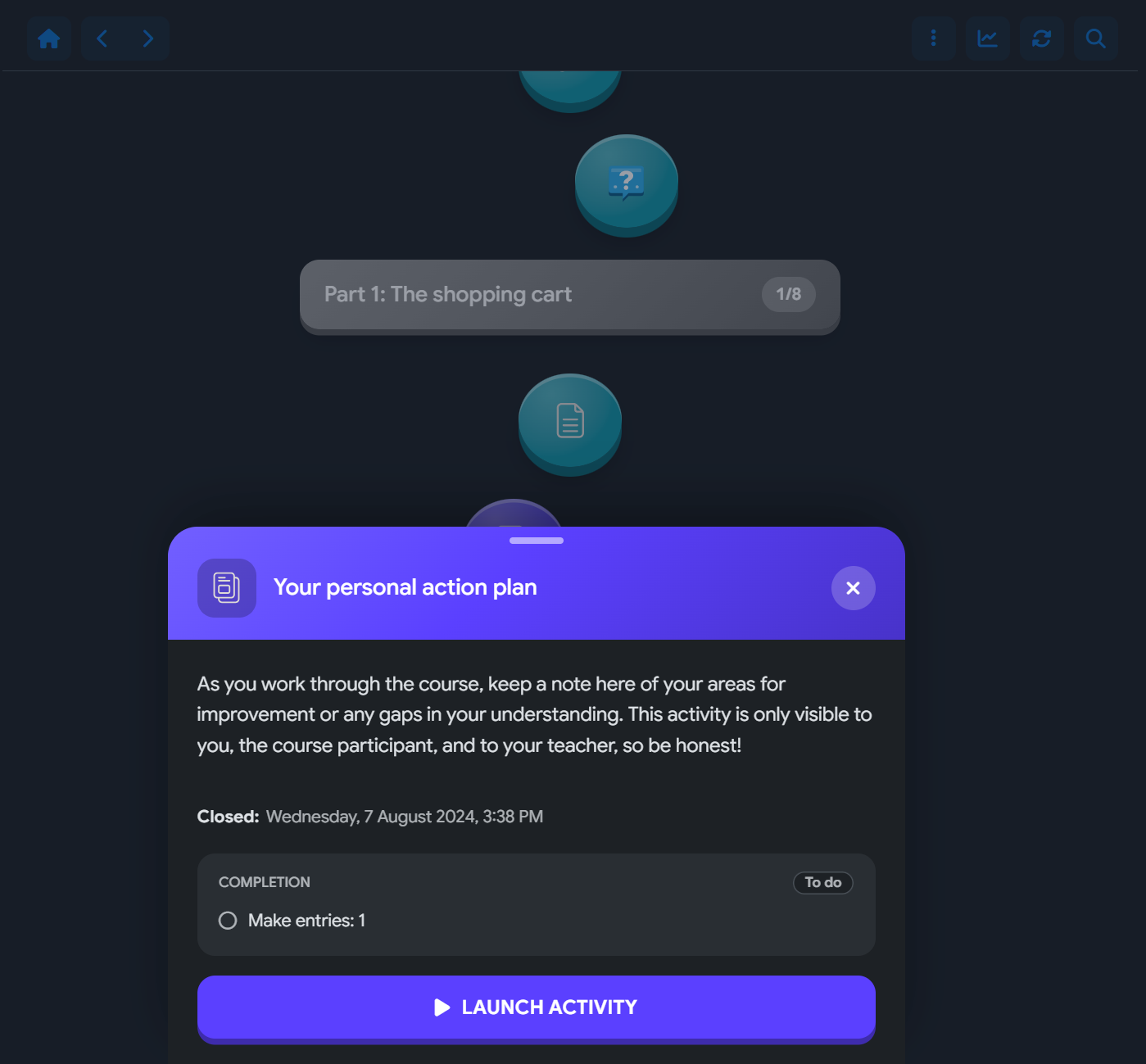
Inspired by Duolingo's course page, the section type allows teachers to create a zig-zag path with activities as steps. When a step is clicked, a brief info box slides up with a button to launch the activity in a modal or on a separate page. The path can be broken with sub-sections.
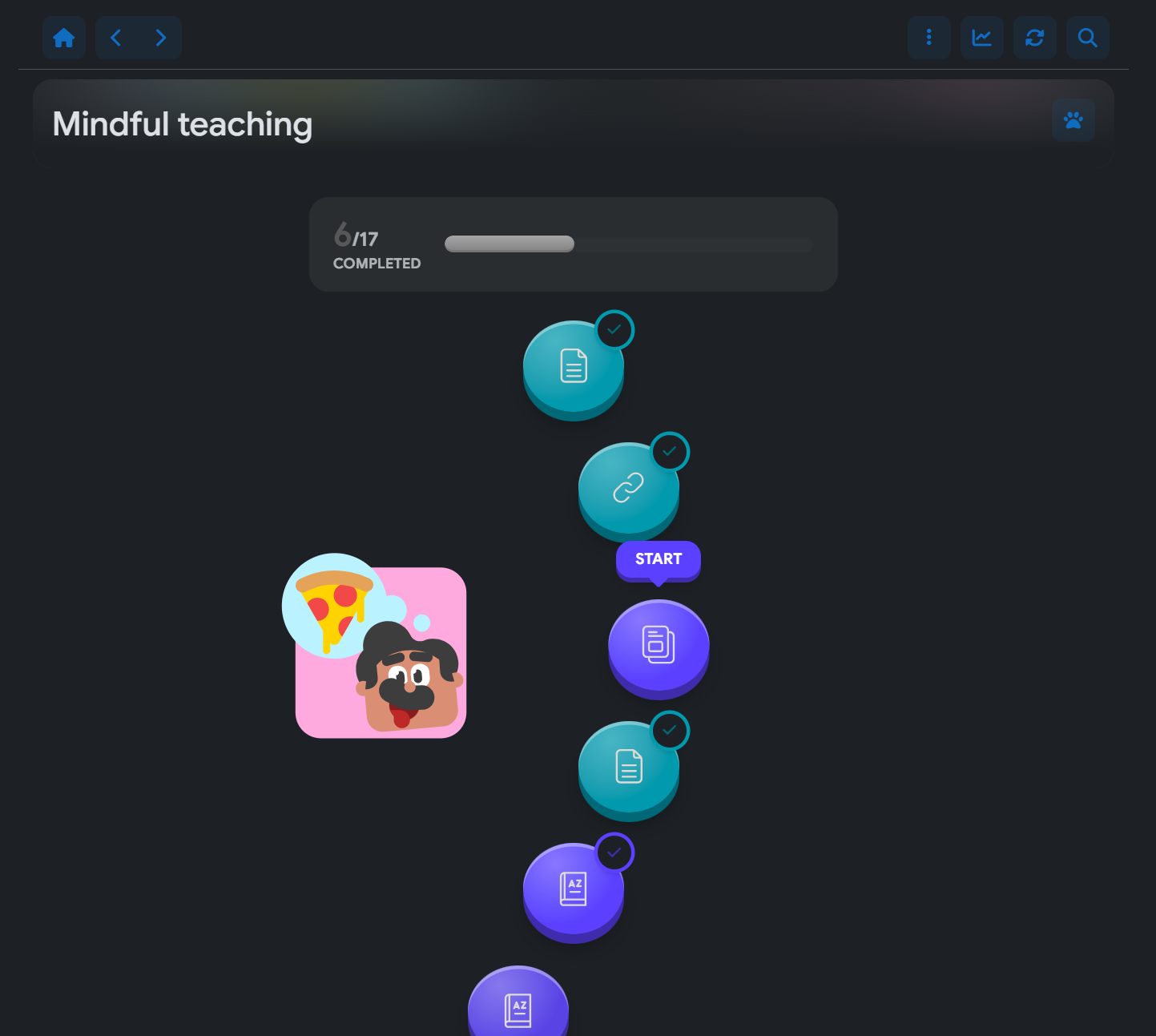
 Animated path mascots are also supported in Lottie (.json) files.
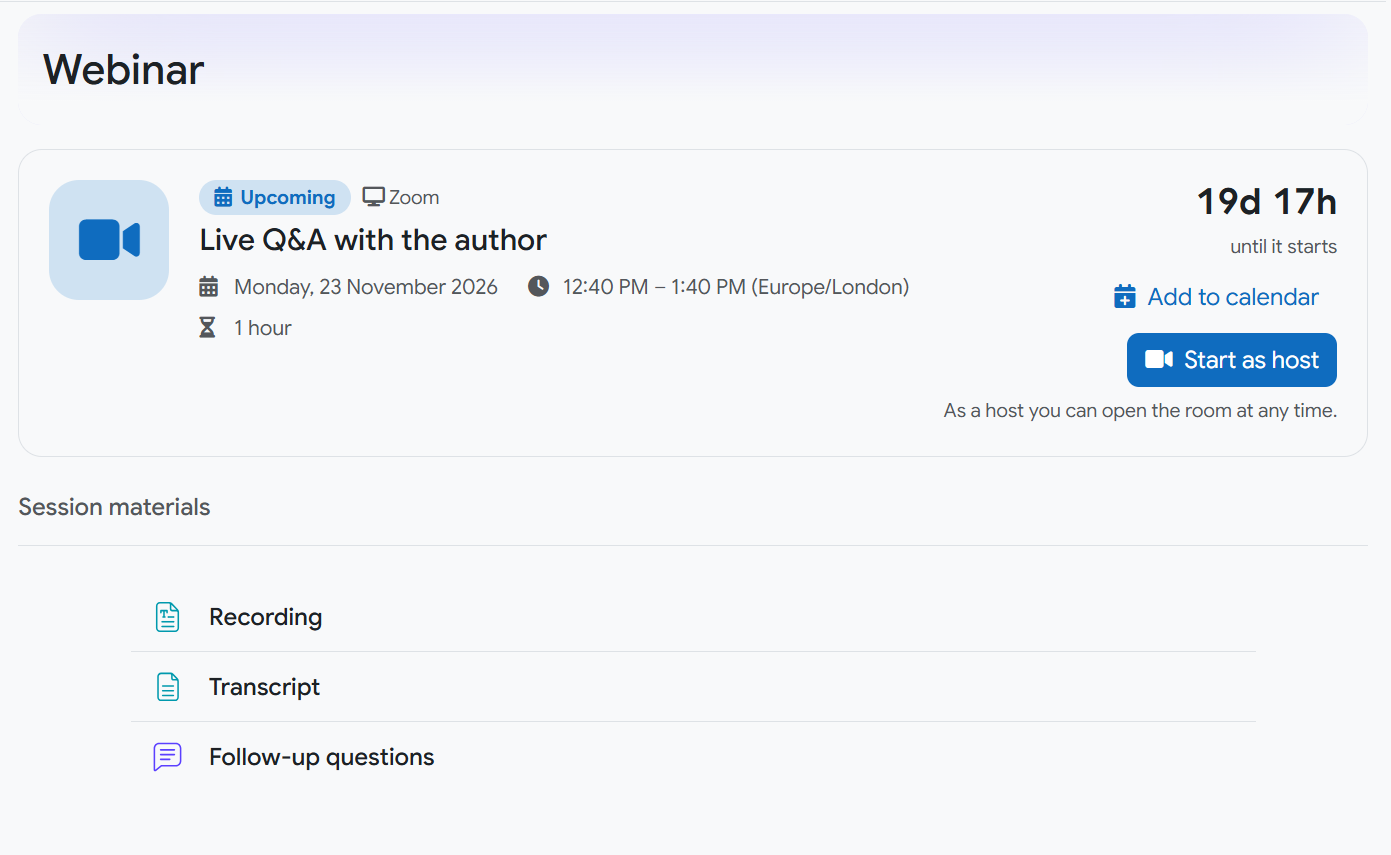
Section type: Webinar
Straightforward UI for a common webinar use case.