

Interactive Video 2.4:
📢 Added
New appearance setting: Show start screen only, open video on play.
Outside distraction-free mode, the activity page shows the start screen in a 16:9 frame without loading the video. Play opens the video in a full-viewport popup, and the view is recorded when the popup opens.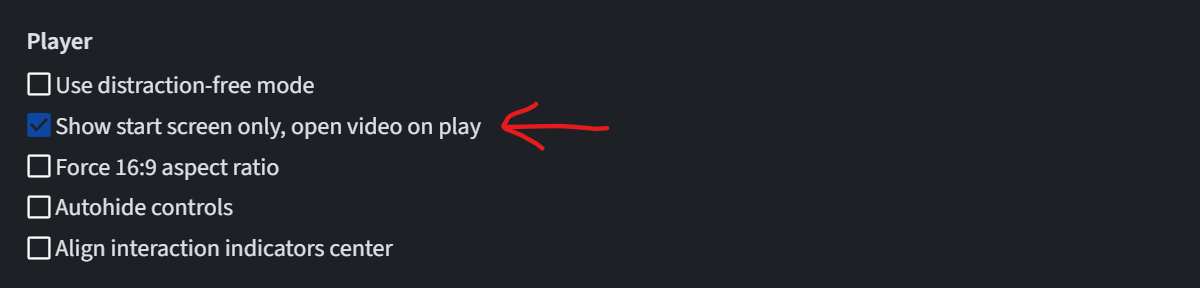
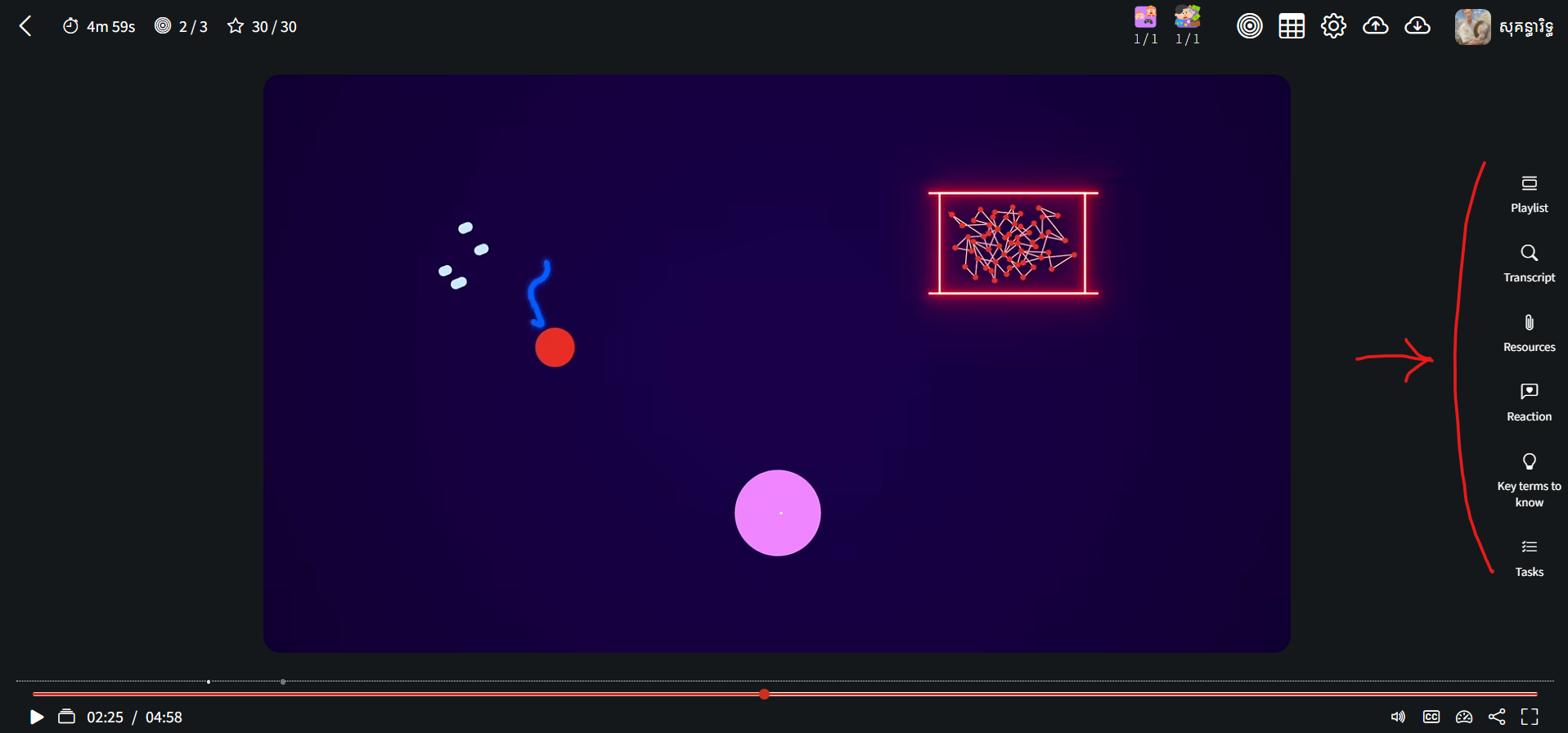
Design system for side panels: colour and size tokens,
iv-panel-*components and themod_interactivevideo/sidepanel_headtemplate, documented indocs/design-system.md. Works with Bootstrap 4 and 5, light, dark and distraction-free modes.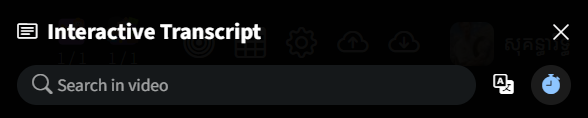 Interactive Transcript panel header redesign using the new design system.
 Reaction panel header redesign.
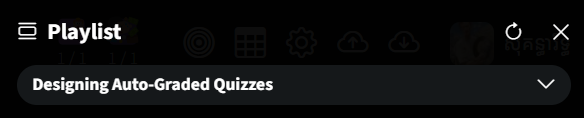 Playlist panel header redesign.
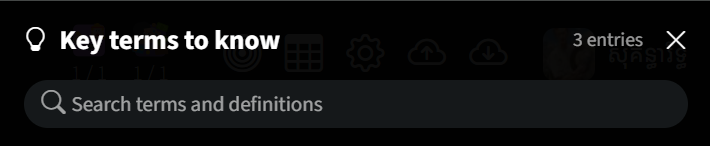 Concept panel header
 Tasks panel header
 Resources panel header
📢 Changed
Sound effects are short tones generated in the browser by the new
mod_interactivevideo/soundmodule, replacing the alarm, points-awarded, and pop audio files. Marking an interaction as not done plays its own sound. The content bank uses the same module. (Legacy audio files are still shipped with the plugin, but they will be removed in the future.)Icons and toolbar buttons no longer spin on hover.
Interaction forms show the Learning outcomes section only when the activity has outcomes attached.
Toolbar UI gets a redesign, adding a clear label for each tool when the space allows.
 📢 Fixed
Closing the "Launch in popup" player no longer throws an error when it was opened from the activity name link.
Dark mode: the username next to the user's picture in the activity header is white.
Dark mode (Bootstrap 5): the highlighted and deleted rows in the interactions list have dark-mode colours.
Distraction-free mode on large screens: the video no longer runs under the toolbar buttons when the window is tall for its width. The controller keeps the full width.
The Cancel button in the Import contents dialog closes it.
Interactive Videos and Flexbook styles for buttons, form fields, checkboxes, badges, headings, lists, dropdowns, and background colours no longer reach Moodle's own page chrome (navbar, drawers, message drawer, notifications, footer). They now apply only to the activity's content and its dialogs.
Side panel segmented controls: an icon and its count or label sit on one centre line.
Flexbook 1.7
📢 Added
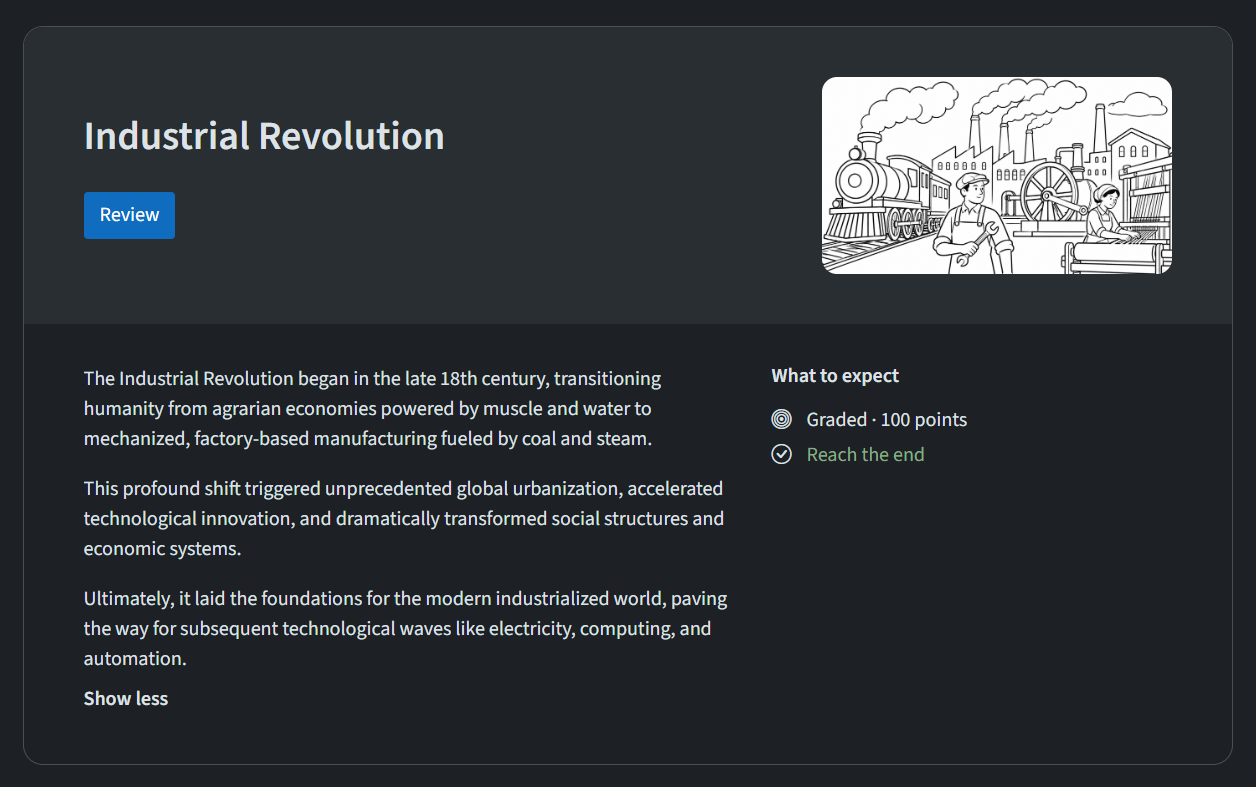
Show start screen only: A new appearance setting, available when distraction-free mode is off. Instead of the book, the activity page shows a cover: the title and poster with a Start, Resume or Review button and the learner's progress, the description, the learning outcomes with the learner's rating on each, and what to expect (due date, points and the completion conditions, with the ones met marked). The button opens the book in a popup that fills the browser window. The book loads only when the popup opens, and the activity view is recorded then. Closing the popup saves the learner's place and redraws the cover without reloading the page.
 📢 Changed
Start screen: The player's start screen, in default and distraction-free modes, is now the same cover. The description and the learning outcomes appear on it as the "Display as start screen" and start screen outcome settings say, and a returning learner still skips it when neither is shown. In the player, the cover fills the start screen edge to edge, and in distraction-free dark mode it takes the player's colour instead of blending into the page.
Sound effects: Flexbook plays Interactive Video's generated sound effects instead of loading its own audio files, and marking an interaction as not done plays its own sound.
Manage page: The page now has a heading.
📢 Fixed
Start screen popup: When completing the book unlocks other activities, closing the popup now reloads the page so they show.
Embedded control bar: In the popup, the control bar sits beside an open chapter panel instead of running under it.
Dark mode: The close chapter button, the title button, and the completion toggle have the right colours.