

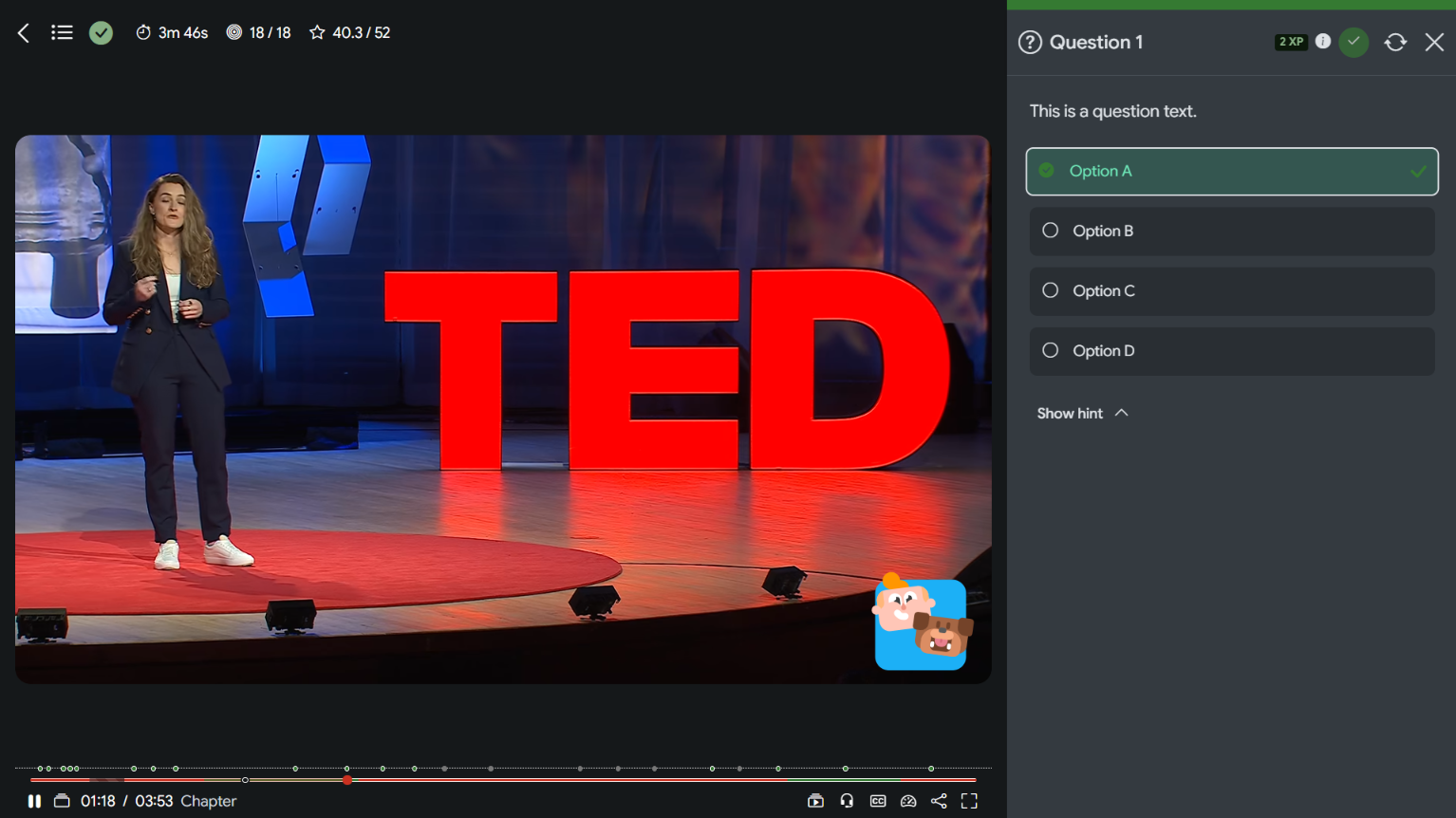
 The Interactive Video 2.2 and Flexbook 1.5 releases focus on Moodle 5.3 support, primarily addressing deprecated classes/methods and the Bootstrap 5 dark mode (which is still an experimental feature in Moodle 5.3).
📢 Learning Outcome Integrations
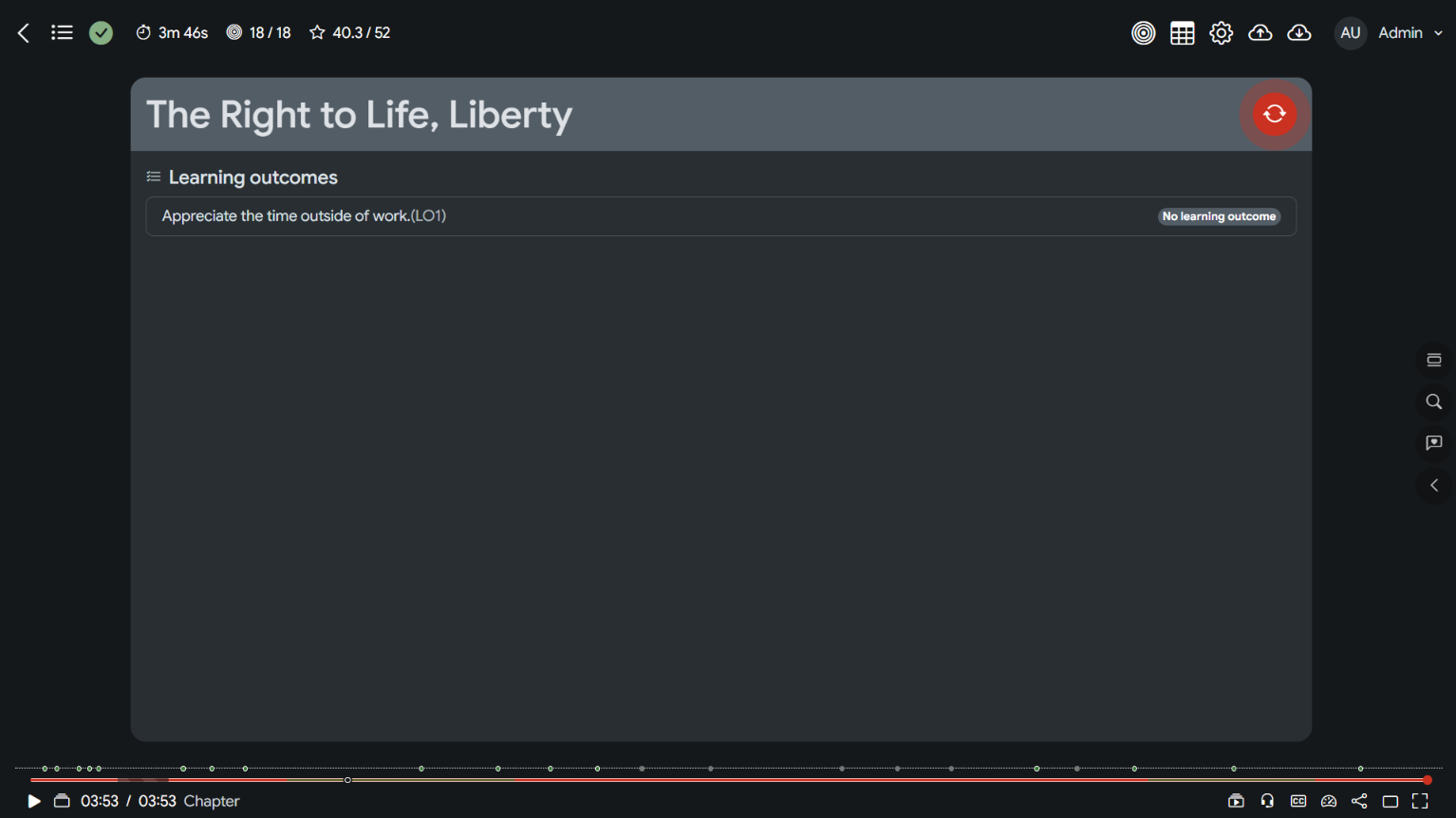
A new feature is also included in this release. That is an integration with Moodle's learning outcomes.
Teachers can display the learning outcomes on the start screen, so learners are aware of them before commencing the activity.
Teachers can also display those outcomes on the end screen, letting learners know their learning outcome statuses.
Teachers can link learning outcomes with one or more interactions and set a range for automatic rating based on the XP earned. For example, if learners receive 90% or more on an H5P Question Set exercise, their rating for learning outcome A is automatically set to Proficient. When a learning outcome is linked to multiple interactions, the average is used instead.
Teachers can also view the learning outcome ratings/statuses on the report page. When enabled, a new "Outcome/Learning Outcome" column is added in the report table. Teachers can view the summary of the whole activity or details for a specific learner.
Here is a video highlighting this feature:
📢 Interaction Types
All interaction-type plugins have undergone a thorough review to address functionality issues and Moodle 5.3 compatibility. During this process, we encountered a few bugs and several warnings, all of which were resolved. So, regardless of whether you're planning to upgrade to Moodle 5.3 or not, I strongly recommend updating your plugins.
We also added some improvements. Here are some of them:
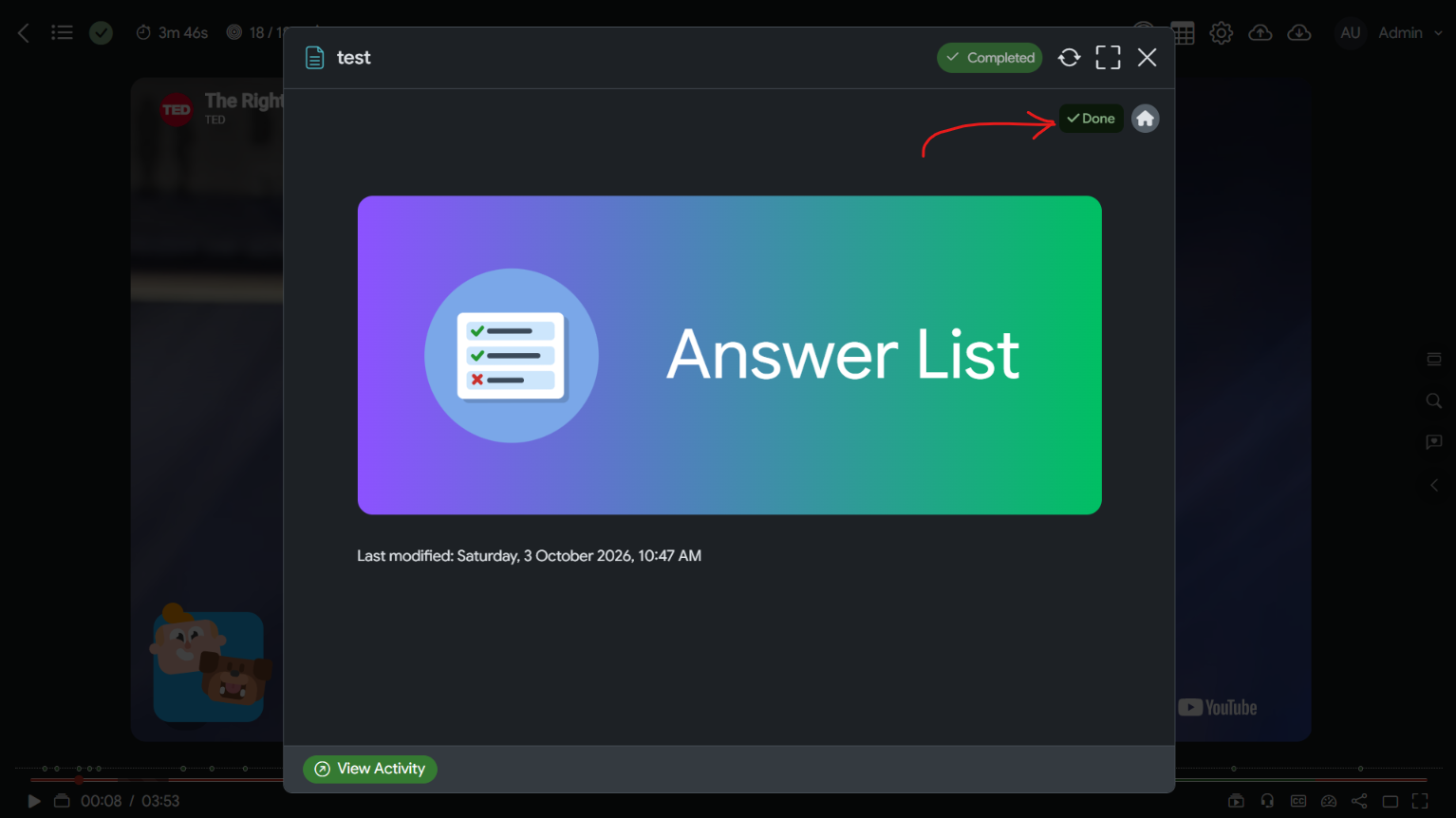
Course Activity: Moodle 5.2 and 5.3 moved the Mark Complete button from the activity header to a place that is hidden in the embedded mode. So, we are now placing it next to the home button.
Form: a major issue from the previous update: the form was submitted with empty form data. That is fixed now.
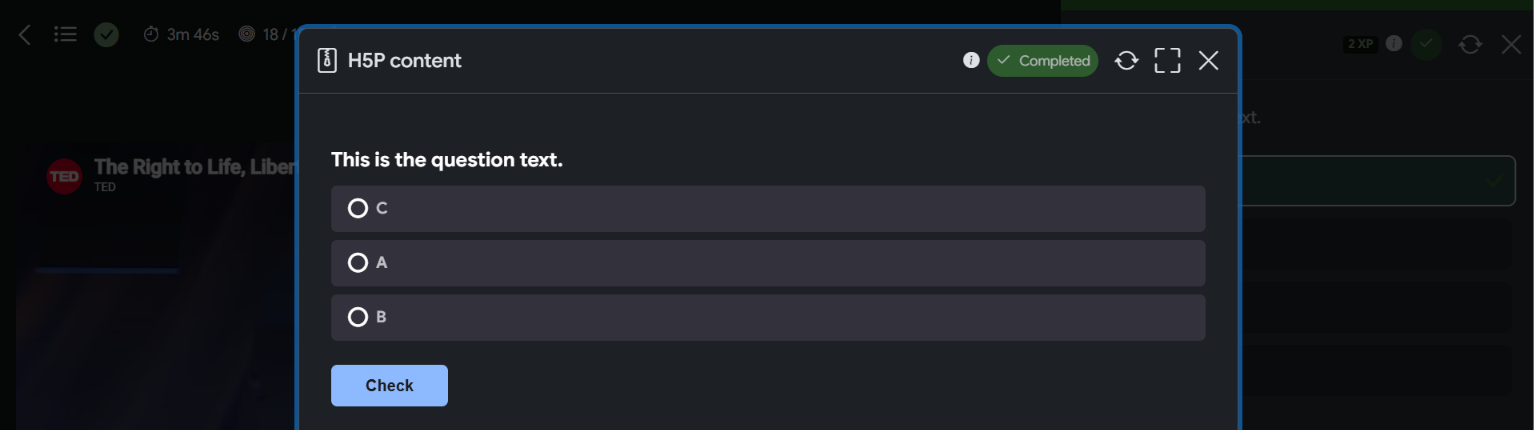
H5P Content: Moodle 5.3 introduced dark mode, but it doesn't support H5P content. That means you'll get light-mode H5P content on the dark-mode Bootstrap UI. So, we are now injecting data-bs-theme="dark" into the H5P iframe when the parent is in dark mode. This allows the administrator to style the dark mode UI through the core_h5p/h5pcustomcss setting. (Note: Content Bank Item is not getting this feature). See the sample CSS at the end of this post.
Paused Annotation: When editors leave the edit state with unsaved changes, they'll get a warning popup. Clicking the Cancel button discarded the changes, but it didn't completely clean up the state, leaving editors unable to click the interactions on the list. That is fixed now.
Rajab's Game: We discovered that the embedded badges didn't appear on the video for learners to claim. That's also fixed.
XP Reward: The rewards were supposed to be a secret. We made sure XP rewards are not shown on the control bar or the chapter panel.
Decision: A small UI change: the top header when the decision question is shown is no longer sticky. It didn't work well on mobile screens.
Interactive Video tinyMCE: we're adding a new capability, "useiv". It is defaulted for editing teachers. This will prevent learners from seeing the Interactive Video button on the text editor.
OEmbed content tinyMCE: the provider list has been updated with the latest official OEmbed providers. Similar to Interactive Video tinyMCE above, we also added a new capability to restrict users who can see the OEmbed Content button. It is set to Authenticated users by default.
Video Tracks: now supports the recently added players: Mux, Spotlightr, and Gumlet.
📢 No more updates
In case you didn't know, we are now releasing the update files for the paid plugins on https://tmakara.com/shop. This lets you see all your plugins in one place and download the latest versions without combing through the BMC messages.
Just head to https://tmakara.com/shop.
Click Login in the top right corner.
Enter your purchase email address.
Get a one-time magic link in your inbox to access the dashboard. Never need to remember the password.
Ok, here is the sample CSS that turns your H5P content into dark mode.
[data-bs-theme="dark"] {
--h5p-theme-main-cta-base: #8db9ff;
--h5p-theme-secondary-cta-base: #f6bf1b;
--h5p-theme-alternative-base: #33313B;
--h5p-theme-background: #000000;
--h5p-theme-focus: #1765E3;
--h5p-theme-main-cta-light: #ADCDFF;
--h5p-theme-main-cta-dark: #75AAFF;
--h5p-theme-contrast-cta: #1C1C1C;
--h5p-theme-contrast-cta-white: #8db9ff;
--h5p-theme-contrast-cta-light: color-mix(in srgb, var(--h5p-theme-main-cta-base), transparent 90%);
--h5p-theme-secondary-cta-light: #ffc926;
--h5p-theme-secondary-cta-dark: #FFC107;
--h5p-theme-secondary-contrast-cta: #000000;
--h5p-theme-alternative-light: #1C1C1C;
--h5p-theme-alternative-dark: #2e2c36;
--h5p-theme-alternative-darker: #000000;
--h5p-theme-text-primary: #FFFFFF;
--h5p-theme-text-secondary: #BEC1C5;
--h5p-theme-text-third: #919191;
--h5p-theme-ui-base: #1d2125;
--h5p-theme-stroke-1: #33313B;
--h5p-theme-stroke-2: #3b3b3b;
--h5p-theme-stroke-3: #33313B;
--h5p-theme-feedback-correct-main: #dbf5d0;
--h5p-theme-feedback-correct-secondary: #293227;
--h5p-theme-feedback-correct-third: #53624d;
--h5p-theme-feedback-incorrect-main: #fbd7d8;
--h5p-theme-feedback-incorrect-secondary: #470a22;
--h5p-theme-feedback-incorrect-third: #80214b;
--h5p-theme-feedback-neutral-main: #fff3b2;
--h5p-theme-feedback-neutral-secondary: #5E4817;
--h5p-theme-feedback-neutral-third: #F0EBCB;
}

html.h5p-iframe .h5p-content,
html.h5p-iframe, html.h5p-iframe > body {
background: var(--h5p-theme-ui-base, #fff);
}