

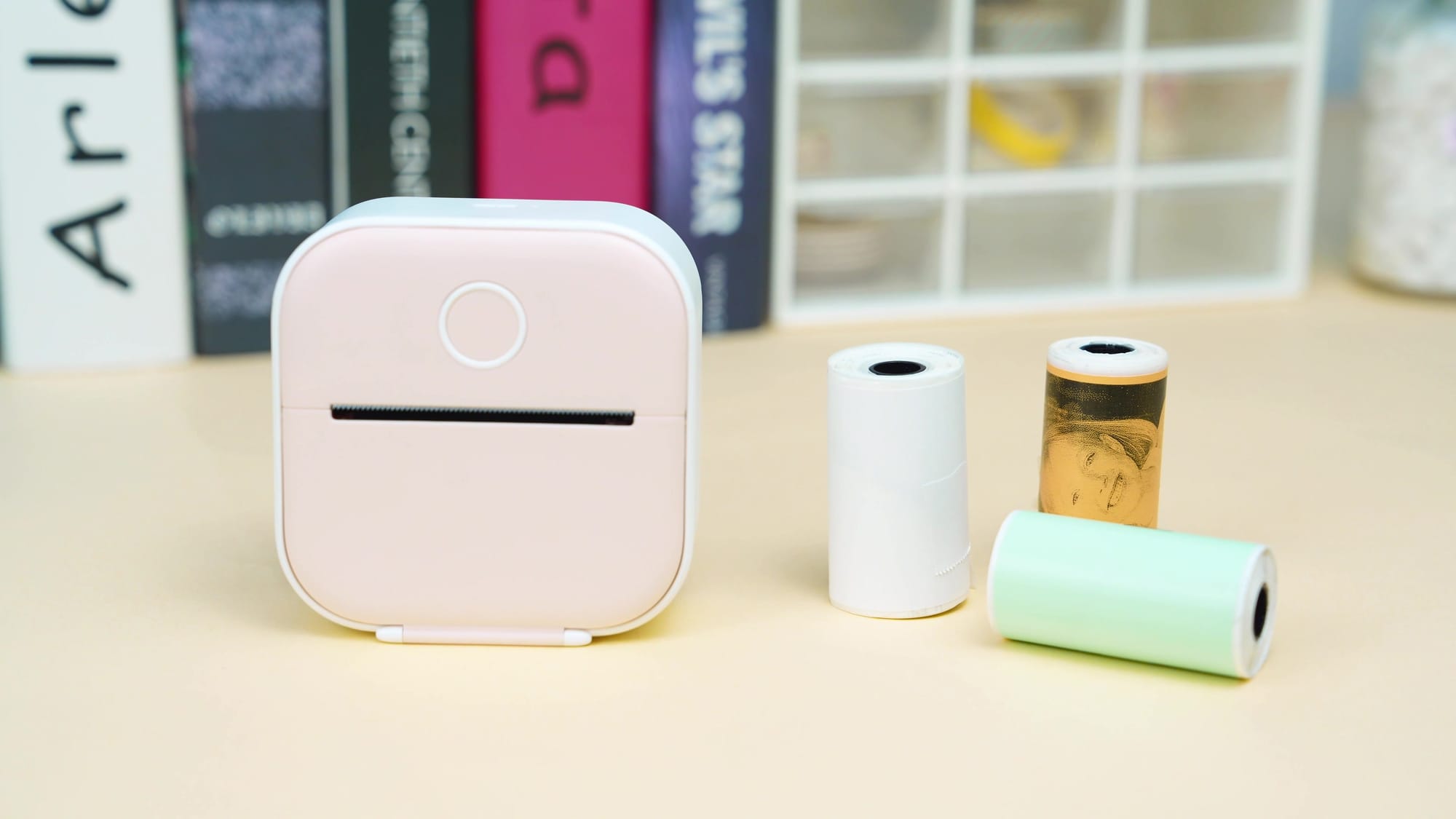
I own a Phomemo T02, a pocket thermal printer I use for my 3D filament spool labels. On a Mac it officially doesn’t exist: no driver, no CUPS, nothing. Every label was the same ritual. Export, send it to my phone, open the vendor app, crop, print. Fine once. Maddening the fortieth time.
So I fixed it. phomemo-t02-macos turns the T02 into a regular macOS printer:
⌘P from any app. It shows up in System Settings › Printers like any other printer.
Background printing. The macOS queue empties instantly, and a small bridge handles conversion and Bluetooth. If the printer is asleep, it retries for about 9 minutes.
Smart tickets. Blank space is trimmed, so the strip is exactly as long as your content. Hybrid dithering keeps text crisp and greys soft.
Menu-bar status. A native app shows battery, paper and the job queue, with zero dependencies.
One-line install.
./install.sh --testpage, and it’s idempotent, so re-running it repairs or updates everything.
I built it with Claude, and the first version worked on the first test page after about ten minutes. The full story, including what the “built it in 10 minutes” videos never show you, is on my blog: https://thibaultmilan.com/i-never-believed-the-built-it-in-10-minutes-videos-then-i-tried-one/
Spoiler: those ten minutes stand on years of open reverse-engineering by TiMini-Print, phomymo and phomemo-tools. Credit where it’s due.
The driver is free and MIT-licensed: https://github.com/clawfire/phomemo-t02-macos
If it saved you from the phone-app dance, or you just like seeing cheap gadgets get a second life, a coffee keeps these weekend fixes coming. ☕