
I have spent enough time around ZFS to know that picking an HBA can get weirdly complicated. You start looking for a card to connect some hard drives and suddenly you're staring at SAS generations, RAID modes, firmware versions, SFF connectors, and a dozen nearly identical LSI cards.
WTF.
For a ZFS server, I keep the choice much simpler. I want an HBA that exposes the individual drives directly to ZFS, has reliable FreeBSD or Linux support, and does not cost a fortune.
For most builds, I would narrow the choice down to three cards: the LSI 9300-8i, LSI 9207-8i, and Broadcom 9400-8i.
LSI 9300-8i
The LSI 9300-8i is the HBA I would choose for most new ZFS builds. It is based on the Broadcom SAS3008 controller and provides eight internal SAS ports through two SFF-8643 connectors. It uses PCIe 3.0 x8 and supports SAS and SATA drives.
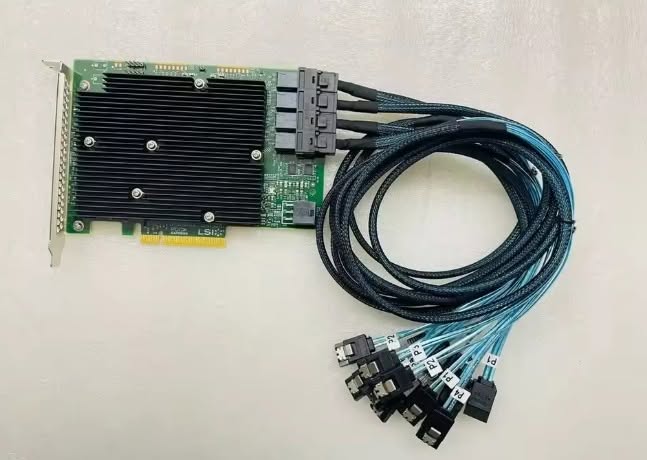 You can get it here: https://amzn.to/4zvDXpK
The biggest reason I like the 9300-8i is that it gives me a good balance between age, performance, compatibility, and price. I do not need an ancient controller just to run a few hard drives, but I also do not need to spend a ridiculous amount of money on a much newer card for a normal HDD-based ZFS pool.
The important part is getting the card into IT mode. ZFS should have direct access to the individual drives instead of having a hardware RAID controller sitting between the filesystem and the disks.
If I were building a ZFS server today with 8 SATA or SAS drives, this is the card I would buy first.
Why I recommend it:
SAS3008 controller
PCIe 3.0 x8
Eight internal drive connections
SAS and SATA support
SFF-8643 connectors
Widely used for ZFS and TrueNAS
Good option for both HDD and SSD storage
The 9300-8i also leaves room for expansion. With appropriate cables and a compatible SAS expander, one HBA can serve considerably more drives than the 8 directly connected ports suggest.
LSI 9207-8i
If I were building a ZFS server on a tight budget, I would look for an LSI 9207-8i. This is an older card based on the SAS2308 controller, with 8 internal ports through two SFF-8087 connectors. It also uses PCIe 3.0 x8.
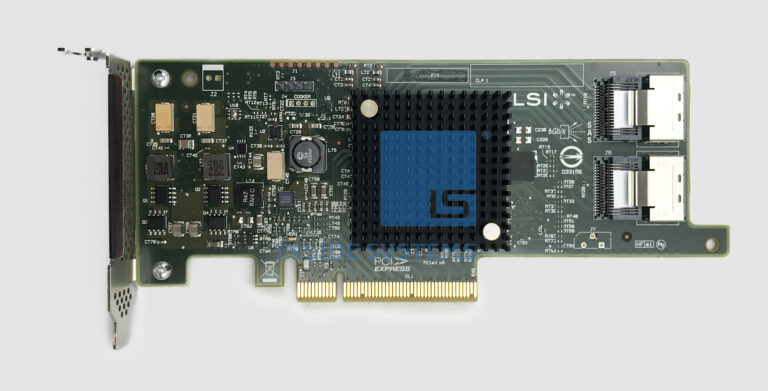 You can get it here: https://amzn.to/4c23Kfr
The 9207-8i is particularly interesting on the used market. Enterprise hardware gets replaced long before it becomes useless, so there are plenty of older LSI cards floating around at prices that make much more sense for a home server.
For a pool consisting primarily of mechanical hard drives, I would have no problem using a 9207-8i if I found a genuine card in good condition at a substantially lower price than a 9300-8i.
The drives are usually going to be the limiting factor anyway. Throwing a newer HBA at a collection of spinning disks does not magically make the disks faster.
Why I recommend it:
SAS2308 controller
PCIe 3.0 x8
Eight internal ports
SAS and SATA support
SFF-8087 connectors
Excellent used-market option
Well suited to HDD-based ZFS pools
The main thing you should check when buying one used is the firmware and operating mode. You want the card operating as an HBA rather than functioning as a hardware RAID controller.
Broadcom 9400-8i
The Broadcom 9400-8i is the card I would consider when I specifically want a newer generation HBA and have a reason to use its additional capabilities.
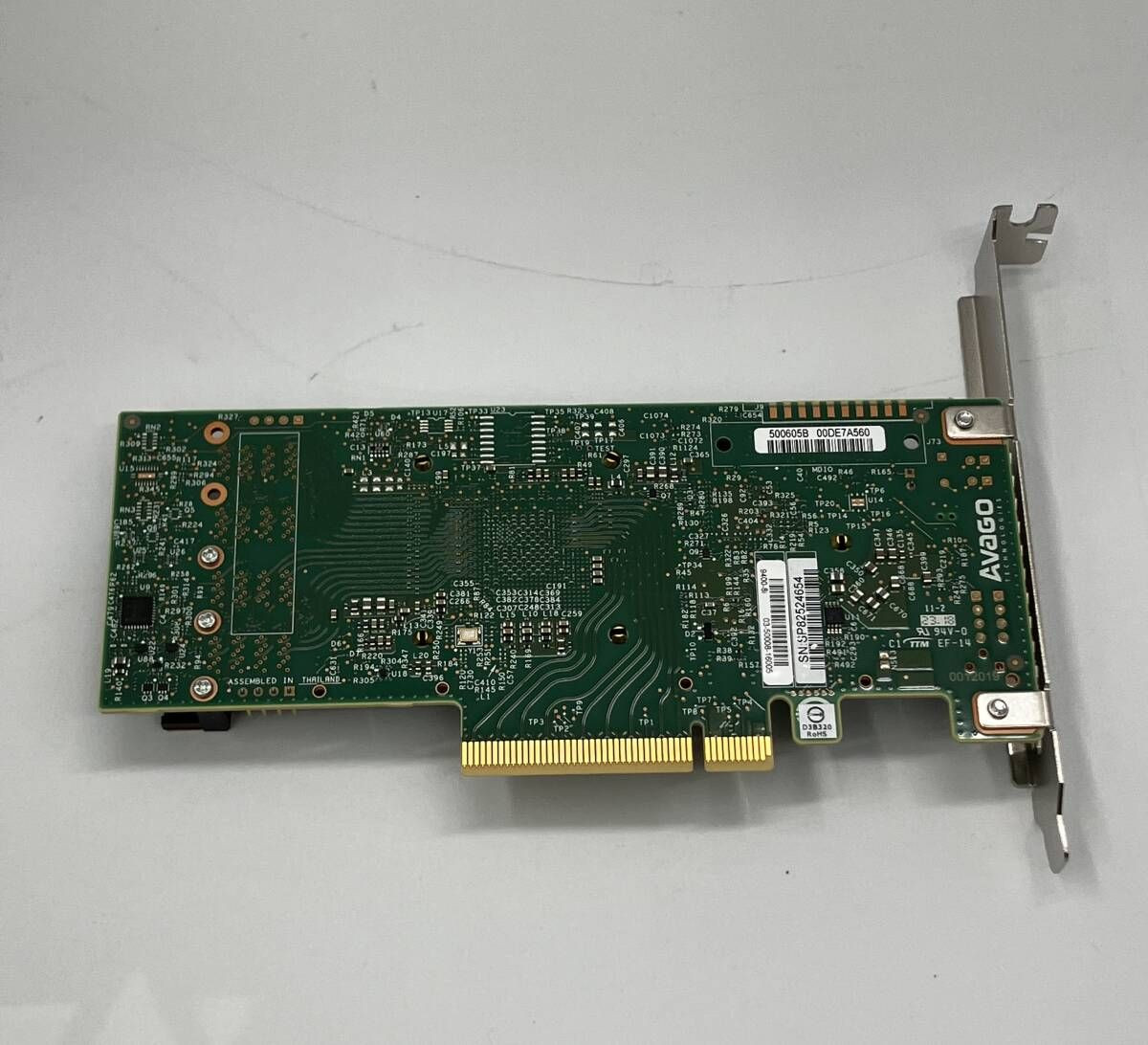 You can get it here: https://amzn.to/4wK1NvB
It uses the Broadcom SAS3416 family and provides 8 internal ports through SFF-8643 connectors. It supports SAS, SATA, and NVMe-related configurations, making it considerably more flexible than the older cards.
That does not automatically make it the best HBA for every ZFS server. If you are connecting 8 ordinary HDDs, you do not suddenly need a 9400-8i because the model number is bigger. The 9300-8i can already handle that job very well.
Where you may consider the 9400-8i is a newer system where you want additional storage flexibility or you are building around faster storage.
Why I recommend it:
Newer Broadcom HBA generation
Eight internal connections
SFF-8643 connectors
SAS and SATA support
Support for newer storage configurations
Good choice for more demanding builds
For a normal eight-drive ZFS server, however, I would save the money and buy the 9300-8i unless I actually need what the 9400-8i offers.
Why IT Mode Matters for ZFS
This is the part that matters more than the model number. ZFS wants to see the individual drives. It manages redundancy, checksums, vdevs, and data placement itself.
A hardware RAID controller can hide the actual disks behind another layer of abstraction. That is exactly what I do not want in a ZFS server.
For this reason, I specifically look for an HBA that can run in IT mode, where the controller passes the drives through to the operating system.
When buying a used card, I would check:
Exact controller model
Current firmware
IT mode
Connector type
Full-height or low-profile bracket
Compatibility with the operating system
Seller reputation
Some sellers advertise cards as already flashed to IT mode. That can save time, but I would still verify exactly what controller and firmware the card contains.
Do Not Forget the HBA Cables
SFF-8087 and SFF-8643 are not the same and the HBA is only half of the connection. The 9207-8i uses SFF-8087, while the 9300-8i and 9400-8i use SFF-8643 for their internal connections. That means you should buy the correct cables for the card and backplane.
For example, if you have a 9300-8i and a server chassis with individual SATA drive connections, you need the appropriate SFF-8643 to SATA breakout cables.
This is one of those things that can turn into a WTF moment after the HBA arrives. The card looks perfect, the server is ready, and then I realize I bought cables for the wrong connector. Check the connectors before ordering.
The important thing is not buying the most expensive HBA you can find. Get a genuine LSI or Broadcom controller, make sure it can run in IT mode, check the connector type, and let ZFS manage the storage.