

✨ MYTHRIL: BEYOND NETHERITE
$5
Take your Minecraft survival server beyond Netherite! Discover rare Mythril Ore, craft legendary celestial equipment, and unlock powerful endgame abilities.
🌌 THE ULTIMATE ENDGAME PROGRESSION
💎 Rare Mythril Ore — Explore deep underground to discover rare Mythril deposits.
🔮 Mythril Shards & Ingots — Transform raw materials into powerful crafting components.
⭐ Refined Mythril & Mythril Cores — Unlock the highest tier of celestial equipment.
🛡️ Mythril Armor — Go beyond Netherite with powerful defensive stats and unique abilities.
⚔️ Mythril Weapons & Tools — Wield legendary equipment with special combat and mining mechanics.
✨ LEGENDARY ABILITIES
🛡️ Mythril Guardian — Reduce incoming damage while wearing the complete armor set.
💖 Arcane Recovery — Recover health when you're in danger.
🔥 Elemental Resistance — Gain protection against fire and lava.
⚡ Mythril Pulse — Release a defensive shockwave against nearby enemies.
🗡️ Astral Cleave — Unleash powerful celestial sword attacks.
🪓 Sunder Strike — Deal bonus damage to selected enemies and potentially disable shields.
⛏️ Vein Miner — Mine connected ore blocks quickly, with configurable limits.
📖 SMART CRAFTING SYSTEM
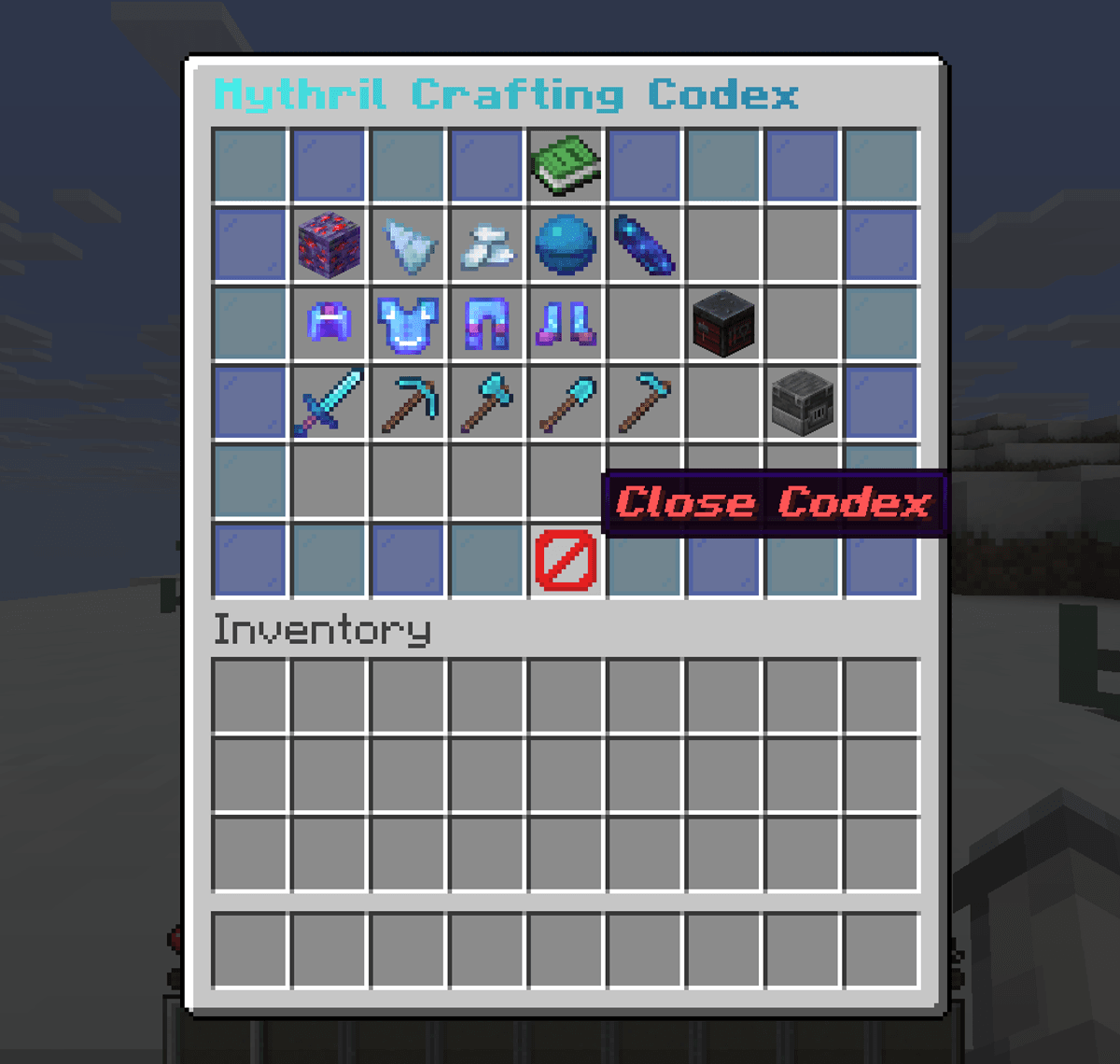
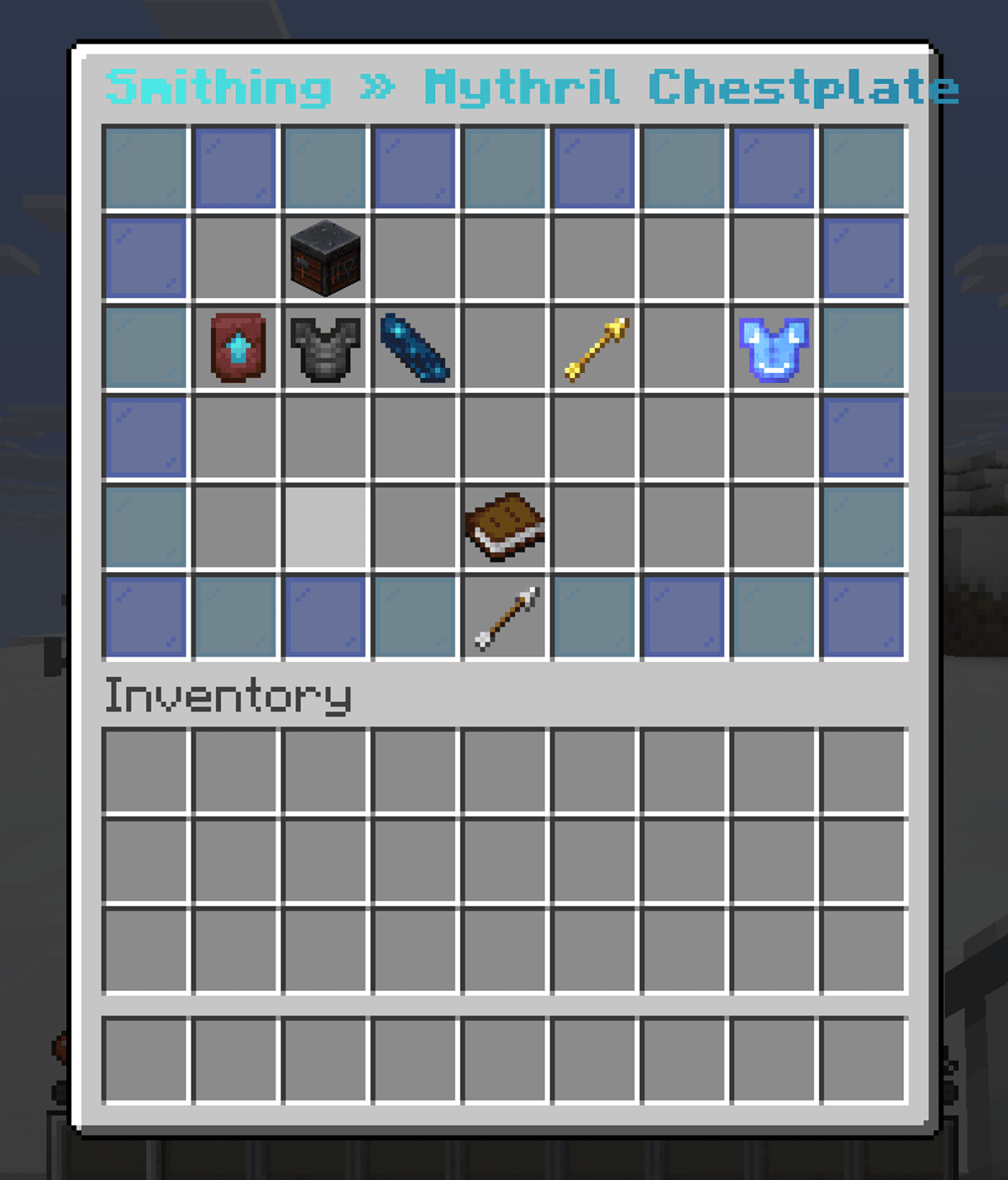
Explore recipes through the interactive /mythril recipes GUI. Discover smelting recipes, material progression, and equipment upgrades without asking staff for help.
🔒 SECURITY & PERFORMANCE
Custom item identification, anti-exploit crafting protection, configurable ore generation, and optimized mechanics designed for multiplayer servers.
⚙️ FULLY CONFIGURABLE
Customize ore rarity, crafting recipes, armor stats, weapon damage, abilities, cooldowns, durability, and messages to fit your server's balance.
🎨 NO RESOURCE PACK REQUIRED
Use Mythril equipment with vanilla textures and custom item styling. A resource pack can be added for more distinctive visuals.
🎮 COMMANDS
/mythril help — View available commands.
/mythril recipes — Open the crafting guide.
/mythril give — Give custom Mythril items.
/mythril locate — Find nearby Mythril deposits.
/mythril reload — Reload configurations.
/mythril version — View plugin information.
📦 EASY INSTALLATION
1. Place the Mythril plugin JAR in your server's plugins folder.
2. Start or restart your server.
3. Customize the configuration files.
4. Begin your journey beyond Netherite!
⚙️ COMPATIBILITY
Designed for Paper Supported Minecraft versions and Java requirements depend on the specific plugin build.
🌟 Developed with pride by Blackflame Studio.
⚔️ Netherite was only the beginning. Enter the Mythril era!
🌐 Website: https://blackflamestudio.online/
🌐 Alternative: https://blackflamestudio.us.ci/
💬 Discord: https://discord.gg/5JNQzrnKa9
$5
Кількість
Введіть справедливу ціну
$
$5