

Pollen Rush: Complete HTML5 Game Source Code
$5
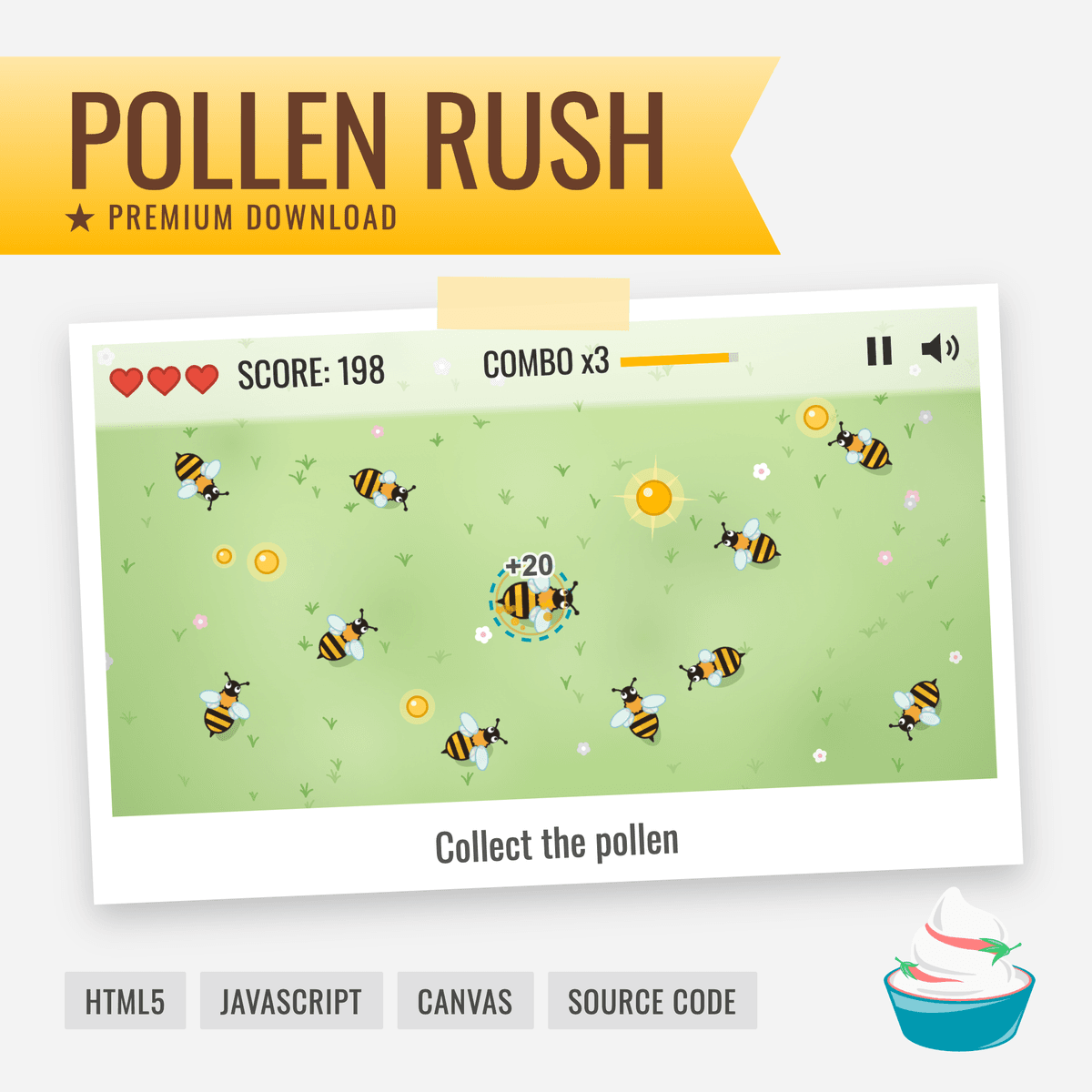
Pollen Rush is a small bee game made with plain JavaScript and the HTML5 canvas. You steer your bee across a meadow, collect pollen and dodge a swarm of other bees that grows with every wave. It's the polished version of the game you build in the free HTML5 game tutorial series on Spicy Yoghurt.
This download is the complete project behind the game: all the code, the images and the sounds. See how everything from the series fits together in one finished game, or use it as a head start on a game of your own.
What's included:
- The complete code, fully commented and split into classes (JavaScript modules, no libraries or build tools)
- The bee sprite sheet and its vector source file (SVG)
- 7 sound effects
- The background music
- The font for the score and menus
- A README and a license
The game itself has:
- Keyboard, mouse and touch controls
- A start screen, a pause menu and a game-over screen that shows your best score (saved for next time)
- A swarm that grows and gets faster with every wave, golden pollen worth extra points, and combos
- Sound effects and music, with a mute button
- A canvas that scales to fit any screen, from phone to desktop
What you can do with it:
You can use the code, the images and the sound effects in your own games and projects, including ones you sell. You don't have to credit us in your game. Just keep the short comment with our name at the top of each code file you use from this package. You can release your game anywhere, for example online or in an app store. Here's what you can't do:
- publish your game's source code, for example in a public repository, if it contains code from this package
- sell or share the code, images or sound effects from this package on their own, for example as an asset pack
- release Pollen Rush itself, unchanged or with only minor changes
The music and the font were made by other people and come with their own free licenses, which the README explains. LICENSE.txt in the zip has the full terms for everything else.
To run the game, you need a modern browser and a local web server, such as the Live Server extension for Visual Studio Code. The README explains how.
Want to learn how it works? The free tutorial series walks you through it step by step, from an empty canvas to a published game:
$5
$5