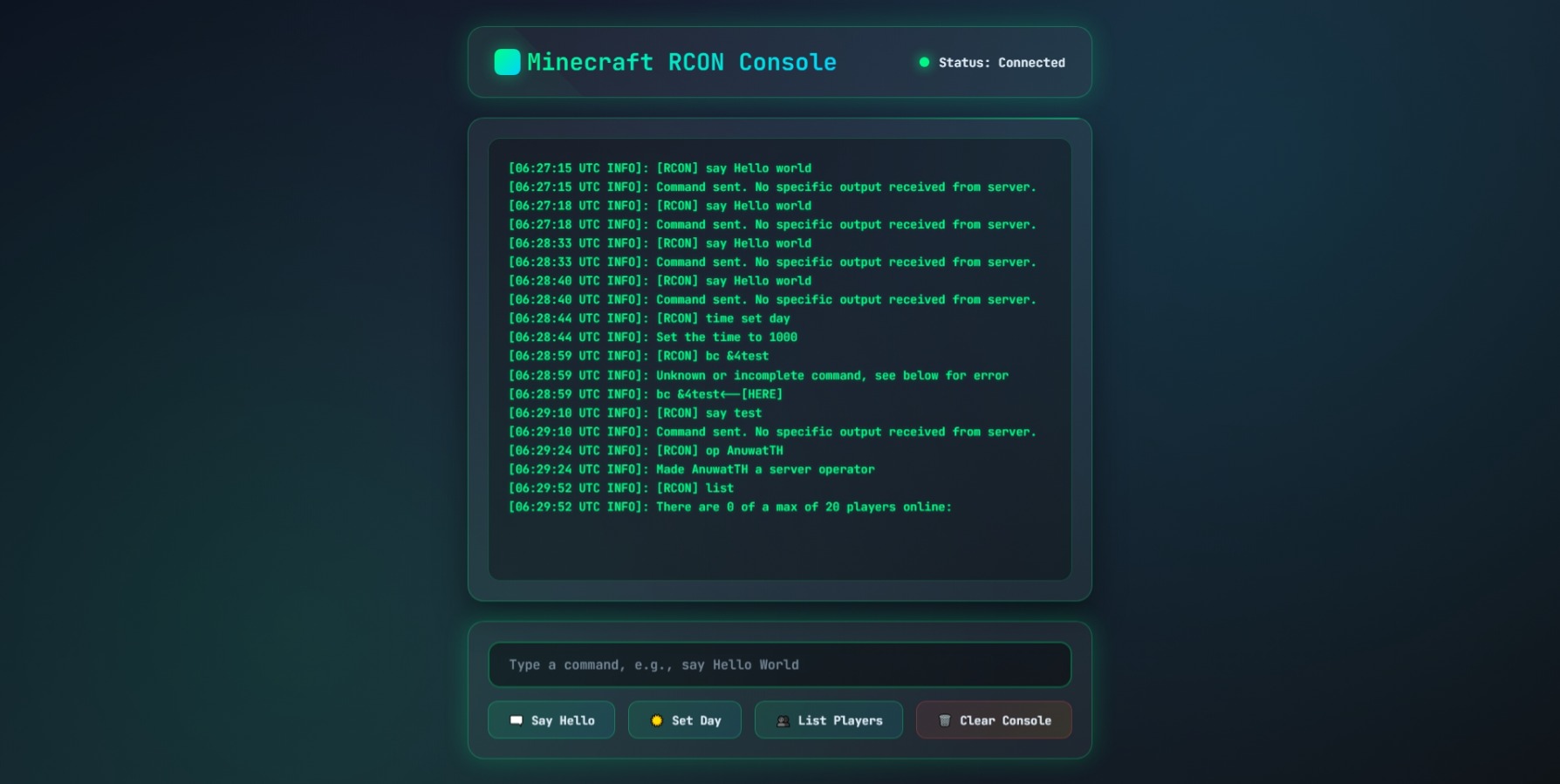

Download : https://drive.google.com/file/d/1XBV2dxYaVaQfdlrbKna0L9sgV1UE04Ff/view?usp=sharing
1. Configure Connection Settings – Specify the IP address, RCON port, and password.
2. Connect via TCP – Use fsockopen() to establish the connection.
3. Authenticate with RCON – Send the RCON password in the proper format.
4. Send Commands – For example: /say Hello, /op PlayerName.
5. Receive Response – Display the response returned by the server.
6. Close Connection – Disconnect after the operation is complete.
⚠️ Note:
This script is intended for use on a local machine for testing purposes only.
Do not use it on online servers accessible from the internet.