


Hey everyone! 👋
I just released Floatube, a small macOS menu-bar app that plays YouTube in a window that stays on top of everything else.
I kept losing tutorials, talks and background music behind my other windows. Every YouTube client I tried wanted to be a whole browser. I wanted to press a shortcut, type, and watch in the corner of my
screen while I work. So I built that.
What it does
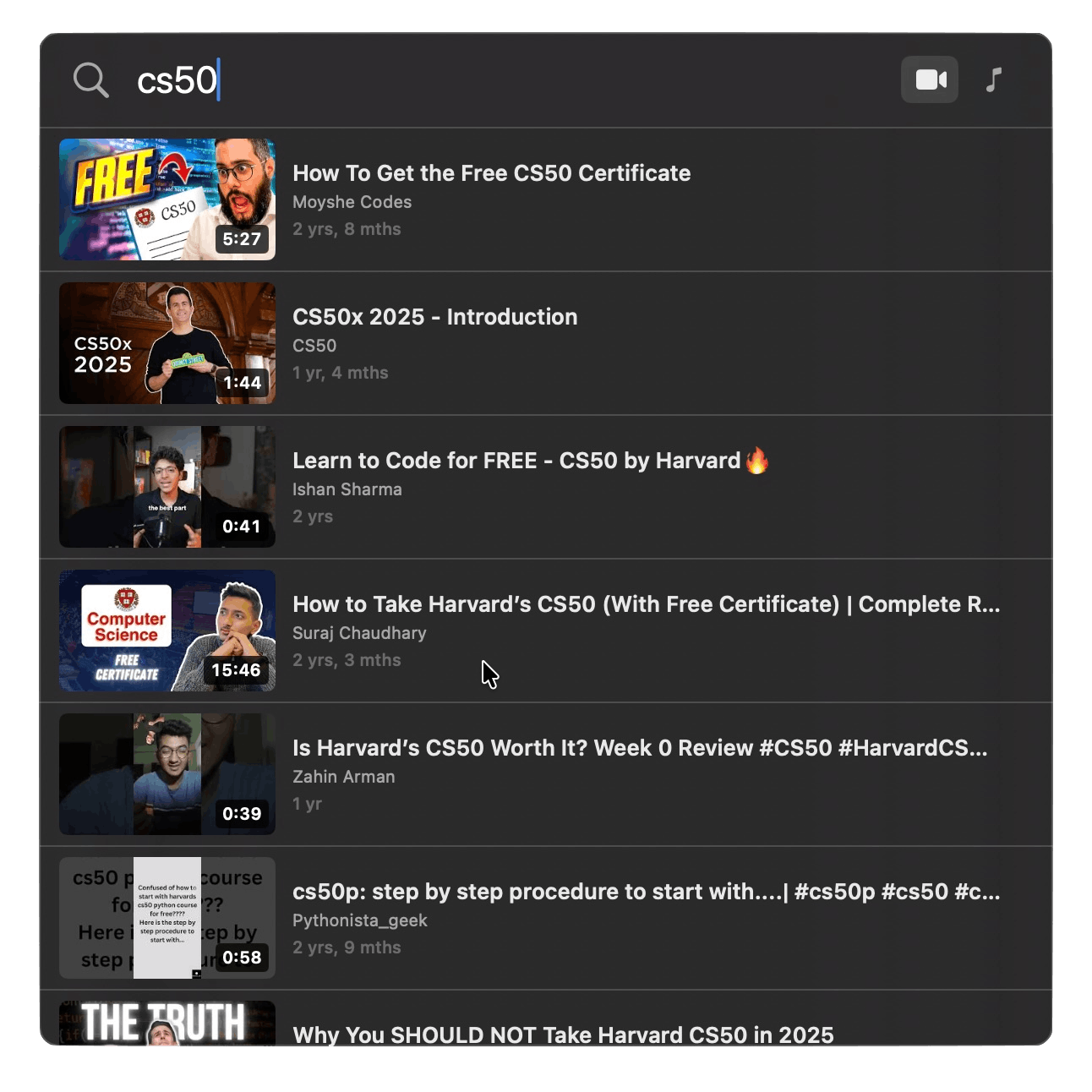
⌨️ Global hotkey. Press ⌘⇧Y and a search field drops down from the menu bar. You can change the shortcut.
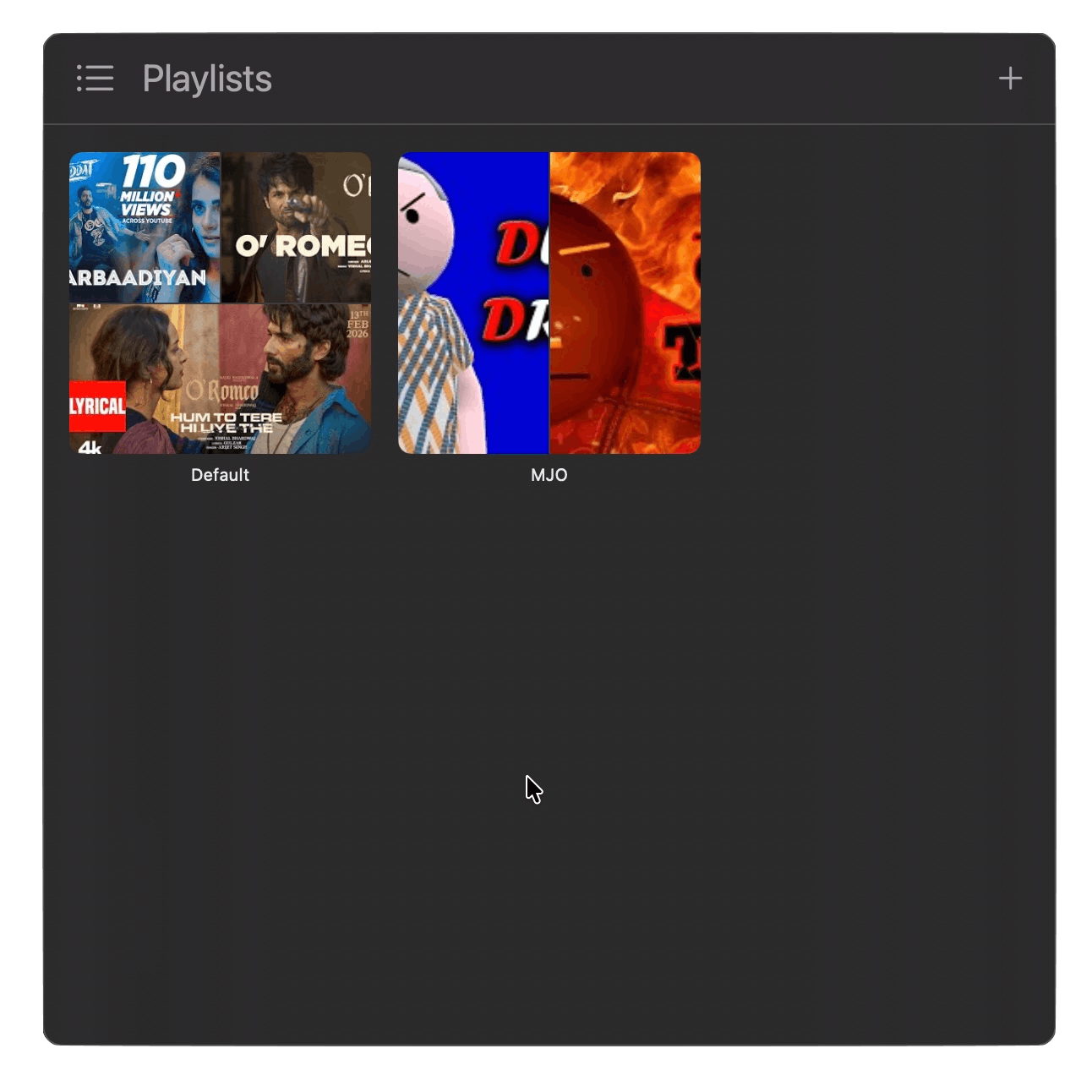
📌 Floating player. The video stays above your other windows. You can snap it to any corner, turn down its opacity, or go fullscreen.
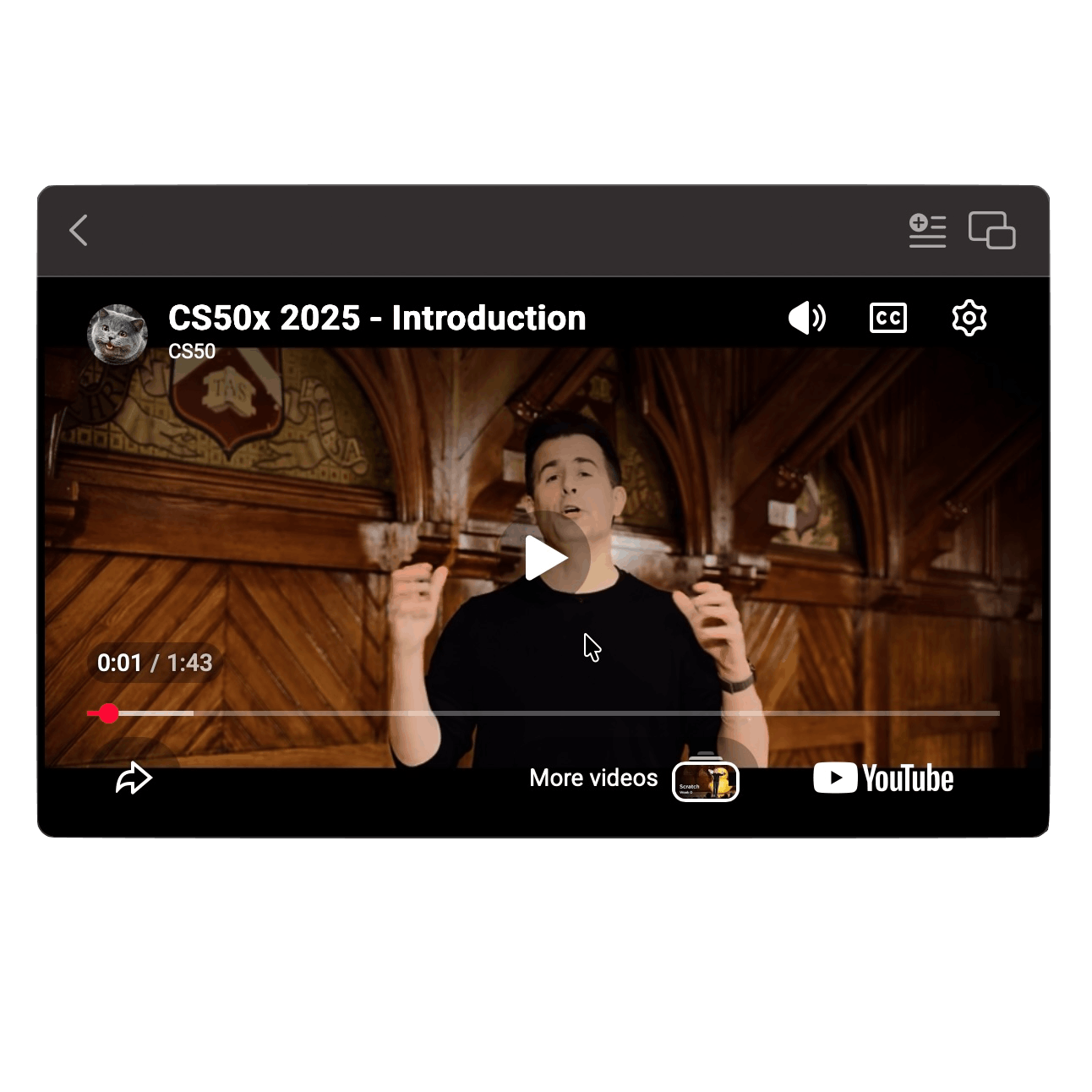
🪟 Inline or detached. Watch inside the dropdown panel, or pop the video out into its own window.
⏯️ Resume where you left off. Your last video reopens at the same timestamp.
🎵 Playlists. Build local queues that play the next video automatically.
🔑 Multiple API keys. Add several YouTube API keys and Floatube switches to the next one when a key runs out of daily quota. Keys are stored in the macOS Keychain.
🧊 Menu bar only. No Dock icon and nothing in the app switcher.
💻 Universal binary. Runs natively on Apple Silicon and Intel.
Free and open source
Floatube is free and MIT licensed. You can download the DMG from the GitHub releases page or build it yourself from source.
👉 [LINK: GitHub repository / Releases page]
Requires macOS 26 (Tahoe) or later and a free YouTube Data API key. Setup takes about a minute, and the app walks you through it.
Why support it?
I build Floatube in my spare time, and I want to keep improving it. Your support goes toward:
☕ Coffee for late-night bug fixes
🍎 An Apple Developer membership, so Floatube can be properly signed and notarized. That would remove the "unidentified developer" warning on first launch.
If Floatube keeps your tutorials or music playing while you work, a coffee helps a lot. So does a GitHub star, sharing it with a friend, or filing an issue. 🙏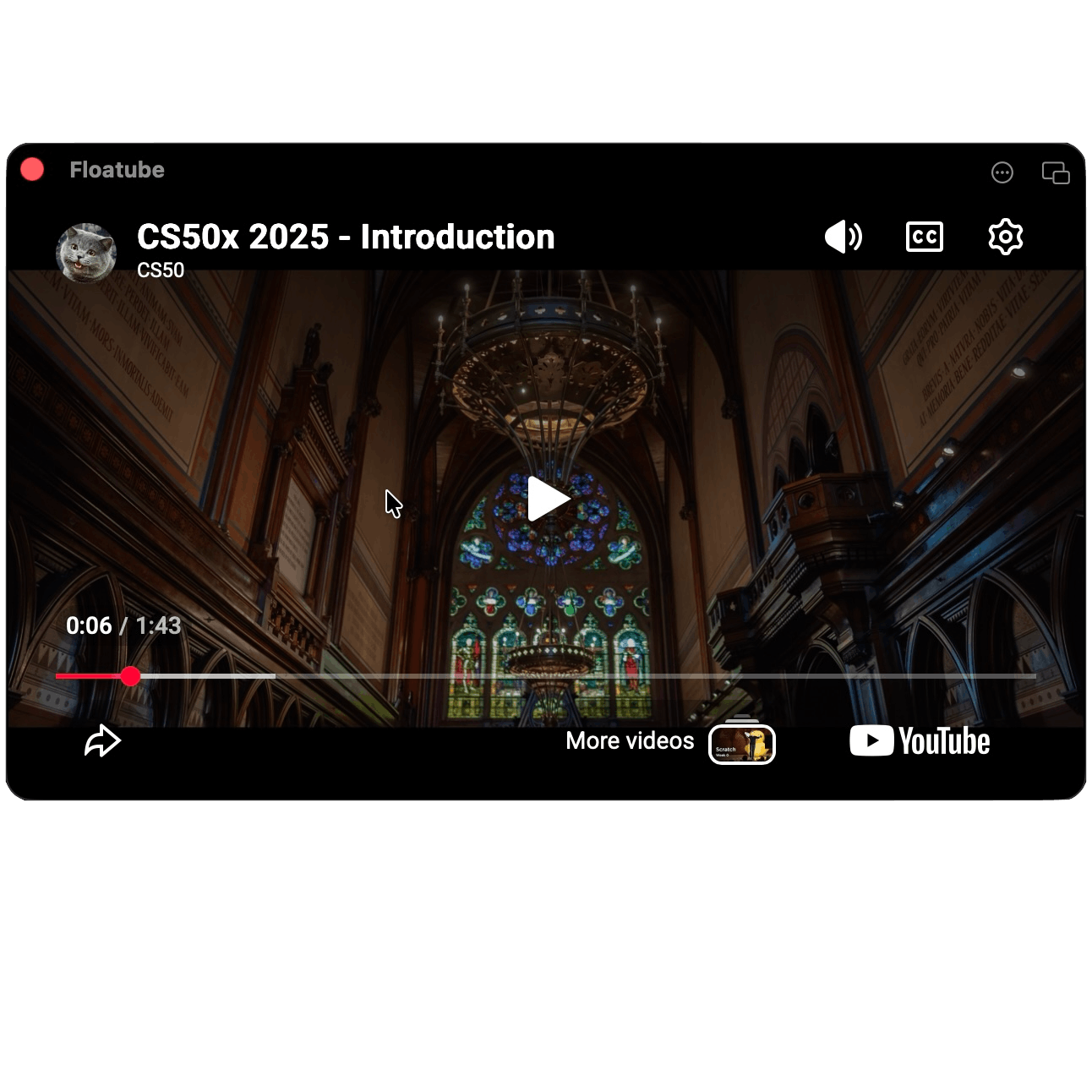 Thanks for reading, and happy watching!