

A Practical OpenClaw Setup
From Old Tablet to AI Infrastructure
Running an AI server does not require a significant capital outlay. An organisation already possesses hardware that, with the right approach, can form the foundation of a capable self-hosted AI environment.
This article documents the process of configuring an old Lenovo Mixx tablet as an OpenClaw server: the hardware obstacles encountered, the decisions made to overcome them, and the remote access stack assembled before installation began.
The starting point was a factory reset of the tablet, which was running an unsupported version of Windows 10 and performing poorly under the load of routine tasks. The initial plan was to install Windows Subsystem for Linux and use that as the server environment. The condition of the device made that approach impractical, so the decision was taken to install Linux directly.
A 32-Bit Problem in a 64-Bit World
Installing Linux on consumer hardware is typically straightforward, but the Lenovo Mixx presented an unusual obstacle.
Despite Secure Boot being disabled, the device refused to detect a bootable USB drive containing a standard Linux ISO. Several restarts and attempts to access the boot menu produced no result.
The Lenovo Mixx runs a 32-bit UEFI firmware despite having a 64-bit processor, a cost-cutting design decision by the manufacturer.
After research and a deliberate pause to step back from the problem, the cause became clear. The tablet ships with a 32-bit UEFI firmware on a 64-bit processor, a cost-cutting design decision by the manufacturer that creates an incompatibility with the majority of Linux distributions. Standard 64-bit ISO images simply cannot boot on this firmware.
The solution was to find a distribution that supports 32-bit UEFI alongside a 64-bit kernel. MX Linux met both requirements.
After wiping the tablet and installing MX Linux, the system was up and running.
The first task after installation was a full system update. Part way through, the system appeared to freeze. A reboot triggered a kernel panic, suggesting a possible memory fault.
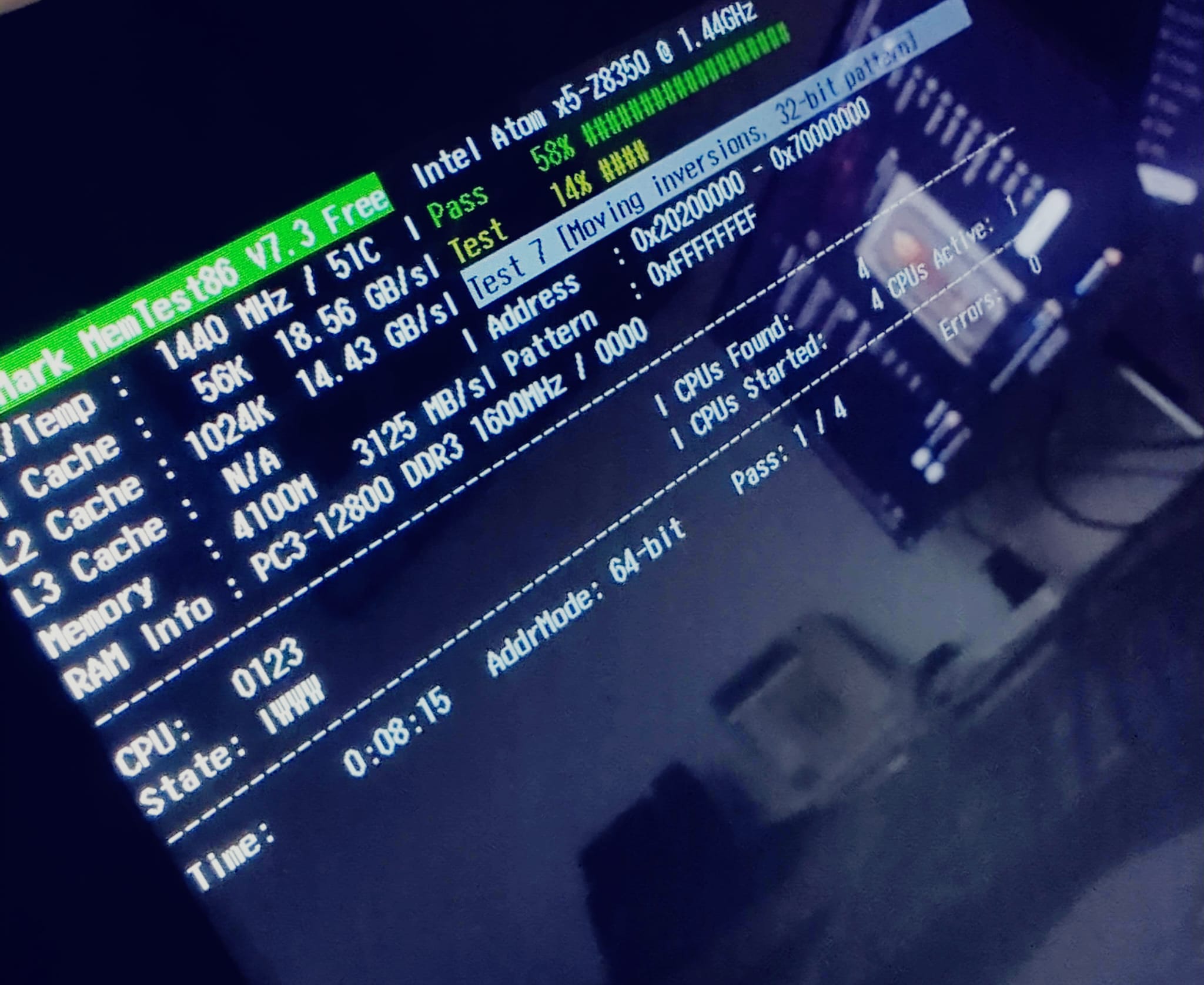 A memory test ran overnight. The result indicated the hardware was sound, pointing instead to an interrupted update as the likely cause of the failure. The OS was reinstalled from scratch and the update completed without issue.
Building a Remote Access Stack
With a stable operating system in place, the focus shifted to remote access.
The goal was to control the tablet from a primary machine without needing to interact with it physically. An OpenSSH server was installed first, providing command-line access over the local network.
To manage the SSH session efficiently, Tmux was installed on the primary machine.
Tmux is a terminal multiplexer that allows multiple terminal sessions to run within a single window, persist after disconnection, and be reattached from any point. The practical benefit is that a long-running process on the server continues uninterrupted even if the SSH connection drops.
Copying existing configuration files into a Claude Code session and requesting a matching Tmux configuration eliminated the need to learn an entirely new set of keybindings.
Configuring Tmux to match an existing keybinding setup removed friction from the workflow. Rather than learning an entirely new set of keyboard shortcuts, the existing configuration files were brought into a Claude Code session and used as a reference to generate a Tmux configuration that mirrored the current setup, with only the modifier key changed to prevent conflicts.
The upfront investment in configuration pays back quickly in day-to-day efficiency.
With a Tmux session established, an SSH connection into the tablet was opened from the primary machine. Several system settings were adjusted, including enabling an always-on mode so the tablet continues to run with the lid closed.
OpenClaw also provides a graphical dashboard. To preserve the option of accessing the desktop environment remotely, a VNC server was installed on the tablet and an SSH tunnel was configured to route the connection securely.
The setup now supports both command-line access via SSH and graphical access via VNC when needed (Although this isn't strictly required).
Installing OpenClaw
With the remote access stack in place, the OpenClaw installation followed the process documented at openclaw.ai. The recommended install script handles the process in a single command.
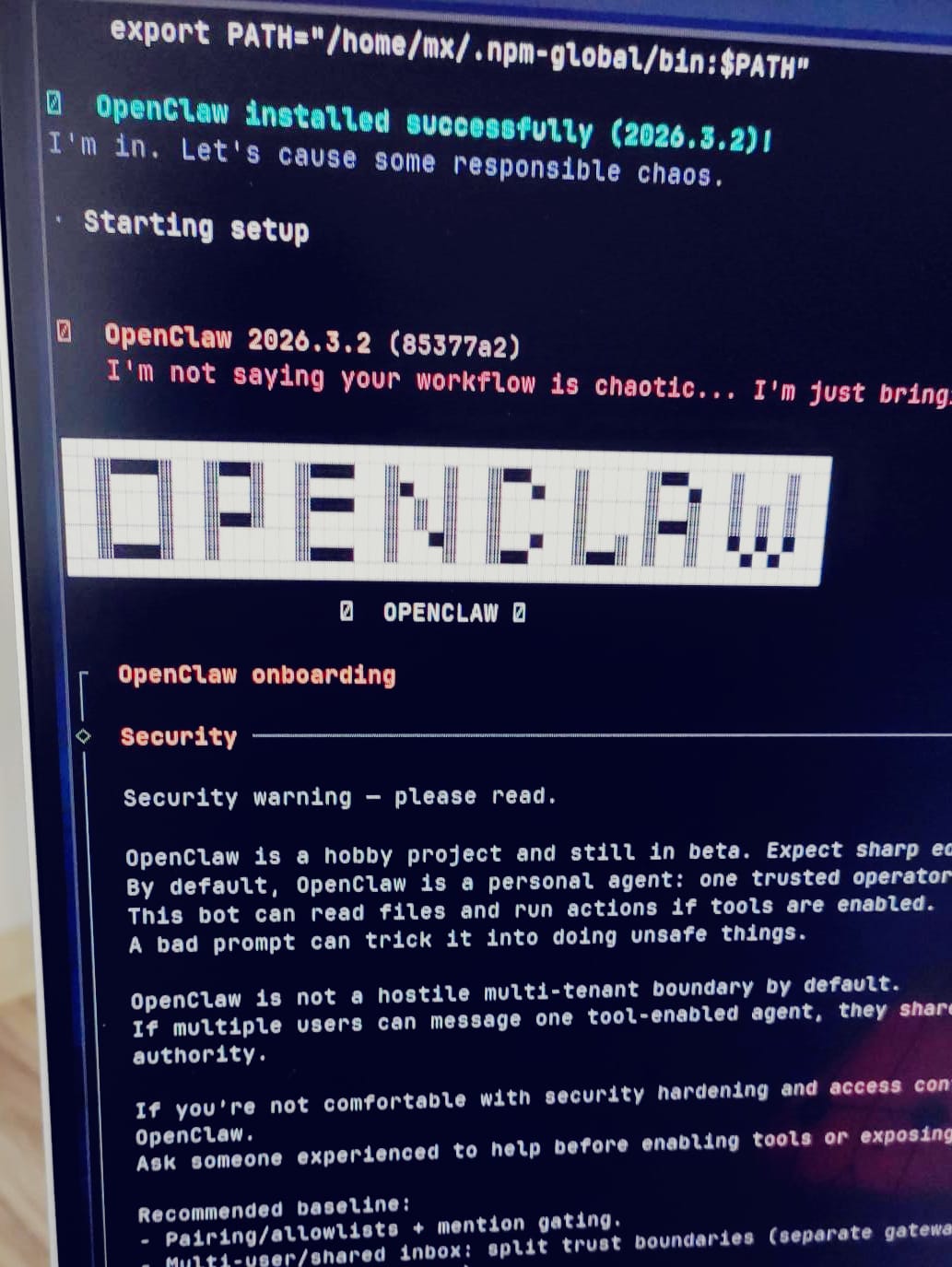
OpenClaw installed successfully. The server was reachable over SSH, the graphical dashboard was accessible over the VNC tunnel, and the device was running continuously with the lid closed.
From Tablet to Server
What this process demonstrates is that repurposing existing hardware for AI infrastructure is achievable without significant expense.
The obstacles encountered, from firmware incompatibilities to a kernel panic, are representative of the kind of real-world friction that arises when working outside controlled environments.
Each one has a solution.
The Lenovo Mixx now functions as a dedicated OpenClaw server.
A follow-up article will cover the practical use cases and the workflow built on top of this foundation.
Follow @techskillissues on X for real time updates on projects and tech commentary.