

Solan 1.2
I'm really proud to announce Solan 1.2. Since 1.0, Solan has grown up: it now runs on Windows and macOS with a real installer, works with older Python versions, and explains clearly what went wrong when something does.
What's Solan?
Solan is a multi-system command-line software, written in Python, used to share files from a local computer.
When a directory is shared with Solan, every browser (or similar) can be used to navigate files and download them. And with the -r option, Ngrok creates a link that works from anywhere, not only from your local network.
What's New?
Installers for Windows and macOS. No Python, no terminal setup: download the installer from the latest release and you're ready.
- Windows: solan--windows-setup.exe installs Solan for your user only, no administrator rights needed.
- macOS (Apple Silicon): solan--macos-arm64.pkg installs the solan command.
Share with a right-click on Windows. Right-click a folder and choose Share with Solan (on Windows 11 it's under "Show more options"). A window opens with the address to send; close it to stop sharing. No commands to remember.
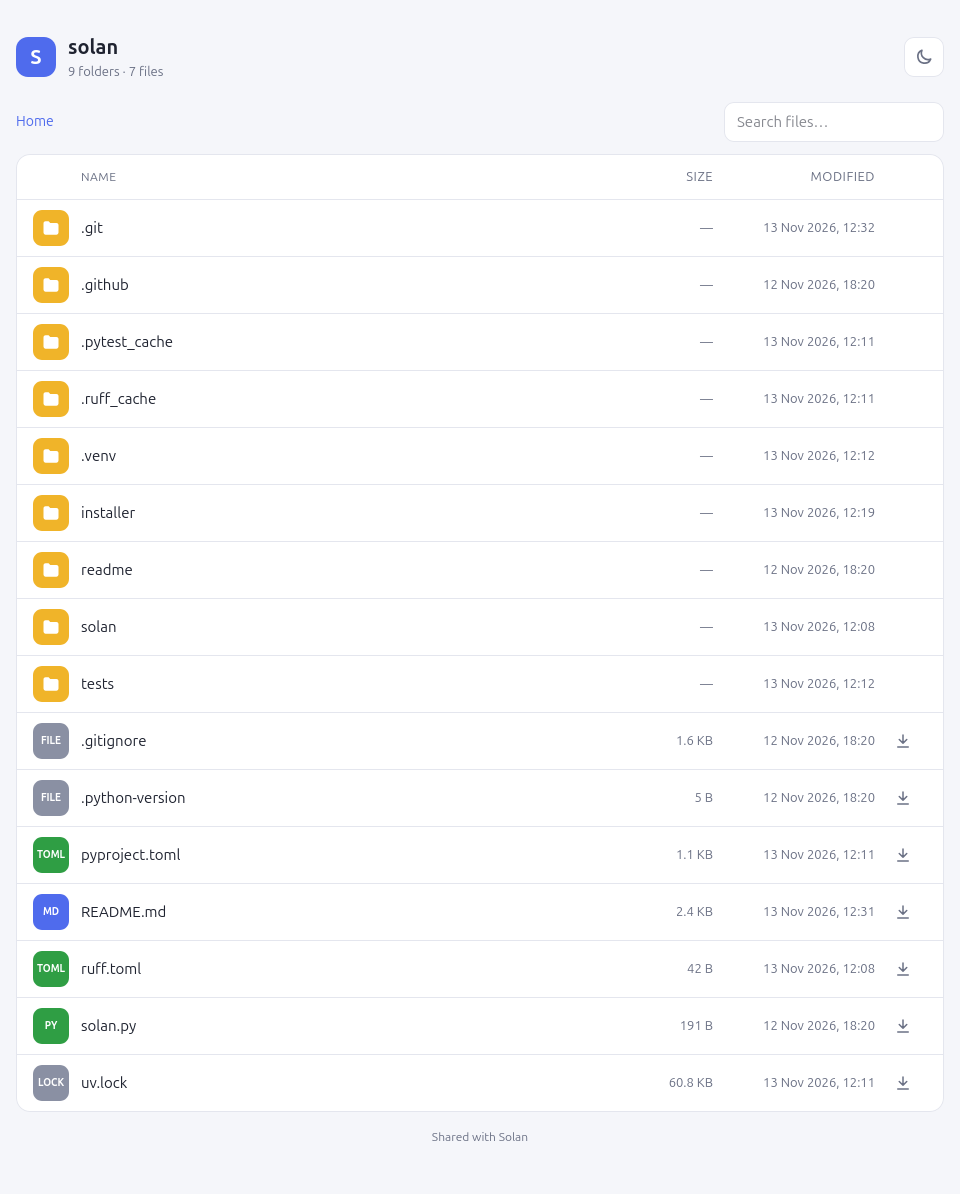
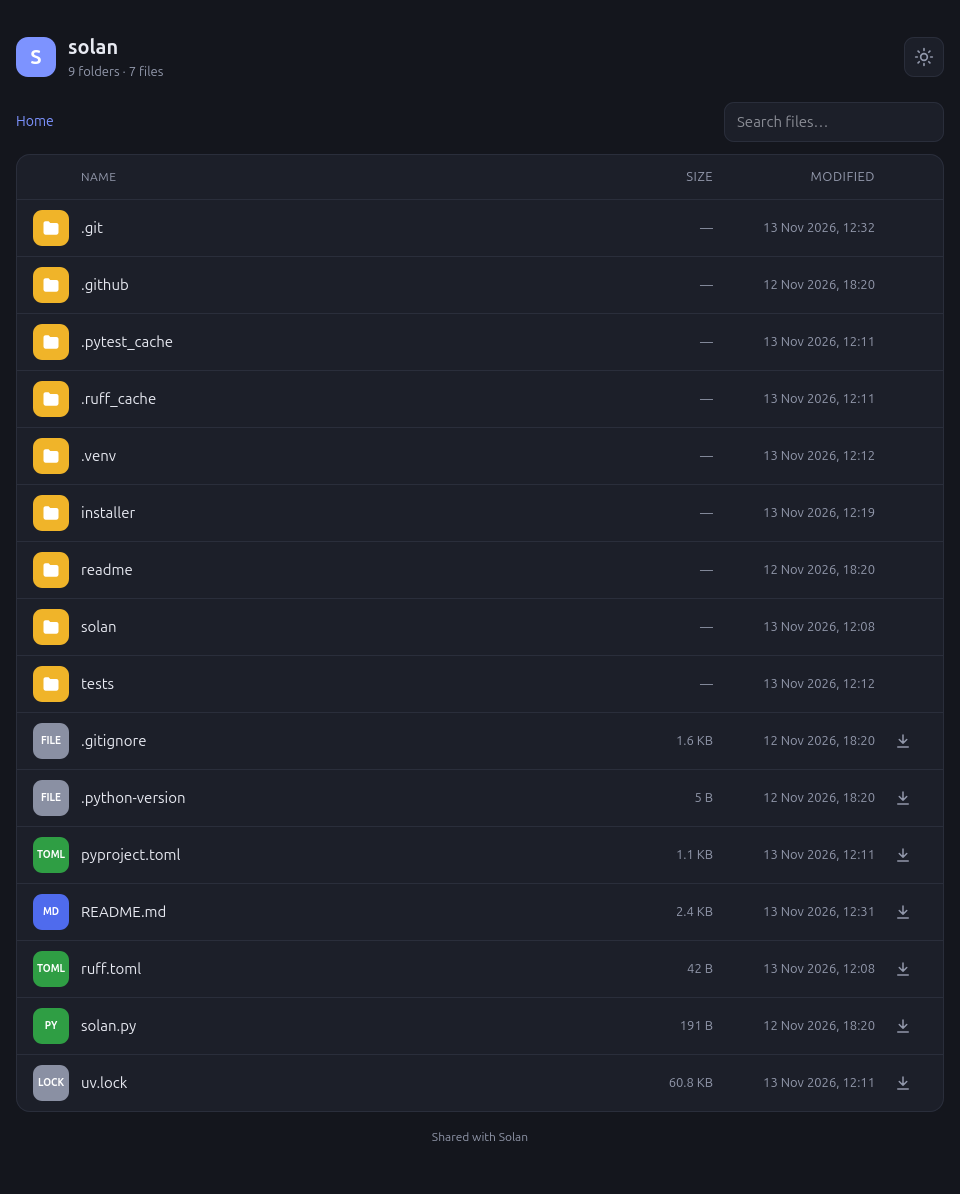
A brand new interface. Opening the shared link shows a clean, modern page:
- breadcrumbs to always know where you are
- colored icons for each file type (photos, videos, music, documents, archives…)
- readable sizes and modification dates
- a download button next to every file
- instant search to find a file while you type
- a button to switch between dark and light mode, remembered by the browser
- a layout designed for phones
The right address, right away. The terminal shows your computer's real address on the local network, as a ready-to-open link, like http://192.168.1.55:8000. Just send it to whoever is on the same Wi-Fi.
Clear messages instead of errors. When something goes wrong, Solan now tells you what happened in one line instead of a wall of Python errors:
- if the port is already used by another program: Address already in use: port 8000, so you can pick another one with -p
- if you use -r without an Ngrok account: where to get your token and how to set it
- press Ctrl+C and Solan simply stops
Works with your Python. Solan 1.0 required Python 3.15. Now it works with any Python from 3.8 onwards. On Linux:
pipx install solan
or with uv:
uv tool install solan
Or try it without installing anything:
uvx solan ~/Pictures
Already installed? Update with pipx upgrade solan or uv tool upgrade solan.
Under the hood. Every change is now tested automatically on Linux, Windows and macOS, and every new version is published by itself to GitHub and PyPI, installers included.