

All links will be at the end of the review
Game Details
Time Spent Playing: 1hr 30 mins
Developer: No Tiny Plans
Publisher: No Tiny Plans
Graphic/Art Style: Cute 2D Illustrations Camera Angle: First Person/Front facing
Rating: E
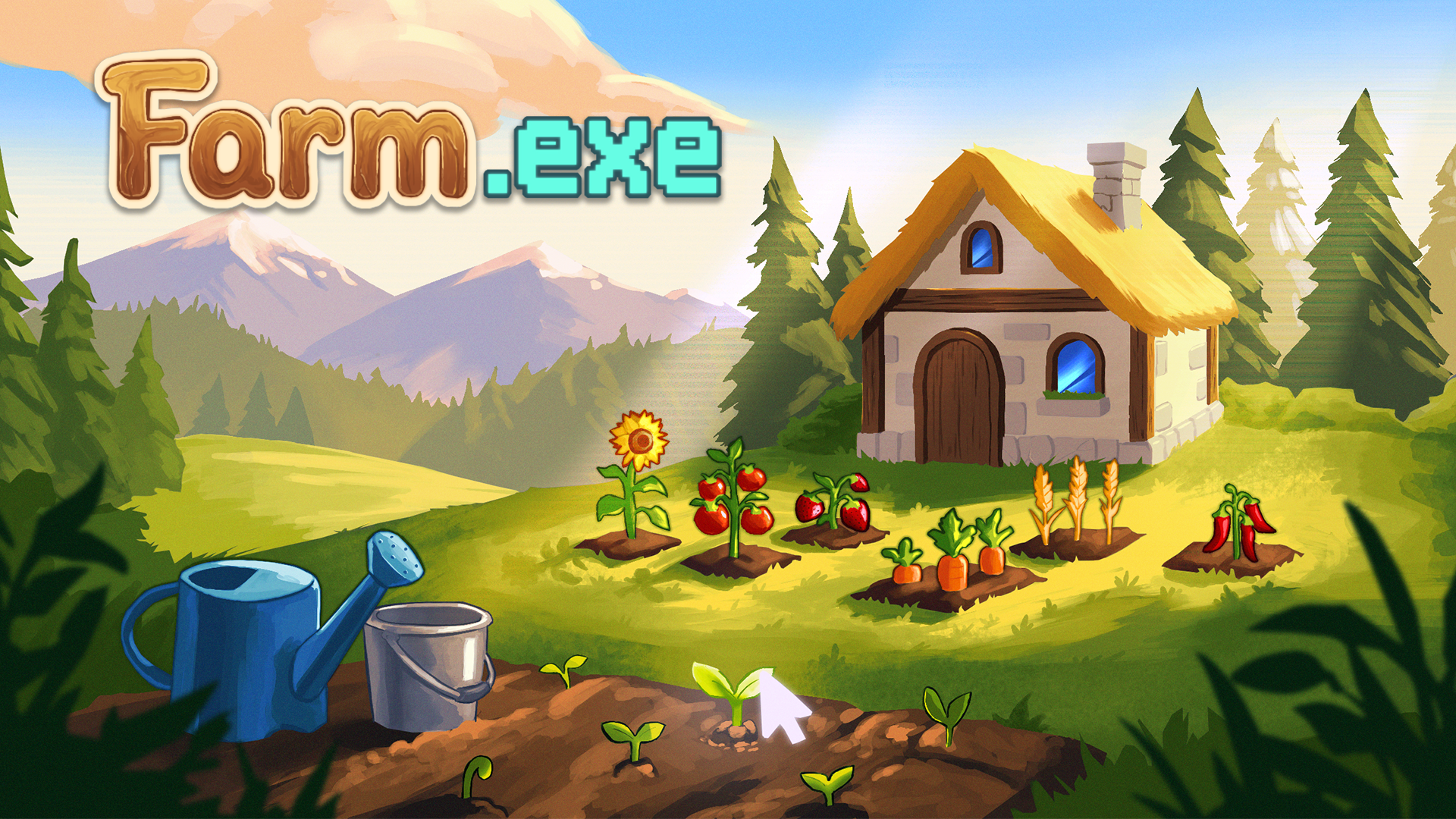
Recommended Players: Players who like: Farming games, multitasking, Casual, Idle games, 2D games, Indie games, cute games, and cozy games.
Intro:
Today, I'm playing my first desktop companion game! The UI is really clean, simple, and minimal, which I love, and the game is easy to understand at a glance, even without a tutorial. This makes it easy to jump right in. One of the first things I placed down was a house, but it's so tiny! I wish it were bigger or that I could size it up. I did run into some confusion and difficulty figuring out how to move things around and size things up, but I finally figured out that I CAN size things up using the slider in the settings! Right-clicking on the mouse also lets you move things around but it does feel a bit laggy and slow. Once I figured that out, decorating my screen became a lot more fun. I like how I can decorate my screen with fences, houses, and other objects. It gives me something else to do while waiting for my crops to grow.
Speaking of crops, I noticed that plants grow pretty fast, so you don't have to wait long for them to finish growing. While waiting for my beetroots, I placed multiple houses just because I could. Now I have an army of houses, lol. When the beetroot is done growing, it blows up like a balloon! At the beginning of the game, it seems you're limited to planting three crops at a time, even when I have more money that I want to spend. I'd like to be able to plant more crops at once, especially when I have the money to do so.
There are a few other little quirks I noticed while playing, too. The yellow buttons in the decor section look faded out, even when I have enough money to buy something. I feel these buttons could be a brighter yellow or light up when you hover over them. This would make it easier to tell that they're interactive. While playing the game, I thought I ran into a money glitch when I bought a half wooden fence for 60 coins, put it in the trash, and suddenly had 65 coins. Time to make money, honey! But it turns out it wasn't a glitch, and I couldn't make an income just by selling items. There was also a time when a fence seemed to be blocking me from clicking on a cucumber I was growing, which was frustrating. I also had some trouble figuring out how the compost bin works in the beginning. You click the left mouse button and drag the trash can onto the item you want to delete. Once I understood how it worked, it made more sense, but I could see these mechanics confusing new players, like it did with me. When I went to the task list and clicked on the second completed task, there seemed to be a bit of lag in responding. These little issues made some of the controls feel less intuitive than they could be.
One of the things I wanted to test was how well the game works while doing other things on my computer. After all, it's meant to run in the background while you get on with your day. Unfortunately, I ran into some issues when trying to watch a YouTube video. The game seems to turn YouTube videos black. I accidentally clicked on the YouTube screen, and the video came back on, only for the screen to go black again. I can pause the video, and the screen works, but when I click on the screen, it goes black again. YouTube videos seem to play fine as long as they're not in full screen.
Overall, I like the simple, minimal UI and the ability to decorate my screen with plants, houses, fences, and other objects. The fast-growing crops also mean I don't have to wait too long to see progress, and decorating gives me something to do in the meantime. However, I feel like it's taking way too long to level up. Usually, in games, you level up quickly at the beginning, up until around the halfway point of the game. But it's been an hour now, and I'm not even halfway to level two. The game feels quite slow-paced, and because of that, it feels boring. I also recognize that it's meant to run in the background while you do other things on the computer. Currently, the game is all I'm focusing on, so that might be affecting my experience.
⭐ Star Ratings
Music: ⭐
Nothing really stood out to me.
Audio Design: ⭐
Again, nothing really stood out to me.
Gameplay: ⭐⭐
It was interesting to grow crops, decorate my screen, and test the game's multitasking abilities. However, issues with the controls, responsiveness, multitasking, and progression left the gameplay feeling a bit underwhelming for my tastes.
Fun: ⭐⭐
Decorating my screen with a bunch of objects, like trees and houses, was fun and easily the highlight of my gameplay.
Difficulty: ⭐⭐
Some of the controls were confusing to figure out, and placing items too close to or slightly over other objects sometimes prevented me from clicking on them. The game's progression also felt way too slow for me, even when I tried multitasking.
Performance: ⭐⭐
Moving items felt a bit slow and laggy, and there was a noticeable delay when I clicked on a completed task.
Level Design/Character Design: ⭐⭐⭐
The UI was simple and clean, and the objects were cute and nice to look at.
AI-Generated Content Disclosure
None.
Total Stars: 12/21 ⭐⭐⭐⭐⭐⭐⭐⭐⭐⭐⭐⭐
Unique Features Discovered
You can place objects anywhere on your screen and create an entire army of houses, trees, or whatever else you fancy! The only exception seems to be crops, which are limited to three at a time at the beginning of the game.
Pros and Cons
Pros:
Place objects anywhere on your screen.
Build an army of objects to decorate your desktop.
Crops grow quickly, so you don't have to wait long.
Cute 2D illustration style.
Simple, clean, and easy-to-understand UI.
Cons:
Controls can feel confusing and slow.
The game seems to interfere with YouTube videos, especially in full-screen mode.
Objects can block other objects, so you have to be careful with your farm layout.
The leveling system feels too slow.
You're limited to planting three crops at a time at the beginning.
Suggestions for Improvement
Improve the decor buttons: Make the faded yellow buttons brighter or have them light up when hovered over, especially when they're available to purchase.
Adjust the leveling system: Make early-game progression a little faster to help players stay engaged.
Fix YouTube compatibility issues: Investigate why the game seems to turn YouTube videos black, particularly when using full-screen mode.
Increase the crop limit: Allow players to plant as many crops as their money allows.
Improve the controls: Make moving items and interacting with objects feel smoother and more responsive.
Summary:
This desktop companion game features a clean, minimal UI, cute 2D artwork, fast-growing crops, and plenty of objects to decorate your screen with. I had fun creating an entire army of houses while waiting for my crops to grow, and the simple design made it easy to jump in and start playing. However, some controls felt confusing and laggy, objects occasionally blocked interactions with other items, and the slow leveling system made progression feel underwhelming. I also ran into an issue where YouTube videos would turn black, particularly in full-screen mode, which affected the game's ability to run smoothly alongside other activities. Overall, the game has potential as a relaxing desktop companion, but smoother controls, faster early-game progression, and better multitasking compatibility would make the experience much more enjoyable.
Enjoy my content? Consider gifting me an energy drink to help support me! ☕
Are you an indie game developer who needs help with branding, marketing, and/or short-form video content? If so, please fill out my Project Inquiry Form to get started!
Project Inquiry Form
Links:
Check out the game here:
https://store.steampowered.com/app/5334320/Farmexe_Demo/
Check out my playthrough here: