

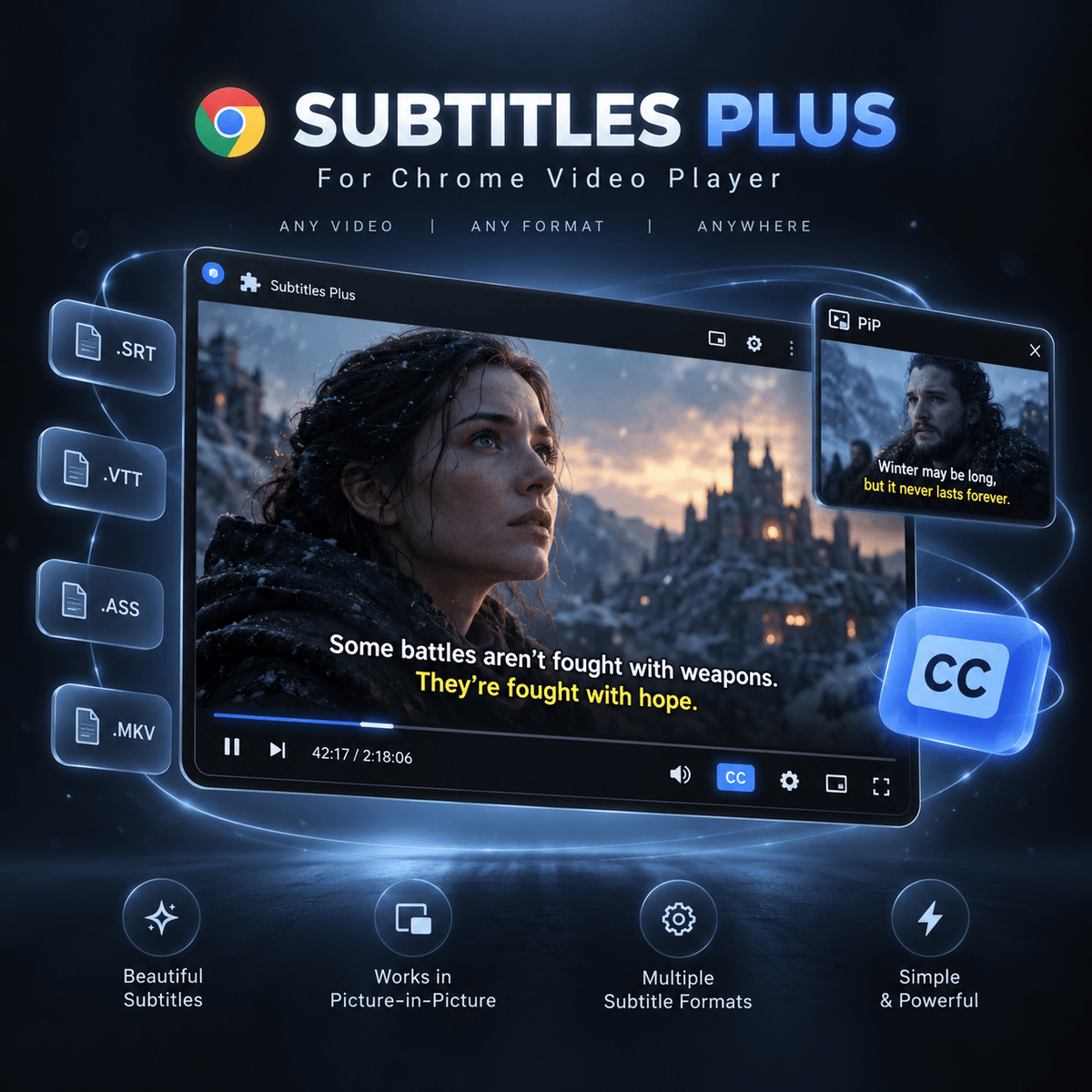
Subtitles Plus for Chrome Player (Lifetime License)
$5
Bring full subtitle support (.SRT, .VTT, .ASS/.SSA) and built-in MKV subtitle extraction to Chrome's native video player — including Picture-in-Picture with subtitles and a seekable progress bar.
⚠️ IMPORTANT — PLEASE READ BEFORE PURCHASING:
Please make sure you enter your Name and Email Address accurately at checkout. Your personal License Key is sent directly to the email address you provide. We are not responsible for undelivered license keys if an incorrect or missing email address is entered.
✨ Key Features:
• Load external .srt, .vtt, and .ass/.ssa subtitle files (drag & drop or file picker)
• Automatically read embedded subtitle tracks directly from local .MKV & .WebM files (fast Cues index + full scan)
• Automatically detects matching subtitle files in the same folder as your local video
• Picture-in-Picture (PiP) mode with burned-in subtitles and a seekable timeline
• Live subtitle sync adjustment (G / H keys) and track switching (V key)
• Full appearance customization: font size, vertical position, outline/box style, and color presets
• Works on local videos opened in Chrome (file:///) as well as web videos
📦 What You Get:
• Subtitles Plus Chrome Extension (.zip)
• Personal License Key (sent to your email)
• Quick 1-minute installation & activation guide inside the extension
$5
Gib einen fairen Preis ein
$
$5