

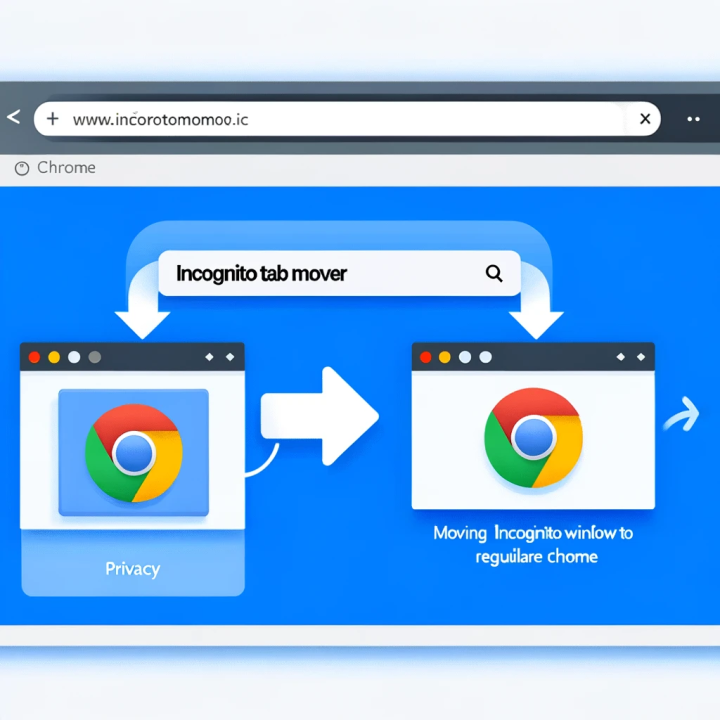
In the ever-evolving digital landscape, privacy and efficiency stand as pillars of a seamless online experience. Recognizing the need to blend these aspects into our daily web navigation, I'm excited to introduce the Incognito Tab Mover extension, a tool designed to redefine how we interact with incognito tabs in Chrome.
Why Incognito Tab Mover?
We've all faced the scenario: browsing in incognito mode to keep sessions private or clutter-free, only to stumble upon content we wish to revisit or keep open long-term. The traditional solutions—bookmarking or the cumbersome task of copying and pasting URLs into non-incognito windows—interrupt our workflow and detract from productivity.
Enter Incognito Tab Mover, an extension born out of the need for a smoother transition between incognito and regular browsing sessions. With a simple keystroke (ALT+M on Windows/Linux, Option+M on Mac), users can now move tabs from an incognito window to a regular window, ensuring the privacy of their session history while maintaining access to important tabs.
Key Features & Benefits:
Simplicity: A user-friendly solution requiring only a keyboard shortcut to transfer tabs.
Privacy: Moves tabs without transferring browsing history, keeping your incognito sessions intact.
Efficiency: Saves time and enhances productivity by eliminating the need for manual URL copying.
Use Cases:
Research & Browsing: Ideal for users conducting research who begin in incognito mode to avoid tracking or cookies but later decide to keep certain tabs open for extended use.
Shopping & Booking: For those who start shopping or booking in incognito to avoid price hikes based on browsing history but want to keep tabs open for comparison or future reference.
Understanding the Limitations:
While Incognito Tab Mover offers a seamless way to transition tabs from incognito to regular windows, it's crucial to understand its scope and limitations. The extension moves the URL of an incognito tab to a regular window as a fresh session, meaning that any associated session history (back and forward navigation) does not transfer. This ensures privacy by not carrying over any history but also means that users will not have access to their incognito session history in the newly opened regular window.
Before Incognito Tab Mover:
Traditionally, users looking to save information from an incognito session had limited and less efficient options:
Manual Transfer: Copying and pasting URLs from incognito to regular windows, is a tedious process especially when dealing with multiple tabs.
Bulk Bookmarking: Use the "Bookmark all Tabs" feature (accessible by right-clicking next to the last tab or using the shortcut Ctrl+Shift+D) to save all open tabs in incognito. However, this method saves the tabs as bookmarks rather than keeping them open for immediate use.
Why Choose Incognito Tab Mover Despite Limitations? Despite its limitation in transferring session history, Incognito Tab Mover significantly streamlines the process of retaining important tabs from incognito sessions. It addresses the core need to seamlessly continue working on content discovered in incognito mode without the manual hassle or the need to bookmark. This extension is particularly useful for users who:
Value privacy but frequently find themselves needing to keep certain information accessible beyond a single session.
Want to maintain a clean browser history and avoid cluttering their regular session with temporary searches or visits.
Getting Started: For those eager to enhance their browsing efficiency, Incognito Tab Mover is available on the Chrome Web Store.
Dive deeper into the project or contribute to its evolution by visiting our GitHub page: GitHub - Incognito Tab Mover.
Preview/Demo Youtube link:
In Conclusion: Incognito Tab Mover marries the concepts of privacy and convenience, providing a straightforward solution to a common browsing inconvenience. While it doesn't transfer session history due to privacy preservation, it opens a pathway to more productive and streamlined web navigation. Your feedback and contributions are invaluable as we continue refining this tool. Join us in reimagining what’s possible in the realm of private browsing.