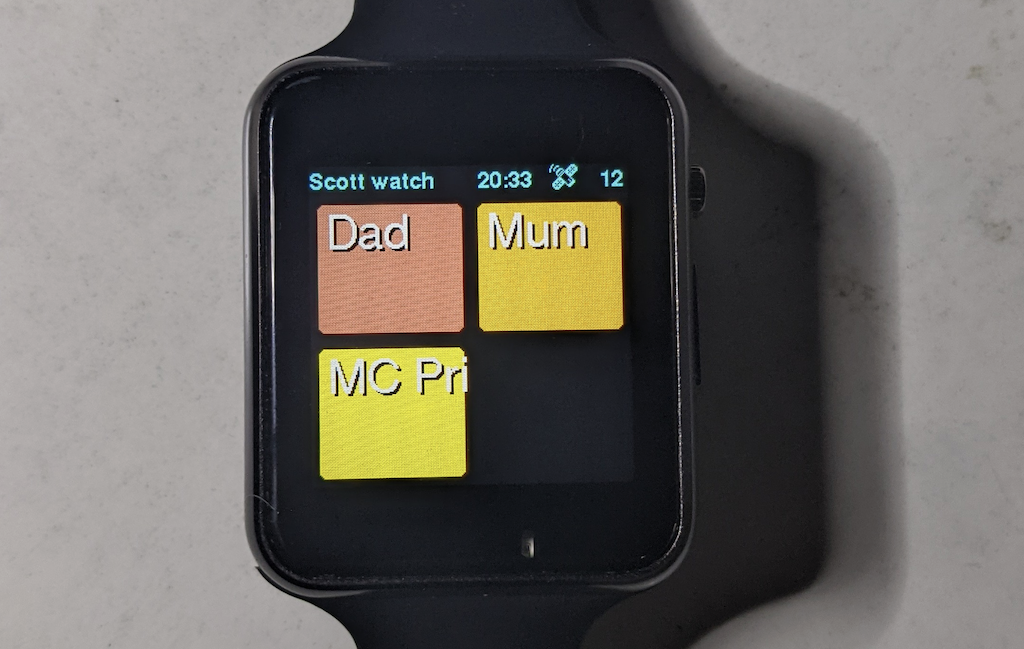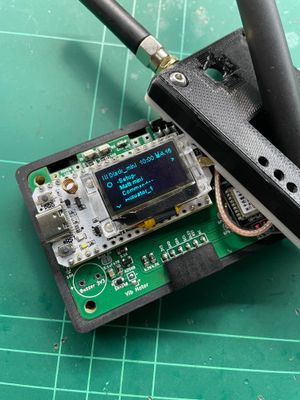

I've now added support for the T-Watch S3 Plus. This is a feature packed programmable watch from LilyGo, with integrated GPS, sx1262 LoRa radio, and 1.5" colour touch screen.
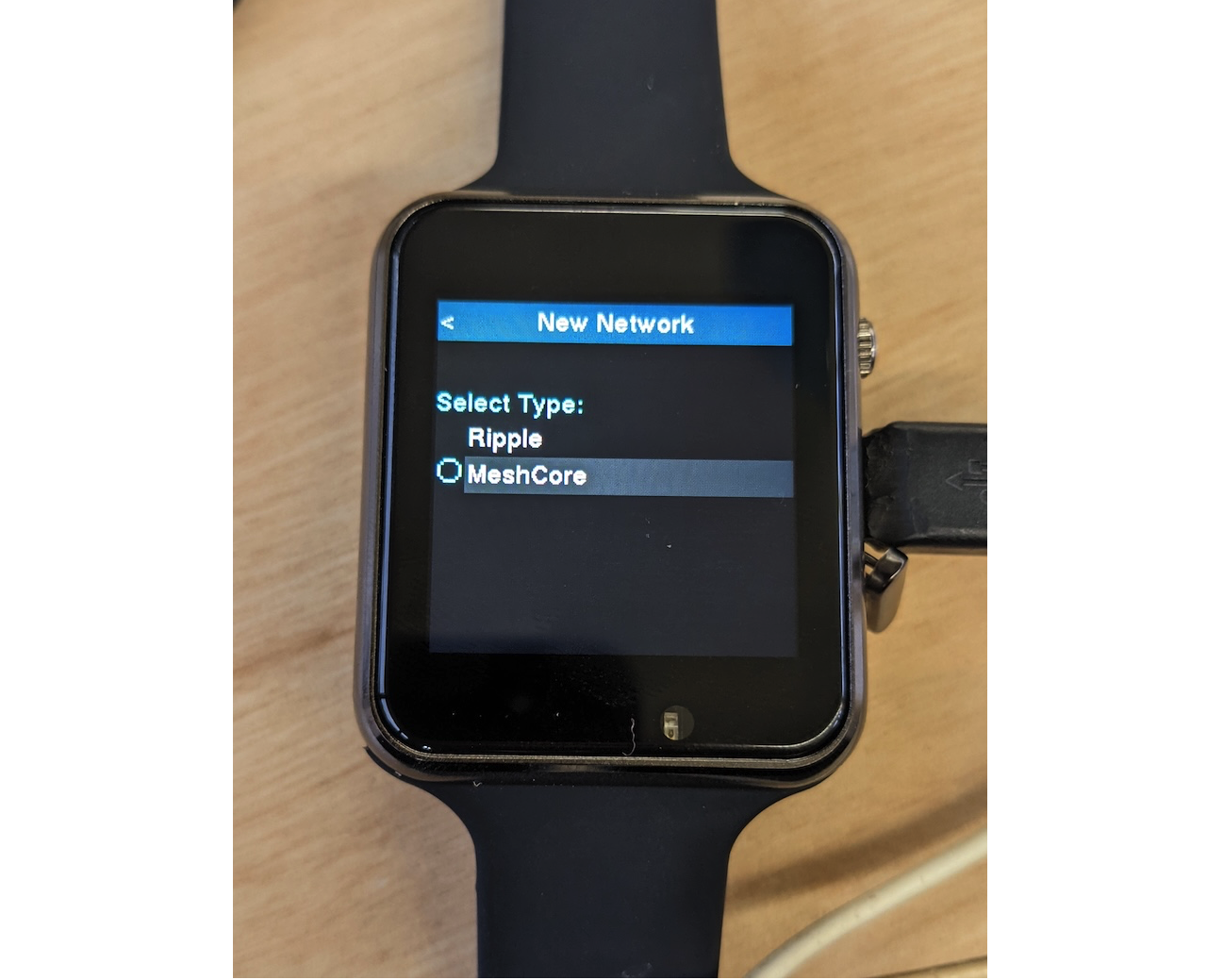 Download
You can download + flash in one easy step using this direct link to the MeshCore Flasher target.
You can also download the firmware for free here. Refer to the readme.txt for release notes. You can install the firmware using any ESP32 firmware flasher, like the Adafruit one, or you can use the MeshCore webflasher and select the 'Custom firmware' button, and upload the .bin file from the distribution ZIP file.
UI Navigation
The watch has 3 physical buttons, one on left/top shoulder, one on right-top shoulder, and a power button along the right edge:
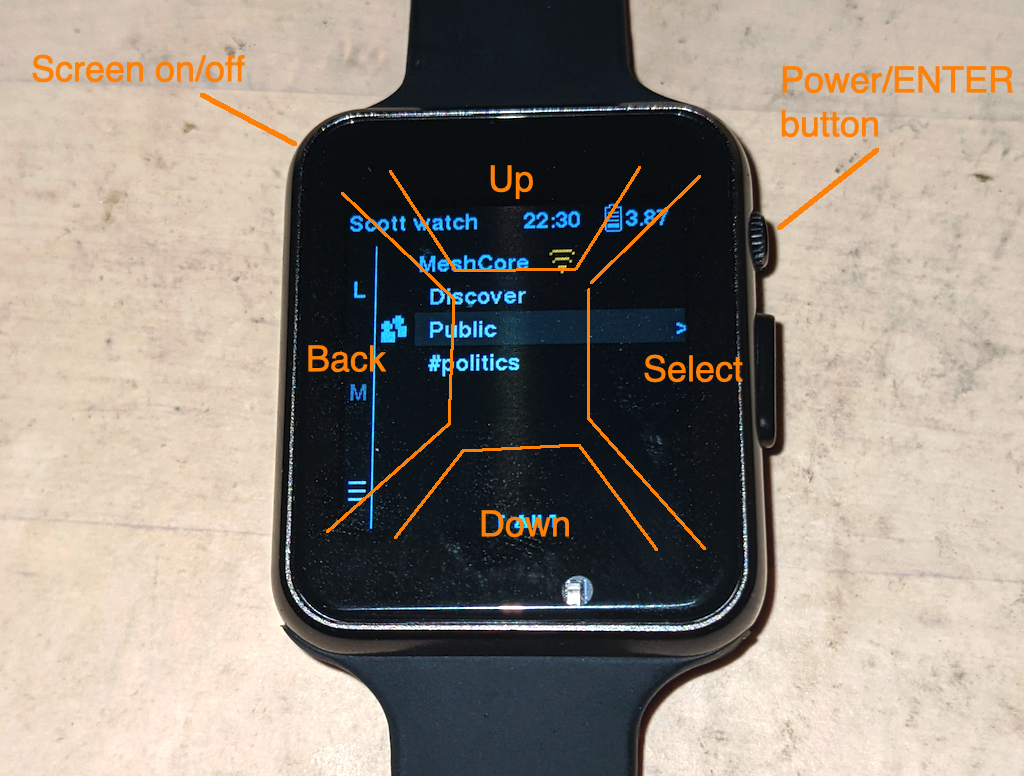 NOTE: the top-right shoulder button is the RESET button, which will reboot the device.
The UI navigation is cursor based, where you move the dark-gray selection up/down by tapping in the top and bottom areas of the screen, per the picture above. You then tap on the right side to select, and tap on the left side to navigate back to previous screen.
Some screens require ENTER key to submit/save/send, and this is done with a short press of the power key. A long press (approx 4 seconds) powers off the device.
Press the top-left shoulder button to turn the screen on/off.
Watch Face/Lock Screen
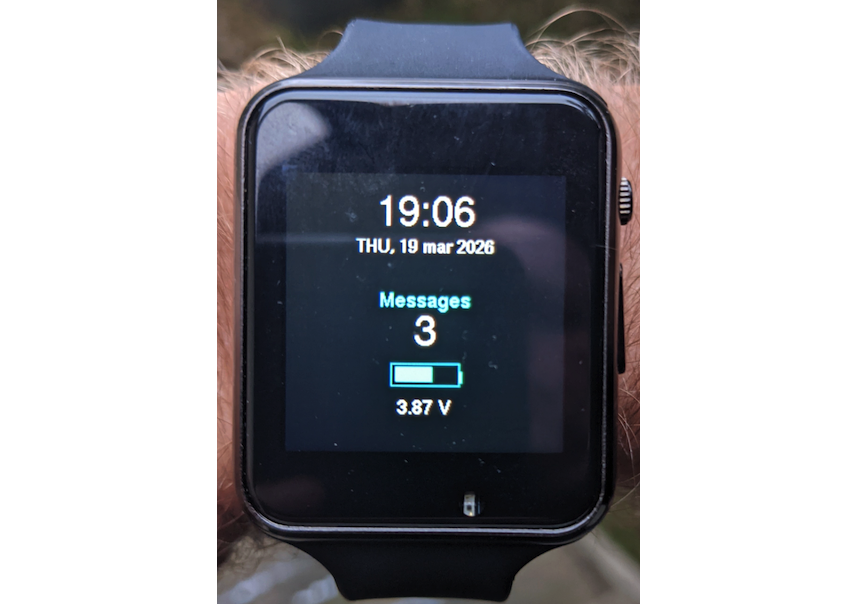
The screen automatically turns off after inactivity, but there is a special lock screen which comes on when the device is in standby and when you tilt your wrist to look at the watch face:
 General Guide
The T-Watch S3 has a UI which mostly like the other Ultra devices, like the T-Deck, so refer to the general user guide here for details.
Kid Mode
The T-Watch makes for a great kid-tracker with the Ripple UI's Kid Mode. The device can be locked down so that only kid-friendly contacts are shown and no contact from strangers is possible. See this article on how it works.