

My Garmin (Fenix E) doesn’t have a physical LED flashlight… so I built one in software. Brighty is a tiny, reliable “flashlight” app that lives on your wrist and works even on watches without an LED.
This update, 1.1.0, focuses on visibility and safety — with an SOS signal, two new colors, and a smarter screen backlight.
What’s new (1.1.0)
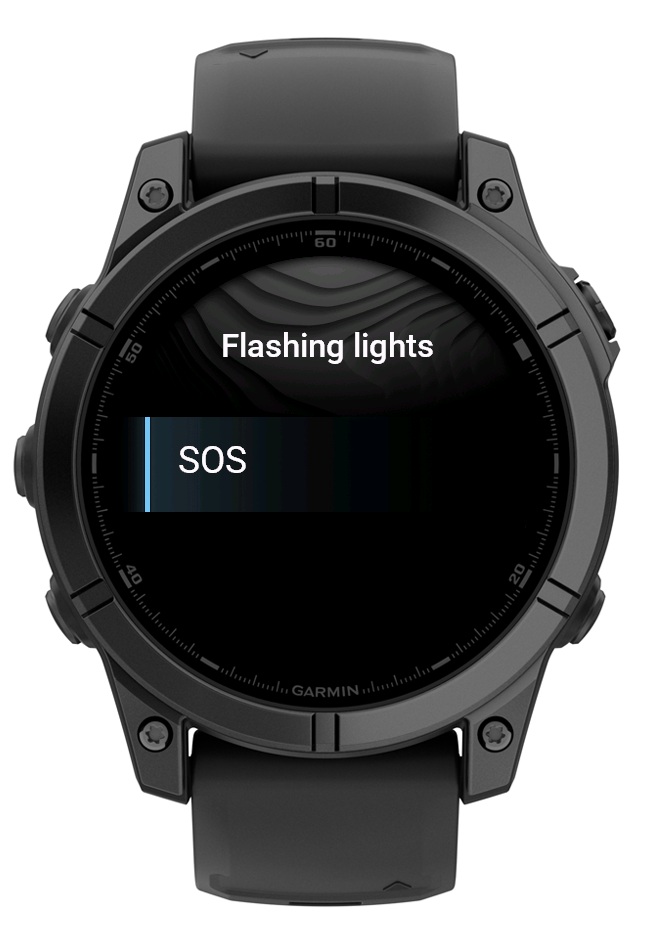
New: SOS flash mode
Navigate to Flashing lights → SOS to broadcast a readable SOS pattern.
New: Orange & Yellow colors
Two extra options for better contrast in different environments.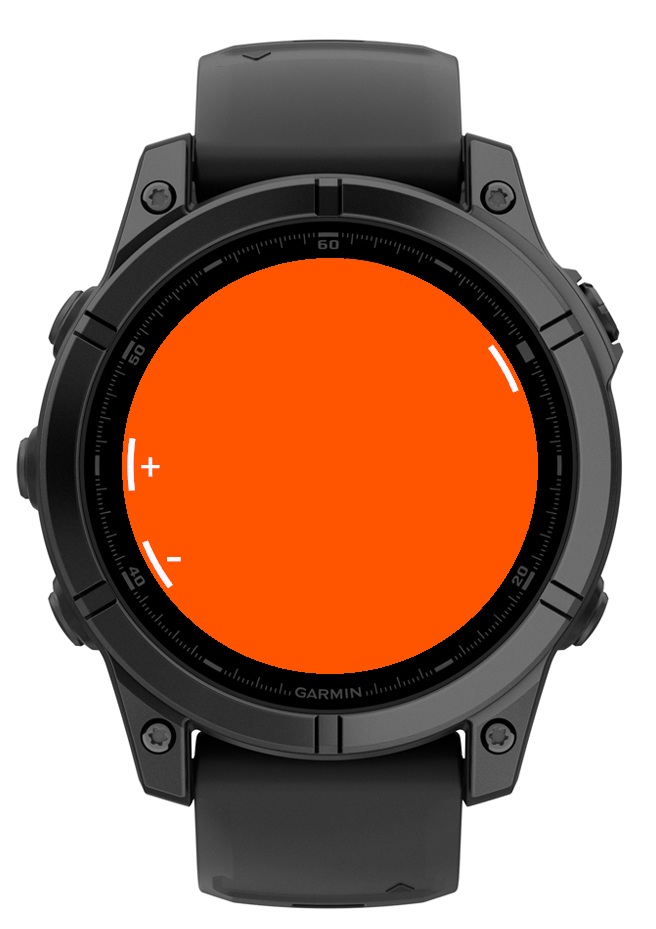
Note on colors (compatibility)
On 8-color displays (e.g., Forerunner 55 / 45 / Swim 2), some colors are mapped to the nearest available. Orange appears as Yellow on these models. Brighty detects your device and only shows colors your watch actually supports.
New: Backlight ON setting
Keeps your display at 100% brightness while using Brighty.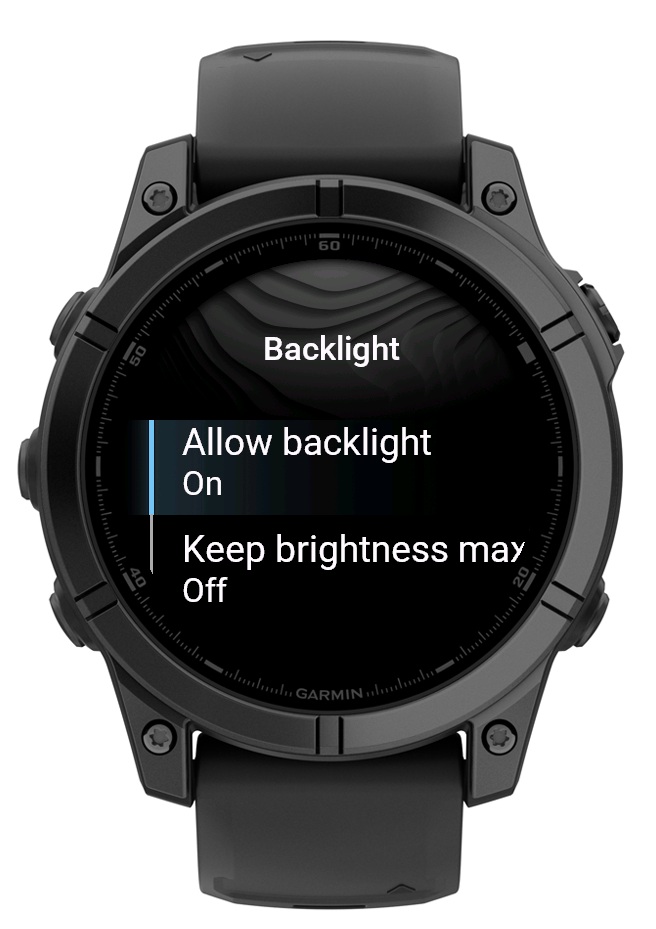
Changed: No Communications permission
I removed the dependency on the Communications permission for a cleaner setup.
How to get started
Open Brighty on your watch.
Go to Flashing lights → SOS to start the SOS pattern.
Use UP/DOWN to switch colors (if supported by your model).
Press MENU for settings (colors, backlight, auto-off).
Download
Brighty is available for free on the Garmin Connect IQ Store.