
FFmpeg to PATH Installer
Frei
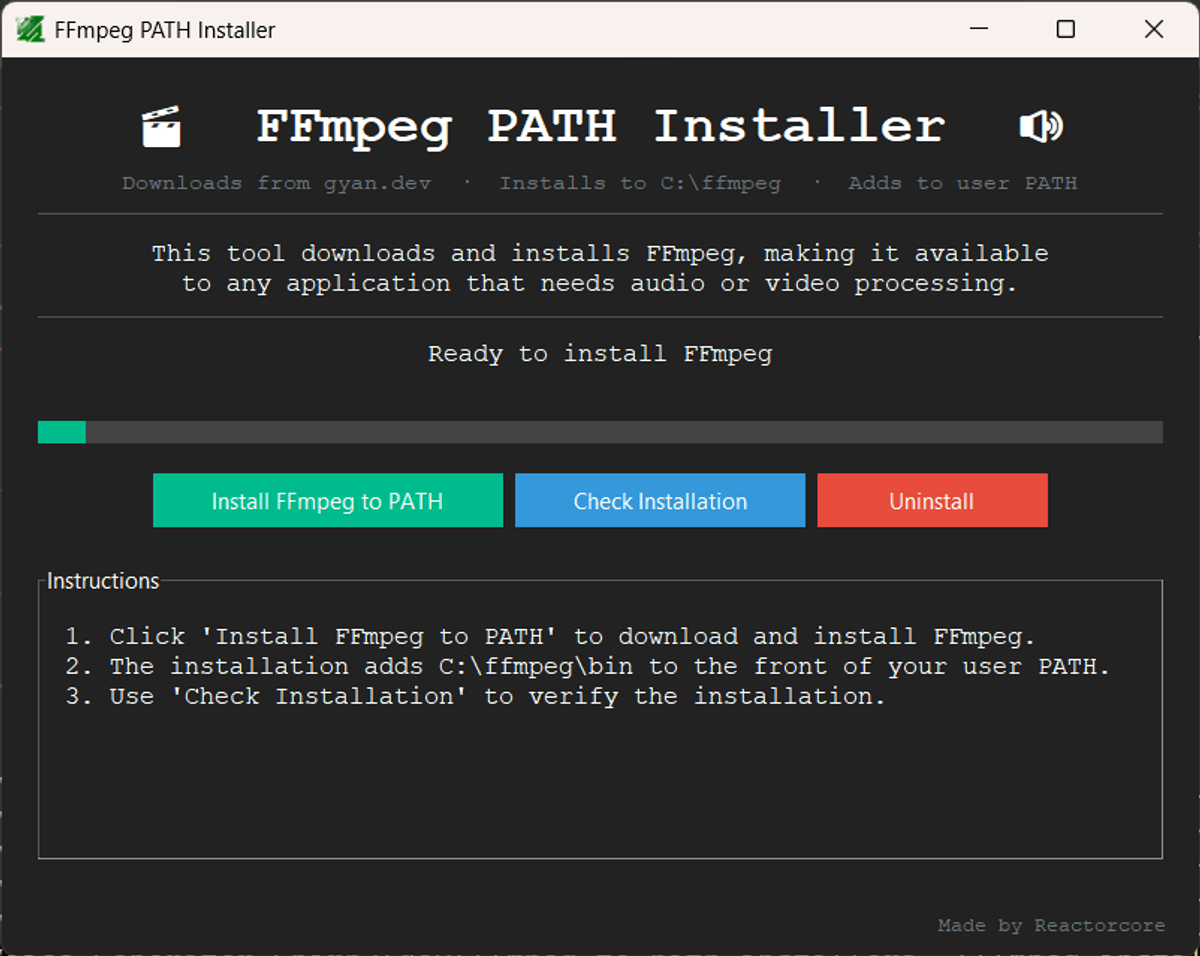
A simple GUI application that automatically installs FFmpeg to Windows PATH for easy access by other audio/video applications that rely on it.
## Explanation
A lot of programs, python scripts and such that deal with audio files or video files often need 'FFmpeg' to edit the files and do cool automations with them.
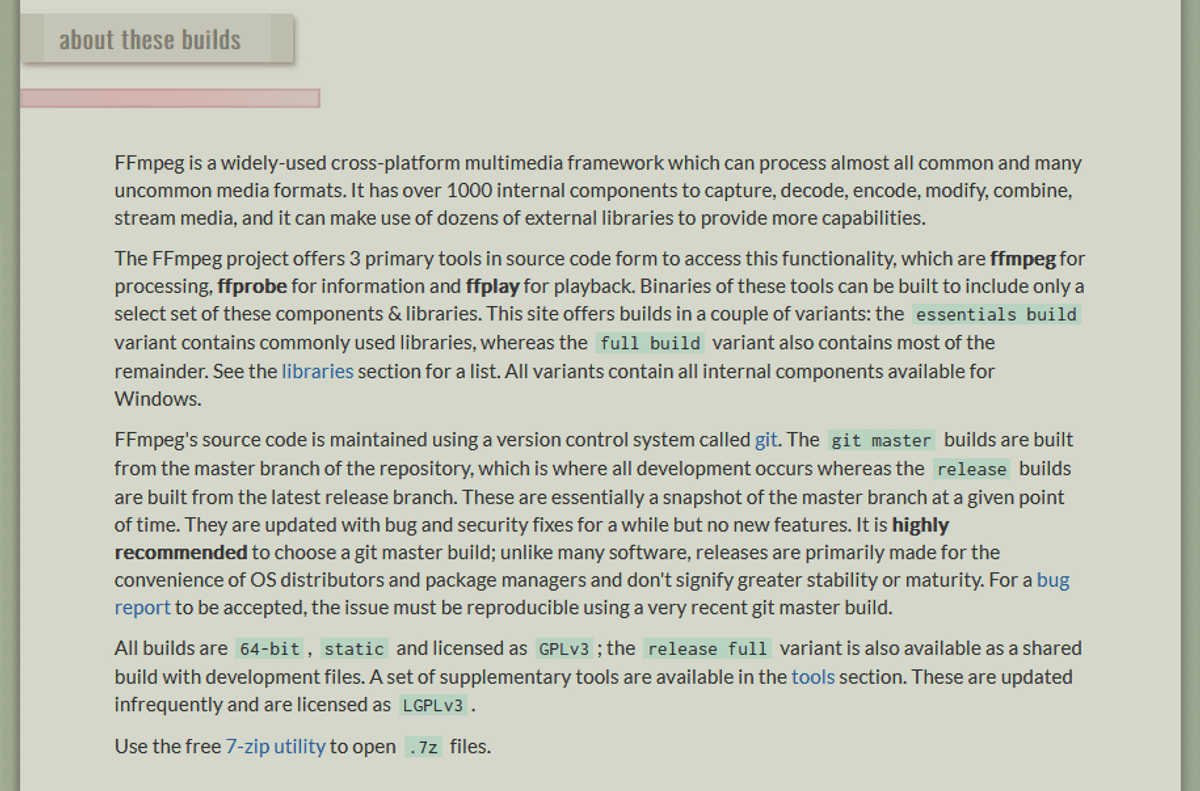
FFmpeg itself is a collection of code packed into a compiled program that does the hard work behind the scenes for many of such programs that work with audio/video files. On the Windows Personal Computer Operating System, FFmpeg can be installed to what is called an 'Windows PATH environment variable', which will give access to programs to use FFmpeg easily so that they will actually work.
A lot of my own programs use FFmpeg if they deal with audio or video files. The problem is that trying to bundle FFmpeg with my programs causes them to balloon to 100MB or more in filesize, taking up space and making the program slower and more bothersome to compile into an exe.
So instead, I made this program.
## Features
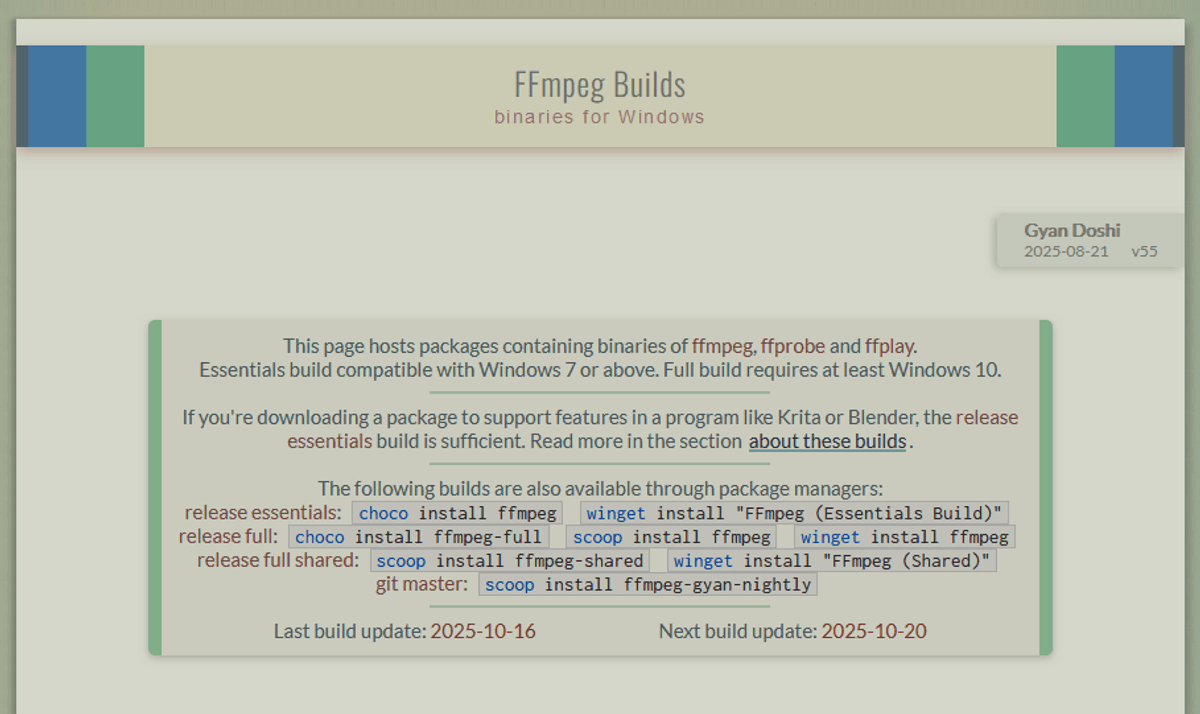
- Downloads the latest official FFmpeg build automatically.
- Installs to C:\ffmpeg.
- Adds C:\ffmpeg\bin to the front of your Windows user PATH, so it takes priority over any older FFmpeg already on your system.
- Detects and warns if another FFmpeg installation is present that could cause conflicts.
- Verifies the installed version after install and warns if it is outdated.
- Simple GUI interface for laypeople — everything handled with a single click.
- One-click installation check showing exactly which FFmpeg is active and where it is located.
- Easy uninstall functionality included too.
- Supports Windows 10 and above.
## Usage
1. Run `FFmpeg_PATH_Installer.exe`
2. Click "Install FFmpeg to PATH"
3. Wait for download and installation to complete
4. Restart any applications that need FFmpeg
5. Use "Check Installation" to verify it's working
---
Made by Reactorcore
https://linktr.ee/reactorcore
(check out all my other cool stuff!)
Frei
Frei