

Lumina - Next.js 16 Blog & Publishing Platform: Reader, Writer & Admin Desks + AI Assistant
$20
Launch a real publication — a tech blog, a magazine, a newsletter site — without building the hard parts yourself.
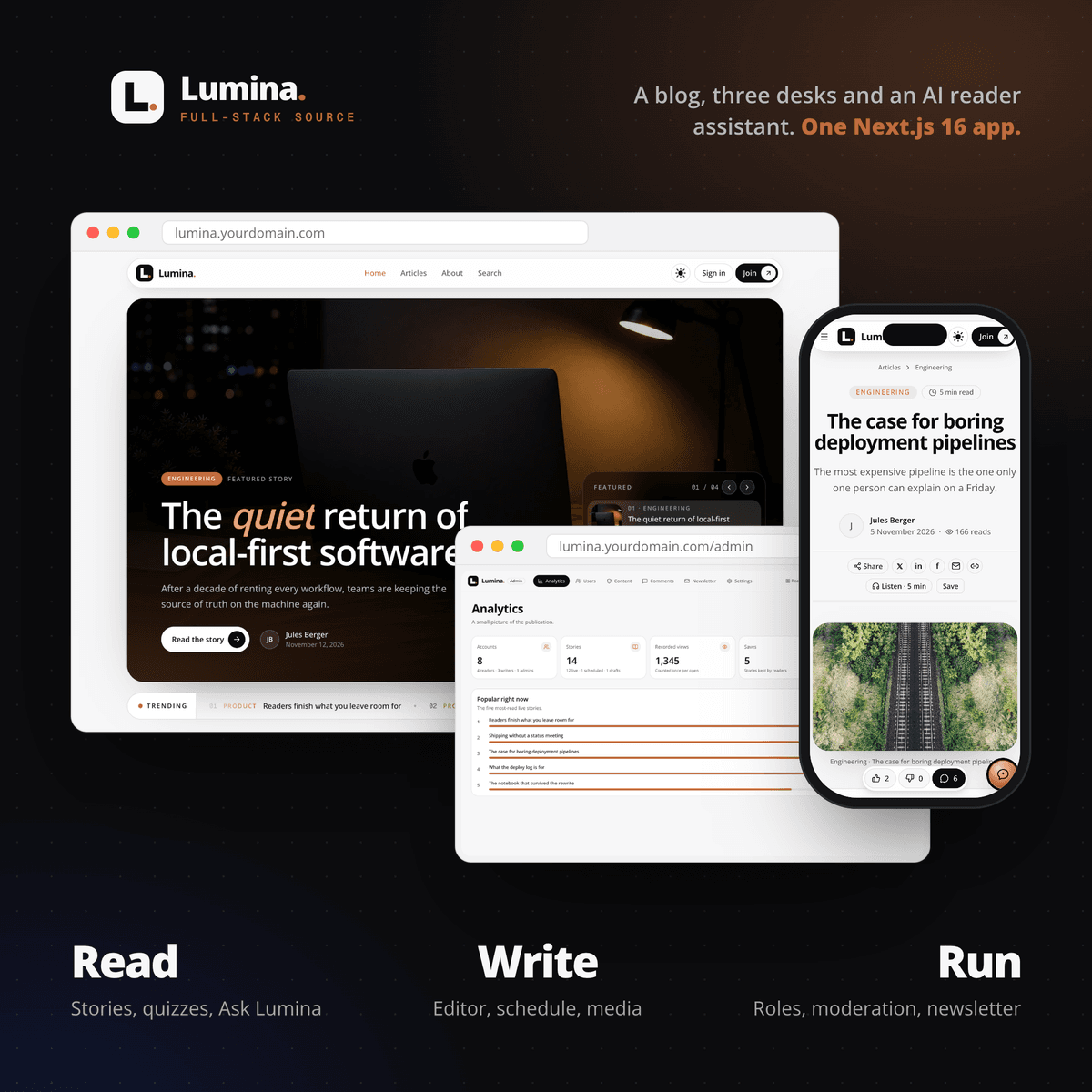
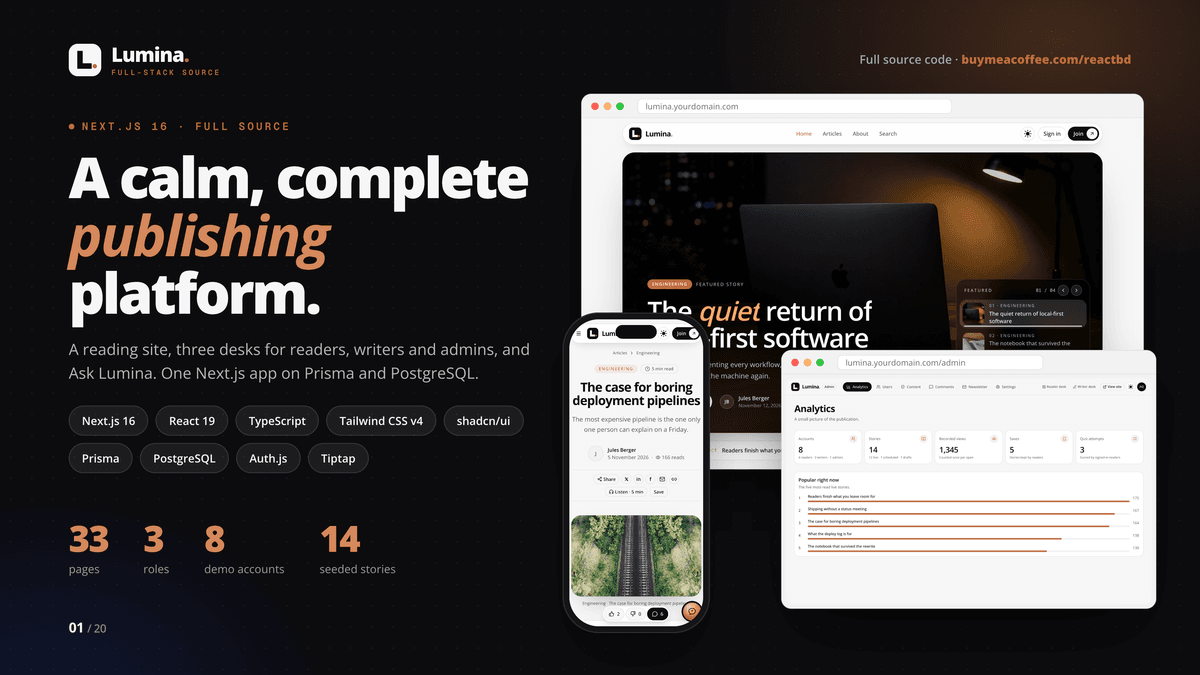
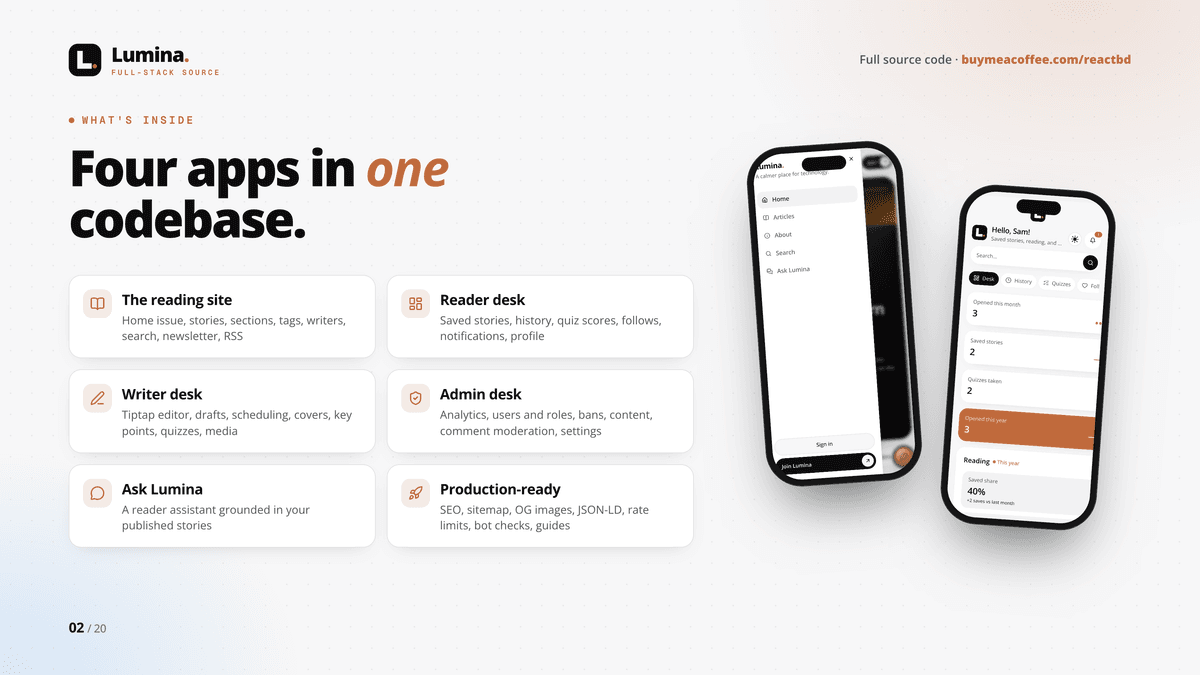
Lumina is a complete, full-stack publishing platform in one Next.js 16 app: a calm reading site, a desk for readers, a desk for writers, a desk for admins, and Ask Lumina, a reader assistant that knows every story. It isn't a UI kit: every screen reads and writes real data in PostgreSQL, and one command loads a full demo publication with an account for every role.
💵 One-time payment, instant download. No subscription.
📰 THE READING SITE
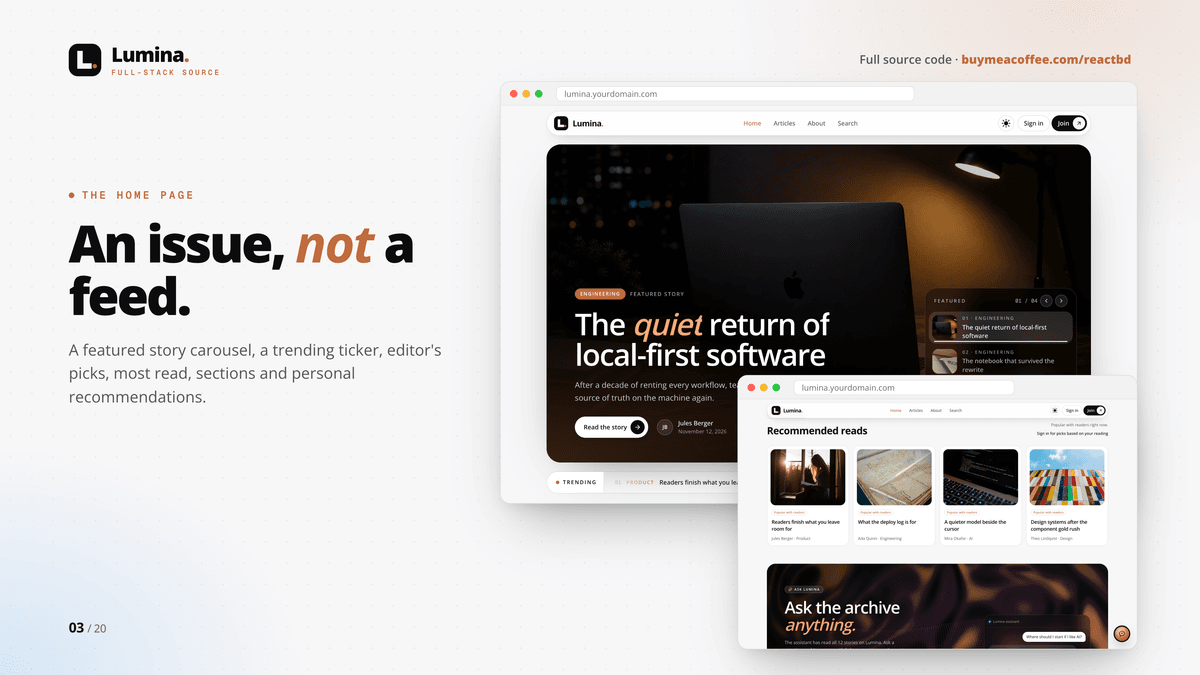
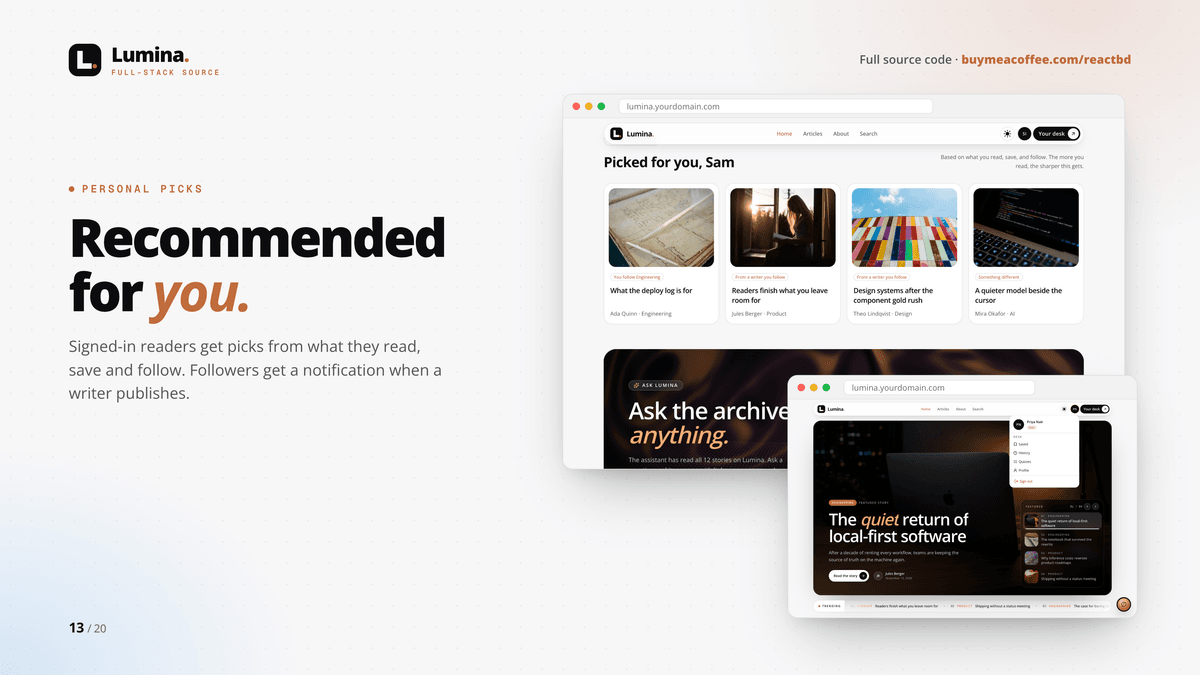
• A home page built like an issue: featured story carousel, trending ticker, editor's picks, most read, sections and recommended reads
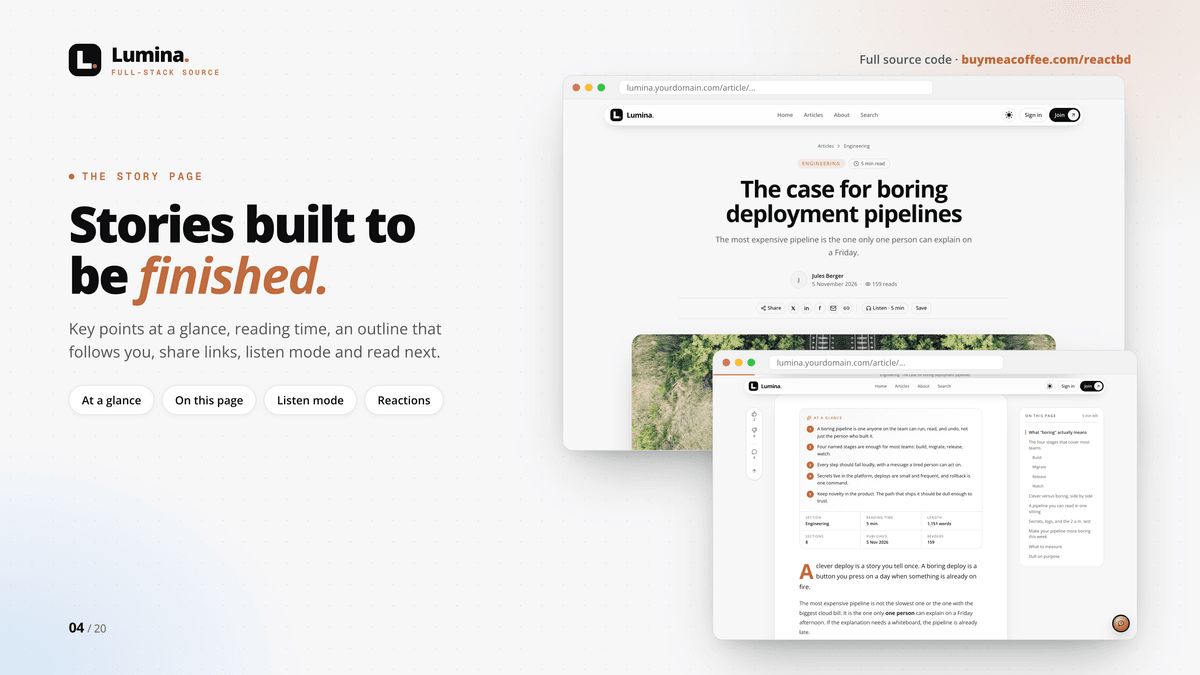
• Story pages with key points at a glance, reading time, an outline that follows you, share links, listen mode and read next
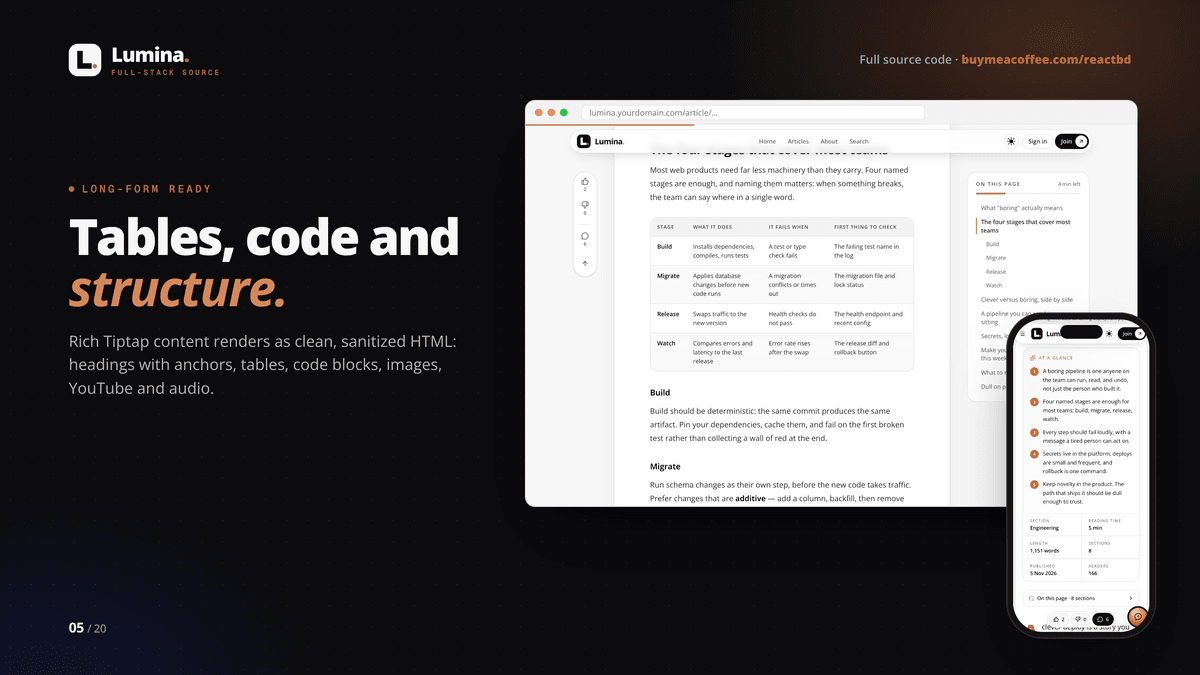
• Long-form content: headings with anchors, tables, code blocks, images, YouTube and audio
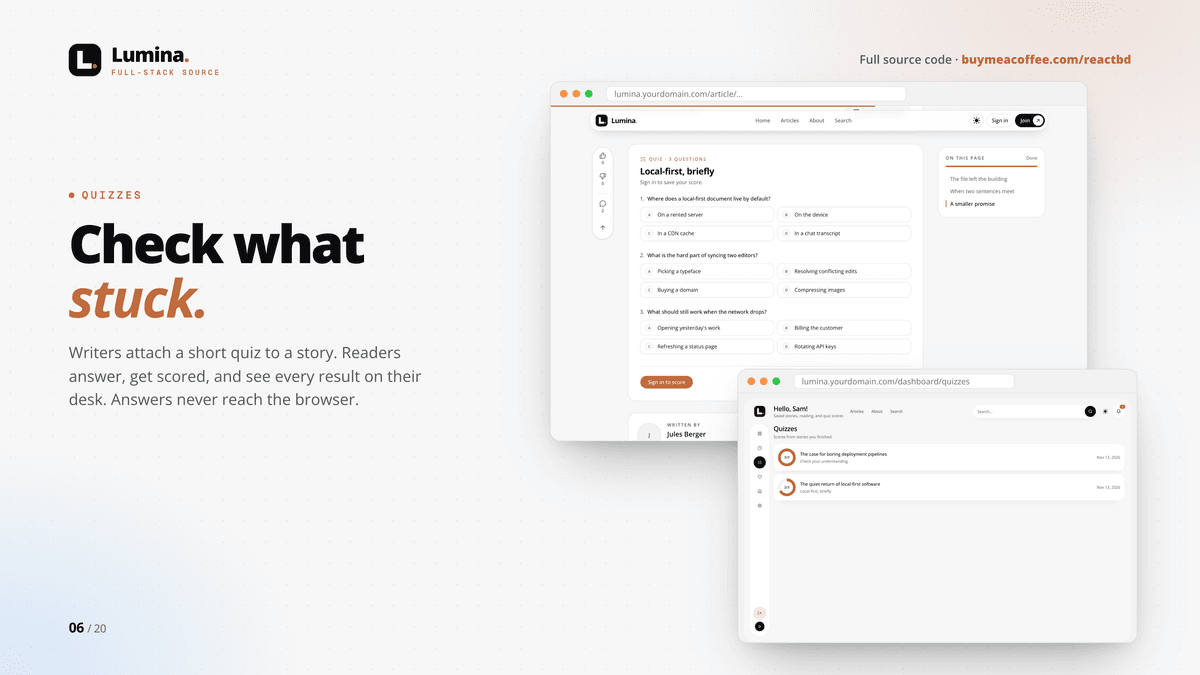
• Quizzes at the end of a story, scored on the server (answers never reach the browser)
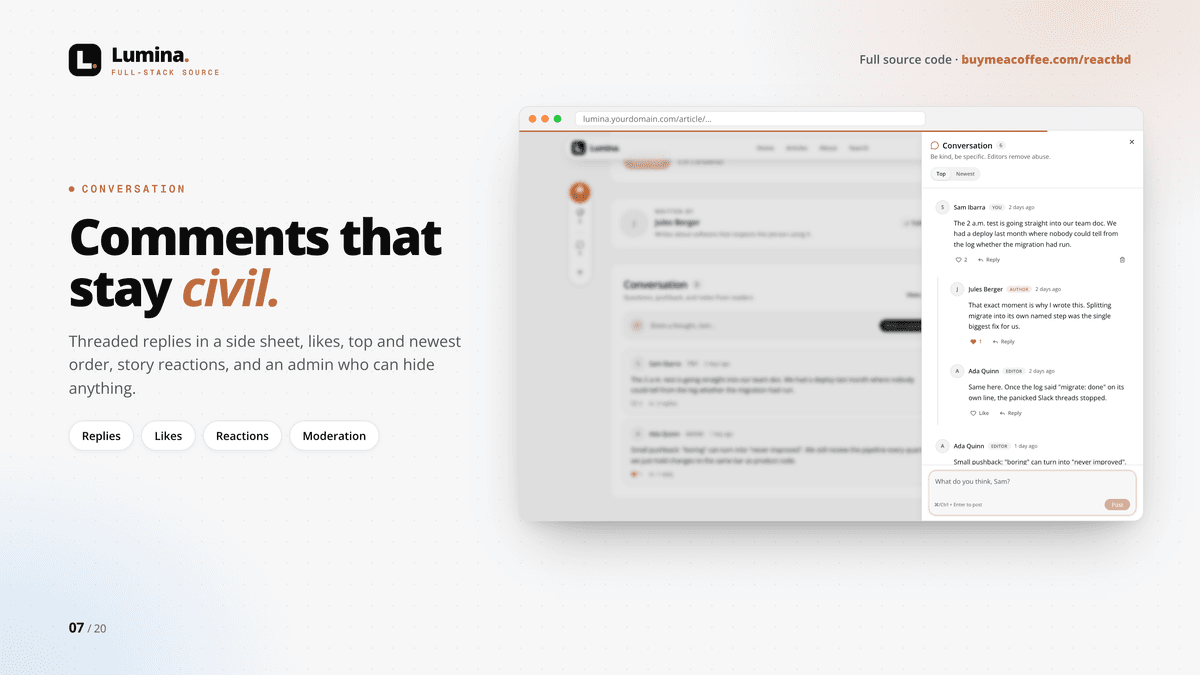
• Threaded comments in a side sheet, likes, top and newest order, and like or dislike on every story
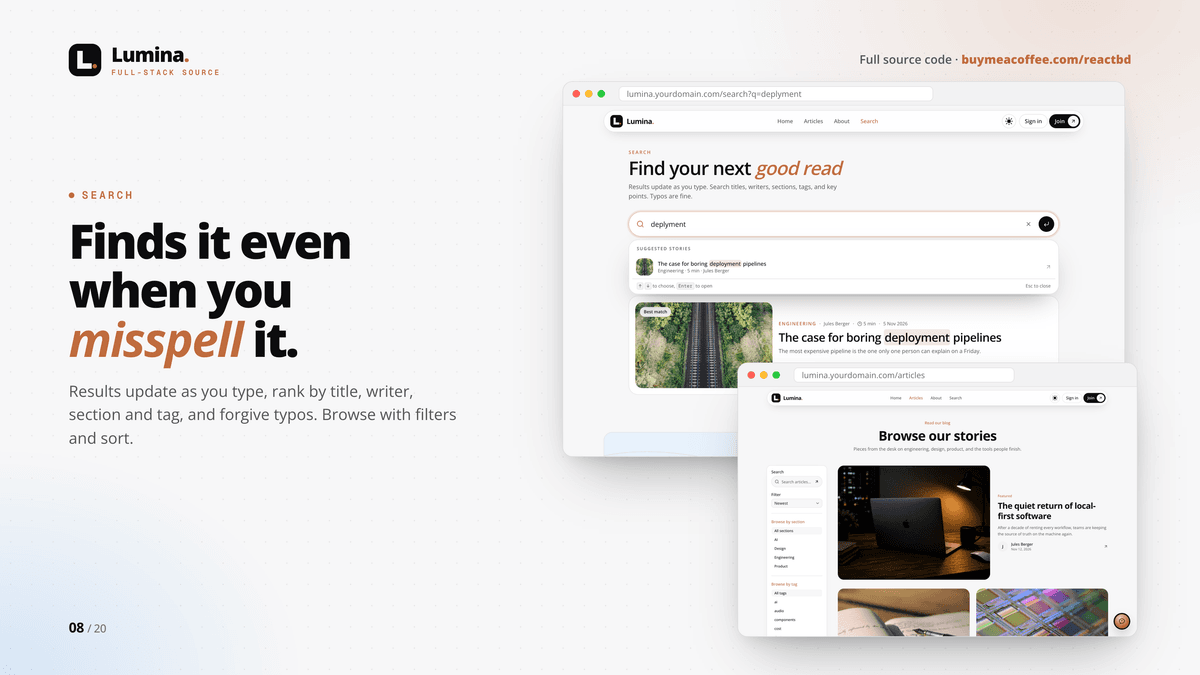
• Typo-tolerant search that updates as you type; browse by section, tag and writer, with filters and sort
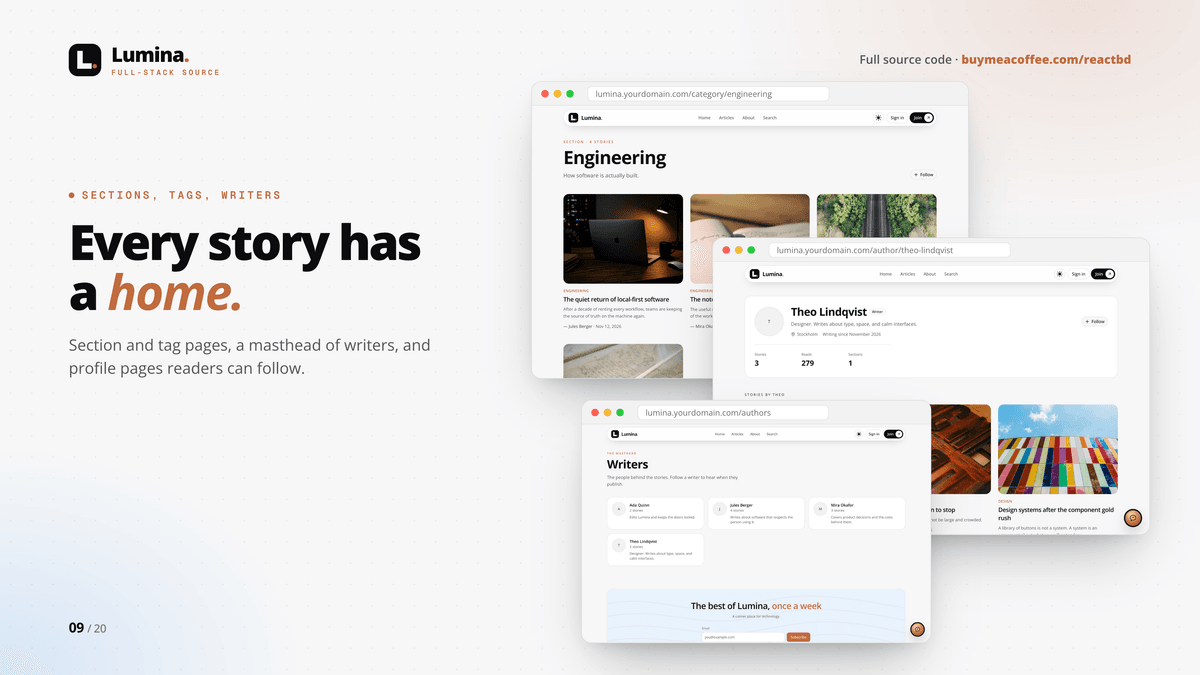
• Writer profiles and a masthead; follow writers and sections
• Newsletter sign-up, RSS feed, about, contact, privacy and terms pages
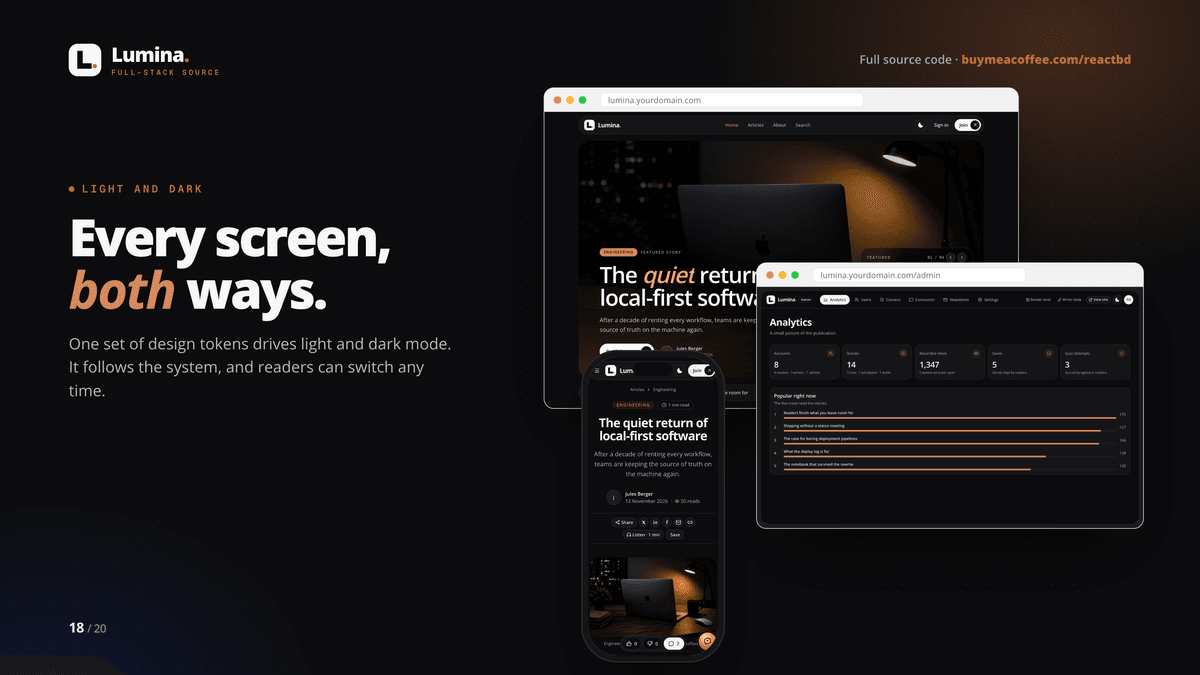
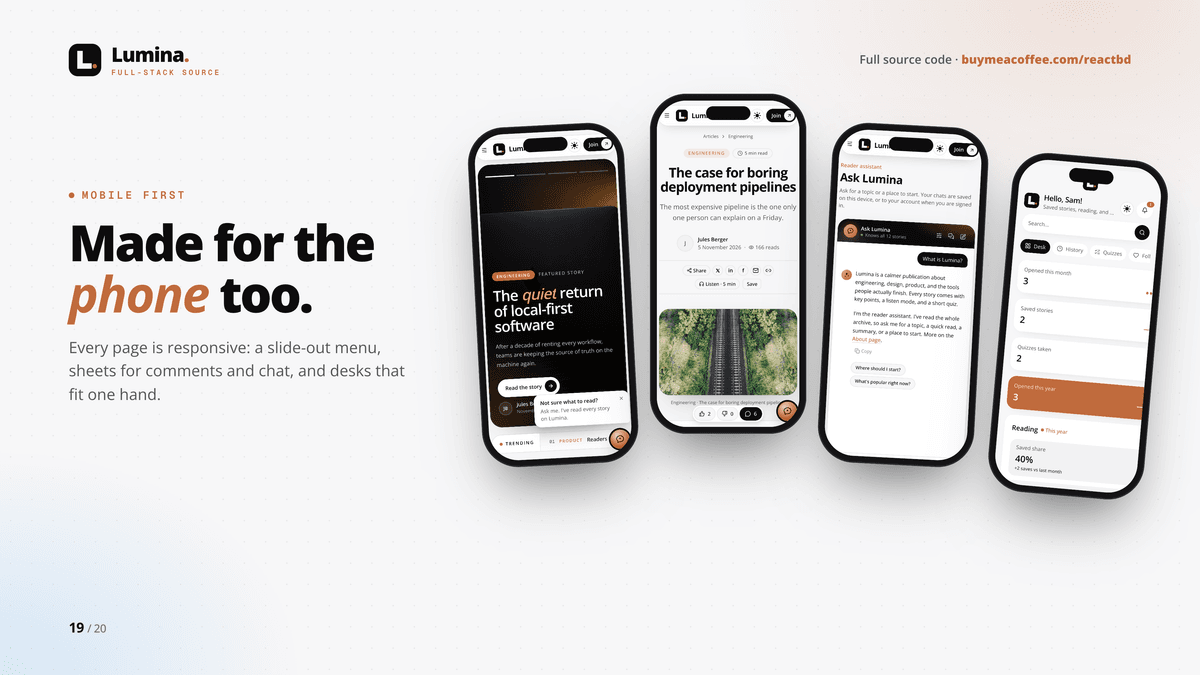
• Light and dark mode on every screen; mobile-first layouts with a slide-out menu
✨ ASK LUMINA (AI READER ASSISTANT)
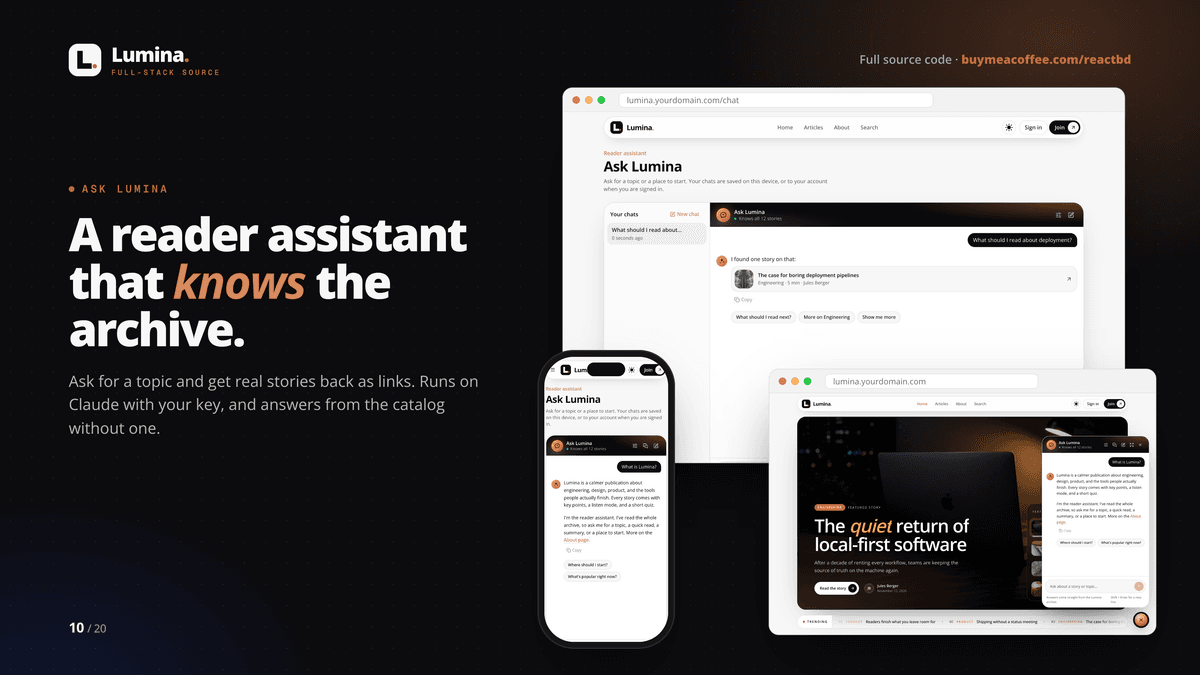
• Ask for a topic and get real stories back as links, on a full page or in a floating widget
• Runs on Claude with your Anthropic key; with no key it still answers from the story catalog
• Chats are saved on the device or to the reader's account; rate limited and length-capped to keep costs predictable
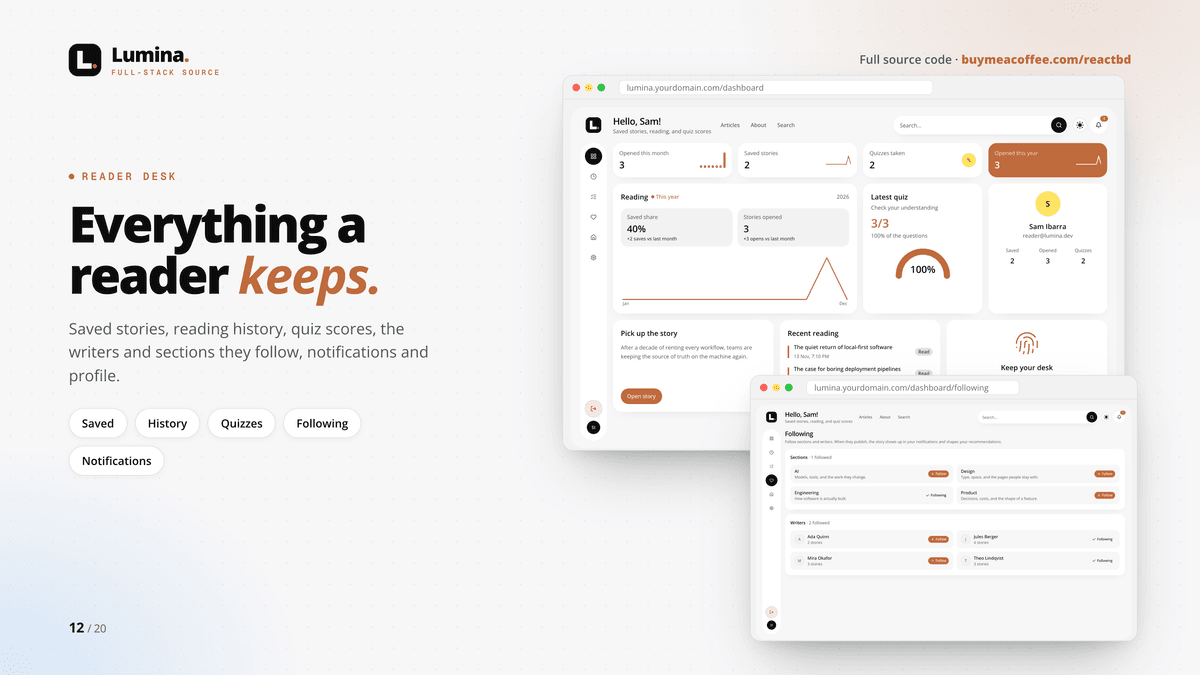
👤 READER DESK
• Saved stories, reading history, quiz scores, follows and notifications
• Personal picks on the home page from what each reader reads, saves and follows
• Profile and newsletter preferences
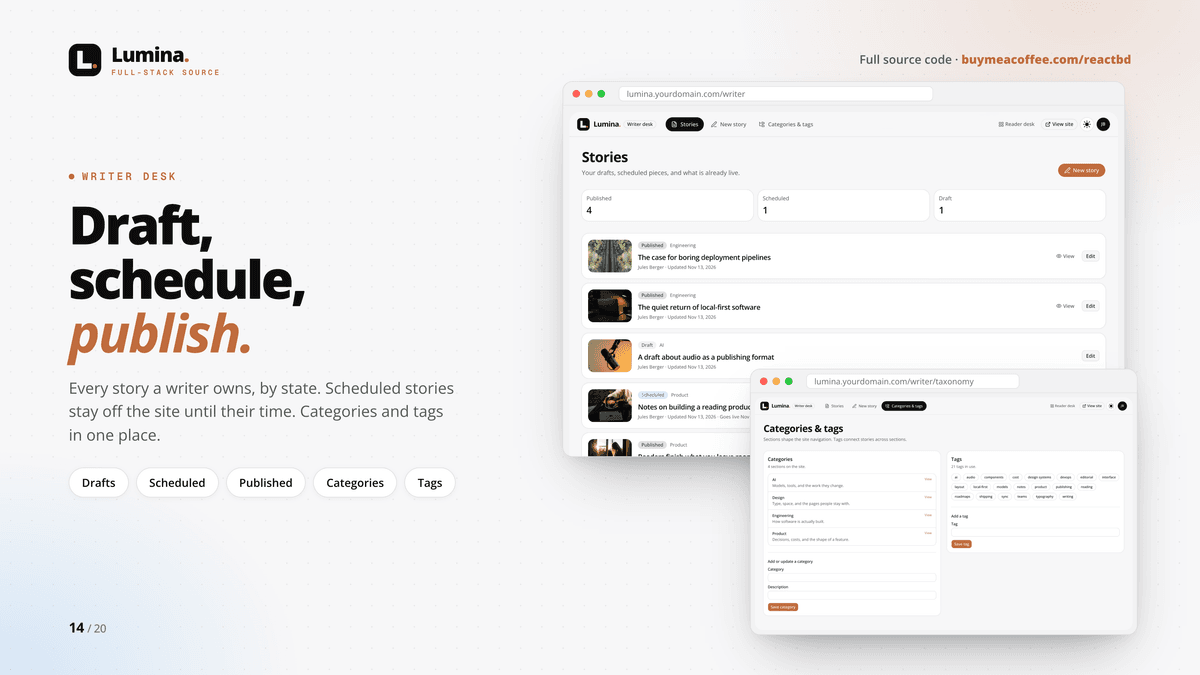
✍️ WRITER DESK
• Drafts, scheduled and published stories; scheduled stories go live on their own at the set time
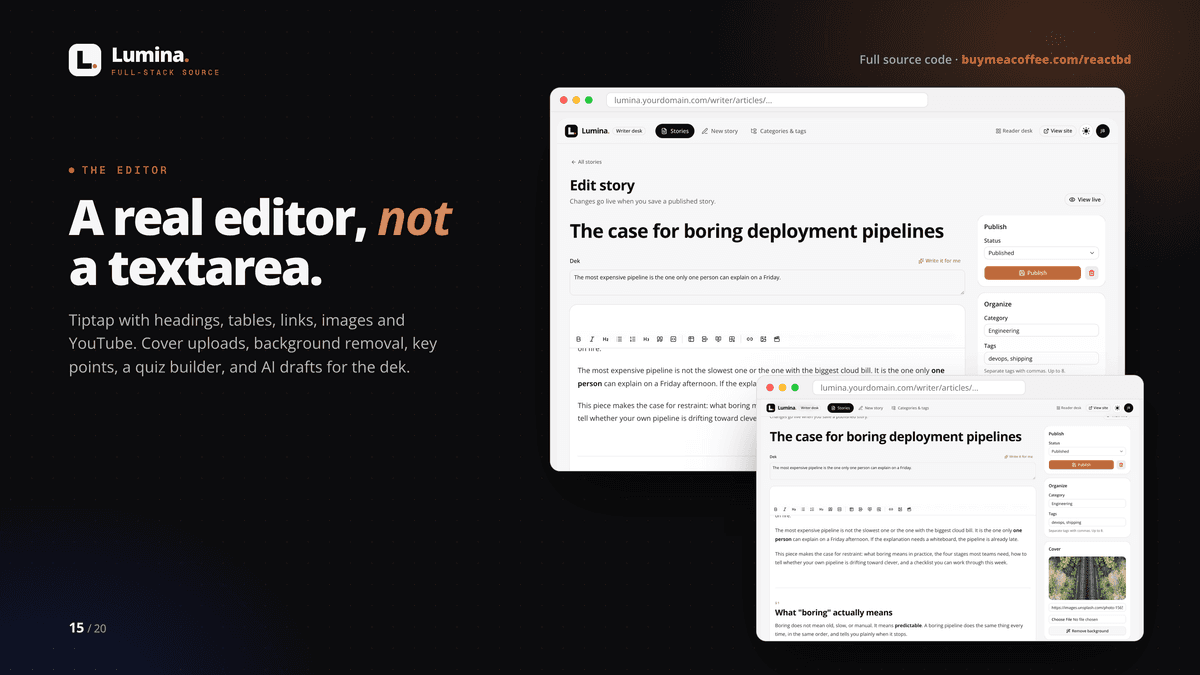
• A real Tiptap editor: headings, tables, links, images, YouTube
• Cover uploads (Cloudinary), audio and video uploads (Vercel Blob), background removal
• Media search across Unsplash, Pexels, Pixabay, Giphy, Freesound and YouTube
• Key points, a quiz builder, and "write it for me" drafts for the dek, key points and quiz
• Categories and tags
🛡️ ADMIN DESK
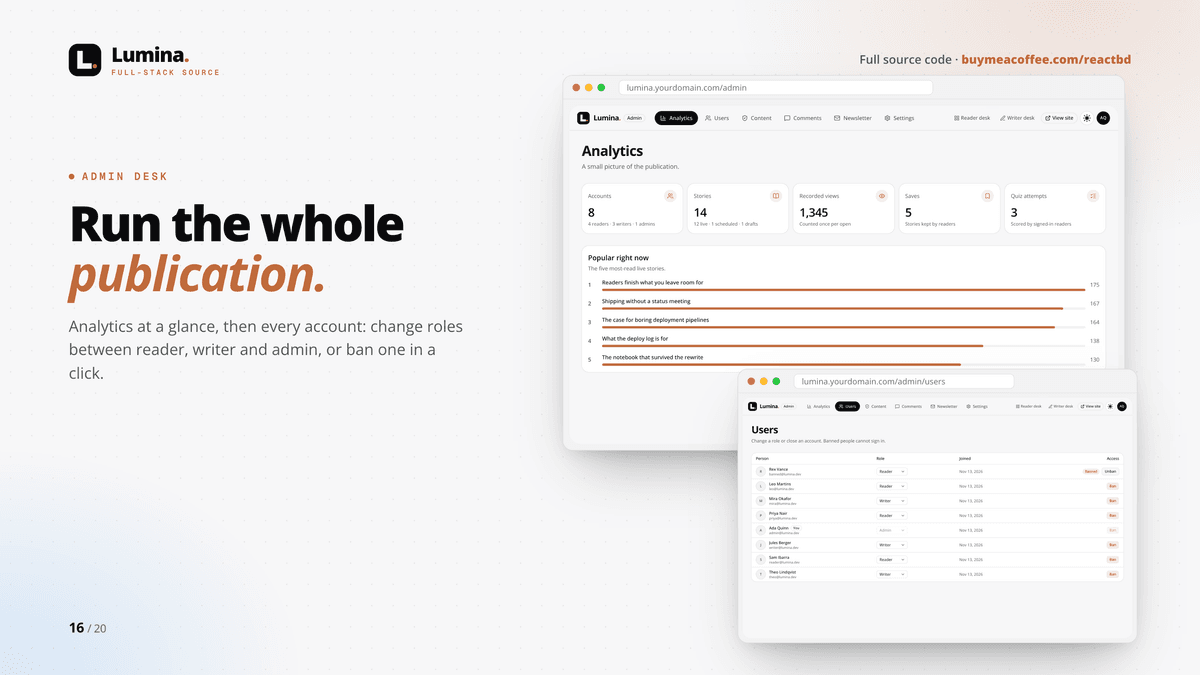
• Analytics: accounts, stories, views, saves, quiz attempts and what's popular right now
• Users and roles: promote readers to writers or admins, or ban an account in a click
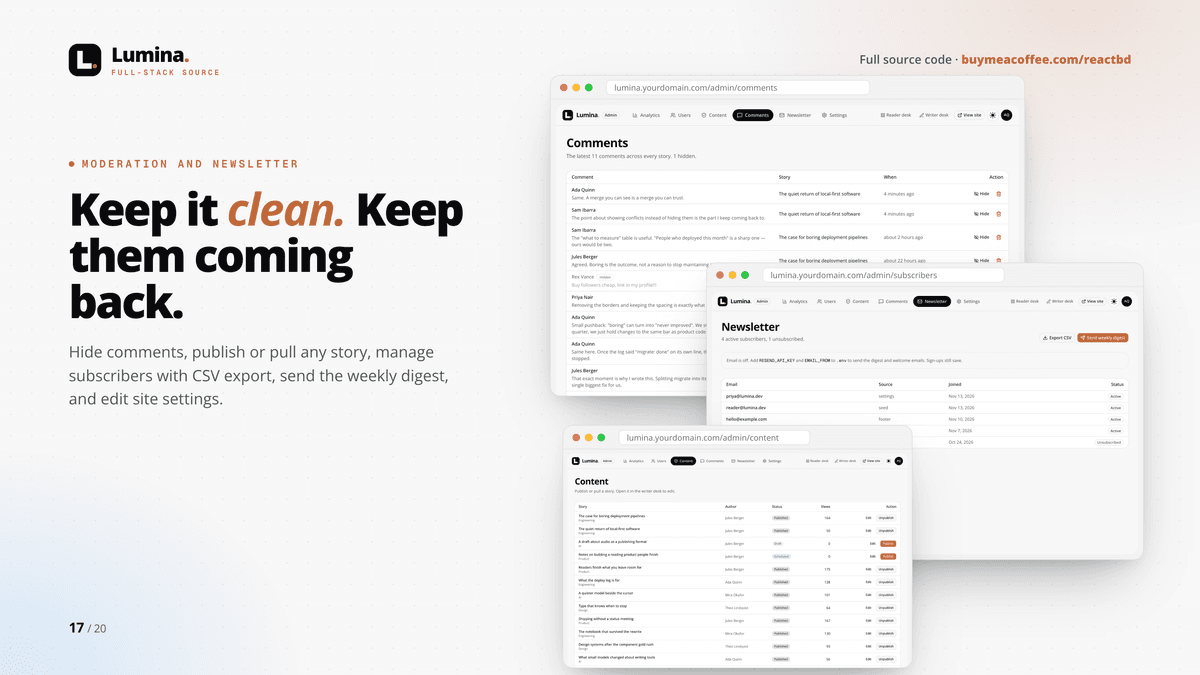
• Content: publish, unpublish or edit any story
• Comment moderation: hide anything, keep the thread
• Newsletter: subscribers with CSV export and a weekly digest email
• Site settings: name, tagline and description
👥 THREE ROLES, PROPERLY SEPARATED
Reader, writer and admin, enforced on the server for every page, action and API route. Writers only see and edit their own stories. Bans apply on the very next request.
⚙️ TECH STACK
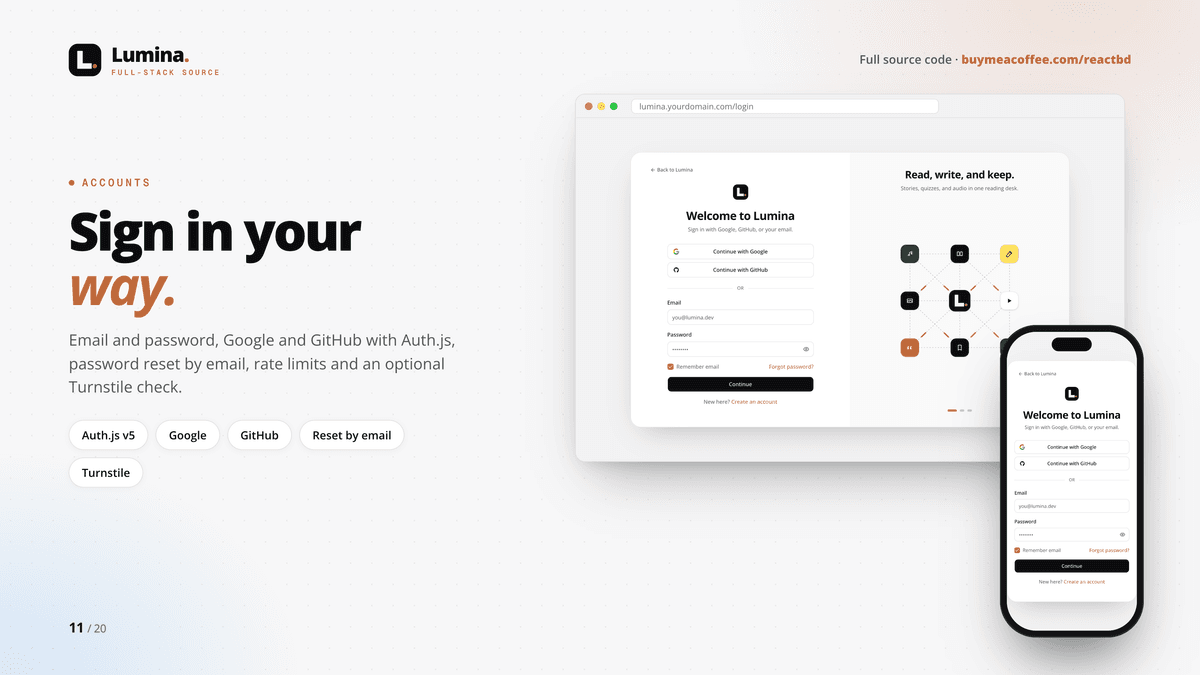
Next.js 16 (App Router, Cache Components, Turbopack, React Compiler) · React 19 · TypeScript (strict) · Tailwind CSS v4 · shadcn/ui + Radix · Prisma 6 + PostgreSQL · Auth.js v5 (email, Google, GitHub) · Tiptap 3 · React Hook Form + Zod 4 · Cloudinary · Vercel Blob · Claude (Anthropic API) · Resend email · Cloudflare Turnstile · Playwright tests
🚀 PRODUCTION-READY
• SEO: metadata, canonical URLs, sitemap, robots, Open Graph images per story, JSON-LD structured data
• Security: server-side role checks, sanitized story HTML, hashed single-use reset tokens, signed unsubscribe links, rate limits, optional bot checks
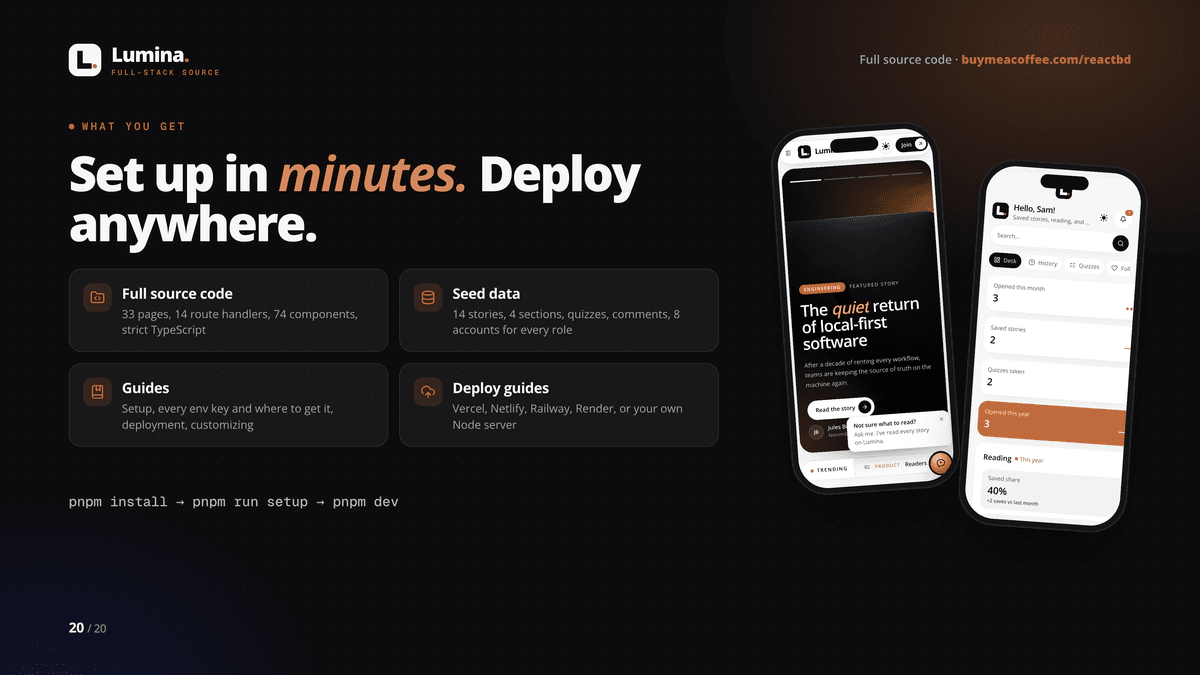
• Deployment guides for Vercel, Netlify, Railway, Render, or your own Node server
📦 WHAT YOU GET
• Full source code: 33 pages, 14 route handlers, 74 components, about 17,800 lines of TypeScript
• Demo publication: 14 stories in 4 sections, quizzes, a long-form story with a comment thread, follows, notifications and subscribers
• 8 demo accounts: 1 admin, 3 writers, 3 readers and 1 banned account, so every desk has something to show
• One-command setup (pnpm run setup) and an .env.example with every key explained — no secrets included
• Guides: start here, full setup with troubleshooting, every environment setting and where to get each key, deployment, customizing, and the architecture with a permissions table
🏁 UP AND RUNNING IN MINUTES
1. Unzip and run: pnpm install
2. Start a database (docker compose up -d) or paste a free Neon connection string into .env
3. Run: pnpm run setup — it creates .env, the tables and the demo content
4. Run: pnpm dev, then sign in as [email protected] — done
✅ REQUIREMENTS
• Node.js 20.9+ and pnpm
• PostgreSQL 15+ (Docker, local, or a free Neon database)
• Optional: Cloudinary, Vercel Blob, an Anthropic API key, Resend, Google and GitHub OAuth apps, Cloudflare Turnstile, media library keys
📄 LICENSE
One licence = one publication (one brand or site), for yourself or one client. Modify freely and use it commercially. You may not resell, share or redistribute the source code, or publish it in a public repository. Full terms in LICENSE.md.
💬 SUPPORT
Questions before or after buying? Message me here on Buy Me a Coffee or via https://reactbd.com — include your Node version, the command you ran and the error you saw.
$20
$20