

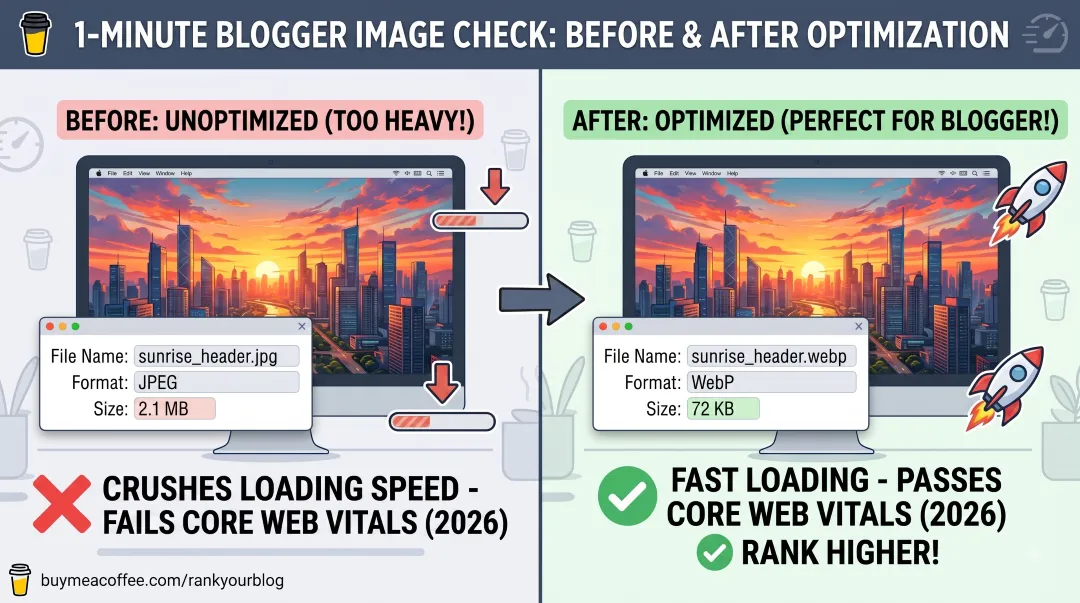
Are your original images sabotaging your blog's loading speed?
With Google's 2026 Core Web Vitals in full effect, page speed is more important than ever for your SEO. Heavy images are the #1 reason Blogger sites run slowly and lose search rankings.
Here is a rapid-fire check you can do right now before you publish your next post:
1. Check Your Original File Size
Do not wait until the image is uploaded to check if it is too heavy! Look at the original file on your computer first.
Windows users: Open your image folder and let your mouse hover over the image file. The size will pop up instantly.
Mac users: Click the image file once and press Command + I on your keyboard to check the size.
Is the file over 100KB? If so, it is way too heavy!
2. Compress and Convert
To get the fastest loading times, never upload raw JPEGs or PNGs directly from your phone or camera. Always run your original images through a free compressor first:
Squoosh.app: Perfect for detailed, high-quality compression on individual images (100% free).
To WebP: The best option if you need to compress a bulk batch of images all at once (100% free).
Pro Tip: When using these tools, make sure to convert your images to WebP format. This is Google's preferred next-gen image format, designed specifically to keep quality high while making file sizes incredibly tiny.
💡 Want the complete, step-by-step tutorial? Check out my full guide on How to Optimize Images for Blogger: Faster Speeds & Better SEO over on the blog to ensure your site is perfectly optimized!
Keeping your site light is the absolute fastest way to rank higher and give your readers a better experience.
Thank you so much for your support, and happy optimizing! ☕🚀