

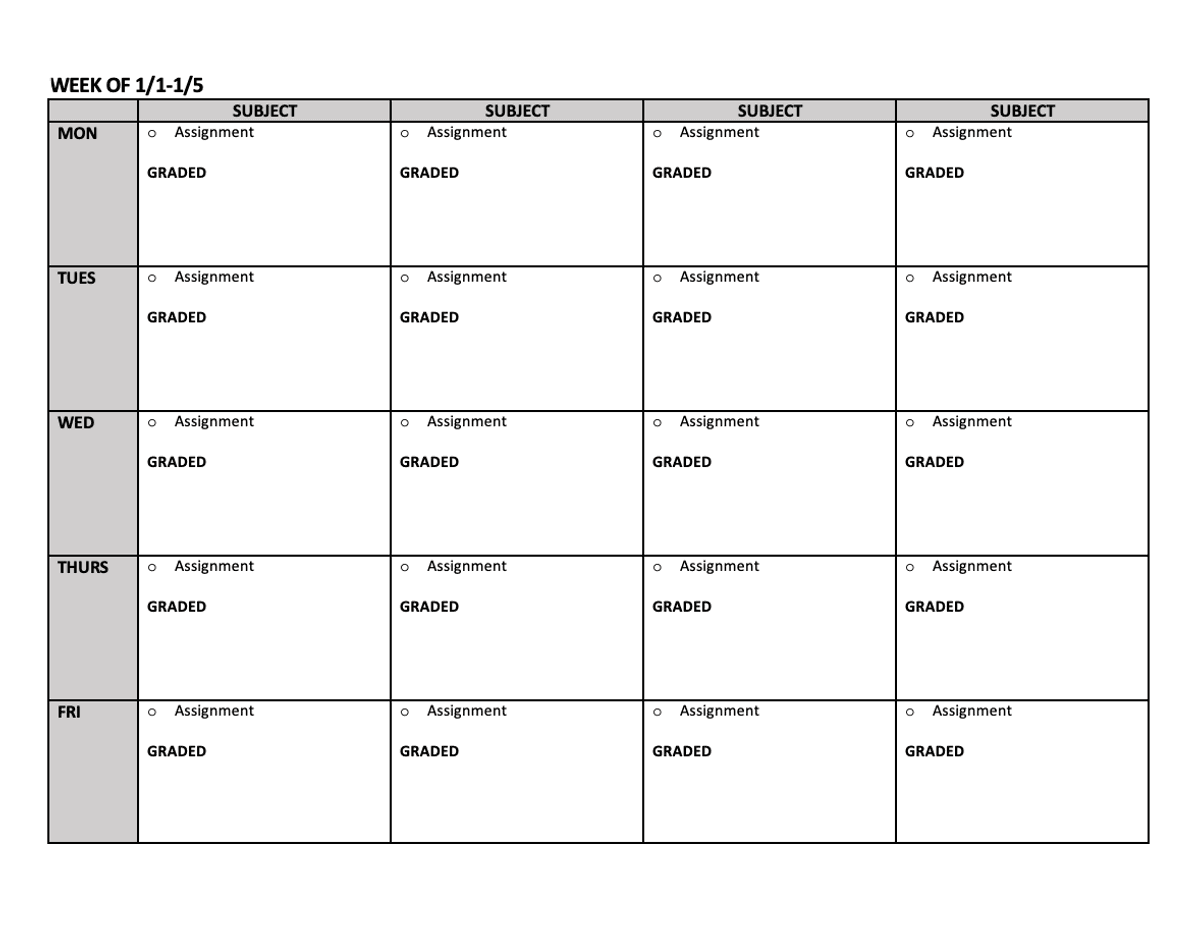
Fillable Weekly Student Planner Pages (Horizontal layout)
$2
Use this editable Word document to type in your students weekly assignments. There is room for up to 8 courses to be included over 2 pages. I recommend printing front and back if needed. *Bonus page is included with a template for planning out up to 2 Guest Hollow Courses*
How we use it:
-I adjust the dates at the top each week
-At the top of each column, I type in the name of a subject/course
-Each week I type in (or copy and paste from my lesson planner) the assignments for each day
-You will see the word "Graded" on each day. I use this to remind myself if that assignments that day need to be graded. If the assignment is ungraded, I delete it.
A note on the Guest Hollow course page: Guest Hollow courses tend to include multiple types of activities each day (readings, videos, projects). I have found that using this template page helps my students see what they need to work on each day.
If you are not doing a Guest Hollow course, you can delete this page.
$2
$2