

The Argon One makes a great option for anyone wanting to selfhost a server on a Raspberry pi, with SSD.
Of course you could use microsdcards - but that's just not good enough for reliability, and the speed you might wish for on your long-term selfhosting server projects.
SELFHOST ON SSD
To selfhost using an SSD with raspberry pi, the argon one makes a perfect option (thanks for telling me about this years ago Rowie!).
Offering both passive serious heatsink makes up the metallic lid, and active fan cooling.
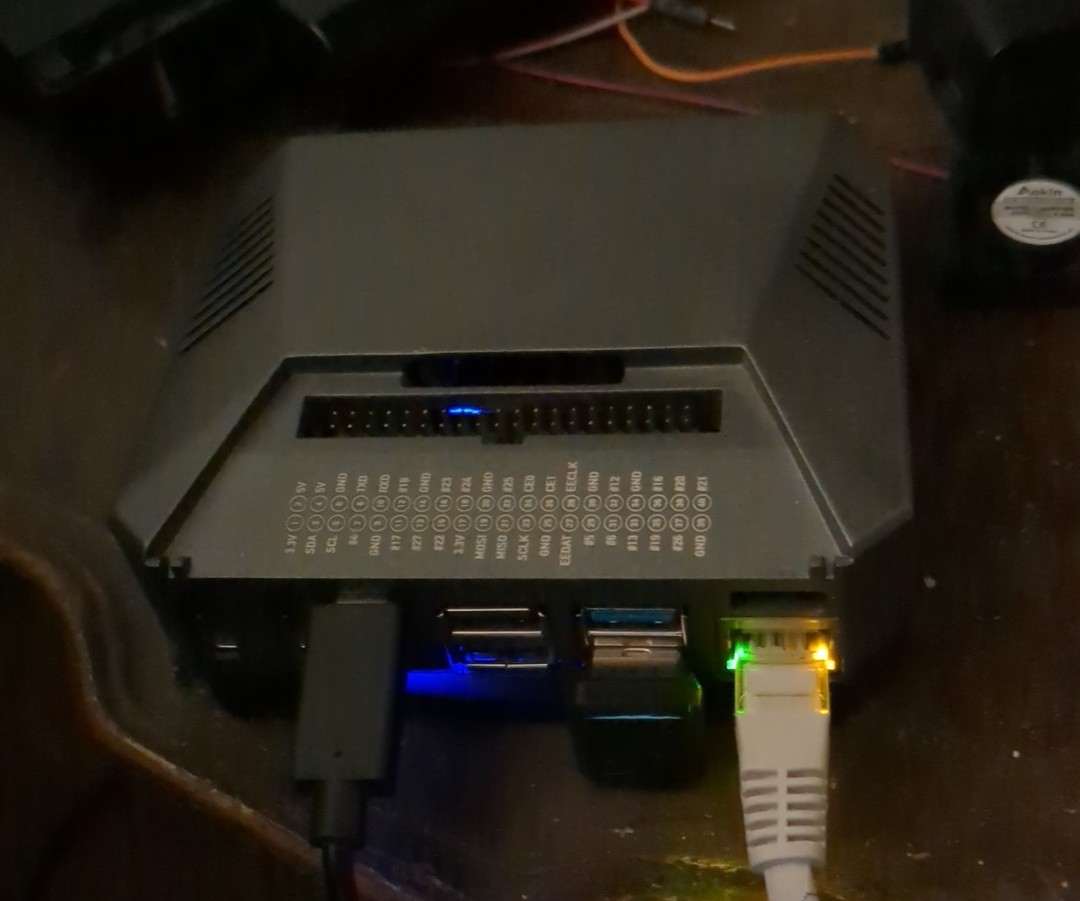 Easy way: start off with your microsdcard raspberry pi project.
Setting things up however you like on that raspberry pi microsdcard. As normal.
Then, once you have the proper nvme ssd for your argon one + ssd case, you can transfer the microsdcard over to your new ssd:
sudo dd if=/dev/mmcblk0 of=/dev/sdb bs=8M status=progress
IMPORTANT:
The above command WILL OVERWRITE the disk after of= disk part - MAKE SURE of= is your destination ssd (of=output file, and on Linux, all are files, including storage disks) - DO NOT mix it up with your project microsdcard!
What is nice is argon one case makes the above transfer effortless - just plug the USB cable from your unmounted machine with microsdcard (the if= disk the thing to be copied over), and *ensure your of= is the destination SSD case - the opposite end of same USB cable plugged into your argon one bottom ssd case will make said ssd immediately available for reading and writing.
Here we see example of using USB cable to backup an argon one ssd to a computer:
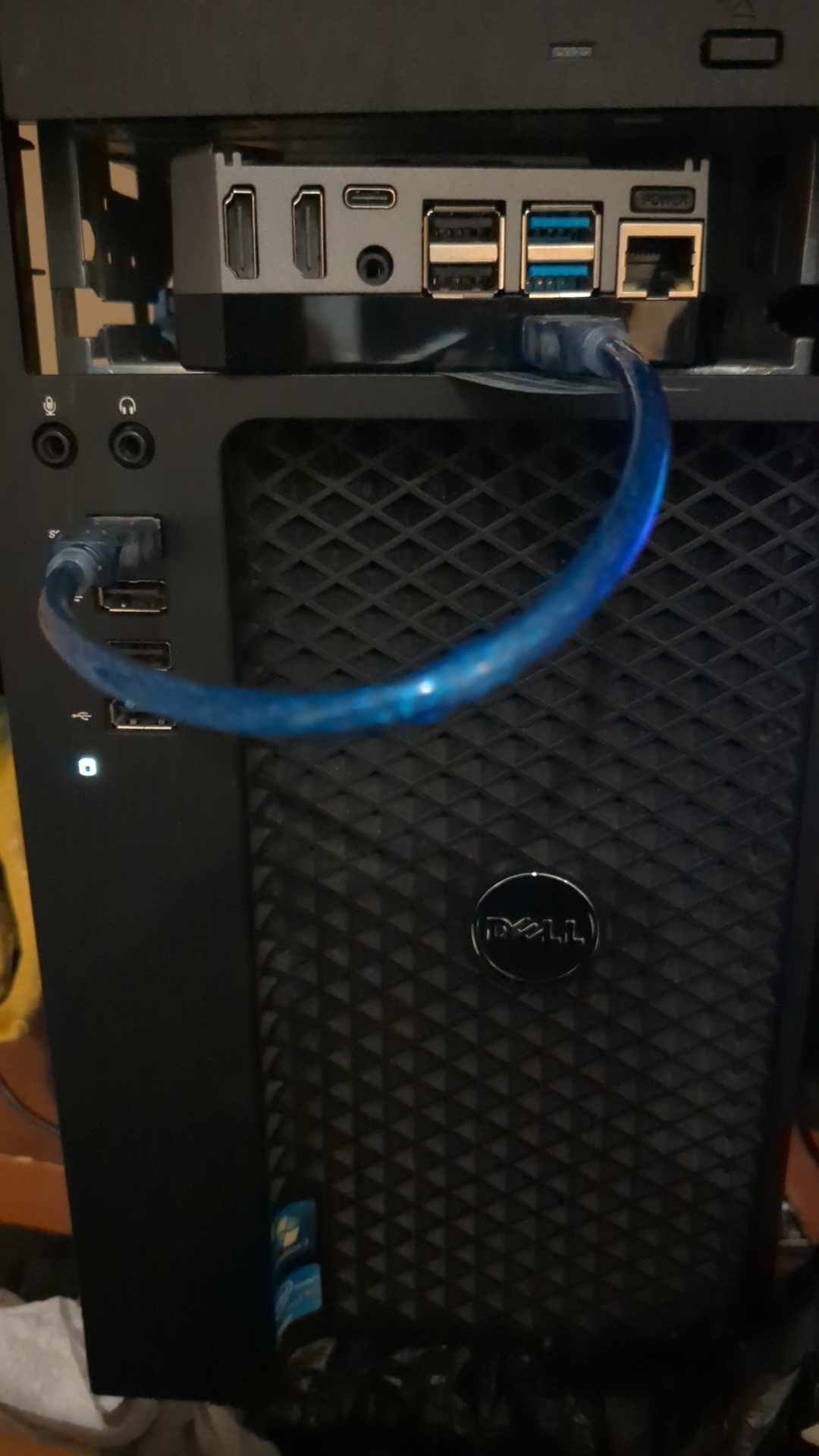 You can use this any number of ways to make backups, read / write data for ssd.
And then put your argon one together again, and start selfhosting on an ssd! 🤓
Feel free to leave question / thoughts in comments