
Over the past few months, ShotForge has grown quite a bit. New features, more customization options, and more ways to create App Store screenshots.
But with all those features, I realized something: Not everything is immediately obvious when you're using ShotForge for the first time.
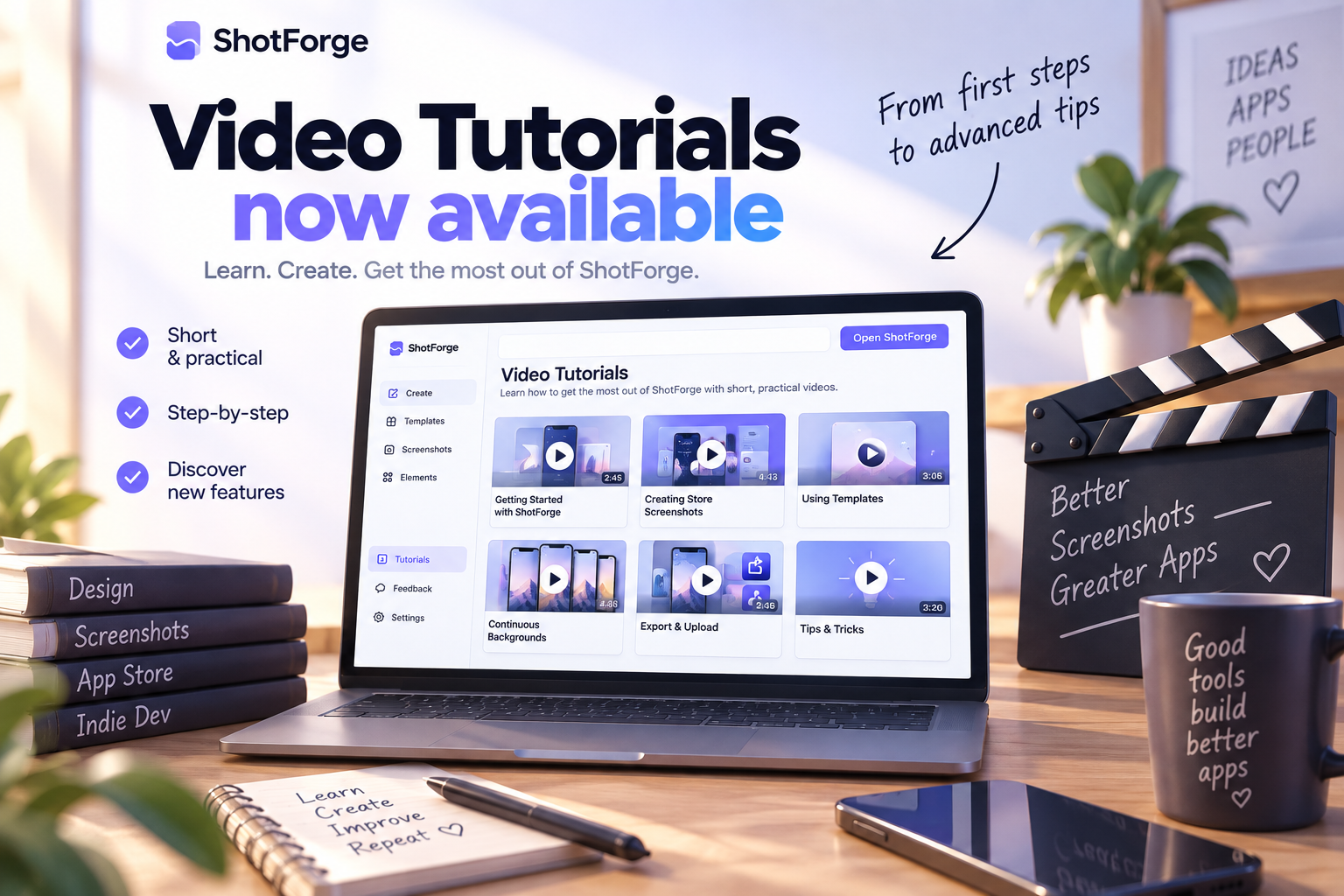
So I've started adding video tutorials! 🎉
The goal is simple: Make it easier to get started, discover features you might have missed, and get more out of ShotForge without having to figure everything out yourself.
Whether you're creating your first screenshots or experimenting with more advanced designs, I hope these videos help.
And this is just the beginning. I plan to add more tutorials over time as ShotForge continues to evolve.
As always, ShotForge remains free to use. No subscriptions, no watermarks, and no account required.
👉 Check out the tutorials at shotforge.studio
If there's a feature you'd like me to cover in a future tutorial, just let me know!
Thanks for all the feedback and support. It really means a lot! ☕