

It's 11pm. You've got 14 LinkedIn tabs open.
Each one is a job you could go for. Each one wants an email. Each one says something slightly different:
"Send your CV to careers@… with the subject 'Data Analyst – Your Name'."
So you copy the address. Hunt for the right CV. Write the same "I'm excited to apply for…" email you've written a hundred times. Fix the subject line. Attach. Send.
Then you do it again. And again.
By tab six, you're tired. By tab ten, you've given up and told yourself you'll "do the rest tomorrow".
Tomorrow, those jobs have 300 more applicants.
I got tired of this. So I built something.
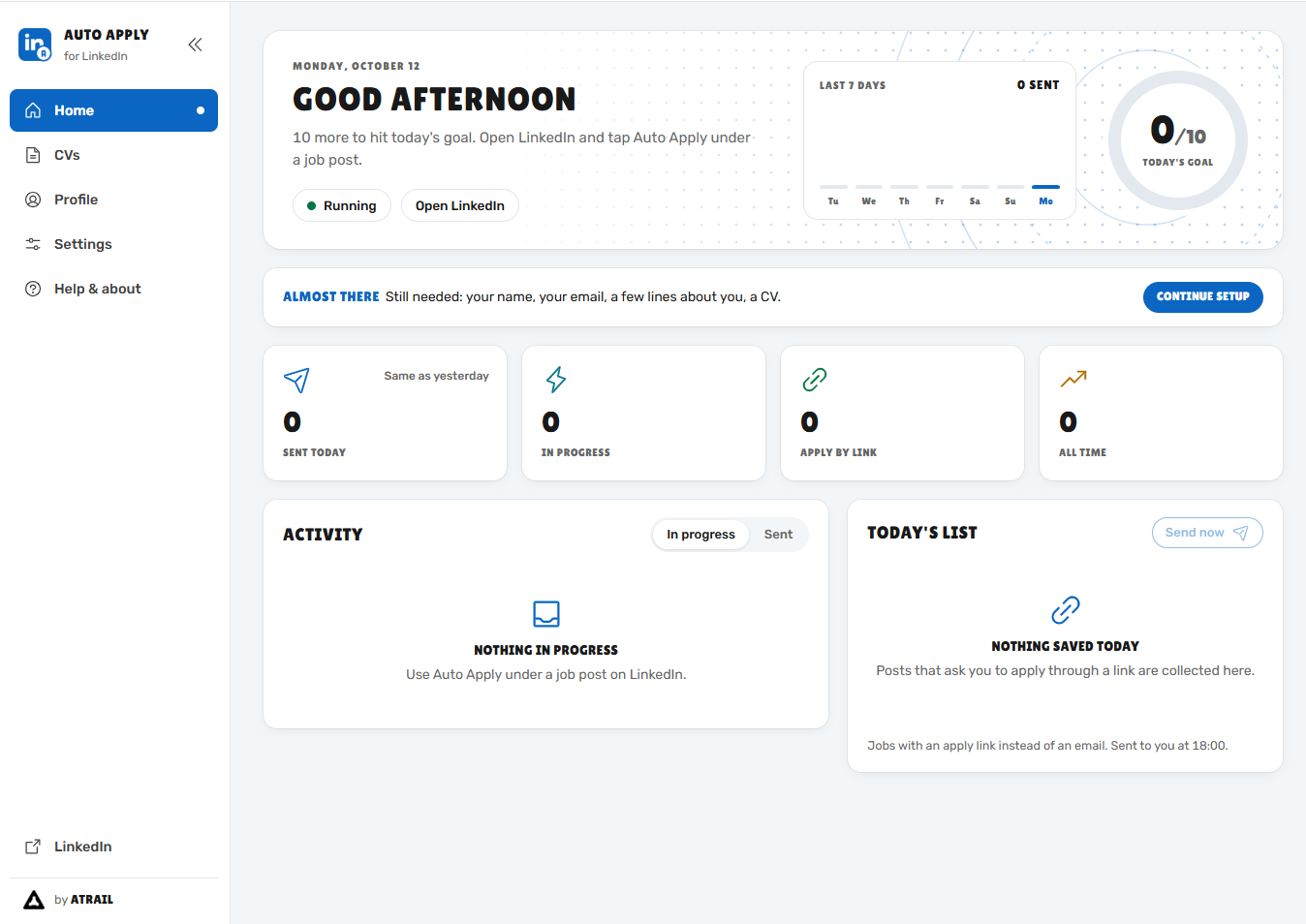
Meet Auto Apply for LinkedIn ⚡
A free Chrome extension that takes care of the repetitive part, so you can focus on actually landing the job.
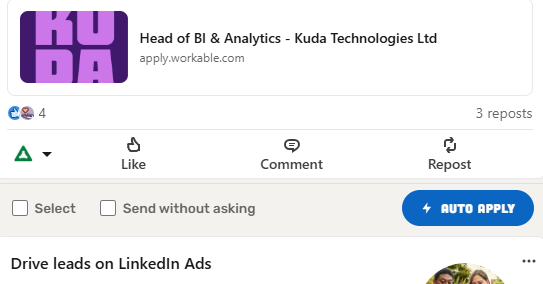
Here's what happens when you find a job you like:
You click one button – Auto Apply – right under the LinkedIn post.
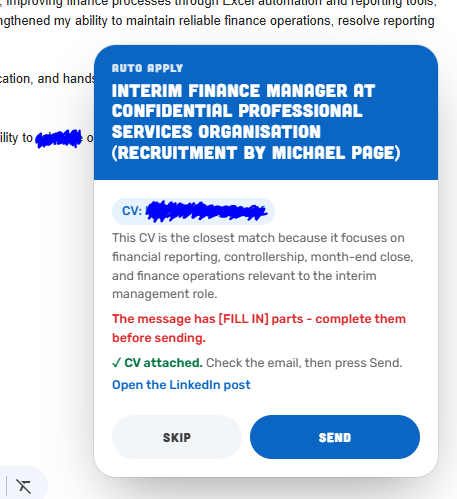
ChatGPT reads the post and writes a tailored email. If the recruiter asks for a specific subject line, it uses that exact subject line.
It picks the right CV. Got a Data CV, a Finance CV and a General CV? It knows which one fits this job.
Gmail opens with everything ready: recipient, subject, message, CV attached.
You read it. You hit Send. Done. Next job.
"Okay, but what about…"
…the jobs that say "apply on our website"?
They're not lost. Auto Apply saves them and emails you one clean list every evening: job title, company, deadline and a direct Apply link for each. Ten minutes after dinner and they're done.
…applying to the same job twice by accident?
It remembers. Even if the same job gets reposted by a different recruiter with different wording, it catches it and stops you. No more awkward double emails.
…applying to ten jobs at once?
Tick the ones you want. Click Apply to all. Go make tea. ☕
…my privacy?
Your CVs, your notes and your history stay in your own browser. Nothing is uploaded to me or anyone else. Emails go out from your Gmail, written by your ChatGPT account.
What it is not
I'll be straight with you: this is not a magic job machine.
It won't make you qualified for a job you're not qualified for.
It won't replace a well-researched application to your dream company.
What it will do is remove the copy-paste grind, so you can apply to the jobs you are right for while they're still fresh, instead of three days later.
(And please, read each email before you send it. ChatGPT is good, not perfect.)
Get it free (2-minute setup)
Download the zip file attached to this post and unzip it.
Open this address in Chrome:
chrome://extensionsSwitch on Developer mode (top-right corner).
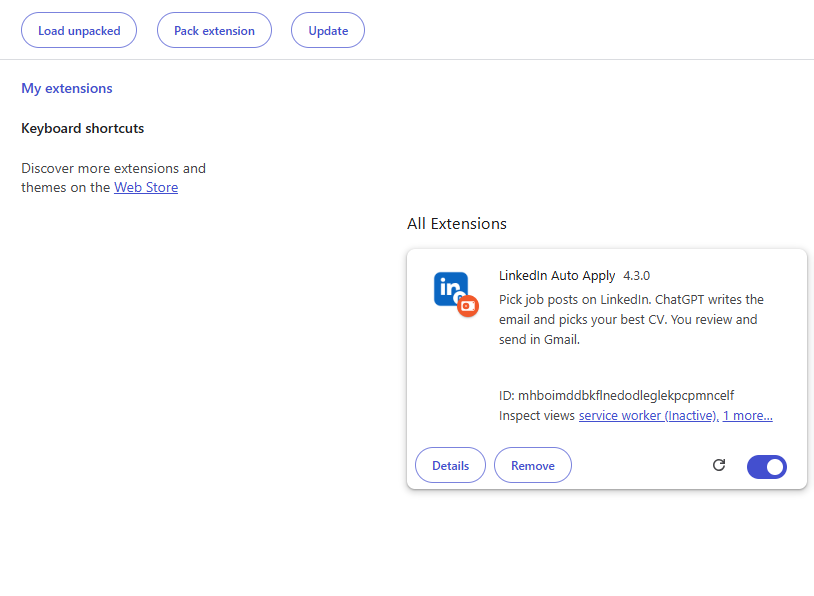
Click Load unpacked and choose the unzipped folder.
Follow the quick setup: add your name, a few lines about you, and your CVs.
That's it. Go to any LinkedIn job post and you'll see the button.
You'll need to be logged in to LinkedIn, ChatGPT and Gmail in Chrome. Full instructions are inside the extension under Help & about.
Why it's free
I build tools like this under Atrail: small, practical things that take the boring work off your plate.
Auto Apply is free and open source, and it'll stay that way.
But if it saves you a few evenings, or helps you land that interview, I'd love it if you bought me a coffee. ☕ Every coffee pays for the late nights spent fixing bugs and building the next feature, and it tells me this is worth continuing.
Your next job is probably sitting in a LinkedIn tab right now. Go apply to it. 🚀
– Atrail
P.S. Hit reply and tell me how it goes. I read every message, and I'm especially curious which feature you'd want next.