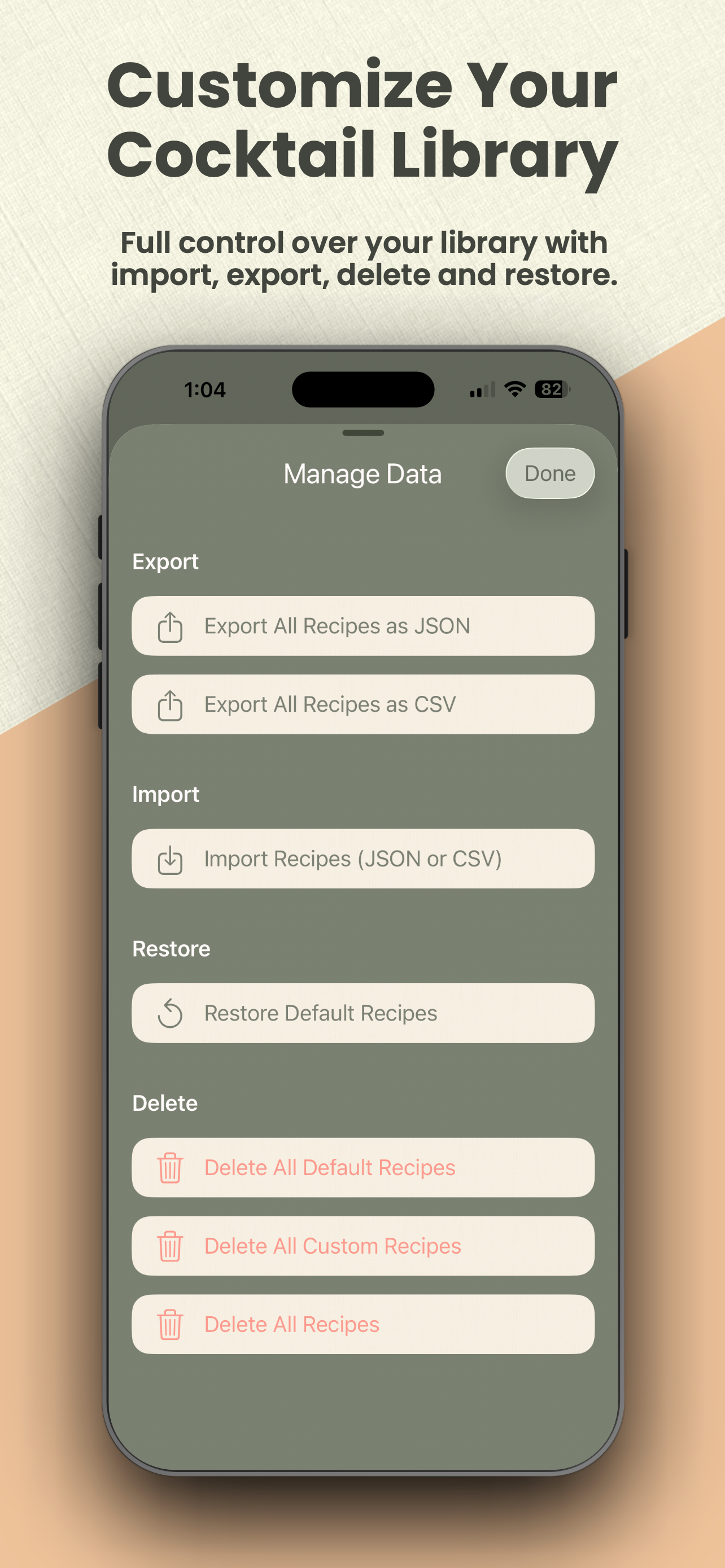

Cocktail Lounge lets you export and import your entire recipe library as JSON or CSV. This is useful for backups, moving data between devices, or editing recipes outside the app.
JSON
The recommended format. It preserves all recipe data cleanly.
Structure
{
"formatVersion": 1,
"exportedAt": "2026-08-10T21:15:00Z",
"recipes": [
{
"name": "Twentieth Century",
"ingredients": [
{ "amount": 1.5, "unit": "oz", "name": "Gin" },
{ "amount": 0.75, "unit": "oz", "name": "Lillet Blanc" },
{ "amount": 0.5, "unit": "oz", "name": "White Crème de Cacao" },
{ "amount": 0.75, "unit": "oz", "name": "Lemon Juice" }
],
"instructions": "Shake with ice and fine strain into a chilled coupe glass.",
"prepMethod": "Shaken",
"glassware": "Coupe",
"baseSpirit": "Gin",
"garnish": "Lemon twist",
"source": null,
"tags": ["Sour", "Sweet"],
"isFavorite": false,
"isCustom": false,
"notes": null,
"stableKey": "base-twentieth-century-1"
}
]
}
A plain array of recipe objects (without the wrapper) is also accepted on import.
Notes on fields
• ingredients — array of objects with amount (number), unit, and name
• tags — array of strings
• notes, garnish, source — optional (can be null or omitted)
• stableKey — unique identifier used to avoid duplicates on import/restore
• isFavorite / isCustom — booleans
CSV
Useful for editing in a spreadsheet. Some structure is flattened.
Header row
Name,Prep Method,Glassware,Base Spirit,Ingredients,Instructions,Garnish,Tags,Source,isFavorite,isCustom,Notes,Key
Example row
"Twentieth Century","Shaken","Coupe","Gin","1.5 oz Gin | 0.75 oz Lillet Blanc | 0.5 oz White crème de cacao | 0.75 oz Lemon juice","Shake with ice and fine strain into a chilled coupe glass.","Lemon twist","Sour|Sweet","","false","false","","base-twentieth-century-1"
Details
• Ingredients are combined into one cell, separated by |
• Tags are separated by |
• Empty fields are left blank
• Values that contain commas are wrapped in quotes
Tips
• Prefer JSON for full fidelity backups.
• Use CSV when you want to bulk-edit in Numbers, Excel, or Google Sheets.
• On import, recipes that already exist (matched by stableKey or exact name) are skipped so you don’t create duplicates.
• After importing, you can safely delete the exported file — your data lives in the app and in iCloud.