

A Practical Guide to AI Art & Video
$19
Nur noch 6 übrig
98 Personen haben dies gekauft
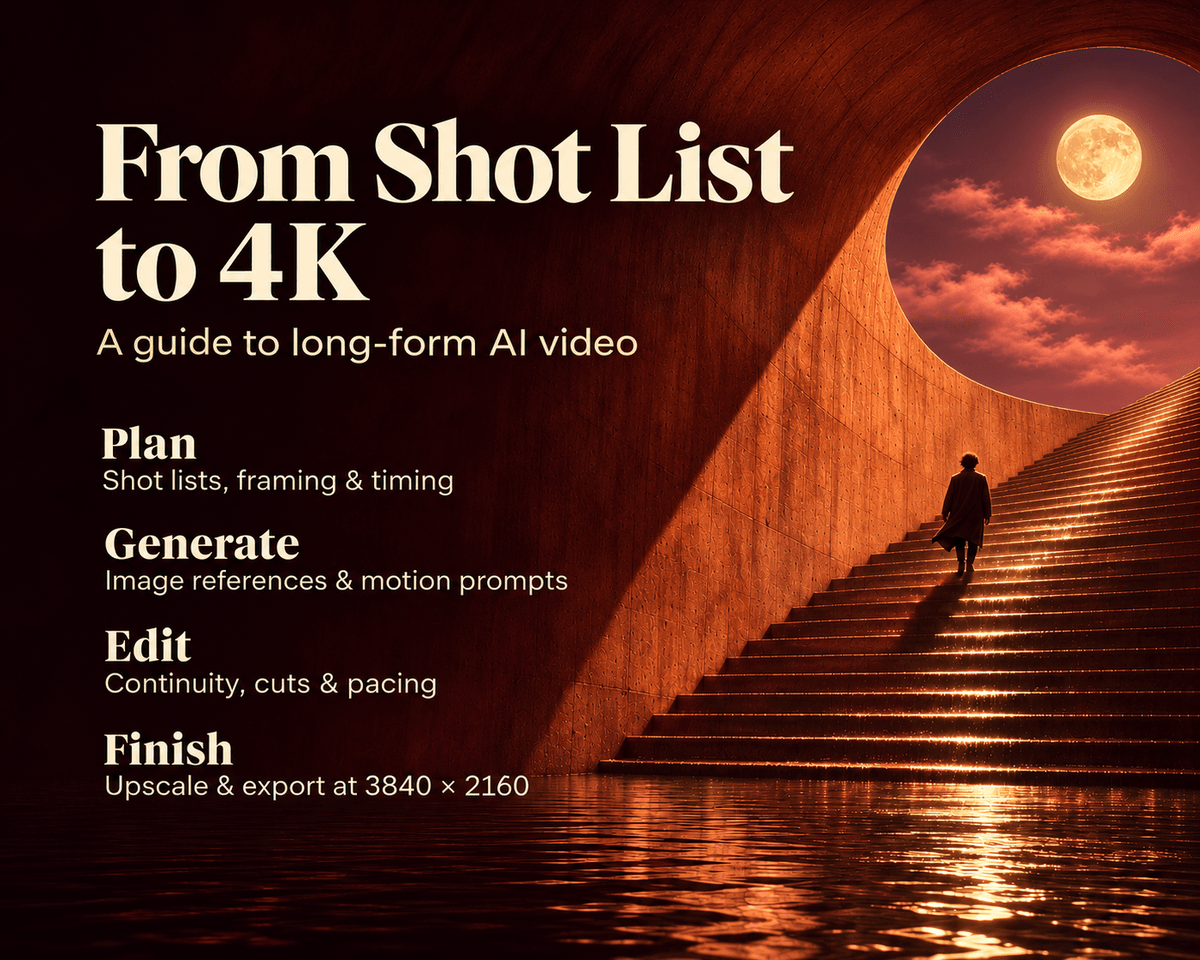
From Shot List to 4K
The first shot looks great. In the next one, the character’s face changes, the camera drifts, and the scene feels like it belongs in another video.
In this course, I’ll show you how I build long-form AI videos for Naturaeon. You’ll learn how to plan shots that cut together, spot common generation problems, and finish a video in 4K.
Inside the long-form guide
- Stuck after the first scene? Turn one idea into a shot list. Give each shot a purpose, framing, and planned duration so you know what to generate next.
- Characters or lighting keep changing? Use reference images and reusable prompts to carry faces, wardrobe, lighting, and style across scenes.
- Motion looks stiff or chaotic? Give the subject and camera separate instructions. Spot flicker, warped details, and unwanted movement so you know which shots to regenerate.
- The edit feels slow or disconnected? Trim dead time, cut on movement, and check that framing and screen direction flow from one shot to the next.
- The final video looks soft? Upscale your footage, check for artifacts, and export a 3840 × 2160 master at a consistent frame rate.
Also included are step-by-step recorded classes, multiple live Google Meet sessions, access to the Naturaeon prompt collection, and personalised guidance on your own project.
$19
Nur noch 6 übrig
98 Personen haben dies gekauft
$19