

After the last time we created the Discord server, today we will take a look at how you can create new channels, and categories!
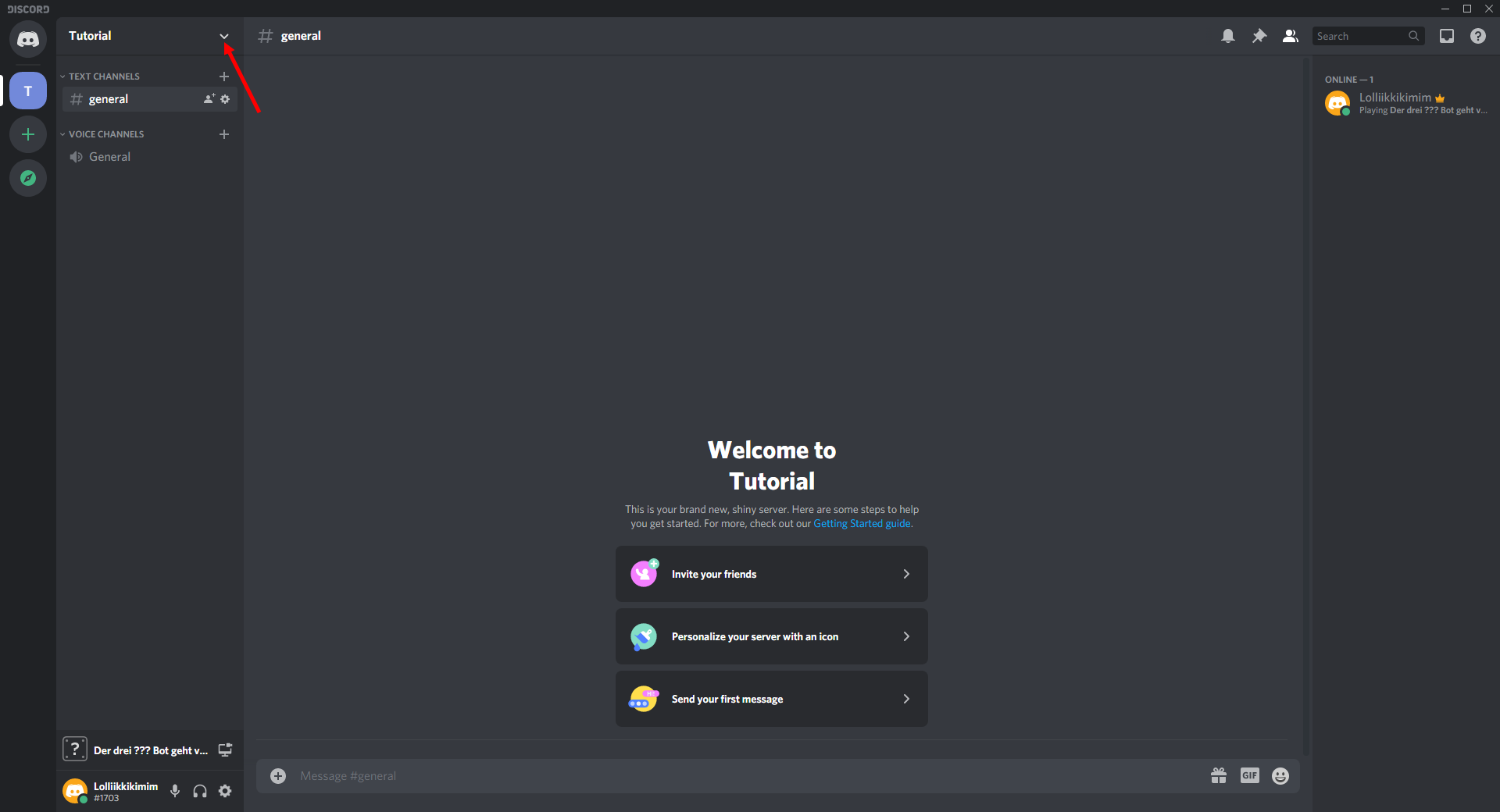
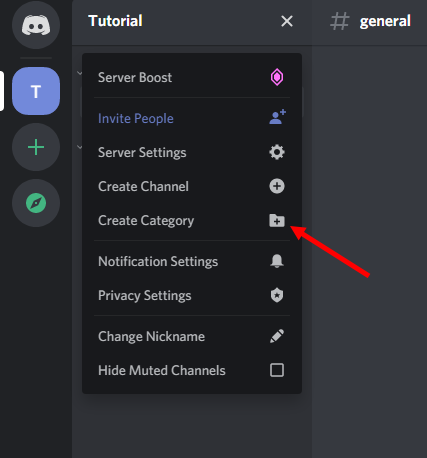
First, let's take a look at how to create categories and channels. To create categories, first press once on the server name and then on Create Category.
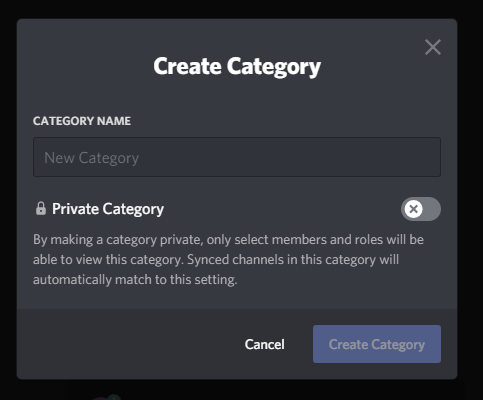
Now the window pops up in which you can name the category, there you enter a name for the category that best describes the content of the channels.
Now let's take a look at how to create channels in the categories
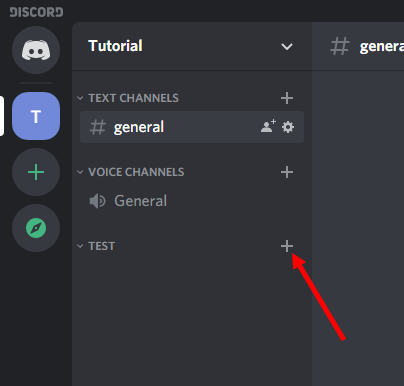
To create a channel in the category you just created, click on the little plus next to the name of the category!
Now you can choose in a pop-out whether you want to create a text or a voice channel. I will now create a text channel but if you would like to create a voice channel, please do so! You can also give the channel a name in this window!
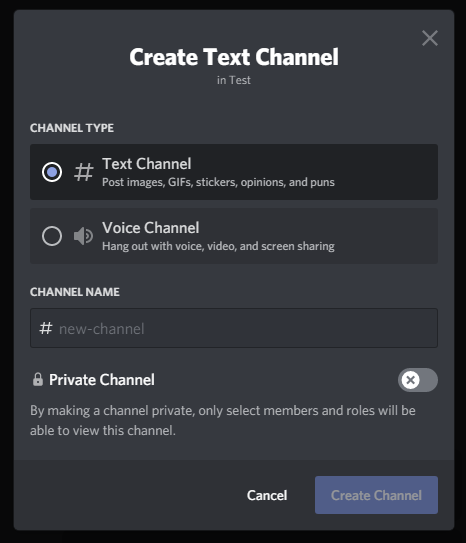
If you have now filled in all fields press Create Channel to create the channel! The channel should now appear in your category!
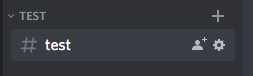
Now a little tip when you create the server for your community use emojis in your channel names you can open them with the Windows & . combination