

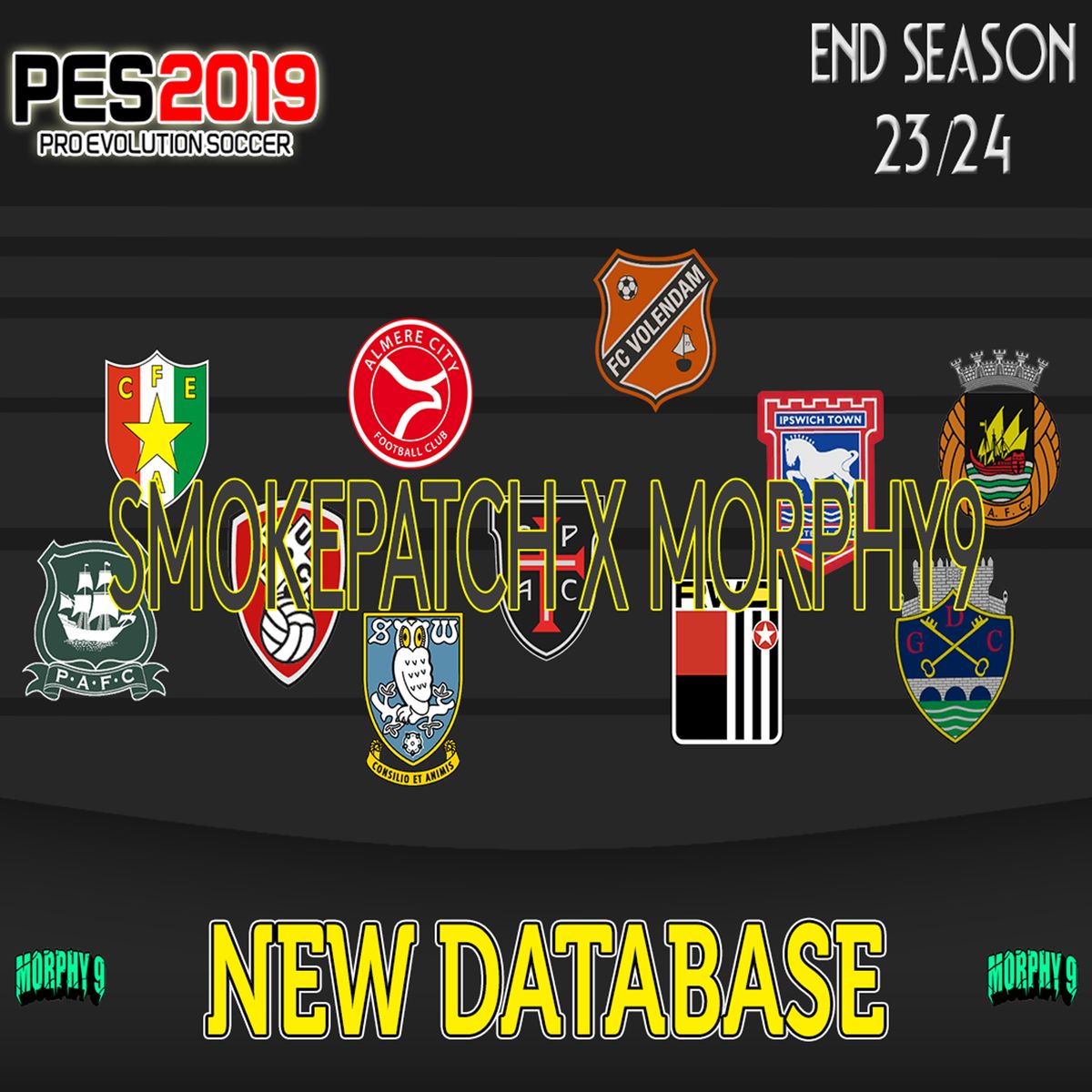
PES 2019 NEW OPTION FILE 23-24 Vol 2 by Morphy9
Frei
HOW TO INSTAL!
1. Extract all downloaded files
2. Open where the Sider is located
3. Open the livecpk folder and PASTE!
Notes: If you don't have a livecpk folder, you can create it manually on your Computer/Laptop
4. Return to the previous page, then open the file "sider.INI"
5. Enter the format according to the one below:
cpk.root = ".\livecpk\MorphyDB"
cpk.root = ".\livecpk\MorphyDBTeamLogos"
cpk.root = ".\livecpk\MorphyDBMinifaces"
cpk.root = ".\livecpk\MorphyDBBadges"
Notes: Copy the format above then Paste at the bottom "livecpk.enabled = 1"
6. Save and Close
7. Open the Sider application first, then open your PES 2019
8. Enjoy the game
Tutorial Instal : https://youtu.be/KEmuqfQmRVU
Frei
Gib einen fairen Preis ein
$
Frei