

UPDATE (17/11/25): Video on this offer published here.
UPDATE (30/11/25): Further detail and screenshots added regarding the Promo Code and the separate Claim Reference Code.
If you're an existing Chromebook owner (or have a friend who is!) and are on the look out for a new Chromebook or Chromebook Plus, it's an excellent time! Not only do we have various sales taking place as we approach Black Friday, but right now there's a Chromebook Perk available to existing Chromebook owners offering up to £100 cashback on a new Chromebook or Chromebook Plus!
Check your Chromebook Perks for a loyalty offer. The Google Spark Campaign offers either:
👉 £100 cashback on a Chromebook Plus model
👉 £30 on a 'regular' Chromebook
Thanks to @greatmedwardo on X for the spot and also to @daveginboav who previously mentioned having a money off offer 🙌
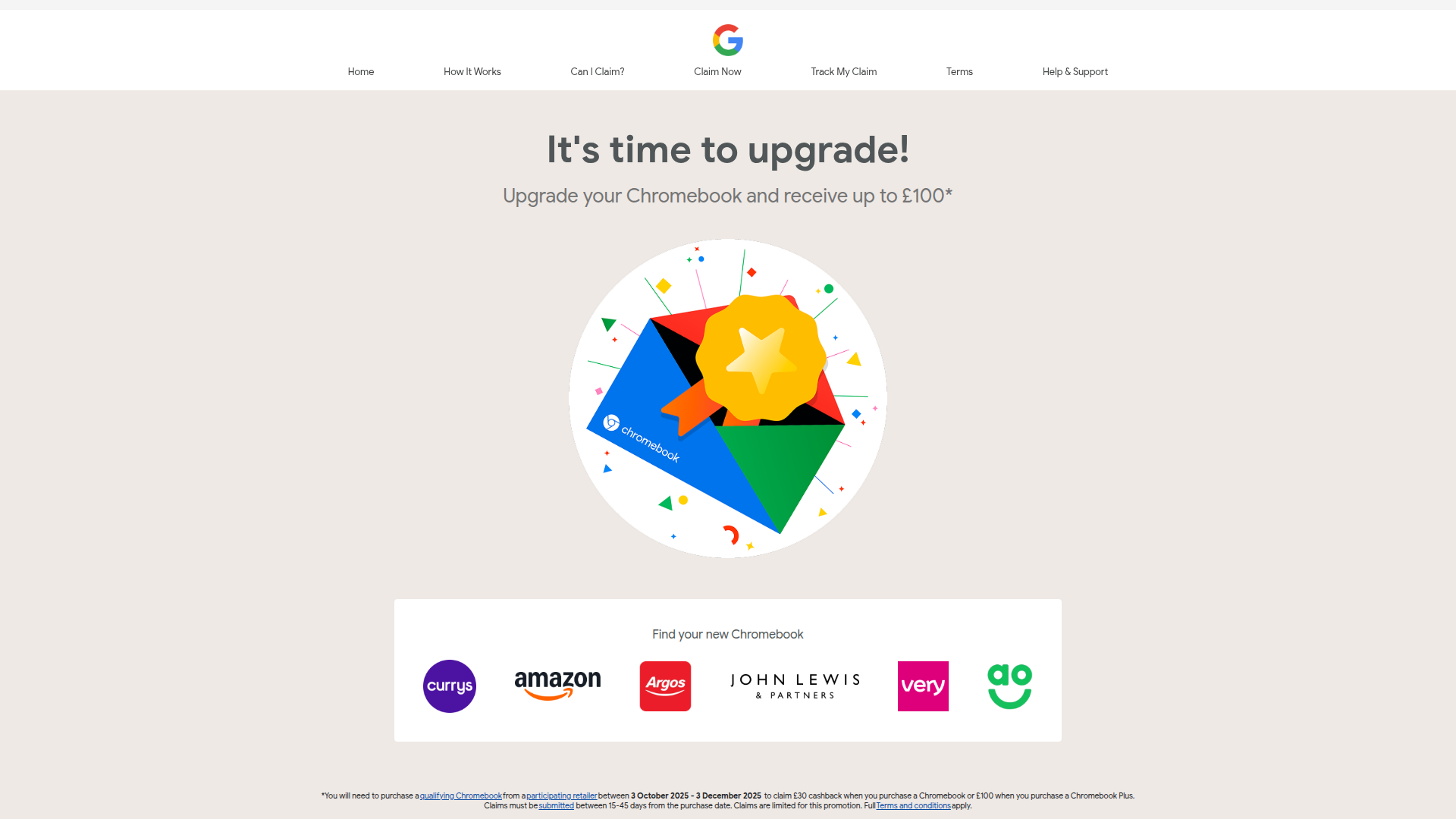
The overall process is fairly straight forward, but I'll expand on it with the key links you need in more detail below.
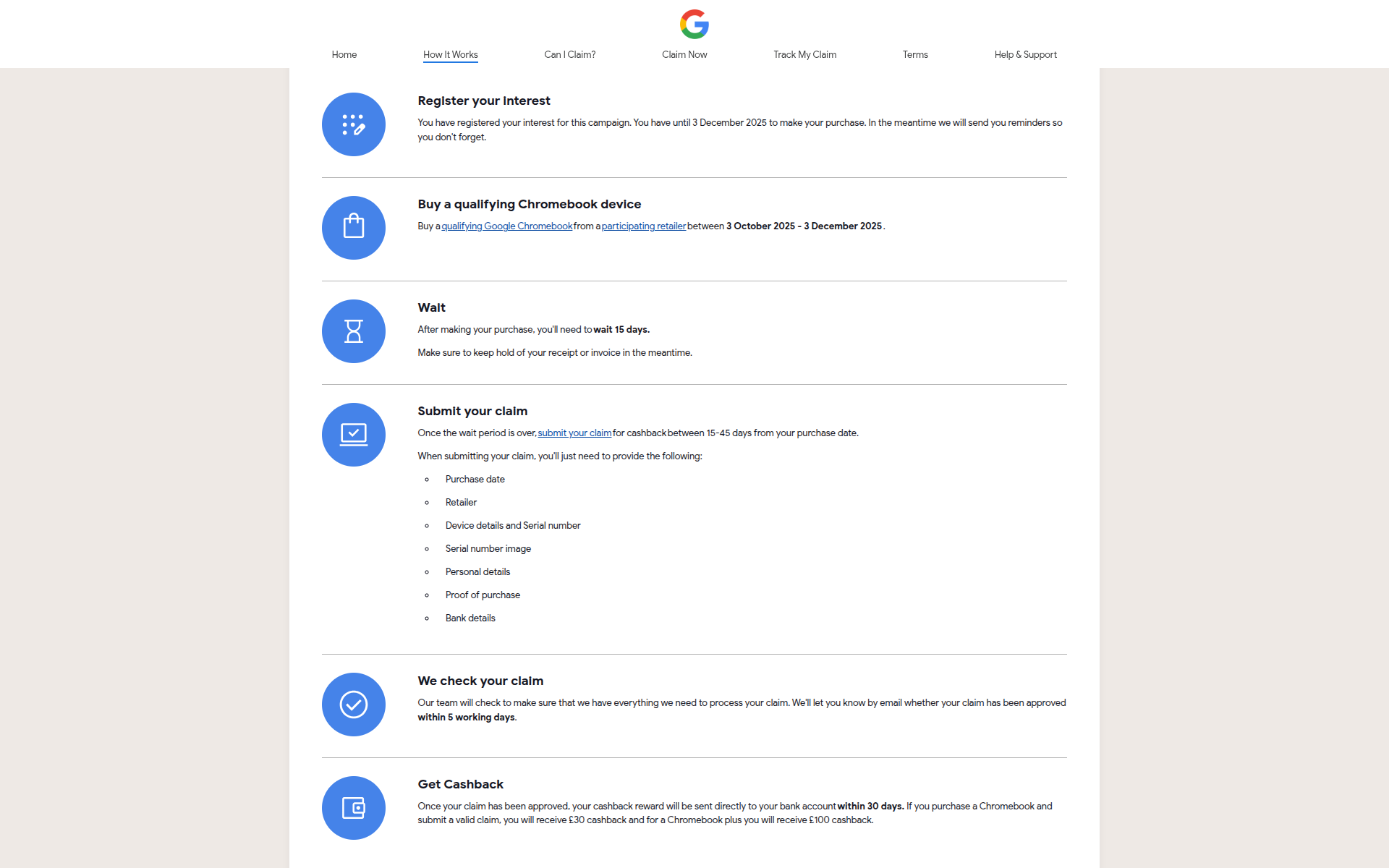
Follow these simple steps:
1.) First off, ensure you have the Chromebook Perk, or have a friend who does and is happy to give you their code (this is allowed based on the T&C). You can check for the Perk when you're on your current Chromebook by clicking here.
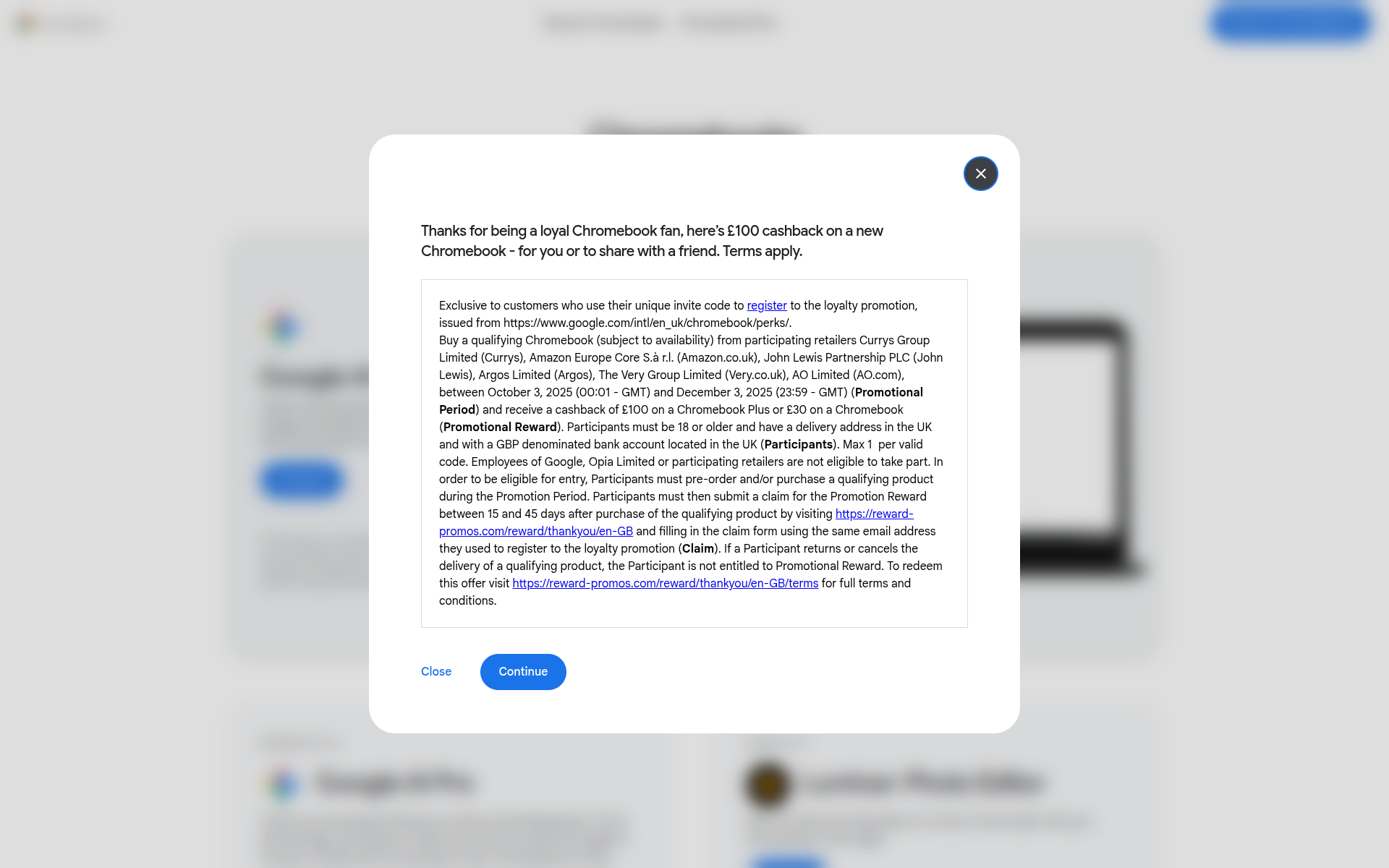
When you claim the Perk you will be provided with a 28 character alphanumeric Promo Code in the format:
xxxxxxxx-xxxx-xxxx-xxxxxxxxxxxx
Keep this safe, you'll need it to register in the next step.
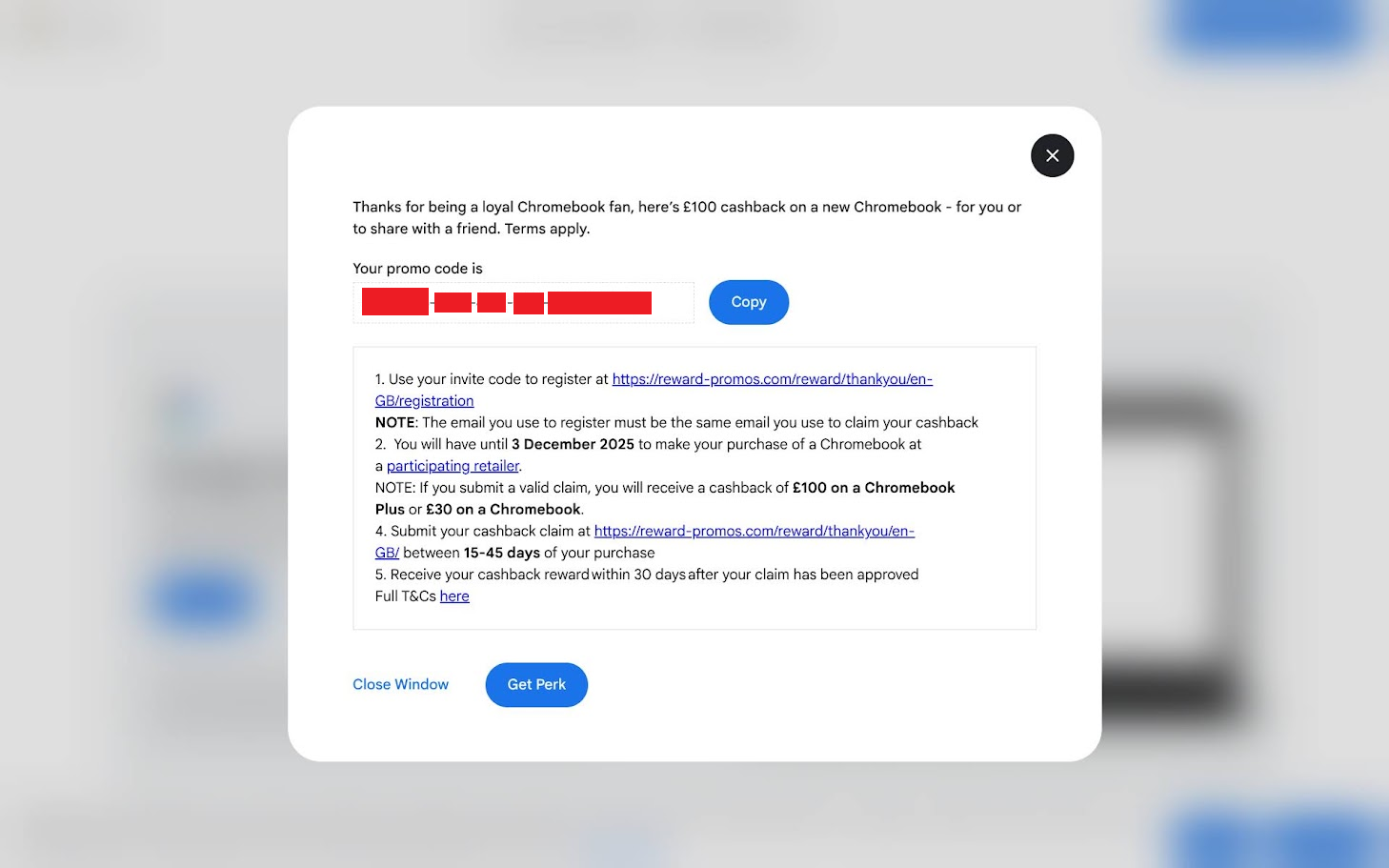
2.) Register your unique code from step 1 here. Use an email address that you definitely have access to and will remember. You'll have to verify it for a start, but you'll also need to use the same address when you submit your claim later on.
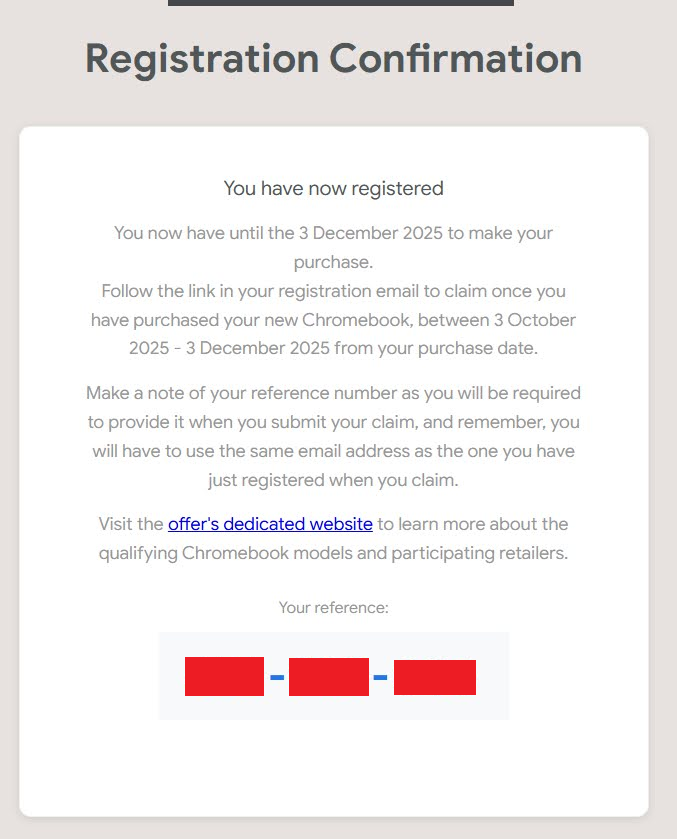
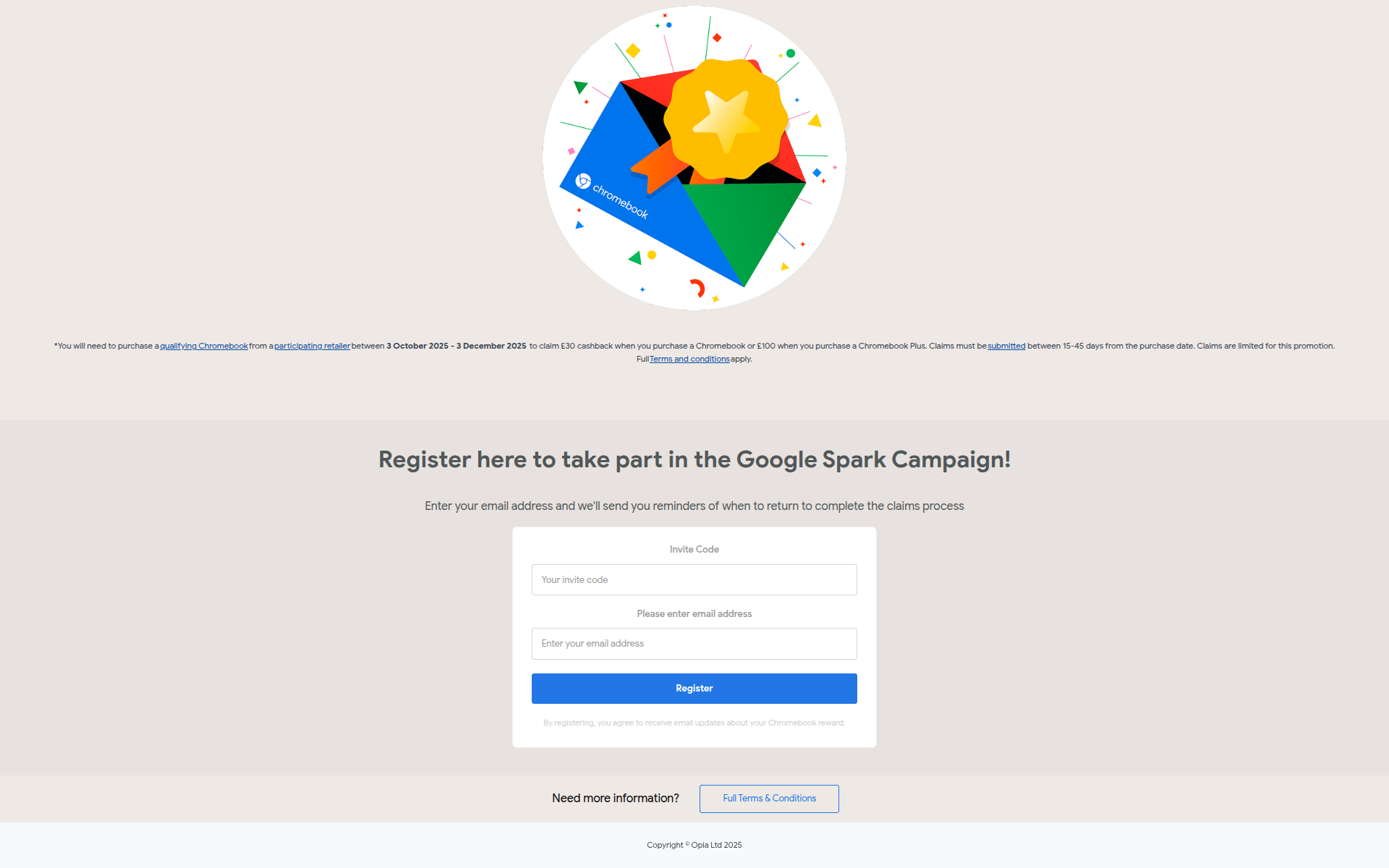 From registering you'll be provided with a 9 digit Claim Reference code in the format:
111-111-111
It's important you keep a note of this and the email address you used here to register, as you'll need them both when you make the claim later. The registration code will also be emailed to you, ensure emails from '[email protected]' are not going to your spam.
 3.) Then the fun part, go ahead and purchase a qualifying Chromebook or Chromebook Plus from Currys, Amazon, Argos, John Lewis, Very or AO in the UK between 3rd October and 3rd December 2025.
You can follow the channel's account on X, Threads and Bluesky for the latest Chromebook deals I've shared. Find them all via the channel's LinkTree here.
4.) It's then a bit of a wait, as 15 days have to have passed from your purchase before you can submit your claim here. You could go ahead before this time and prepare yourself to have all of the following ready, as these will be needed to make your claim:
Purchase date
Retailer
Device details and Serial number - you can usually find the serial number on the bottom of the Chromebook
Serial number image - as above, check the bottom of the Chromebook, take a decent quality photo and have this ready on the machine you'll be submitting your claim from.
Personal details
Proof of purchase
Bank details
You'll also need the 9 digit claim reference code that was provided (and emailed to you) from step 2 (Registration). Ensure you supply the same email you used back then too when kicking off your claim submission in the screen below.
Picking out the actual Chromebook model you purchased from the provided drops downs can be a bit of a faff as the naming in the drops downs is less than clear. Where can can, search by the model number of your Chromebook, you'll often find this on the bottom of it where the serial is and/or on the side of the box. If you're stuck feel free to ask a question on this article, or over on the YouTube video I've published on this process here.
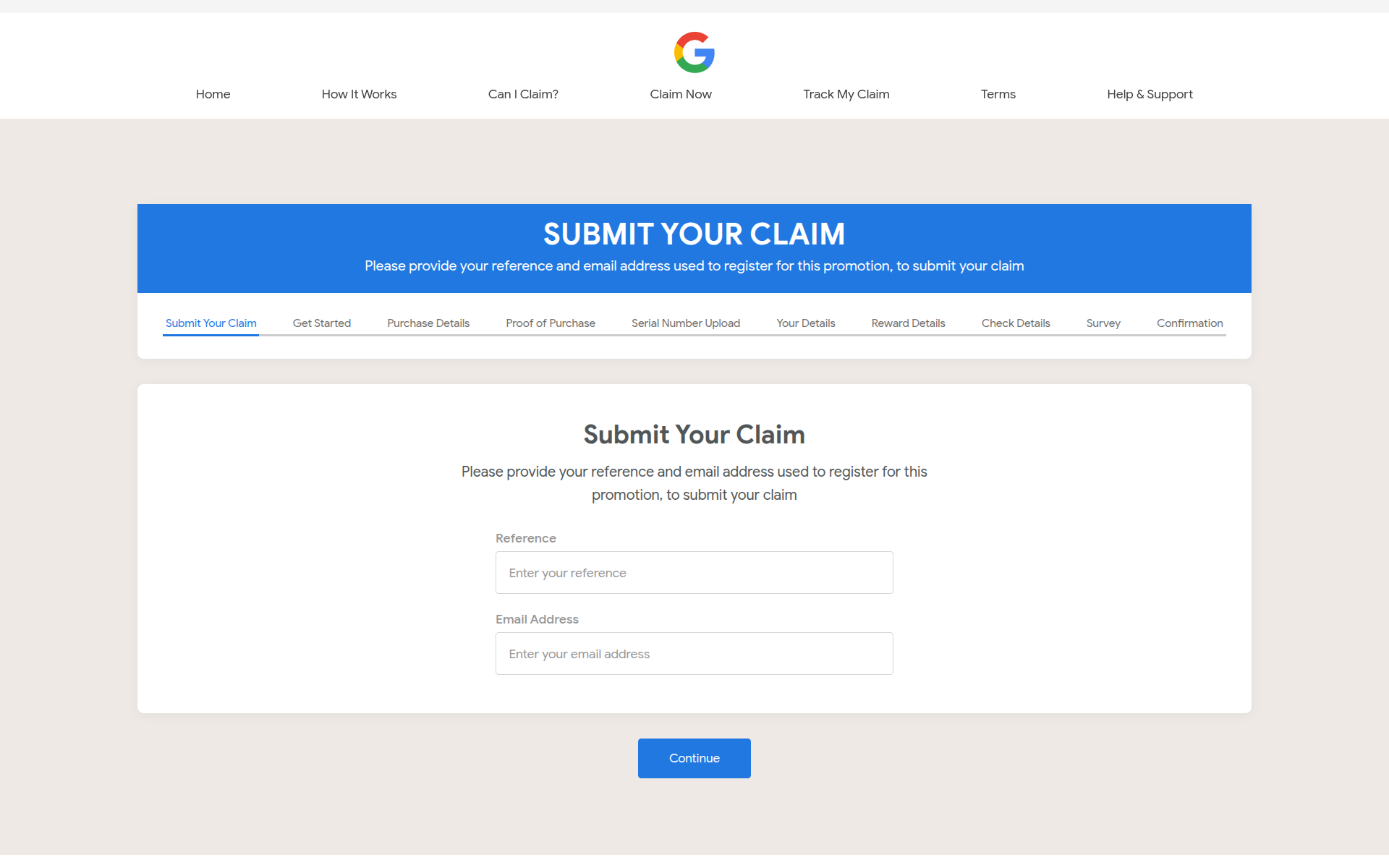 5.) It should be around 5 days for the promoter to then check your claim and all being well it takes up to 30 days for them to pay you into your bank account, as a reminder it's £30 for a regular Chromebook and £100 for a Chromebook Plus. You'll receive regular email updates from them notifying you of any progress or hold ups.
I'm in the process of making a claim and will write an updated article on my experience. Let me know in the comments here of any queries and/or your experience with making a claim.
If you want to track your claim once it's submitted, you can do so here.