

The Weekly Spark – 31st October 2026
The new iPad mini’s biggest problem might be that the one you already own is still perfectly good. And if you don’t own one, a folding iPhone now covers quite a few of the reasons you might have bought a small tablet.
Back in September, I asked whether the iPhone Duo had killed the iPad mini. Apple has since given the mini a substantial update, with an OLED screen, a lighter body and more flexibility when connected to a monitor.
The newly announced mini 8 starts shipping on 6 November. There’s plenty to like, but I think there are two different buying decisions here. Is it worth replacing a mini 7? And if you’re considering a Duo, would you still need a mini at all?
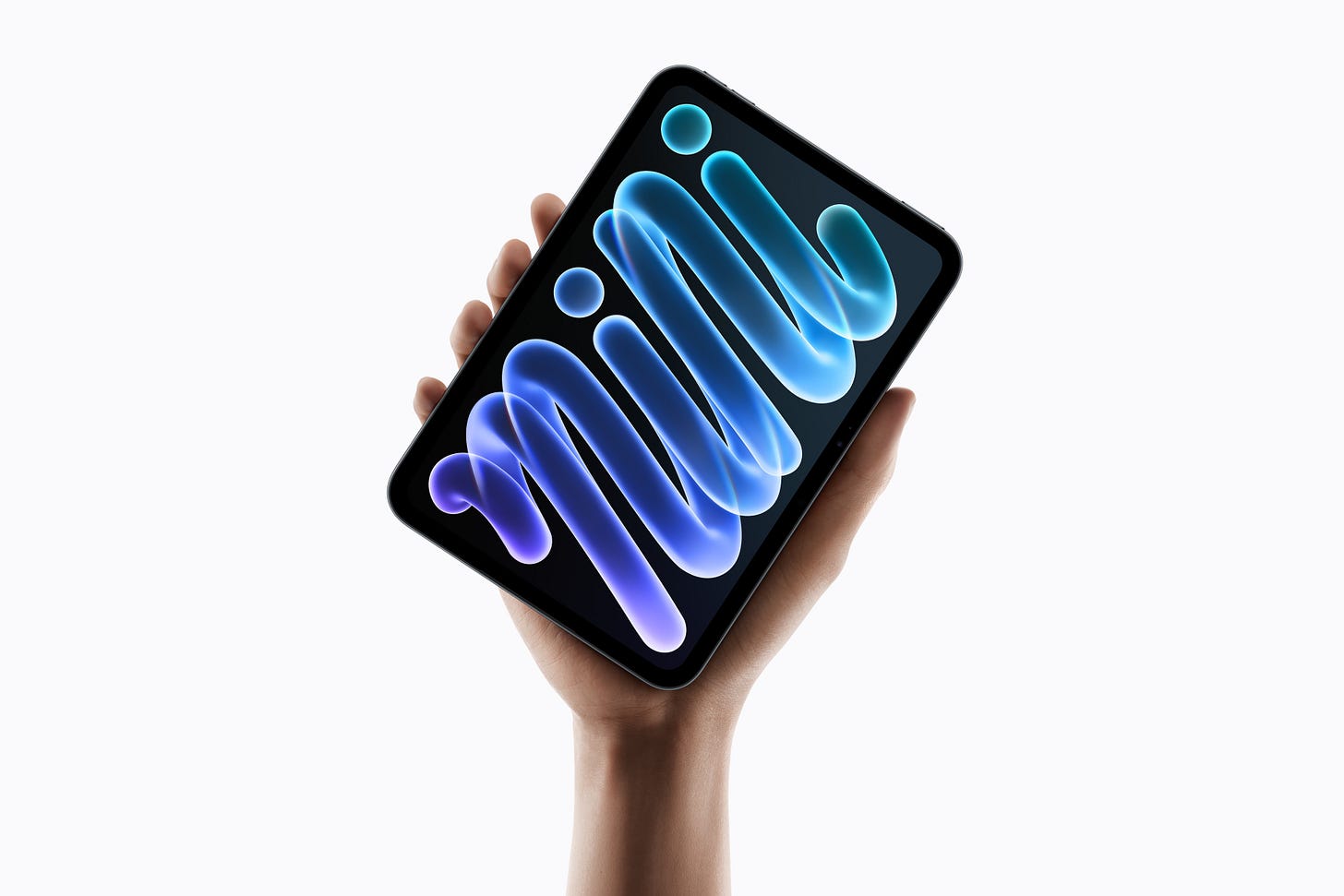 The new iPad mini. Image: Apple.
A better screen, with a couple of qualifications
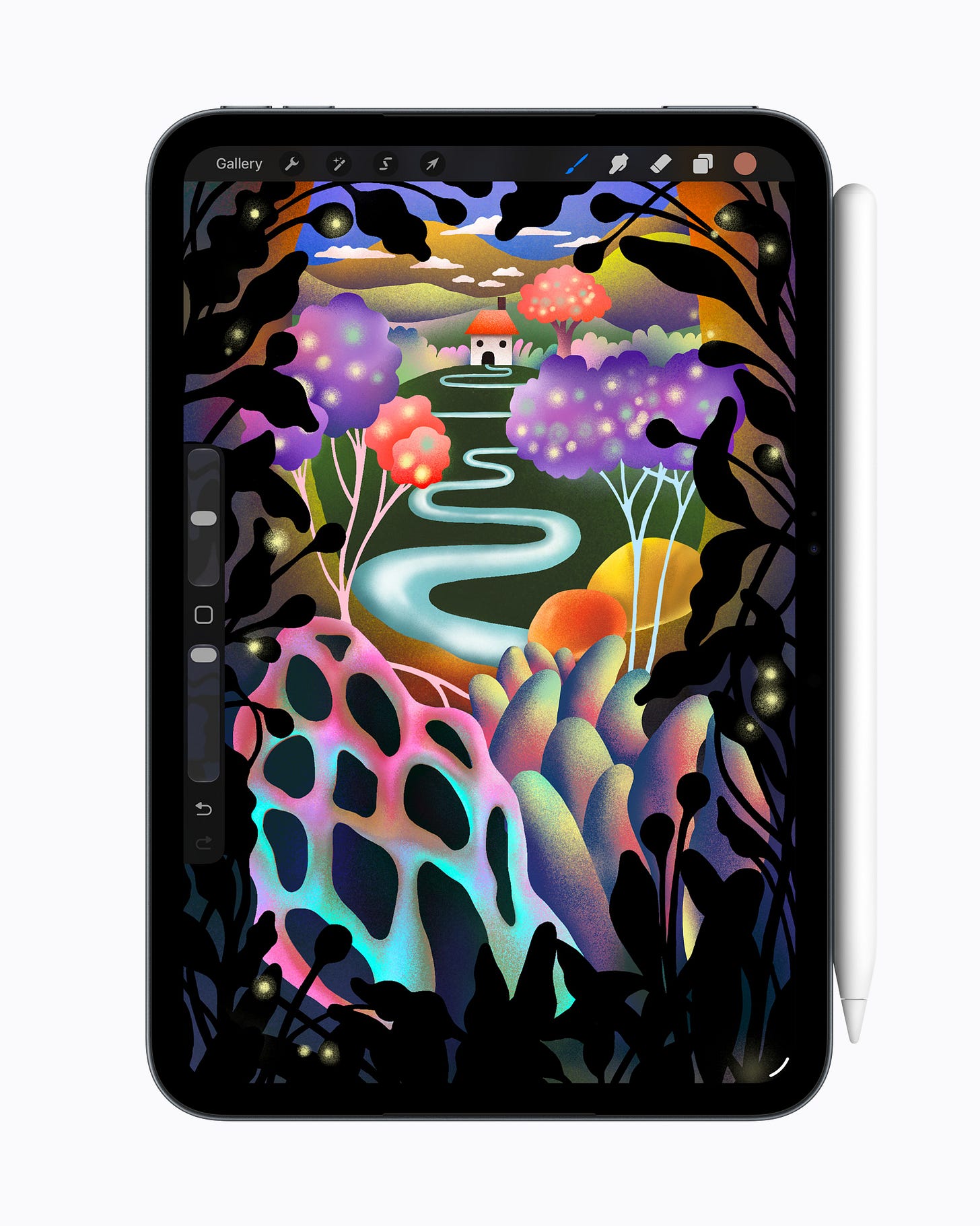
The screen is probably the most immediately appealing change. The mini 7’s 8.3-inch LCD has been replaced by an 8.5-inch OLED panel, giving you deeper blacks and stronger contrast. Films, photographs and illustrated pages should all benefit.
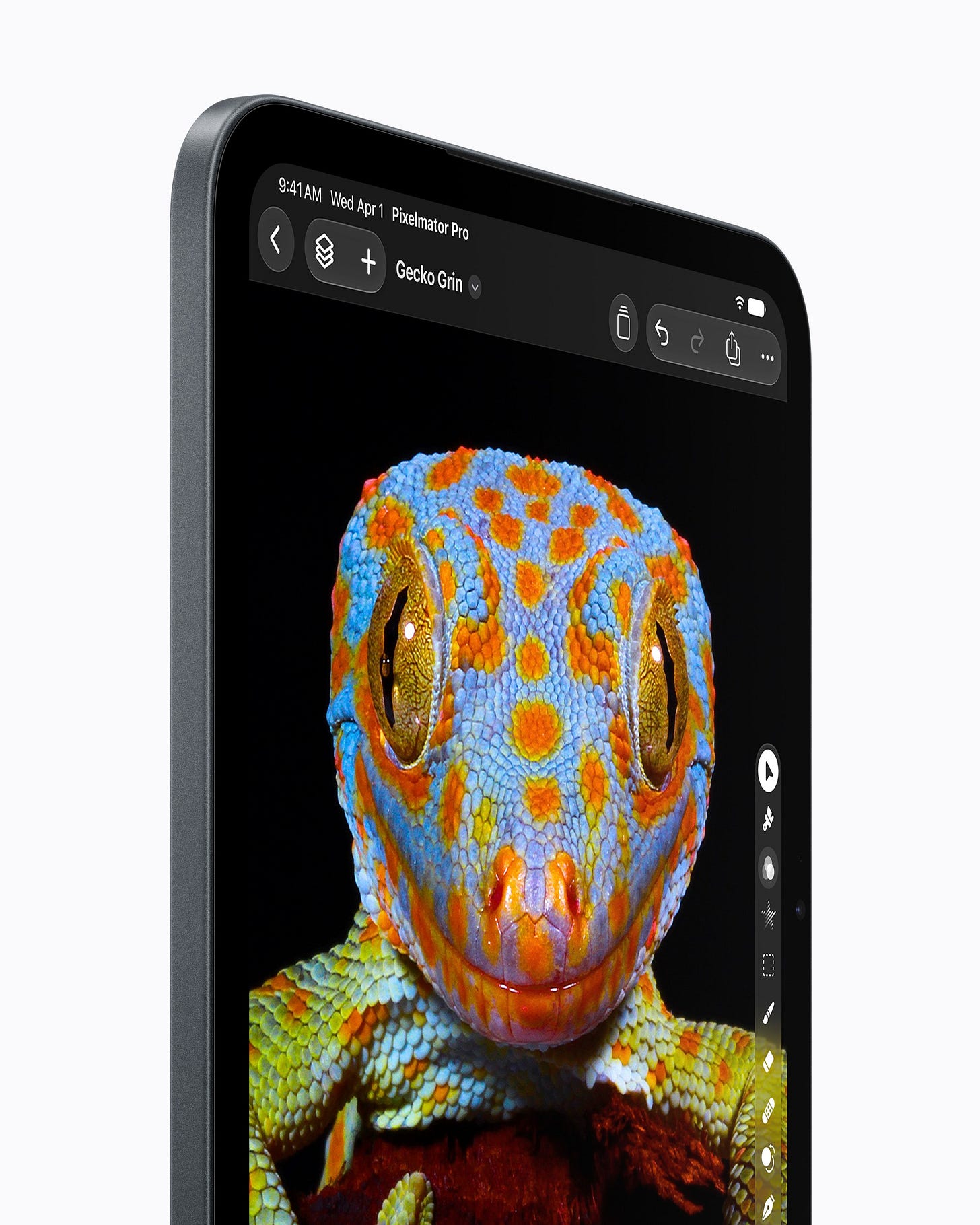 OLED comes to the iPad mini, with deeper blacks and stronger contrast. Image: Apple.
Brightness has improved too, although Apple’s headline figures need a little explanation.
For ordinary reading and browsing, maximum brightness rises from 500 to 600 nits. That’s a useful increase, but the much higher 1,200-nit figure applies to bright highlights in HDR films and videos, such as sunlight or a flash of lightning. Your book page won’t suddenly become more than twice as bright.
There’s also optional nano-texture glass to reduce reflections. You need at least the 256GB model, though, and the glass adds another £100. That brings the starting price for that particular combination to £899.
I can see the appeal if reflections regularly bother you. But it’s quite a jump from the £699 starting price, especially if you were perfectly happy with 128GB of storage.
One thing Apple hasn’t added is ProMotion. The mini 8 still has a 60Hz screen, rather than the faster refresh rate that makes scrolling look smoother and Pencil strokes feel more immediate.
I would have liked to see it here. Whether its absence should put you off is another matter. If you’re happy reading, browsing and watching videos on your mini 7, there’s no reason to assume that the same refresh rate will suddenly become a problem.
Less weight in your hand
The body is now 5.4mm thick, and the Wi-Fi model weighs 255g, down from 293g. That might not sound like a dramatic difference, but for a device you hold while reading, a little less weight is welcome.
 The Wi-Fi mini now weighs 255g, down from 293g. Image: Apple.
There’s water and dust resistance too, while the front camera has moved to the landscape edge. That puts it in a more sensible position for video calls when you’re holding the tablet horizontally. Apple also says the new speakers improve bass and volume.
Battery life, however, is still rated at up to ten hours for Wi-Fi browsing or video. Fast charging is a useful addition, provided you have a suitable adapter, but this isn’t an upgrade promising considerably longer between charges. Apple’s specifications set out those details.
Taken together, these changes could make the mini nicer to use every day. Whether they make your current one worth replacing depends on how much those particular improvements matter to you.
What does the extra speed actually buy you?
Inside, Apple has replaced the mini 7’s A17 Pro chip with the newer A20 Pro. It claims graphics performance up to 2.7 times faster.
That could help demanding games run more smoothly, or reduce the time spent waiting for complicated effects to process in creative apps. It doesn’t mean every app will open 2.7 times faster, or that reading a book will feel dramatically different.
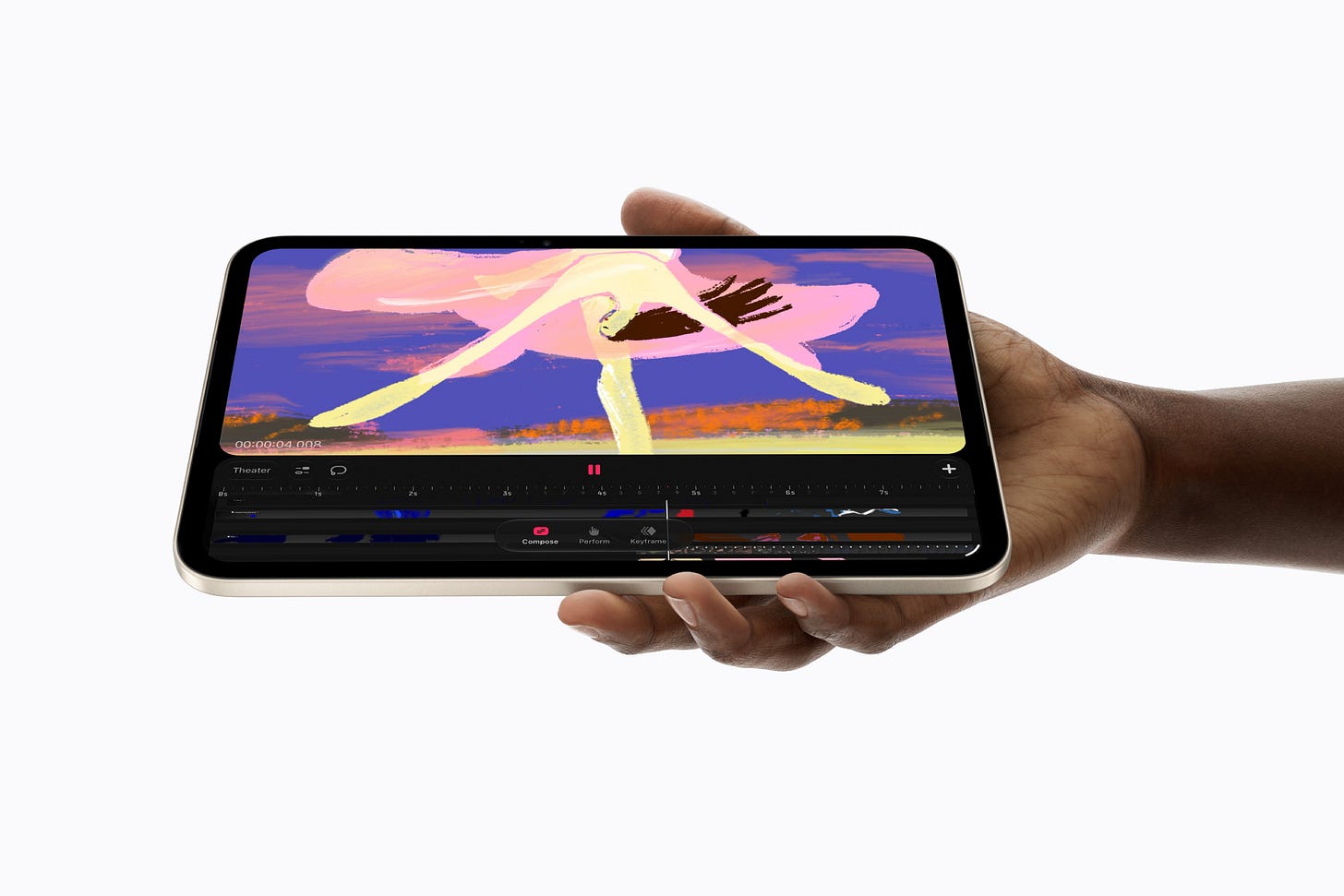 Procreate Dreams running on the new mini. Creative apps are a more convincing use for the extra processing power. Image: Apple.
For someone who regularly pushes their tablet with games, animation or image editing, that extra capability could be useful. If your mini mostly handles books, browsing and handwritten notes, I suspect the screen and lighter body will be easier improvements to appreciate.
The 512GB model also gets additional processing hardware, including more hardware dedicated to AI tasks. I’d treat that as a bonus if I needed the storage. Before paying more specifically for the performance, I’d want tests showing what difference it makes in the apps I actually use.
A faster chip is welcome. It doesn’t automatically mean your existing tablet has become too slow.
The iPad mini can be your desktop PC
The change I find particularly interesting is what happens when you connect the mini 8 to an external monitor.
The mini 7 can already connect to a 4K display. Most of the time, though, you’re seeing the same thing as on the iPad, just bigger. Some apps can show a video or presentation separately, but you can’t freely spread your app windows across both screens.
With the mini 8 and iPadOS 27.2, you can. Apple’s extended-display compatibility list includes the new mini, but not the mini 7. Installing the update won’t give the older model this ability.
You could have a document open on the monitor, with notes or reference material on the mini. Add a keyboard and mouse, and you have more room to work without constantly switching between apps.
I can see a practical use for that: take handwritten notes while you’re out, then connect the mini to a monitor at home to write them up.
Whether that would replace a computer depends on your work and the apps you need. But it does give the new mini a capability the previous one lacks, and that’s a more persuasive upgrade argument for me than a performance percentage.
The Duo makes the decision harder
The iPhone Duo’s 7.6-inch inner OLED display isn’t that much smaller than the mini’s. It also folds away, leaving you with a 5.4-inch outer screen and a device you can put in your pocket.
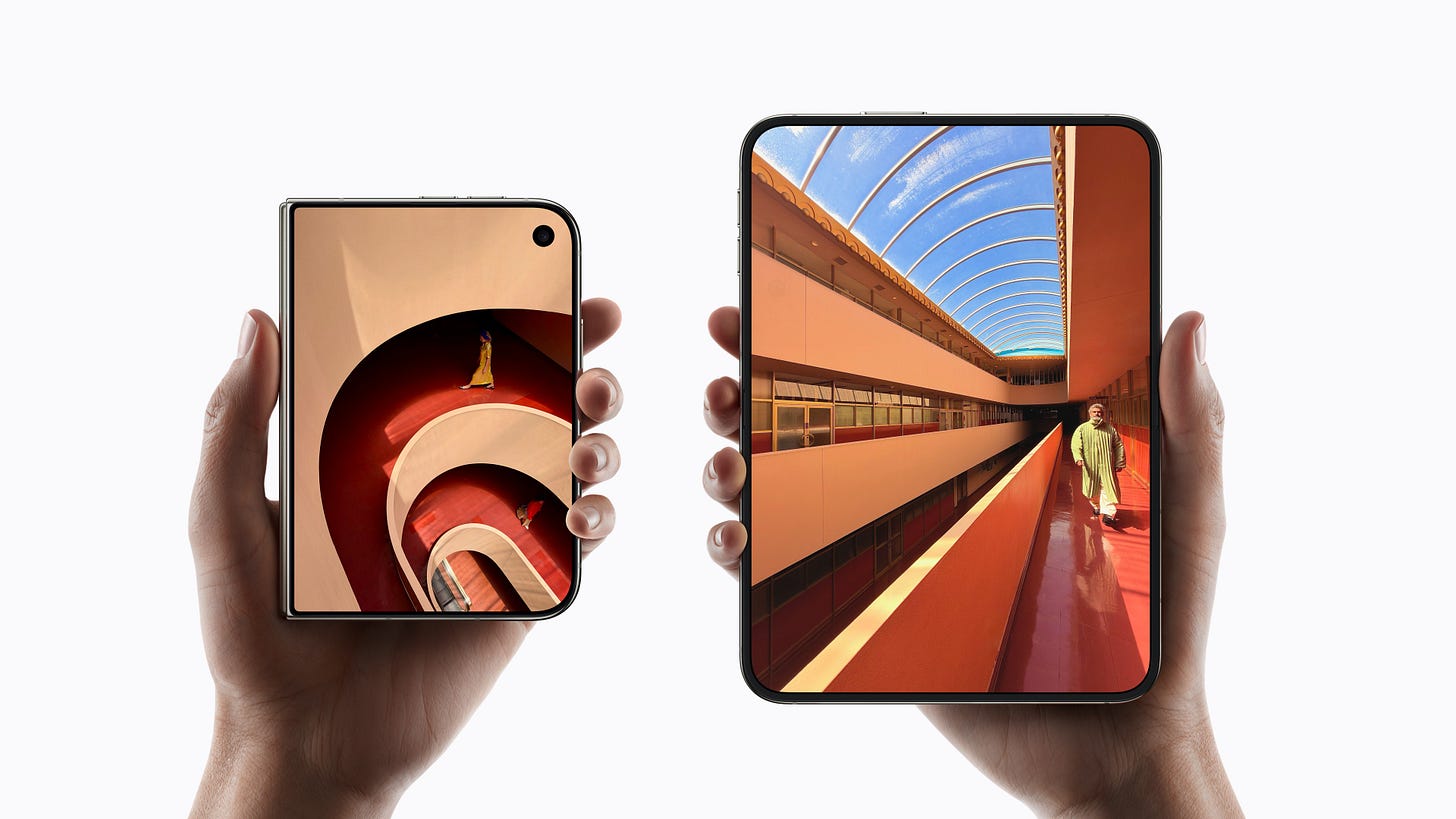 The iPhone Duo, closed and open. Its larger screen folds away when you don’t need it. Image: Apple.
You get the A20 Pro chip, smoother scrolling with ProMotion and the ability to run two apps side by side. With iOS 27.2, it now supports the USB-C Apple Pencil as well.
So we can’t simply say that you should buy a mini because you want to write notes by hand. The Duo can do that too.
Drawing is a stronger distinction. Both the mini 7 and 8 support Pencil Pro, which responds to pressure: pressing harder can make a stroke thicker or darker. You can squeeze it to bring up tools and colours, double-tap to switch to the eraser, and rotate it to change the angle of a brush in supported apps. It also pairs and charges magnetically on the iPad.
Pencil Pro and iPad drawing apps give the mini advantages beyond screen size. The mini 7 already supports Pencil Pro too. Image: Apple.
Those extras give someone who draws regularly more control. Access to particular iPad apps and the mini 8’s extended monitor workspace are further reasons to want a separate tablet.
But Pencil Pro support is already available on the mini 7. It helps explain why you might choose a mini over a Duo; it doesn’t explain why an existing mini owner should upgrade.
Buying something different, or buying more of the same?
For books, comics and PDFs, the Duo may already give you everything you need. I wouldn’t spend another £699 simply to read the same things on a slightly larger screen.
If I wanted a separate device mainly for books, I’d consider a Kindle or Kobo too. Their reflective screens and longer battery life offer a different reading experience. A slightly bigger OLED screen might not add as much to what I already have.
The prices also need some context. The mini starts at £699, while the Duo starts at £1,999, but the Duo buys you a phone as well.
If you’re happy with your current phone, adding a mini gives you the iPad capabilities you want without replacing it. If you’ve already bought a Duo, the question becomes what another £699 would let you do that you can’t comfortably do already.
That’s why I don’t think there’s one answer for everyone.
Would I upgrade from a mini 7?
If your mini 7 still does what you need, I’d keep it. The OLED screen, lighter body and extended desktop are worthwhile changes, but I’d want at least one of them to improve something I regularly do before spending the money.
For a Duo owner, drawing tools, particular iPad apps or that monitor setup could justify a mini. Casual reading and watching videos would be a much harder case to make.
The iPad mini still has a place. The Duo now covers more of its everyday uses, but it hasn’t replaced everything people value about a small iPad.
Would you keep a mini 7, upgrade to the mini 8, or let a Duo replace both your phone and tablet? Let me know which you’d choose, and what you’d actually use it for.
Connect with me: X | Instagram | Threads
Subscribe to my YouTube channels: The Spark | The Weekly Spark
Buy stuff: Affiliate Page