

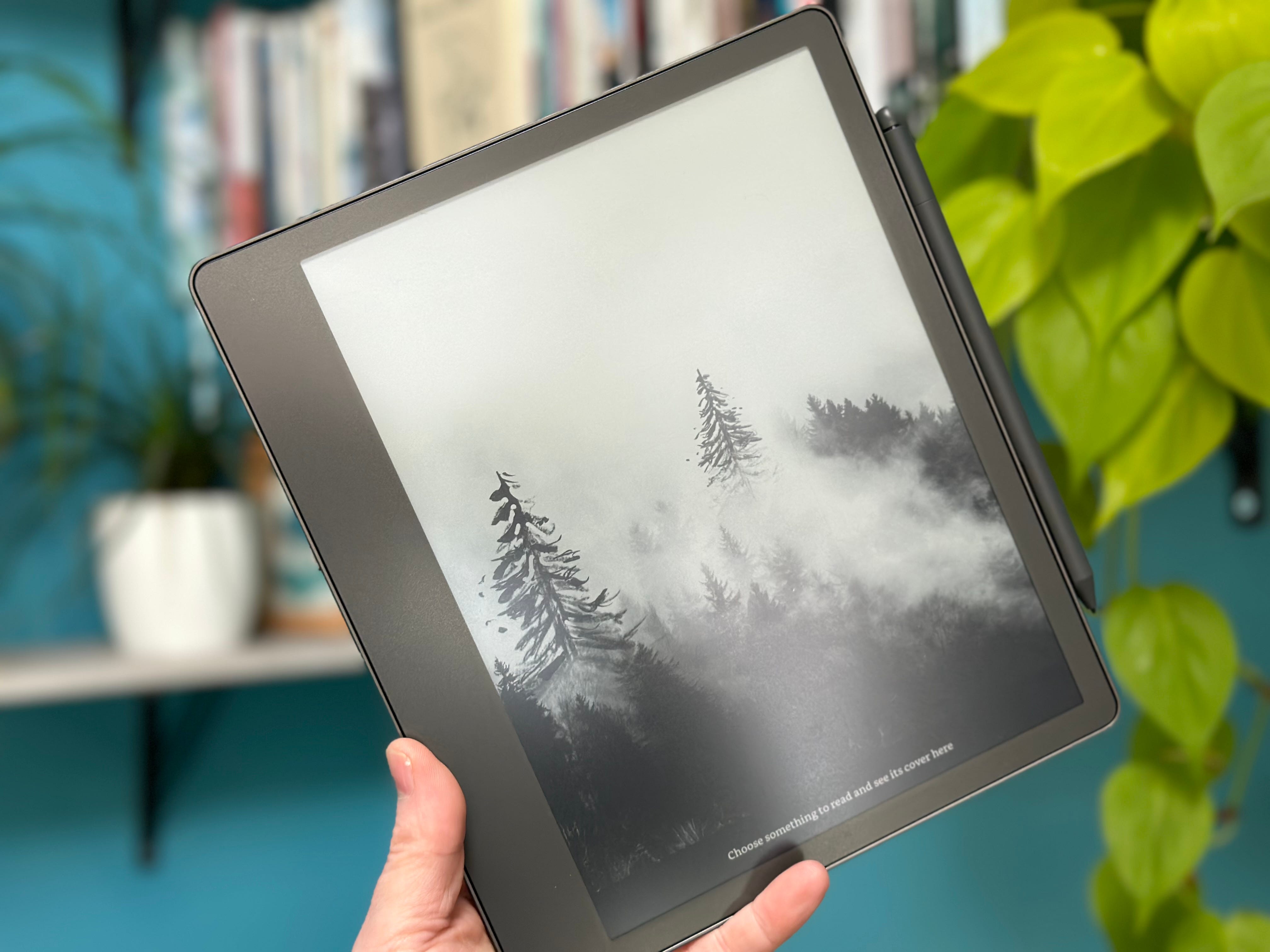
 My Kindle Scribe
I love technology and writing and finding ways of bringing the two together. So, I'm always looking for things to improve my productivity and help me communicate more effectively. With that in mind, I present to you the Kindle Scribe, a device that combines reading and writing in a digital format.
The primary purpose of the Scribe is its ability to offer the experience of writing on paper while integrating the benefits of digital technology. Hence the name - Scribe (a copyist, a writer). Of course, it's excellent for reading, too, as I think most Kindles are. However, its note-taking capabilities raise it to another level. As a result, the Scribe provides a convenient solution for those who value traditional and modern methods of reading and writing.
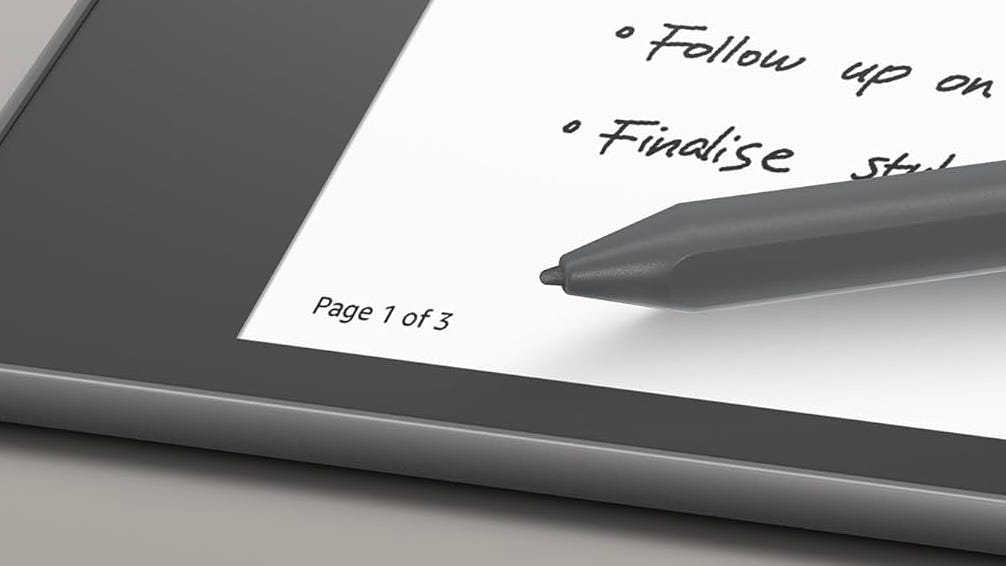 Image source: amazon.co.uk
The Stylus
A writing pad needs a stylus; one comes in the package with the Scribe, so no separate purchase is required. The stylus is terrific to hold and use with the right amount of weight and friction. It seamlessly merges the familiar feel of pen on paper with the modern capabilities of a digital writing instrument. Its precision and responsiveness are excellent, and while not entirely up to the Apple Pencil's standards in terms of responsiveness, it's close enough. The sensitivity of the stylus ensures that every stroke, scribble, or sketch accurately captures your creative intent. In addition, as you glide the stylus across the device's screen, it delivers very satisfying tactile feedback that is the closest I have ever felt to replicating pen on paper on a digital device. This harmonious blend of form and function allows the Kindle Scribe's stylus to provide a uniquely satisfying and immersive writing experience.
Amazon offers two styluses for the Scribe: The Basic and the Premium. The Basic lacks two features that appear on the Premium: an eraser at the top and a button on the side. This button defaults to drawing a highlight over your words, but you can change this to a few other options. I leave mine on highlight as this seems to be the most useful. With both styluses, you will notice that after a period of use, the tip will start to shorten and need to be changed. Amazon provides a pack of five tips with a simple tool to help you replace the tip. I can't judge how much yours may run down, but I'm still on my first one despite owning my Scribe and using it daily for many months. But again, your mileage may vary. Replacement tips aren't expensive at under £10 a box.
Ease of Use
For those who value organisation, the Scribe's Amazon cloud storage and syncing features ensure your notes and documents are always at your fingertips. Familiarising yourself with the Scribe and its interface only takes a short time and is easy to master. The Scribe has the potential to become an indispensable part of your daily routine.
The Kindle Scribe offers a generous, customisable reading experience for book lovers. You can adjust the font size, style, and spacing to suit your preferences, making it a pleasure to read on the device. Its accessibility settings are also extensive, such as including a specially designed font for those with Dyslexia, which supposedly helps the words become more readable for those with this condition.
Like most other Kindle devices, the Scribe has a backlight, which means you can read your books or view your documents in almost any situation. Like other premium Kindles, the Scribe offers a warm light setting that adjusts the colour temperature of its front lighting for a more comfortable read. You can also set it to 'dark mode', which inverts the page and generates white words on a dark background - this is very useful for reading at night and not wanting to disturb your partner with excessive light leakage! However, despite being able to use it as a bedtime reading device, you may not want to. At 10.2 inches, you might find it awkward or too heavy to hold for long periods - I know I tried for several nights before reaching for my Kindle Oasis again. For all other situations, the extensive Kindle library ensures you can access countless books, magazines, and articles catering to a wide range of interests. Due to the larger screen, magazine-style publications work reasonably well on this device.
 Hello!
Notes and Journalling
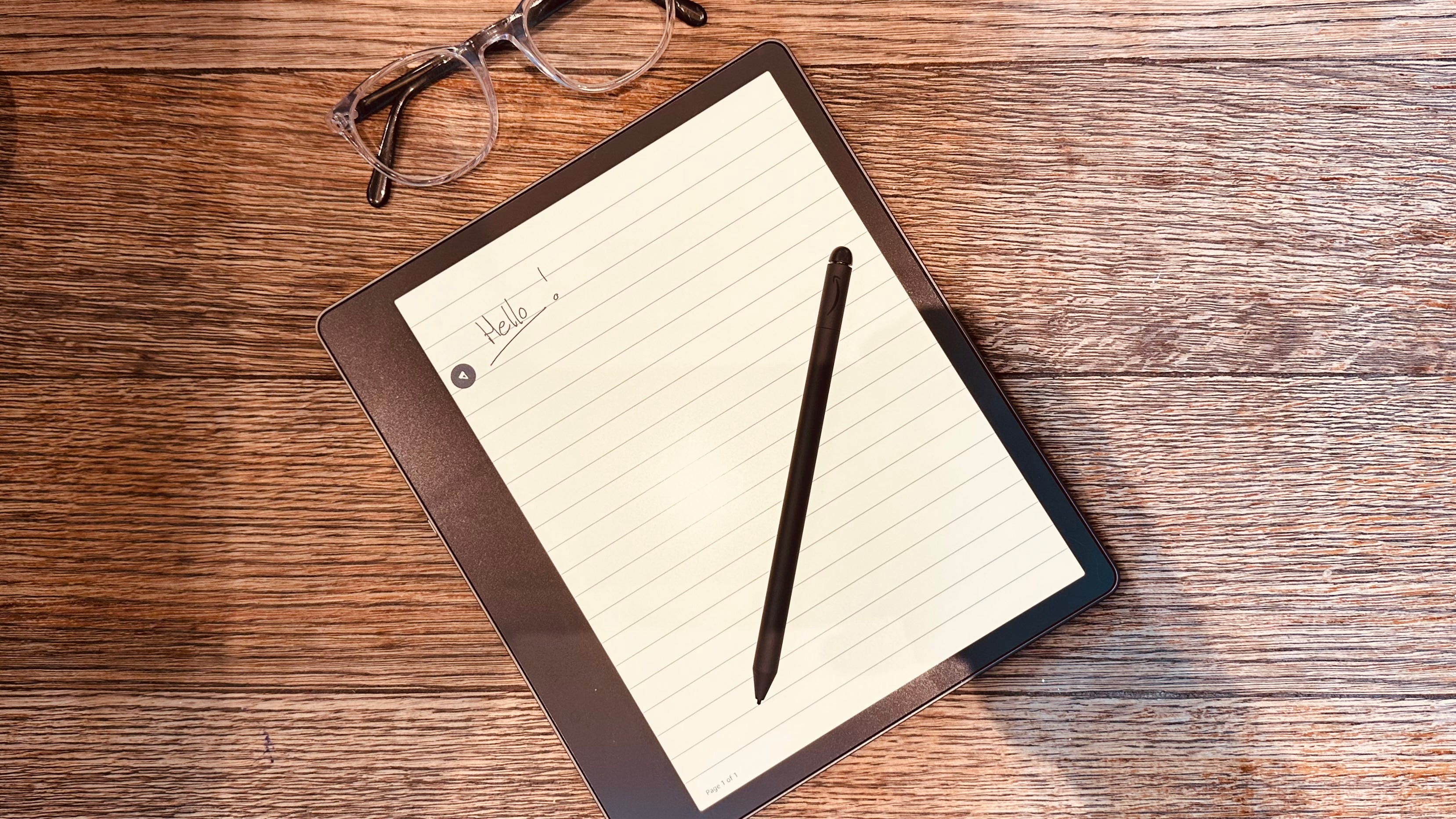
In the area of personal growth and productivity, which were my main reasons for buying the Scribe, it serves really well as a tool for goal-setting, planning, and reflection. Its digital journaling capabilities provide a private space to record your thoughts, ambitions, and achievements, fostering mindfulness and intentionality.
A unique feature of the Scribe is that you can add handwritten notes to the books you are reading. This feature is appreciated, although this is a little clunky, with no writing on the actual page. Amazon has released some books, such as guided journals and puzzle books, that enable you to write directly onto the page. However, the number of books available to do this with is limited. Hopefully, the library will grow beyond crosswords and diaries! Also, as of right now, I don't believe you can view these notes that you make in books outside of the device.
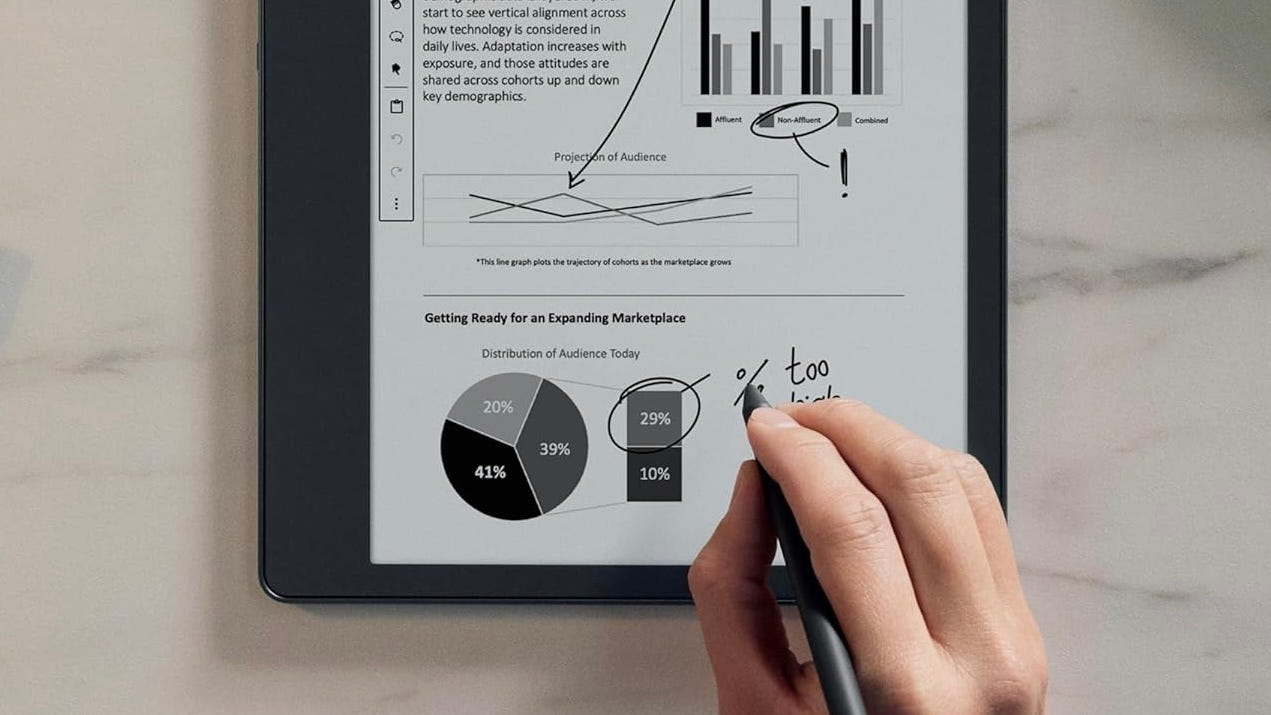 Image source: amazon.co.uk
Students and Professionals
The Scribe's portability and battery life make it an excellent companion for travellers, students, and busy professionals alike. The device's slim design and lightweight construction allow it to slip easily into a backpack or shoulder bag, ensuring you can take it anywhere. Its long-lasting battery means you won't need to worry about constantly recharging, giving you more time to focus on your work, reading, or creative pursuits.
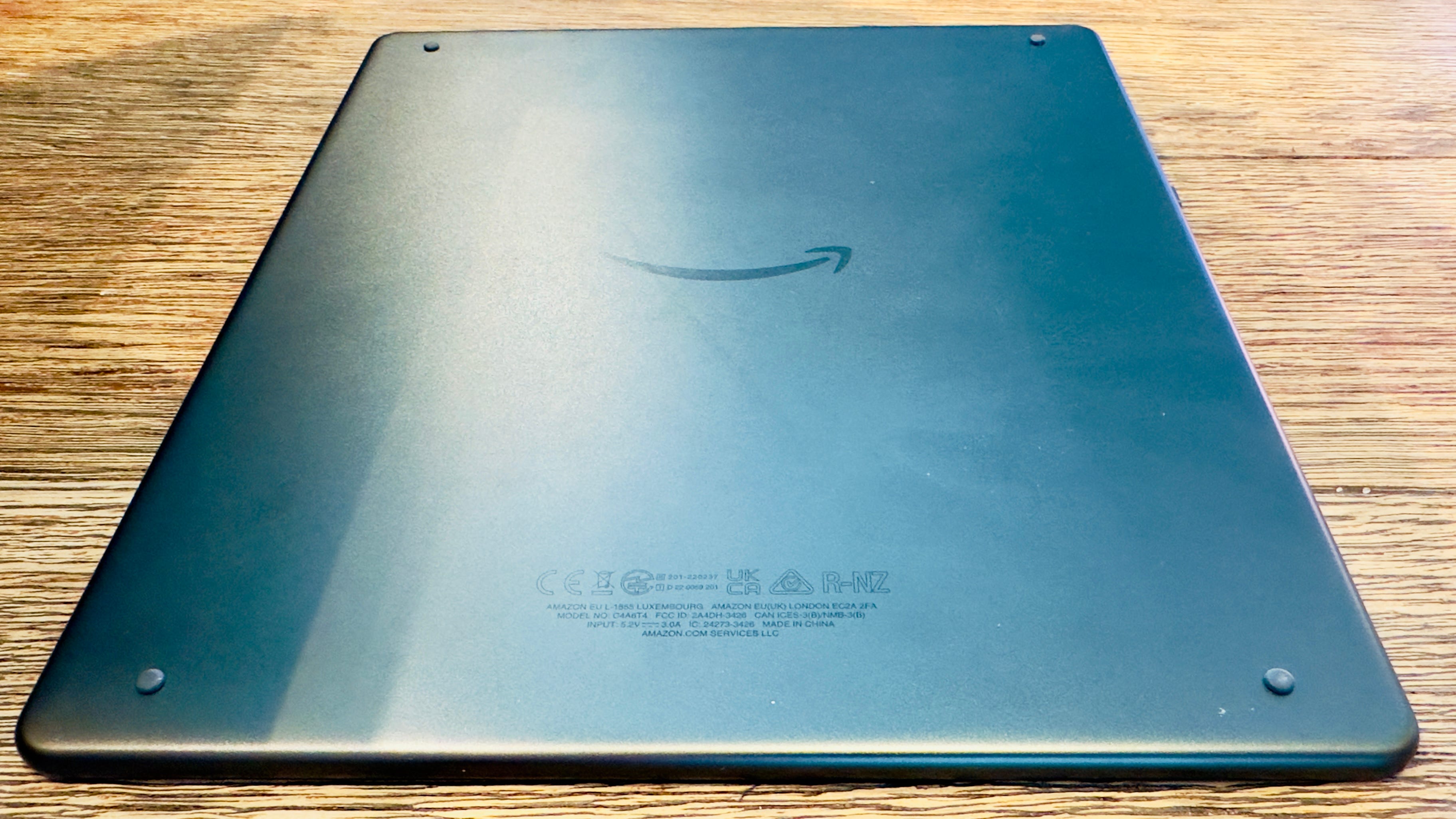 The back of my Kindle Scribe - notice the rubber feet to stop movement
A Few Drawbacks
The initial investment may be a little steep for some, and the device's reliance on a proprietary file format can be limiting. Additionally, while the e-ink display is gentle on the eyes, it doesn't offer the same vibrancy as a full-colour screen. But then, you're not buying this to watch movies on!
Sharing and Collaboration Features
In today’s world, sharing and collaborating on documents is important for many people, professionally and personally. However, the Kindle Scribe currently does not offer a built-in feature to share your notes or documents with others directly from the device that is then editable. This lack of collaboration tools may be a significant drawback for users who frequently work with others and need to share their work. You can only move your documents off the device as a PDF file, making them hard to deal with without appropriate software.
The Kindle Scribe does not allow you to directly access or edit documents stored in cloud services like Google Drive or Microsoft OneDrive. This means you must manually transfer files between the device and your preferred cloud storage, which can be cumbersome and time-consuming. A future update that enables direct access and editing of documents from popular cloud services (rather than just saving them to the Amazon servers) could potentially make the Scribe a more integrated and seamless tool in your productivity toolkit.
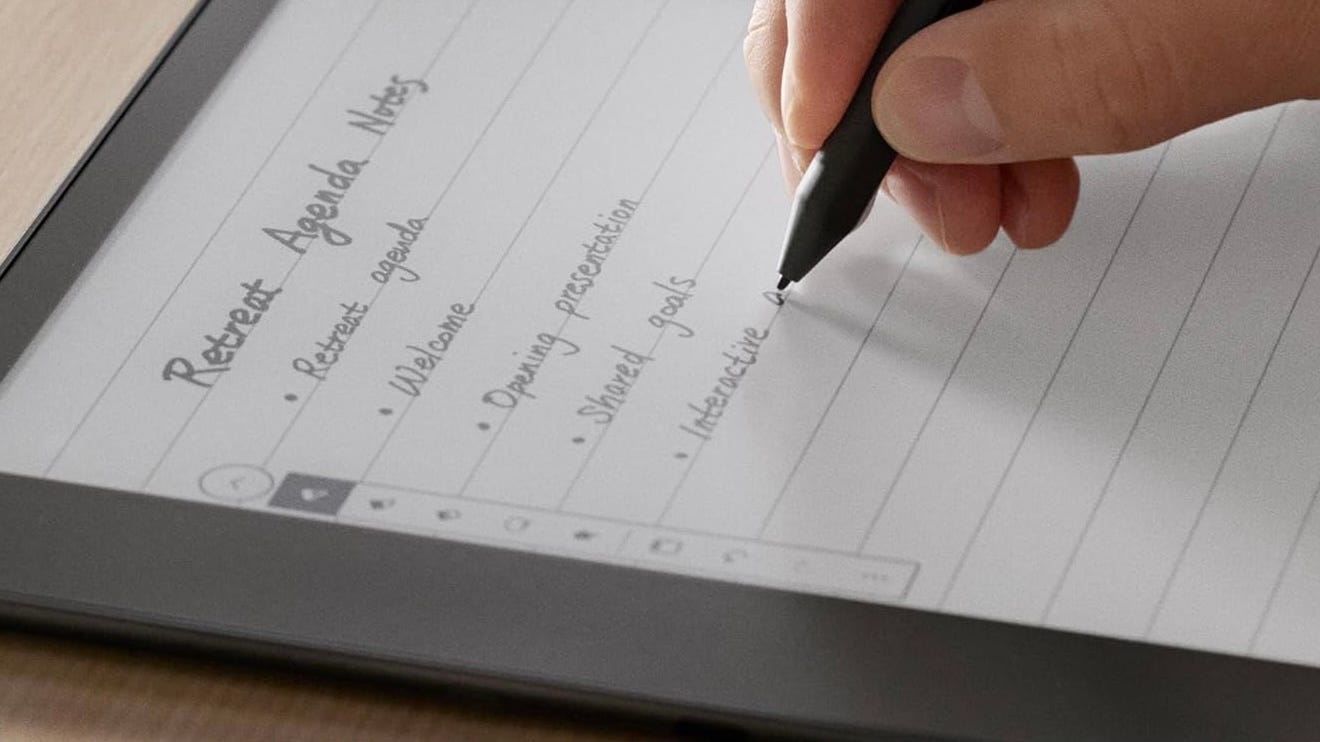 Image source: amazon.co.uk
Keep The Updates Coming!
Technology is ever-evolving, and the Kindle Scribe is no exception. The device will become more versatile and user-friendly as updates and improvements are introduced - for example, an update soon after its release added a more extensive pen selection. In addition, handwriting recognition has recently been added along with the lasso tool. I hope that one day soon, we'll be able to sync it with third-party apps, like Dropbox or maybe even some of Microsoft's offerings, as previously mentioned. With time and refinements, the Scribe has the potential to turn into a more feature-rich device.
Here is a list of all the updated features the Kindle did not have at the time of release. This list may seem like they sold the Scribe initially a little undercooked; however, I prefer to think of it as an encouraging sign and shows Amazon is discovering what is required and is listening to feedback from their customers:
Convert to Text in Export: The Kindle Scribe allows you to convert handwritten notes to text when exporting, enabling you to edit and share your notebooks via email as a .txt file. This adds a layer of versatility to your notes, making them more accessible and easier to integrate into your digital workflow.
Lasso Select Tool: The lasso tool allows you to select, resize, move, cut, copy, and paste your handwritten text or drawings, enhancing the Scribe's note-taking capabilities.
PDF Reading: The Kindle Scribe lets you edit PDFs by cropping margins to increase font size, making structured highlights, adding text notes, and looking up dictionary definitions, translations, and Wikipedia results. It also allows for switching between portrait and landscape view modes, which can significantly improve the reading experience of PDF documents.
Write-on Content: Amazon includes books and titles that support direct on-page writing. This selection contains guided journals and word games like crosswords and sudokus, available on Amazon.
Brush Types for Pen: There are different pen types, such as fountain pen, marker, and pencil, each with five thickness options. These tools, together with the pressure and tilt capabilities of the stylus, offer more precision and versatility for your writing or sketching on the Kindle Scribe.
Subfolders for Organisation: To help users better organise their content, Kindle Scribe supports the creation of subfolders or folders within folders. This is significant for users who create a lot and wish to keep their content organised.
View Collections with List Layout and Multi-select in Notebook Overview: The Kindle Scribe’s Library allows you to switch to Collections view and select either Grid or List layouts. In the Notebook Overview, a multi-select feature enables bulk actions such as adding, deleting, moving, or sharing notebook pages.
Share Current Page in Notebooks and Searchable PDF: You can share the current page or the entire notebook directly from the device. The 'Convert to text' share option generates a searchable PDF of your notebook, making it easier to search for keywords in your handwritten notes when viewing the PDF on other devices.
Is This Device For You?
In summary, the Kindle Scribe is a thoughtfully designed device that offers a unique blend of reading and writing. Although it may not be the perfect solution for everyone, its versatility and potential make it an intriguing option. It is a worthy competitor to the likes of the Boox devices and reMarkable 2. Its design, note-taking capabilities, and customisation options make it worthwhile for those seeking to enhance their productivity and reading experience.
The Kindle Scribe offers a unique and satisfying experience. Carefully weigh the pros and cons, and you may find that the Kindle Scribe is the tool you've been waiting for to elevate your personal and professional endeavours.
The Kindle Scribe starts at £330 for 16GB storage with the basic stylus. However, you can go as high as £410 for 64GB storage and the premium stylus.
Please use my affiliate link - Kindle Scribe - if you want to check it out.
I made a video last year where I did a deep dive into the Kindle Scribe which you may find interesting. While you’re watching please consider subscribing to my YouTube channel: