

area.sense
$14.99
Make your layers react.
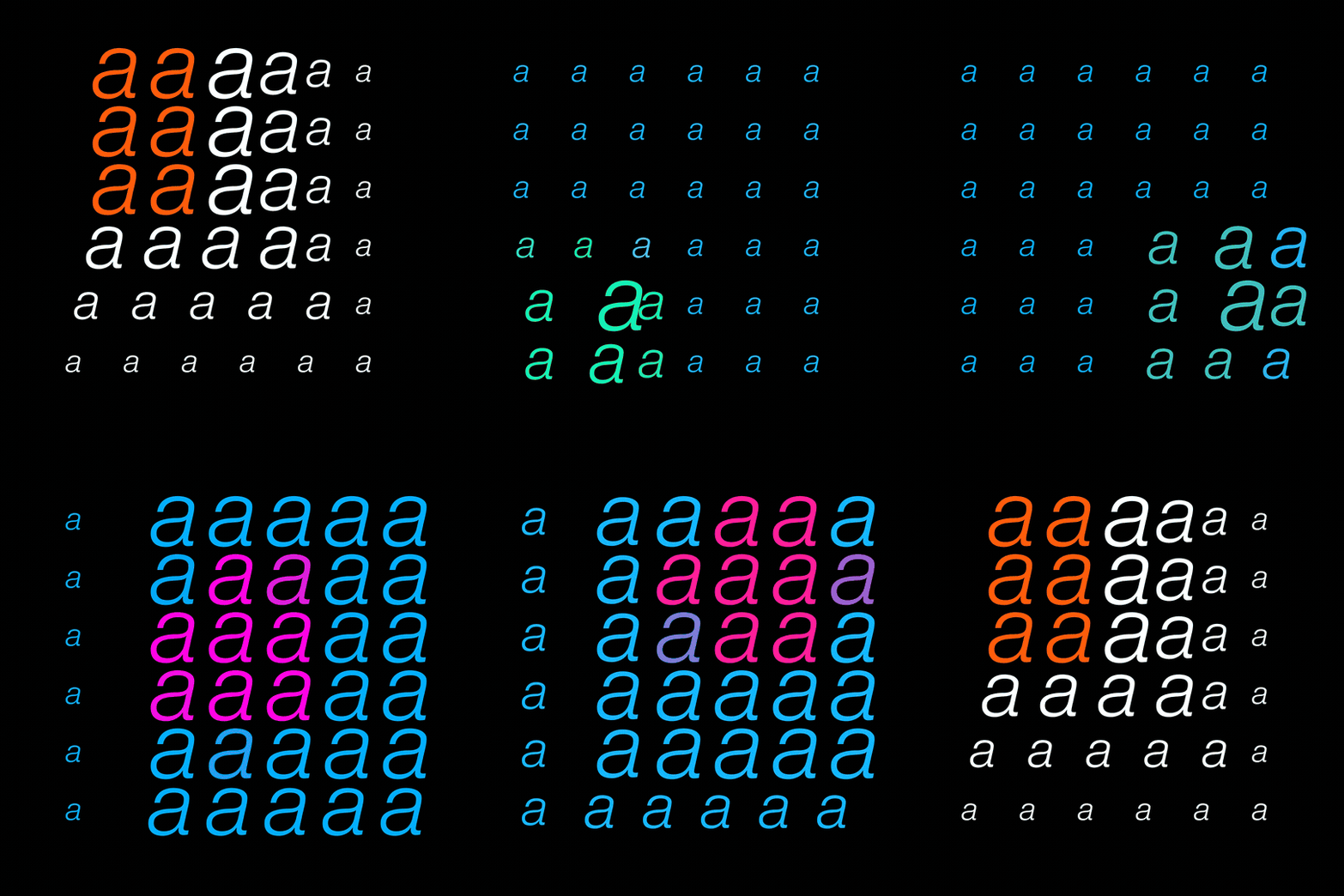
area.sense brings proximity-based motion to After Effects. Layers that respond, scale, and transform as other elements get close. Create magnetic interactions, repulsive forces, or subtle awareness between objects.
Drop a controller, define your zone, and watch everything around it come alive. No keyframes needed — just pure, reactive motion.
Update Notes – area.sense v2.0.1 (latest)
How to use tutorial: https://youtu.be/_BUYqhWihwY
Update Notes – Area.Sense Script v1.5 (19 February 2025)
Modes: The new modes Effector opens a Scrolling menu where you will find new Effectors. This Menu will also let you import new Effectors, when available, without needing to install the script again.
3D Layers & Objects: Area.Sense now afects 3D layer and objects!
Update Notes – AreaSense Script v1.3 (2 February 2025)
Automatic Groups: AreaSense now automatically creates groups, allowing layers to have unique colors, position values, scales, and effectors.
Group Labeling: Groups are now visually organized with label colors and markers displaying "A, S, G" followed by the group number.
Dynamic Control Sliders: Each group's control sliders are now prefixed with its group number, making it easier to identify and modify.
Alt-Key Controller Creation: Hold Alt while applying an effector to create a separate Control Null for a specific group.
The Clean Tool: Easily remove an AreaSense effector from selected layers by holding Shift and clicking on the effector in the AreaSense window.
Improved Organization: Layer stacks now clearly indicate group assignments, ensuring a structured and efficient workflow.
Update Notes – AreaSense Script v1.2.1 (21 January 2025)
Anchor Point Proximity: Updated proximity detection to use the anchor point for more precise calculations.
Update Notes – AreaSense Script v1.2 (19 January 2025)
Rotation Control: Added a new button for proximity-based rotation adjustments.
Responsive UI: Buttons switch between row and column layouts based on panel size.
Group Management: Hold Ctrl/Cmd to create or select groups for layer organisation.
Alt-Key Controller Creation: Hold Alt to create a new, uniquely named Controller Null.
Group Selection Dialog: Added a dialog box for creating or selecting groups.
Improved Tooltips: Updated tooltips to explain keyboard shortcuts (Ctrl/Alt).
Consistent Button Sizes: Buttons now have a uniform size for a cleaner interface.
$14.99
Безкоштовно для учасників
Станьте учасником, щоб отримати знижку та інші ексклюзивні переваги.
$14.99