

Localhost Databases is a collection of Docker Compose files for relational and NoSQL databases, which aims to offer a simple approach to setting up databases for a local environment.
EASY TO USE!
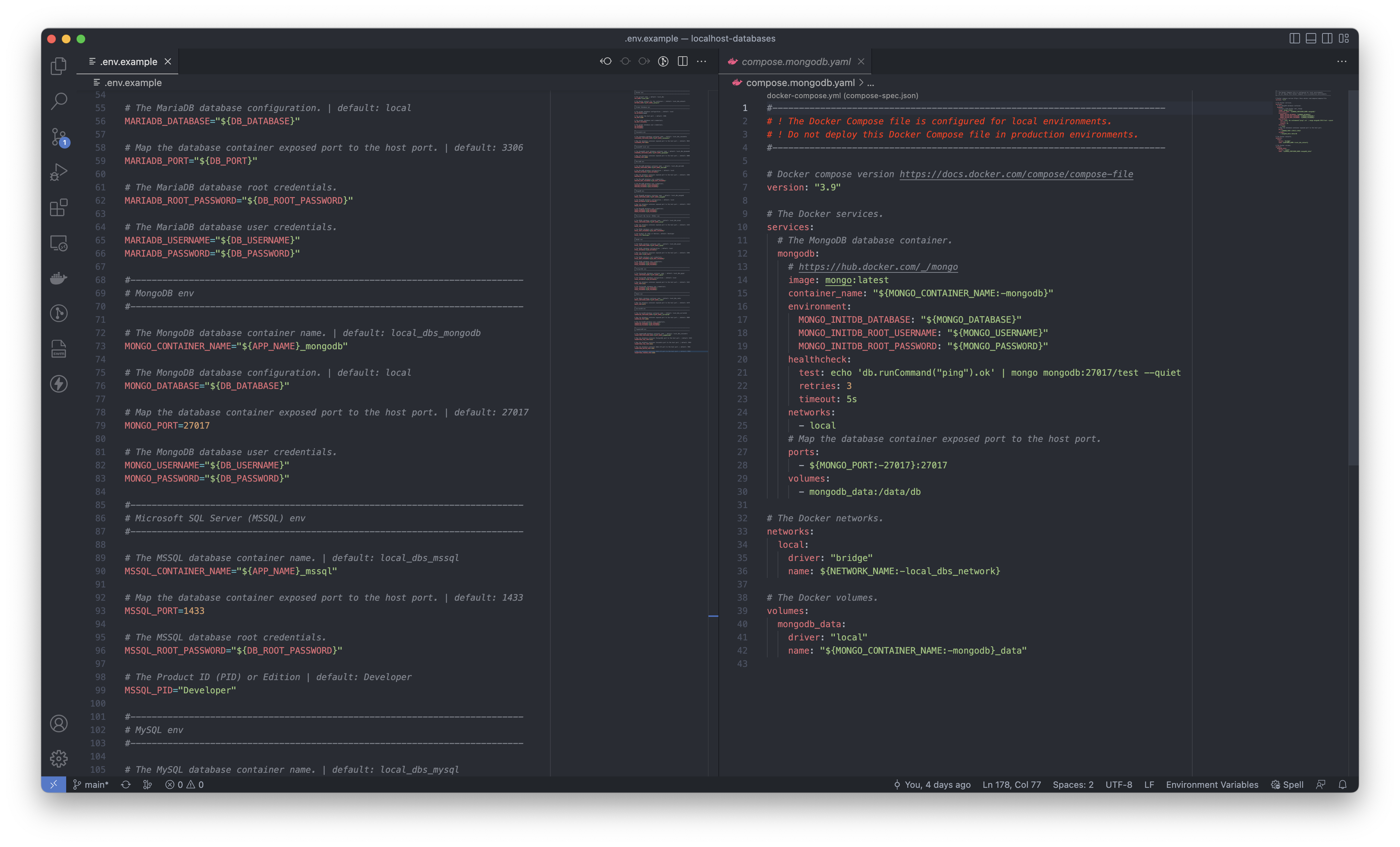
I created individual Docker Compose files for each database server in Localhost Databases. I provided an example of a DotEnv file that will allow you to configure your database's credentials and map a container's port.
Starting a database Docker container is simple by providing the -f flag for the docker compose command.
docker compose -f compose.database-name.yaml up -dAn example of the docker compose command would be as follows:
docker compose -f compose.redis.yaml up -dWHAT'S INCLUDED?
Localhost Databases include 12 database servers. The following databases are part of the repository's collection:
Cassandra
CockroachDB
DynamoDB Local
MariaDB
MongoDB
Microsoft SQL Server (MSSQL)
MySQL
Neo4j
PostgreSQL
Redis
SurrealDB
YugabyteDB
WHAT'S NEXT?
I will continue to add additional database servers to the Localhost Databases collection. Be sure to check out the Localhost Databases repo for more information.
Thank you for your support and greetings from London,
Luis