

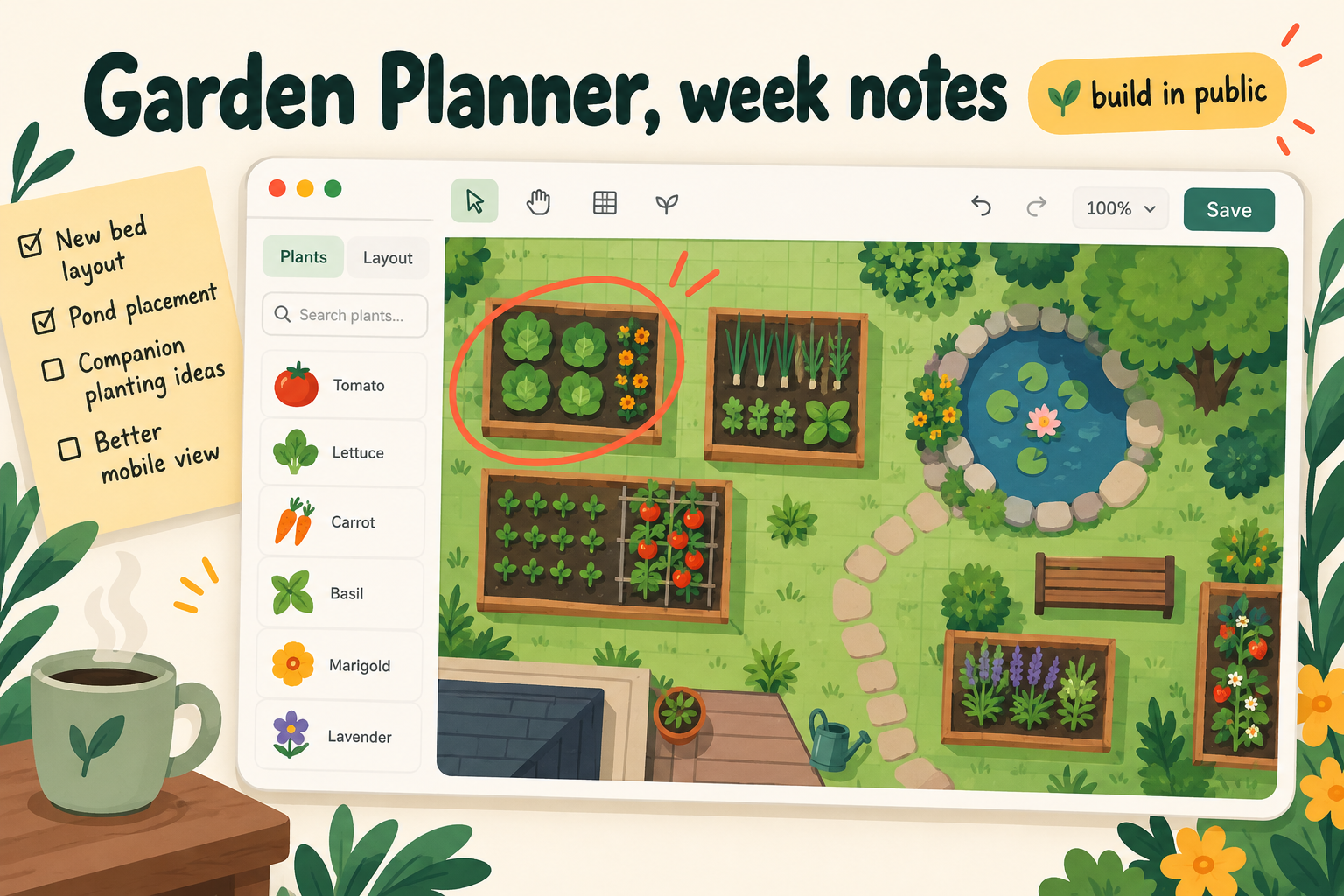
Quick note from the desk this week. Most of what I build at ArchyBase is AI-driven: you upload a photo, you get a redesign. But a few of our tools deliberately aren't, and the one I keep getting asked about is the garden planner. People assume it's an unfinished AI feature. It isn't. It's a decision I'd make again.
The thing that kept going wrong
When we first looked at garden and yard design, the obvious path was the same as everywhere else: photo in, pretty picture out. And it does look nice. The trouble shows up the moment someone tries to build from it.
A generated image of a backyard will happily show a raised bed, a path and a little pond. It has no idea whether the path is 60 cm wide or 160 cm wide, or whether the bench you can see actually fits between the fence and the pond. It looks right. Measured with a tape, it often isn't. For a living room, "looks about right" is a fine bar. For a garden, where you're about to buy soil by the cubic metre and pavers by the square metre, it's a bad one.
So for this one I wanted a tool where the numbers are the point.
What it actually does
The garden planner is a plain drag-and-drop layout tool. You draw the outline of your yard, set the scale, and drop things onto it: beds, paths, a pond, a shed, a bench. Because you set the scale first, everything keeps its real size, so you can see straight away whether two things are too close together.
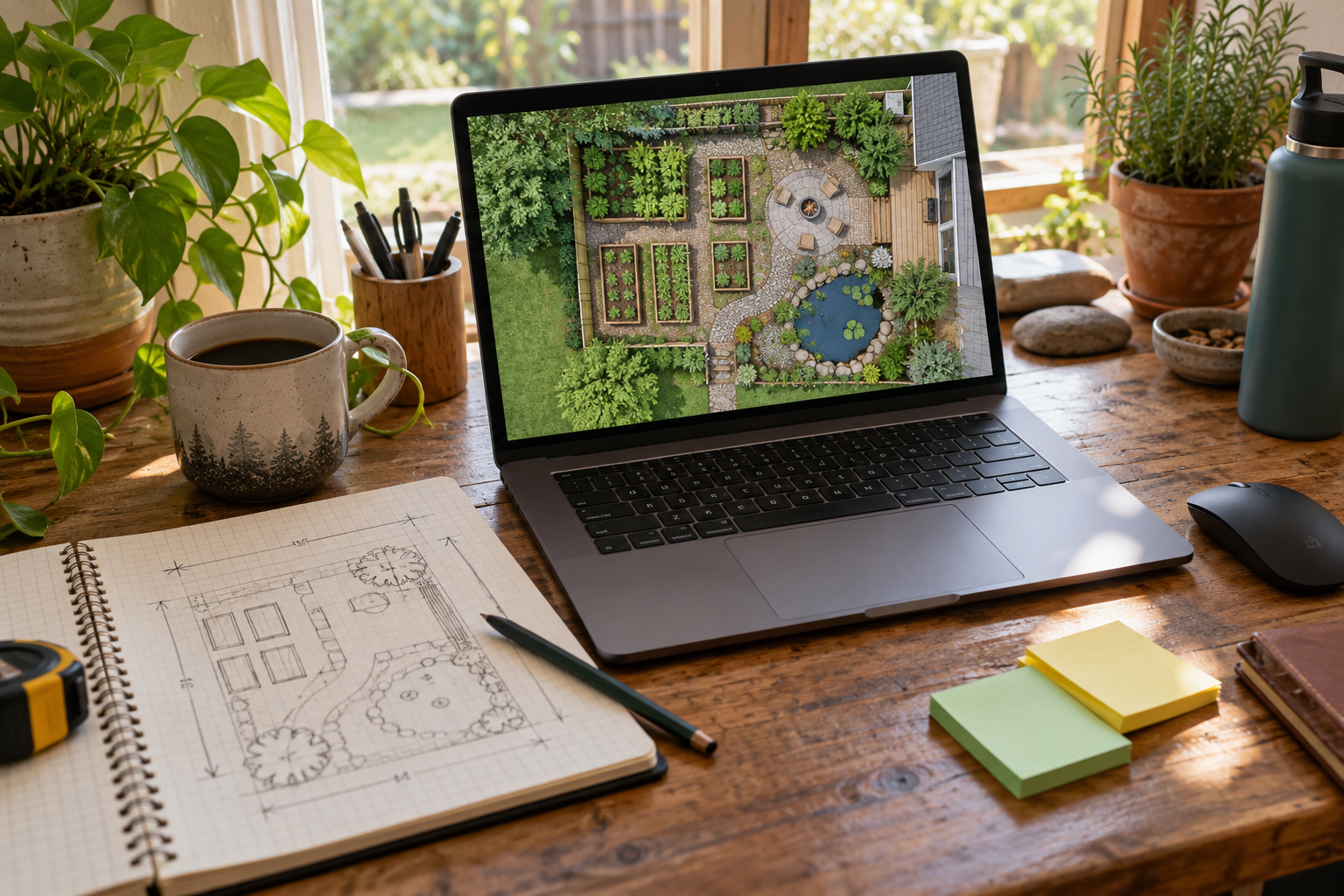
There's a small library of symbols, grouped the way people actually think about a yard: plants, beds, paths, water, structures and furniture. A few starter layouts (a backyard patio, a garden bed, a whole-yard layout) are there so you aren't staring at a blank rectangle. When you're done you export a PNG or a PDF to print or send to whoever's doing the digging. It's free, and the page says you don't need to sign up.
That's it. No generation, no waiting, no "try again for a different result".
What I like about it, and what I don't
I like that two people can look at the same plan and agree what it means. There's nothing to interpret.
What I don't like is the flip side. It's a layout tool, not a design tool. It won't tell you that the corner you've picked gets six hours of shade, and it won't suggest plants that suit your climate. I've left out anything about irrigation or saving lots of layouts on purpose, because I haven't built those properly and I'd rather not hint at them. If you want ideas and a mood, the AI garden design tool on the site is the better starting point. If you want to know whether the pond fits, this one is.
The pattern I'm taking from this
I keep coming back to the same rule: use AI where the answer is "a good guess is fine", and don't where the answer is a measurement. Redesigning a bedroom, restyling a kitchen, picturing a room empty — good guesses are great, and the AI earns its place. Placing a fence line, spacing raised beds so you can get a wheelbarrow between them — that's arithmetic, and arithmetic shouldn't be generated.
I didn't plan that rule. It came out of looking at the support messages after we shipped the first garden tools, and noticing how many people wrote some version of "it looks lovely, but will it fit?"
What I'd love to hear from you
If you've planned a garden, or a yard, or even just a balcony with a few pots: what was the thing you only discovered once you were standing there with a tape measure? I'm collecting those, because each one is a candidate for the next small, boring, useful tool.
Thanks for reading, and for the coffees. They go straight into more tape measures.
— Alex