

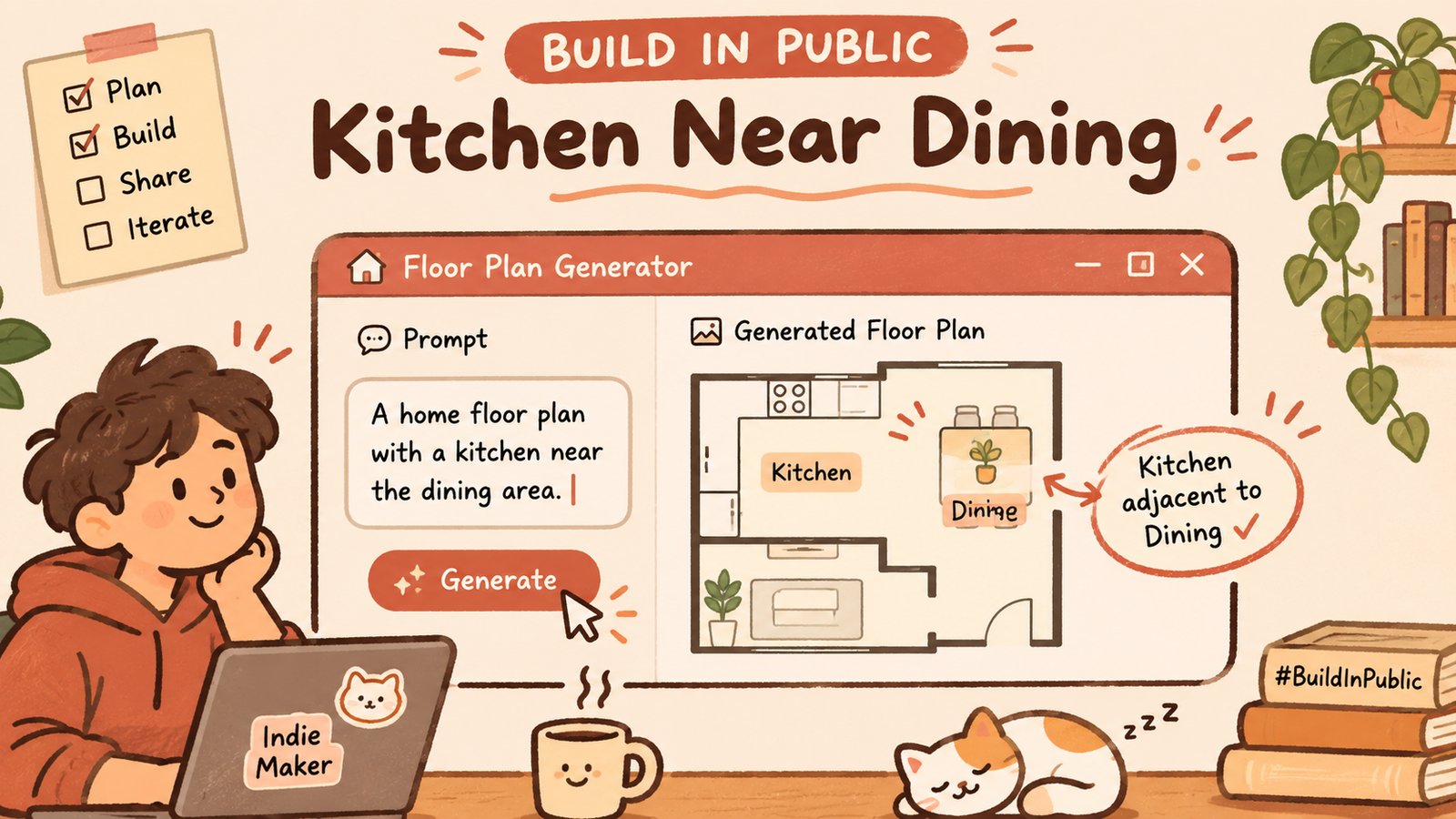
Quick maker update.
I spent part of this week clicking around a product our team ships next to ArchyBase: FloorAI's free AI floor plan generator. Not migrating brands. Not a launch thread. Just a note on what it felt like to describe a home instead of drawing one — and where the prompt stopped being honest.
I am writing this as Alex Lin, the person who usually logs ArchyBase in public. FloorAI is another product from our team. I did not train the model. I used the page the way a sceptical customer would: short briefs, one change at a time, no marketing adjectives in my notebook.
Why I opened that page
ArchyBase work is often "here is a room, change the furniture / lighting / style." Floor plans are a different verb. You invent adjacency before you invent a sofa. That is closer to a product brief than to a render brief.
The generator page is blunt about the happy path:
Describe the space (or start from a scenario preset — family home, studio, office, restaurant, and a few other building types).
Optionally add layout preferences in the extra prompt — keep kitchen near dining, put the master on the quiet side, control adjacencies and orientation in plain language.
Generate, pick a visual style (technical blueprint / furnished 2.5D / 3D isometric), regenerate until it is useful enough to talk about.
No upload required for the core path. Gross area and floors are there if you want them; the text box is doing the real work. That is the whole pitch, and it is also the whole risk: whatever you leave vague will still become geometry.
The experiment I actually ran
I typed a boring brief on purpose:
Two-bedroom apartment, about 70 m². Kitchen near dining. Master bedroom on the quieter side. Small entry storage.
Then I changed only one clause at a time across regenerations:
Dropped "kitchen near dining."
Swapped "quieter side" for "morning light on the dining table."
Added "bathroom not opening directly into the living room."
Asked for the same brief again with no area number, only room names.
I am not publishing accuracy charts. The product page does not claim centimetre guarantees, and I will not invent them in a Ko-fi post. What I watched for was simpler: does the adjacency sentence leave a fingerprint on the layout, or is it decorative prose?
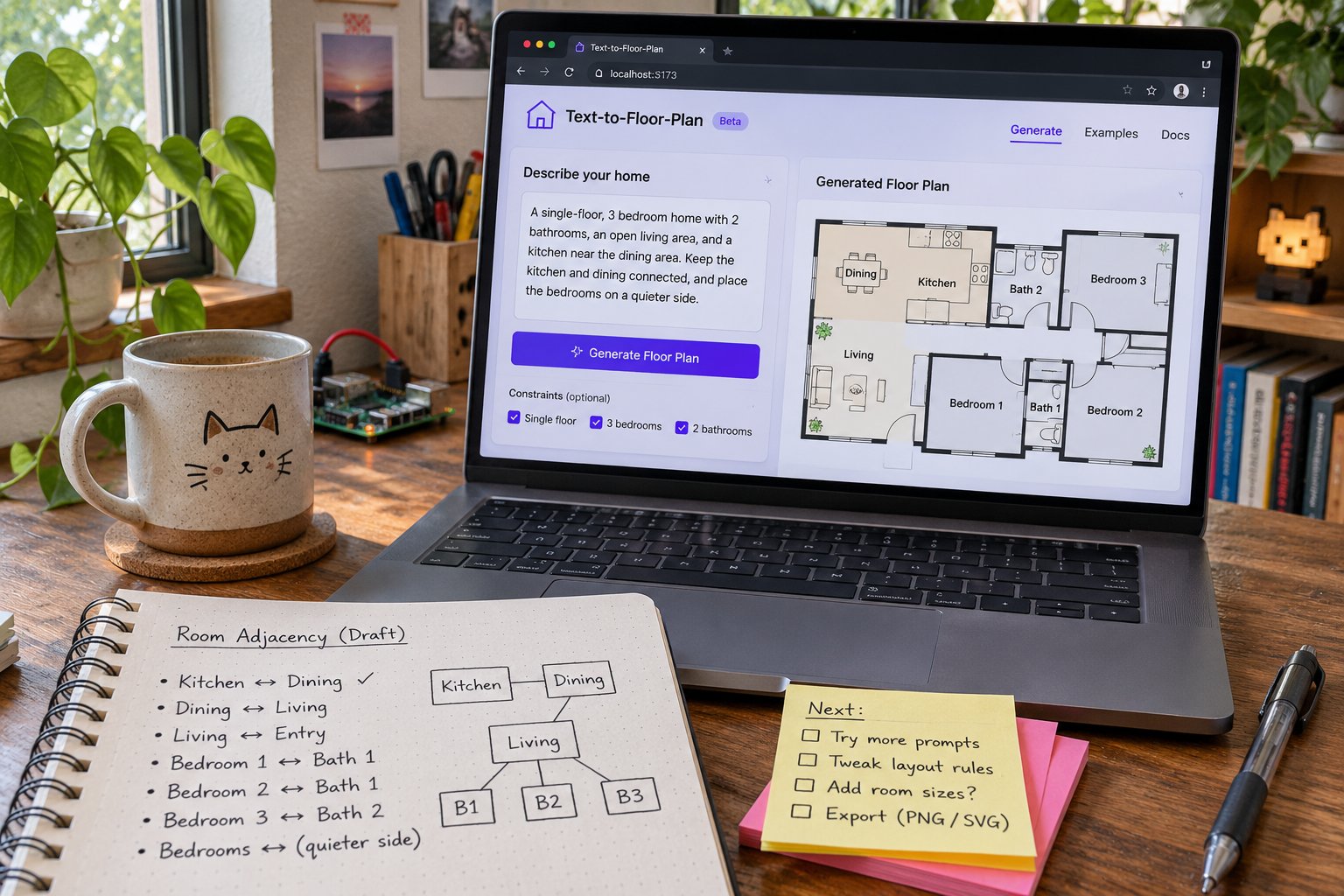
Across a handful of runs, "kitchen near dining" was the clause that most consistently showed up as a readable adjacency — wet wall cluster touching the dining bay, short serve path, no mystery corridor between them. "Quieter side" was softer. Sometimes a bedroom slid away from the presumed street edge; sometimes the plan just looked generally fine and I could not prove the clause did anything. "Morning light on the dining table" was the foggiest: without a north arrow I trusted, "morning" is a story I tell myself after the image appears.
That matches how I think about language-to-layout systems in general:
Hard adjacency ("near," "adjacent," "not through") is easier to honour than poetic orientation.
Counts (two bedrooms, one bath) are checkable in ten seconds.
Mood words ("calm," "airy," "quiet") are optional seasoning. Treat them as seasoning.
What the page is honest about (and what I will not oversell)
A few product facts I double-checked on the live page before writing this:
Text description is the primary input; photo/sketch conversion is a different tool on the same site.
Extra prompt is explicitly for adjacencies, orientation, circulation, special requirements — not for vibes alone.
Same layout can be visualised as technical, 2.5D, or isometric. Style is not structure.
Presets exist so you are not staring at a blank box.
What the page does not promise: survey-grade lengths, a legal drawing, or a single-shot perfect plan. Good. I would rather ship a tool that admits it is a draft engine than one that cosplays as a licensed architect.
If you need to cut a beam, call a human with a tape. If you need a conversation starter before CAD — or before you argue with a partner about whether the kitchen should touch the dining table — text-to-layout is exactly the rough draft I want in the loop.
What I would tell a friend before they trust a prompt
Four checks, none of them fancy:
Underline the verbs that are layout verbs. Near, adjacent, opposite, not through, facing. Soft mood words stay in the margin of your notebook until a layout verb backs them up.
Count the rooms you named. If you asked for two bedrooms and the plan quietly grew a third (or ate the entry storage), regenerate. Do not negotiate with a hallucination because the isometric looks warm.
Read the plan as a graph, not as an aesthetic. Who touches whom? Where is the wet wall cluster? Can you walk from entry to kitchen without touring the bedroom? Pretty pictures hide dumb circulation.
Change one constraint per regeneration when you are testing the product. If you rewrite the whole novel every time, you will never know which sentence was load-bearing.
I also keep a dumb checklist at the top of the prompt while I am exploring:
MUST: 2 BR, kitchen⊂near dining, bath not into living
NICE: quieter master, morning dining
NEVER: invent a third bedroom to "balance" the plan
The MUST / NICE / NEVER split sounds corporate. It is not. It is how I stop myself from blaming the model for prose I never made testable.
Why this belongs on Ko-fi
Ko-fi is where I park small maker notes that are not polished enough for a long essay and not shrill enough for a launch. Today’s note is basically:
Describing a home is a different interface from editing a photo of one. Soft constraints in the prompt are real — but only the ones that map to adjacency and count.
FloorAI’s generator is the concrete page I clicked. The lesson travels to anything our team ships with a "describe it" box: the prompt field is part of the product contract. Vague adjectives will be interpreted somehow. Better to teach users which sentences are load-bearing than to celebrate every pretty failure as "AI magic."
Side note for people who only know me from ArchyBase logs: I am not quietly renaming the company. We build more than one product. When I write about FloorAI here, I am still Alex-from-ArchyBase looking over the fence, not a sudden FloorAI employee with a new bio.
Closing the loop
That is the update. If you try the same brief, tell me which clause survived regeneration for you. I am collecting fingerprints — which prompt phrases actually move walls — not testimonials.
Next time I might log the opposite problem: when the plan is fine and the style preset is what tricks you into trusting it. For today, I am stopping at adjacency. Kitchen near dining. Say the load-bearing sentence out loud before you hit generate.