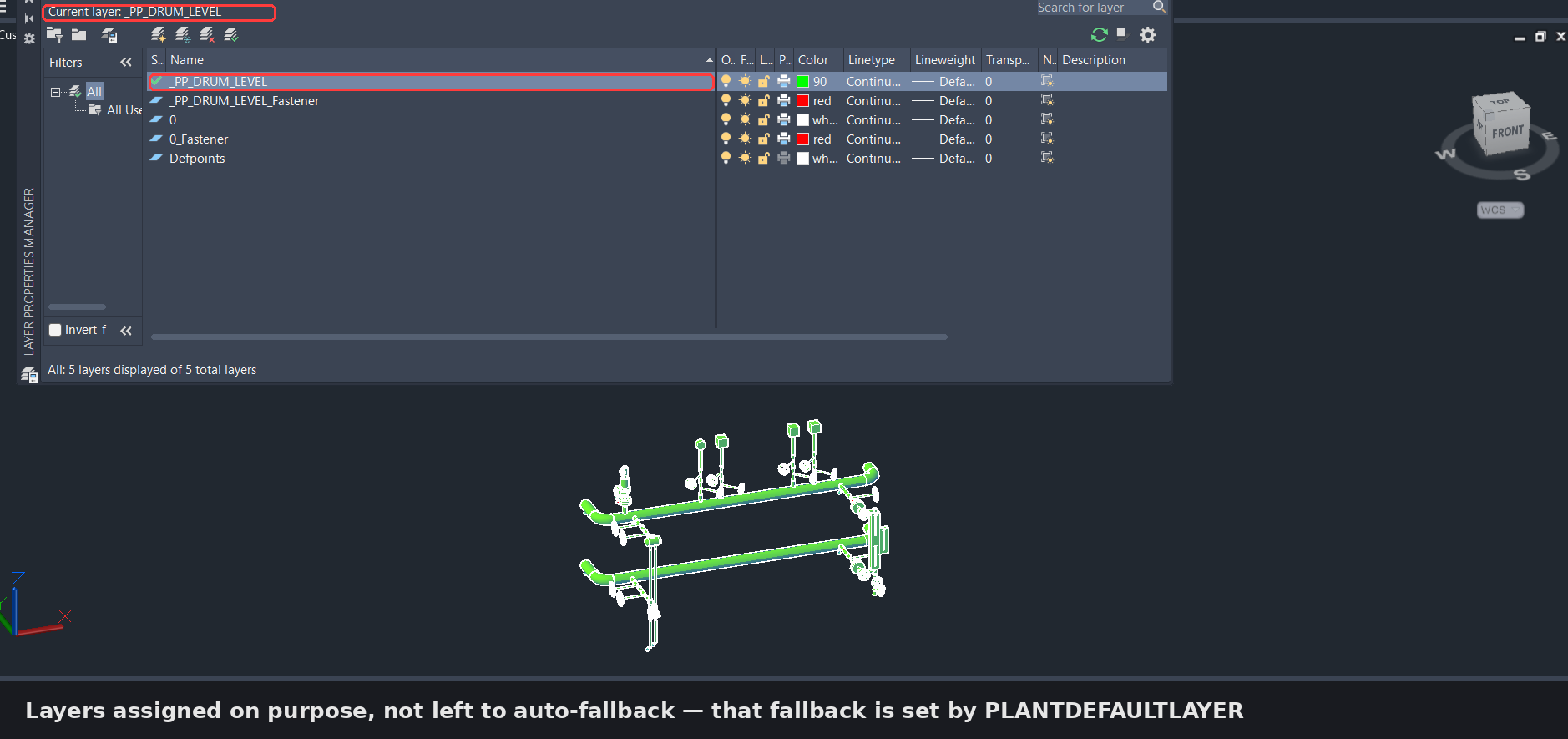

If you like to control your layers manually in Plant3D, you've probably hit this one: you route a pipe, and instead of landing on the layer you expect, it gets forced onto layer "0".
Here's why. Plant3D normally assigns layers automatically based on rules (for example, by line number). The moment it can't resolve a name — say the line number is unassigned — it falls back to a default. And out of the box, that default is layer 0.
The fix is a system variable: PLANTDEFAULTLAYER.
Set it with: SETVAR PLANTDEFAULTLAYER "YourLayerName"
Leave it empty (SETVAR PLANTDEFAULTLAYER "") and Plant3D will use whatever layer is currently active instead of jumping to 0.
Small setting, but it saves a lot of manual layer cleanup if you're managing layers by hand.
#AutoCADPlant3D #Piping #CAD