

To write the best content, you need the best grammar checker. If you are not a native English speaker, this content is for you. Here I will show the top 5 grammatical error checker tools that will blow your mind. It will increase your productivity and make your writing more professional, eye-catchy, and easy to read.
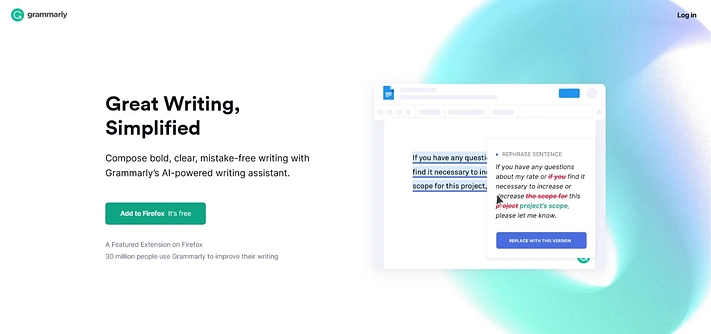
Features (free):
AI-based text checker
Browser, Google Docs, and MS Word integration
256-bit AES & SSL/TLS encryption
Personal dictionary
1 user per account
Available for mobile interface
Features (paid in Grammarly Premium):
Advanced style suggestions
Better sentence structure analysis
Tone and formality level checker
Wordiness and ineffective vocabulary filter
Built-in plagiarism checker
Style consistency checker
Human proofreading (additional cost)
Inclusive language
AML SSO (for accounts with 50+ users)
Word choice
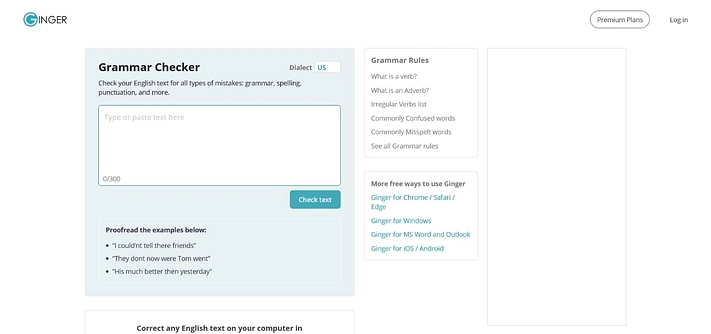
Features (free):
Smart grammar corrector and spell checks
Proofread and type at the same time
Third-party integrations available
Personalized practice sessions
Terminology management
Style check
Knowledge base
Features (paid):
Unlimited AI-powered corrections
Word definitions
Unlimited synonyms
Unlimited sentence rephrasing
40+ language translations
7-day money-back guarantee
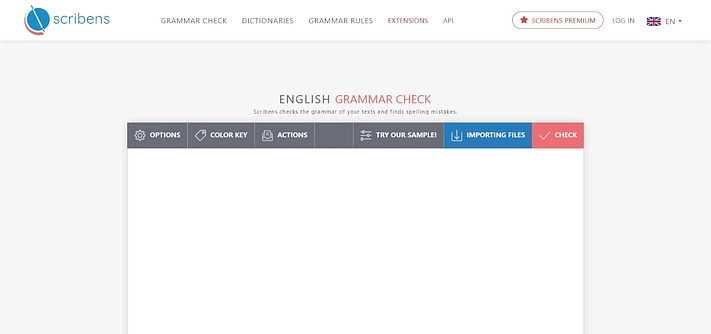
Features (free version):
Spelling and grammar corrections
Beginner-friendly interface
Access to dictionaries
No daily word limit
Proofreading optimized
Vocabulary enhancement
Rephrasing and subjectivity
Windows, Mac, browser compatibility
Features (paid):
Text checks up to 200,000 characters
Microsoft Word, OpenOffice, and LibreOffice
Direct email checks (Gmail/Outlook/Hotmail/Yahoo)
Direct correction for Facebook, WordPress, and more
Backup and management of recent texts
Premium version for French language
Multiple useful extensions
No advertising
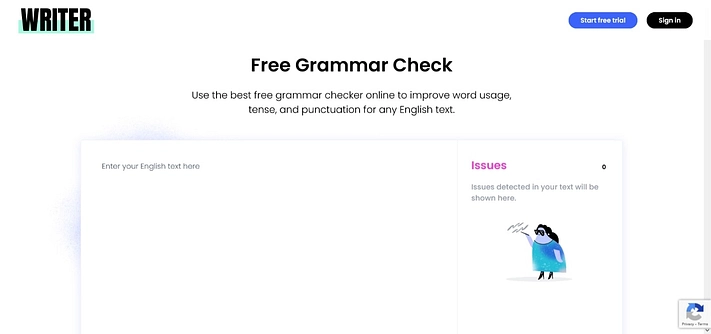
Features (free):
Readability and language check
Grammar and spelling editor
Tense and punctuation analyzer
Inclusivity and plagiarism check
Verb conjugations
One-click proofreading
Company-approved messaging and terms
Features (paid):
Content scoring
Up to 200 custom terms
One style guide that allows you to have a consistent writing style throughout your texts
Content security
API access and SSO (higher-tier)
EU-US privacy shield
AICPA SOC 2 and HIPAA compliance
Email support
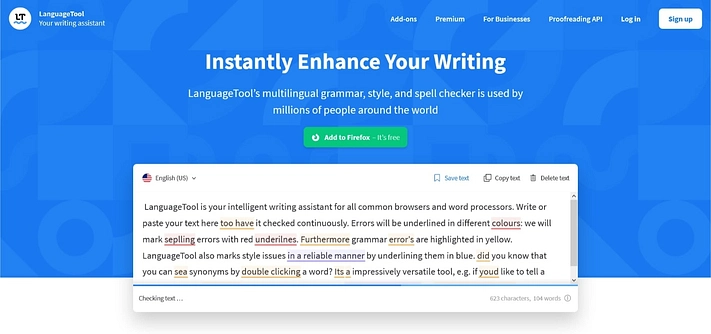
Features (free):
Basic grammar and punctuation checker, and style checking
Distraction-free writing experience
Personal dictionary
Quality scoring for your texts
Securely stored texts
Multiple integrations
Multiple languages
Access more suggestions
macOS app available
Browser add-ons
Features (paid):
Style/tone suggested corrections
Up to 60k characters per text field
Detection for incorrect names and email titles
Incorrect number detection (IBAN, ISBN,..)
Add-on for Microsoft Word
Add-on for Google Docs
User management