

For years, Spotify Dedup has helped you remove songs from your playlists on purpose. Today I want to tell you about something for the opposite problem: songs disappearing when you didn't want them to.
Meet PlaylistSafe, a new service that keeps a history of your Spotify playlists so you can always go back.
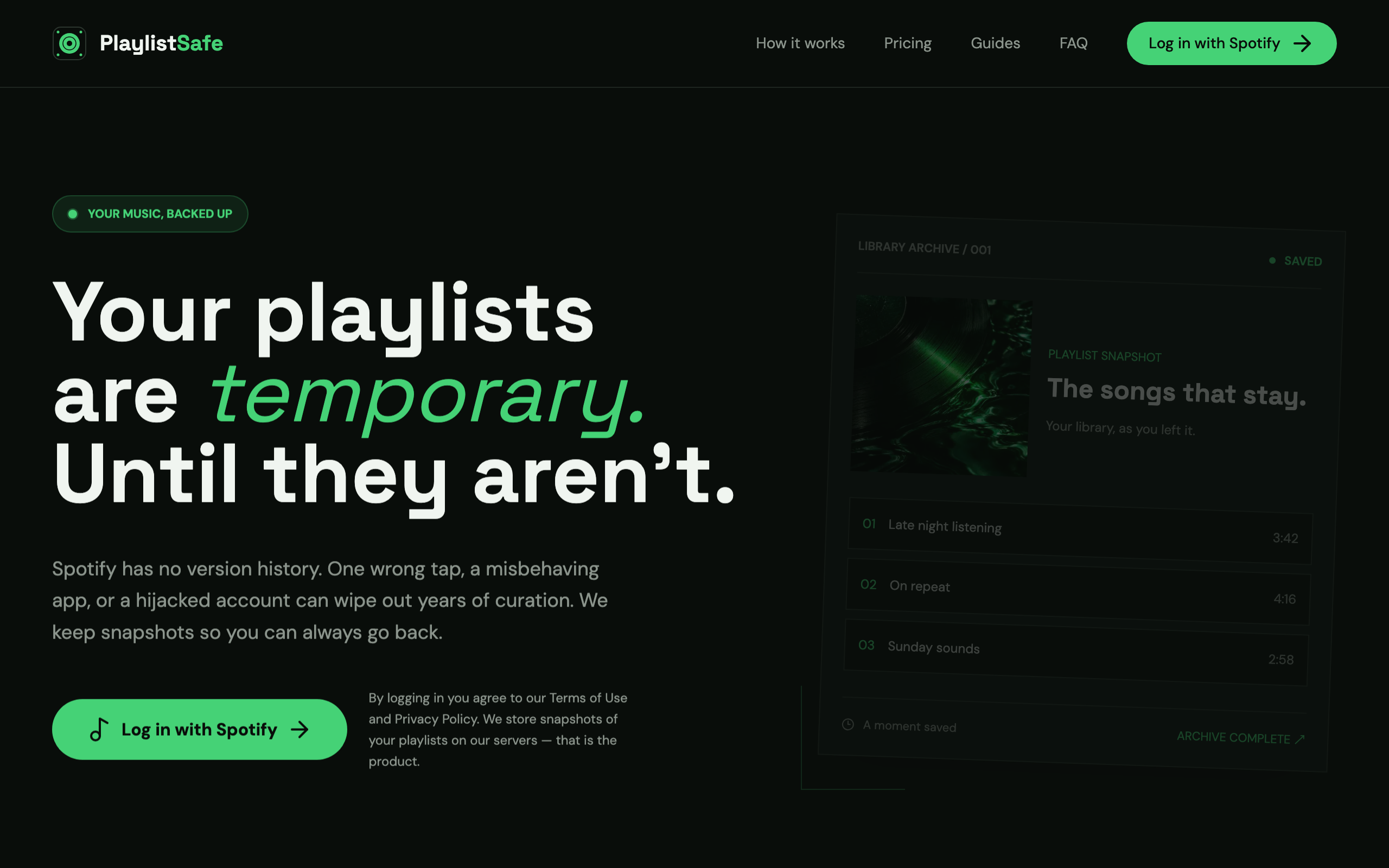
Why I built it
Playlists change all the time. A collaborator removes half the tracks. A misclick in the app. Songs that quietly go grey after a licensing change. Someone gets into your account and edits everything. Spotify can bring back a playlist you deleted (for 90 days), but it has no version history for playlists that still exist. If your favorite playlist looked different last week, there's no "undo".
PlaylistSafe is that undo button.
How it works
Log in with Spotify, pick your playlists, and you're done:
Snapshots. PlaylistSafe saves each playlist's full, ordered track list: every song and artist, and when it was added.
See what changed. Each version shows the songs that were added, the ones that were removed, and whether the order changed. Even if Spotify drops a song from its catalog, you can still see what it was.
Restore any version. One click recreates it as a new playlist, in its original order.
Download your data. Every snapshot can be exported as CSV (opens in any spreadsheet) or JSON.
Free and Premium
Free. Back up 3 playlists of your choice whenever you press "Back up now", with 7 days of history.
Premium. Every playlist you own or collaborate on, plus your Liked Songs, backed up automatically every day, with 30 days of history. €3/month, or €24/year.
If you delete a playlist on Spotify, PlaylistSafe keeps its last snapshot for 90 days on either plan.
Safety first (always)
A backup tool has to be more careful than anything else you connect to your account:
It never touches your playlists. Restoring always creates a new playlist. Your existing ones are never edited or deleted.
Your Spotify connection stays on the server. Your browser never sees a Spotify token; it's stored encrypted (AES-256-GCM) and used only to read your library and create restored playlists.
Your data, your call. One button in Settings deletes every snapshot and the connection immediately, and you can revoke access from Spotify at any time.
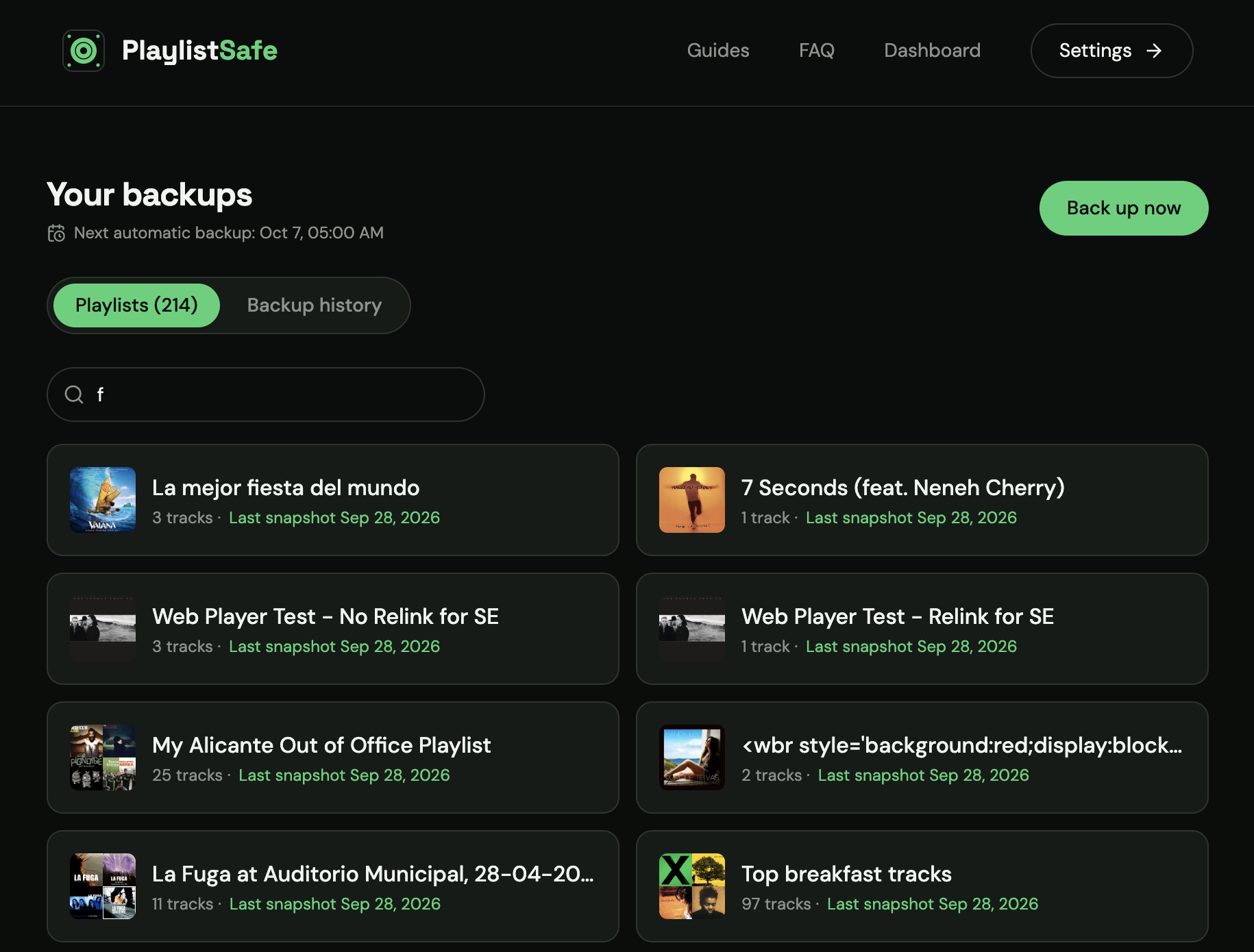 ^ Your Spotify playlists backed up
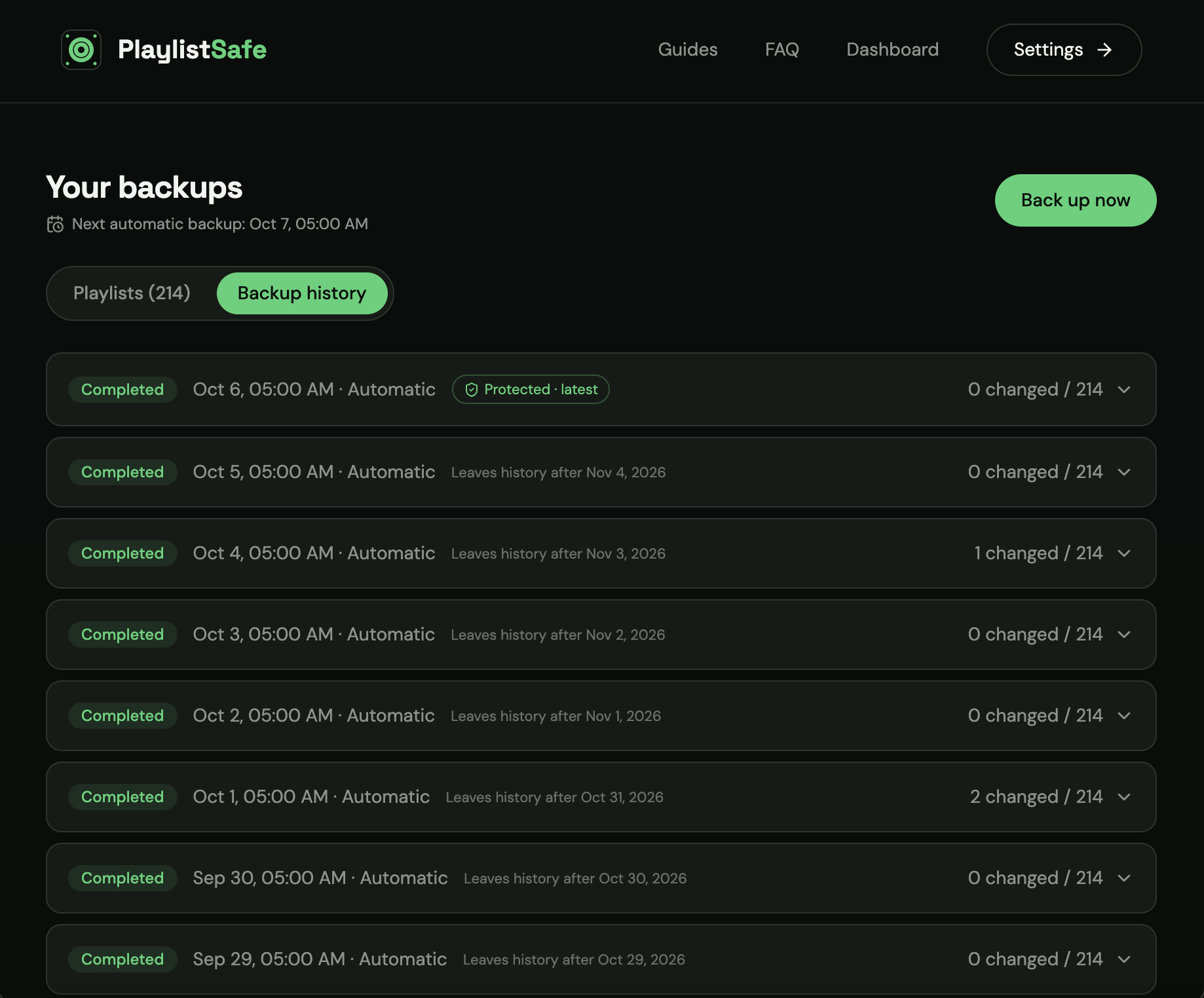 ^ Backup history
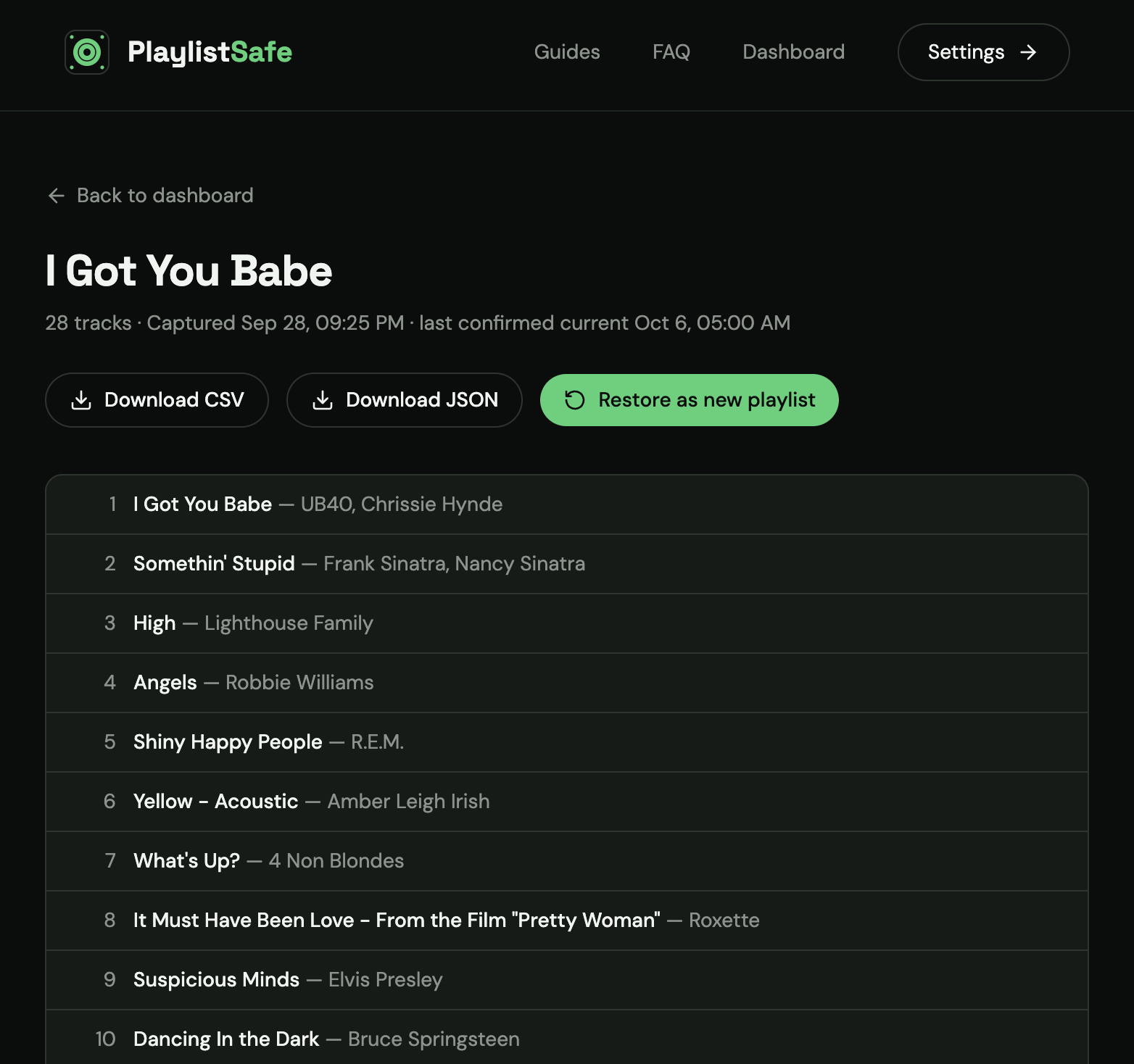 ^ Export options
A tip for Dedup users
The two work nicely together: back up a playlist with PlaylistSafe before a big Dedup cleanup. If you ever regret removing something, the previous version is one click away.
Thank you
Spotify Dedup stays free, as always. PlaylistSafe has a free plan too, and Premium is what keeps the servers running for the daily backups. Your support over the years made it possible for me to build both, so thank you!
As always, keep the feedback coming. There's a contact form on the site, and I read every message.
Happy listening 🎧