

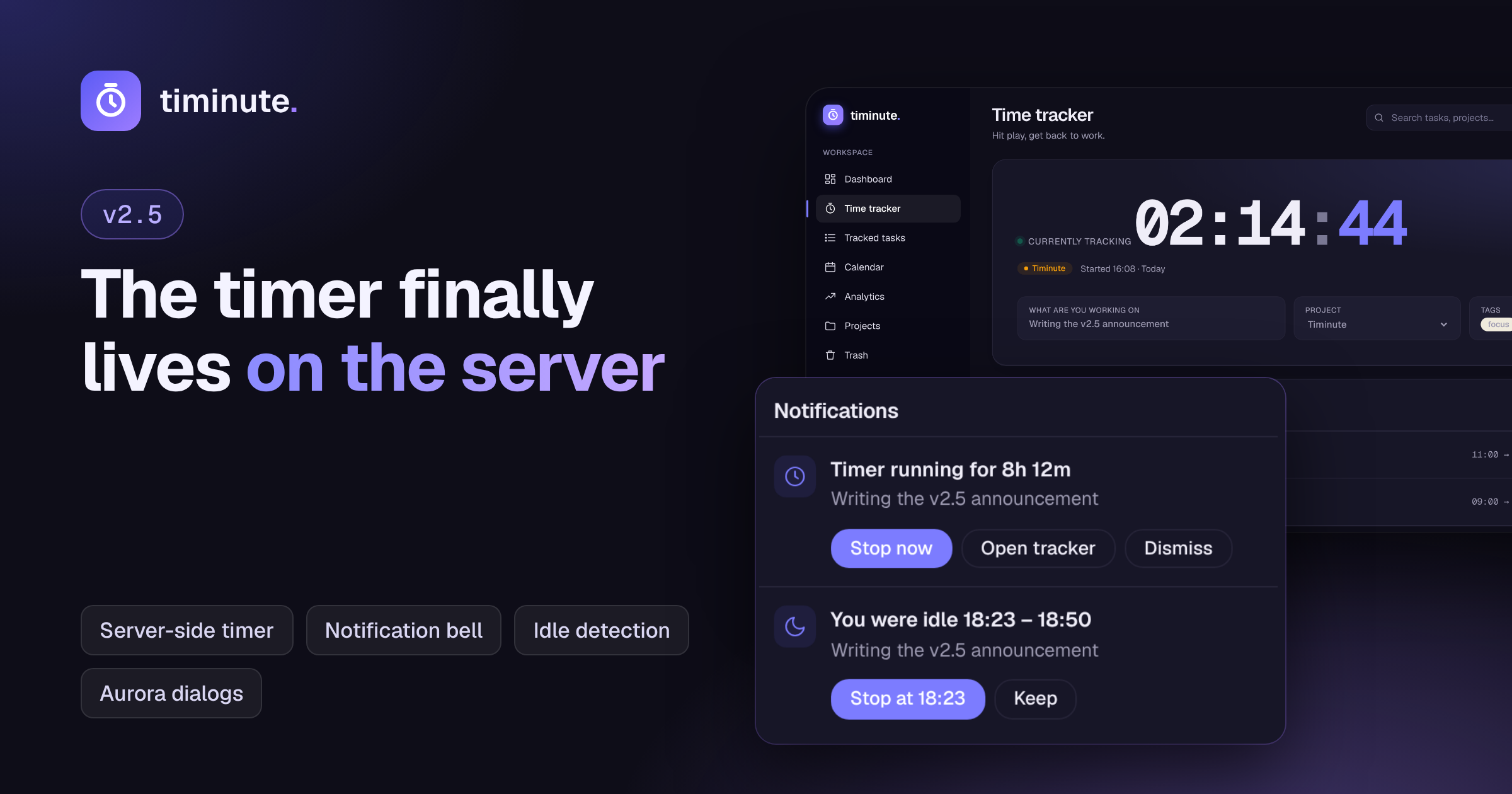
 Timinute 2.5 is out. This release fixes something that has bothered me for a long time, and then builds on top of it.
The problem I'd been living with
Until now, a running timer in Timinute only existed in your browser tab. The server knew a task had started, but the "it's still running" part lived in the tab's session storage. Close the tab and the time was gone. Start a timer on your laptop, and your phone had no idea.
For a time tracker, that's a pretty basic thing to get wrong. So 2.5 starts by fixing it properly.
What's new
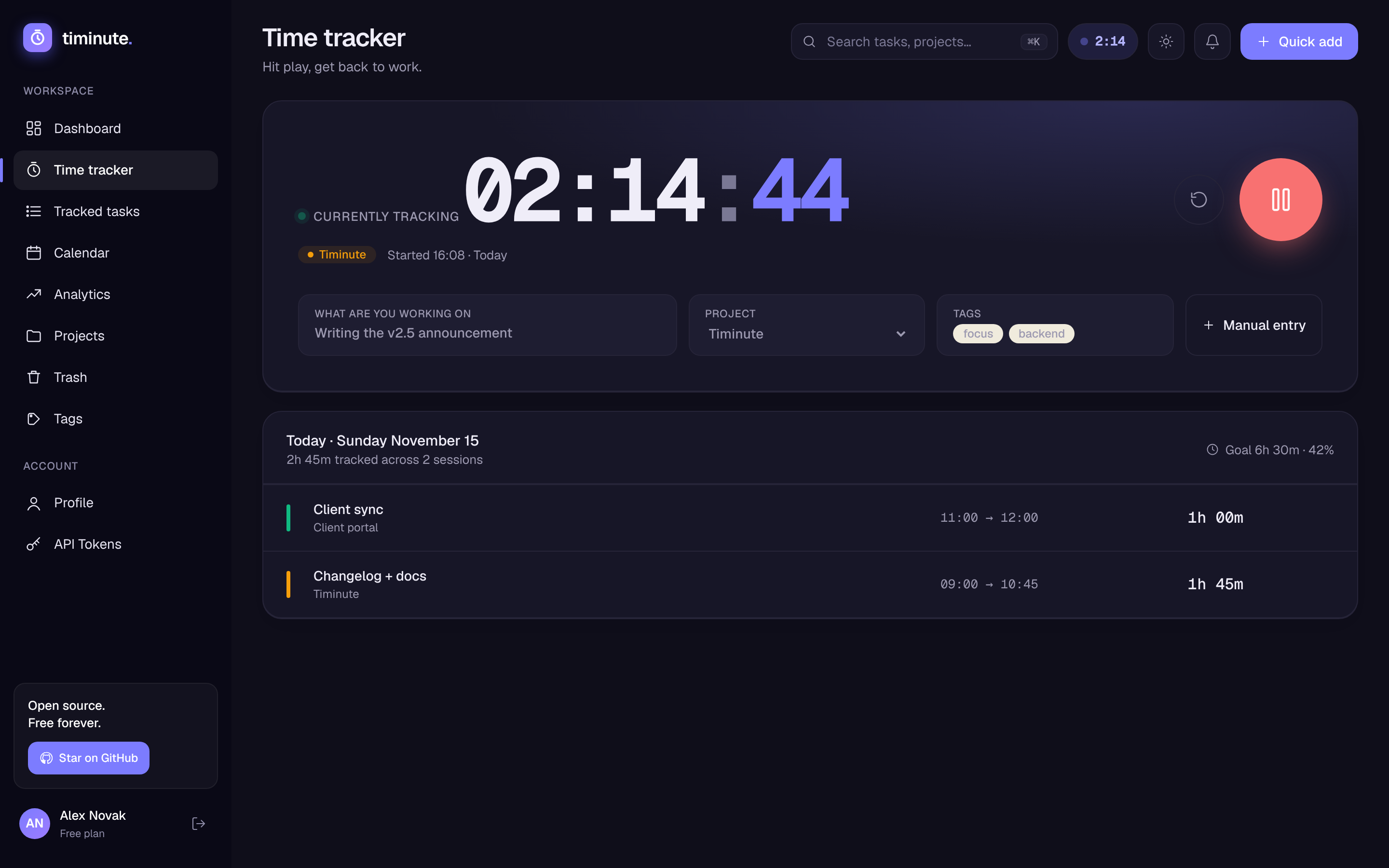
The timer survives anything. The running timer is now stored on the server. Start it on your laptop, close the tab, open Timinute on your phone and stop it there. Nothing gets lost when a tab closes, the browser crashes, or you reboot. A small indicator in the top bar shows the elapsed time on every page, so you always know something is running.
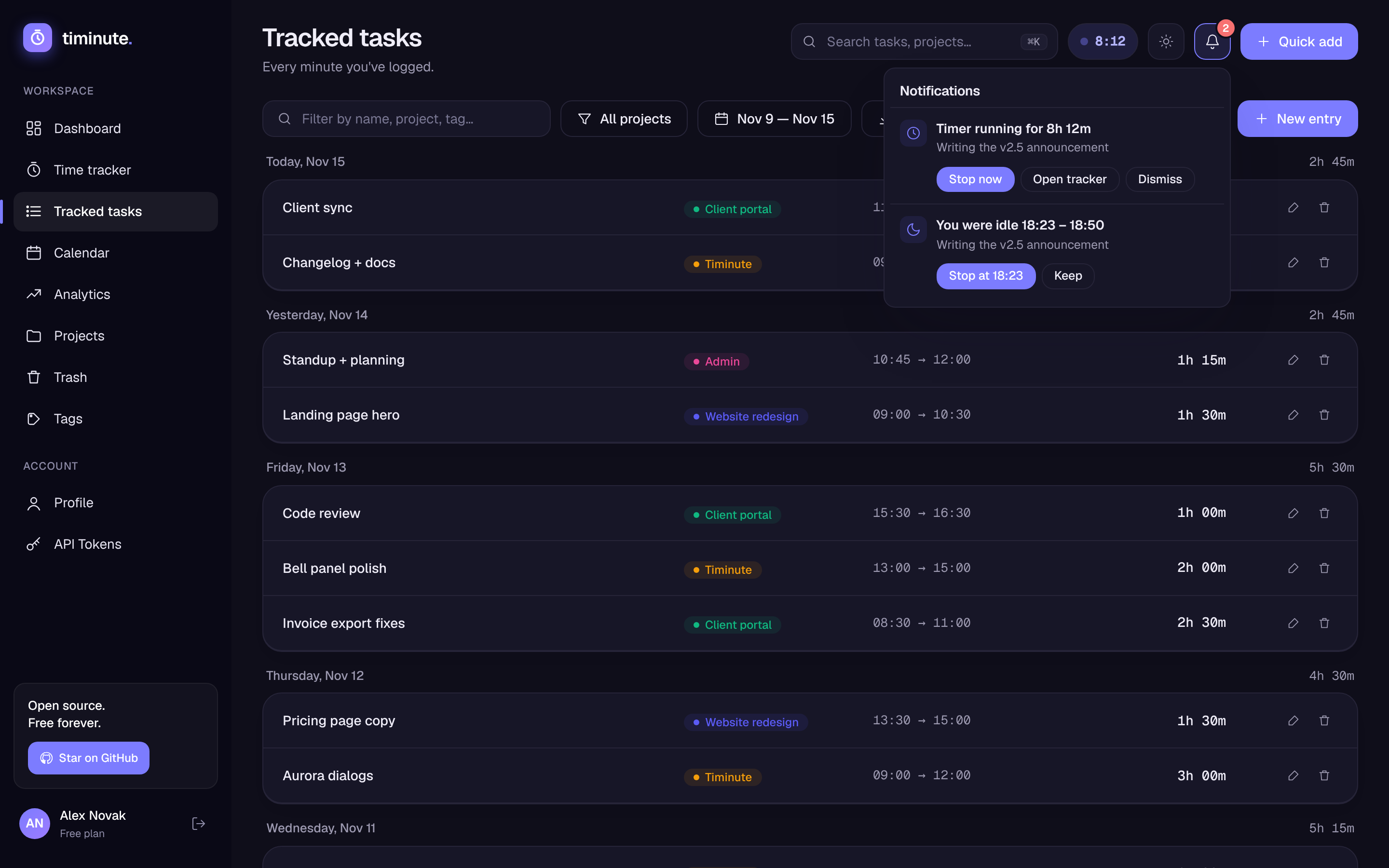
A notification bell that actually does something. With the timer on the server, Timinute can finally warn you about the two classic time-tracking mistakes:
The forgotten timer. If a timer runs longer than a limit you choose (8 hours by default), the bell tells you. You can stop it right there, jump to the tracker, or dismiss it until the next multiple of that limit.
The coffee break that got logged as work. If you've been away from the app for a while (15 minutes by default) with a timer running, the bell offers Stop at the time you actually left. That drops the idle time instead of making you fix the entry by hand. Or press Keep if you really were working.
Both limits are in your Profile, and setting either to 0 turns it off. If you want, you can also turn on browser notifications per device. They're opt-in, several open tabs show only one notification, and clicking it takes you straight to the bell. On mobile, warnings show up in the More sheet.
Dialogs that match the rest of the app. Every dialog (quick add, edit task, new project, confirmations) has been rebuilt on Aurora, Timinute's own design system. They follow dark mode, keep keyboard focus where it should be, close on Escape, and turn into bottom sheets on phones. Before, they came from a UI library and always looked a little out of place.
A proper icon. Timinute finally has a favicon and app icons: a small Aurora stopwatch. It's a small thing, but it makes the app feel finished when you pin it or add it to your home screen.
A bug worth mentioning
While testing this release, I found that saving your preferences returned a server error on any server running a comma-decimal locale, such as Czech or German. That's my own machine, and it's why the theme toggle sometimes snapped back. The validation parsed limits like "1.0" using the server's language settings, which doesn't work when the decimal separator is a comma. It's fixed in 2.5, with tests that run under Czech, German and English settings.
If your server runs one of those locales and preferences ever behaved strangely, this was the cause.
Upgrading
If you run the Docker image, pull the new version and restart. The two database changes are additive (a new table for running timers and two new preference columns) and apply automatically on startup. If you run Timinute outside Docker, run scripts/MigrateDatabase.ps1. There are no configuration changes.
If a timer was running in an old 2.4 tab when you upgrade, it's saved as a regular tracked task the first time that tab loads 2.5, so you won't lose it.
Full release notes: https://github.com/jame581/Timinute/releases/tag/v2.5
What's next
There are a few ideas I'd like to explore next, like a Pomodoro mode and time estimates on tasks. Nothing is promised yet, and I'll share more once I've decided what 2.6 looks like.
As always, Timinute is free, open source (MIT), and runs on your own server. If it saves you some time, or you just like seeing a solo project keep moving, a coffee here genuinely helps. Thank you to everyone who has supported it so far.