

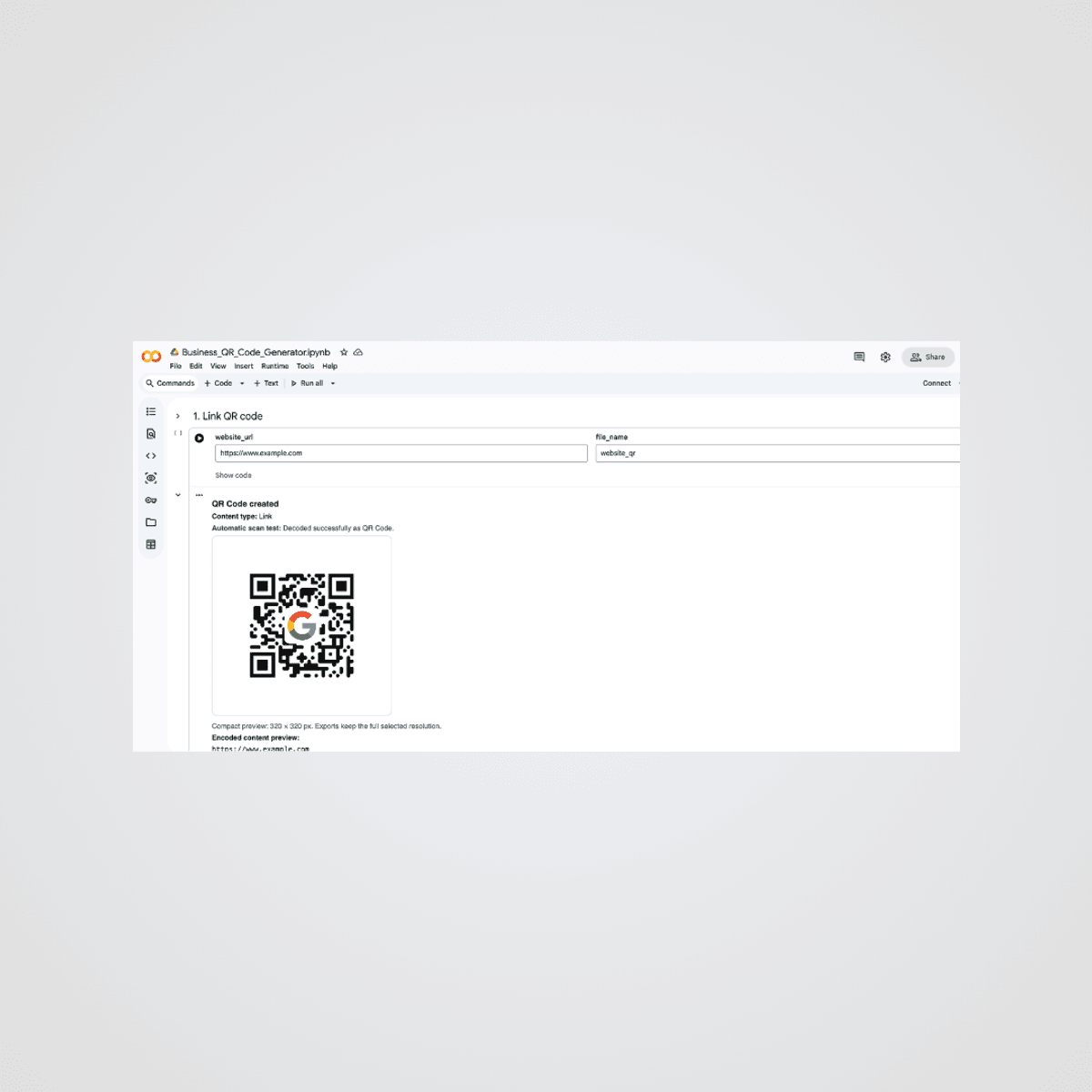
Business QR Code Creator for Google Colab
€5
Create professional, customised QR codes in Google Colab without installing software or paying for a QR-code subscription.
This guided Python notebook is designed for business owners, freelancers, creators, teachers, event organisers, and other non-technical users. It includes separate sections for website links, text, email, phone calls, SMS, vCards, WhatsApp, Wi-Fi, PDFs, apps, images, videos, social media, and events.
Personalise your QR codes with your own logo, colours, module style, preview size, export resolution, and quiet zone. Generate multiple QR codes in one session and download them together as PNG, JPG, PDF, SVG, or ZIP files.
You will receive:
- One downloadable Google Colab .ipynb notebook
- Guided instructions inside the notebook
- Commented Python code
- Separate sections for each QR-code use case
- A combined-download function for all generated QR codes
You need:
- A Google account
- Access to Google Colab
- An internet connection
- A desktop or tablet browser
Google Colab is free for normal usage, although Google may apply its own usage limits.
Important information
This product creates static QR codes.
Static QR codes do not include scan analytics, campaign dashboards, editable redirection, or file hosting. For PDF, image, video, and other online content, you must provide a publicly accessible link.
The notebook is a tool for generating QR-code files. It does not include website hosting, cloud storage, printing, marketing services, or ongoing technical management.
Digital-product policy
This is a digital product delivered electronically. No physical item will be shipped.
Because digital files cannot be physically returned, purchases are generally non-refundable after the product has been downloaded or accessed.
Please review the product description and requirements carefully before purchasing.
If you experience a technical issue with the supplied notebook, contact me with a description or screenshot of the problem so I can help you identify the cause.
€5
Enter a fair price
€
Only €1 for members
Become a member to get a discount and other exclusive benefits.
€5