

First, a new actual post for the first time since a long time, yay!
Second, is going to be a short one since is to quickly summarize what I explained in the video (at the end of the post), but hopefully will start to write again more often soon!
The idea of the video was to do a very quick tutorial about how to go from Windows 98 to DOS (Disk Operating System) or also how to boot the computer en DOS mode in an actual Pentium I machine.
Once you are in Windows 98, you have to choose the option below restart that tells you is going to restart in DOS mode, Windows 98 is just going to close and leave in the system prompt.
From there you can use two commands to go to the root of C: 1. cd.. that lowers you one level in the folders, if you are in let´s say: C:\Windows\User\Desktop is going to leave you in C:\Windows\User\ and 2. If you want to go straight to C: you can use cd\ (there you need to write that \ Alt + 92 (you press the alt key and while pressing it you type 92 in your Numpad), much quicker is you are inside several folders.
The other way is just to boot the machine in DOS, for that press F8 furiously (usually in those old BIOS F8 don´t do much) while the computer is booting to get to the Windows 98 options selection screen, there just select the option for “Command prompt only” and there you go! If from DOS you want to go to Windows without resetting the computer just type “win” over C: and Windows 98 is going to boot.
Now an important tip, DOS hast a limit of 8 characters for a file or folder name, so unless you want to deal with truncated names, rename the folders names to shorter things like I did in the video, for example instead of “Indiana Jones and the Fate of Atlantis” renamed the folder to Jones4, for easy access for DOS.
That is it! Now you know how to deal with that in case you want to do some retro-gamming and the games don´t want to play nice with Windows!
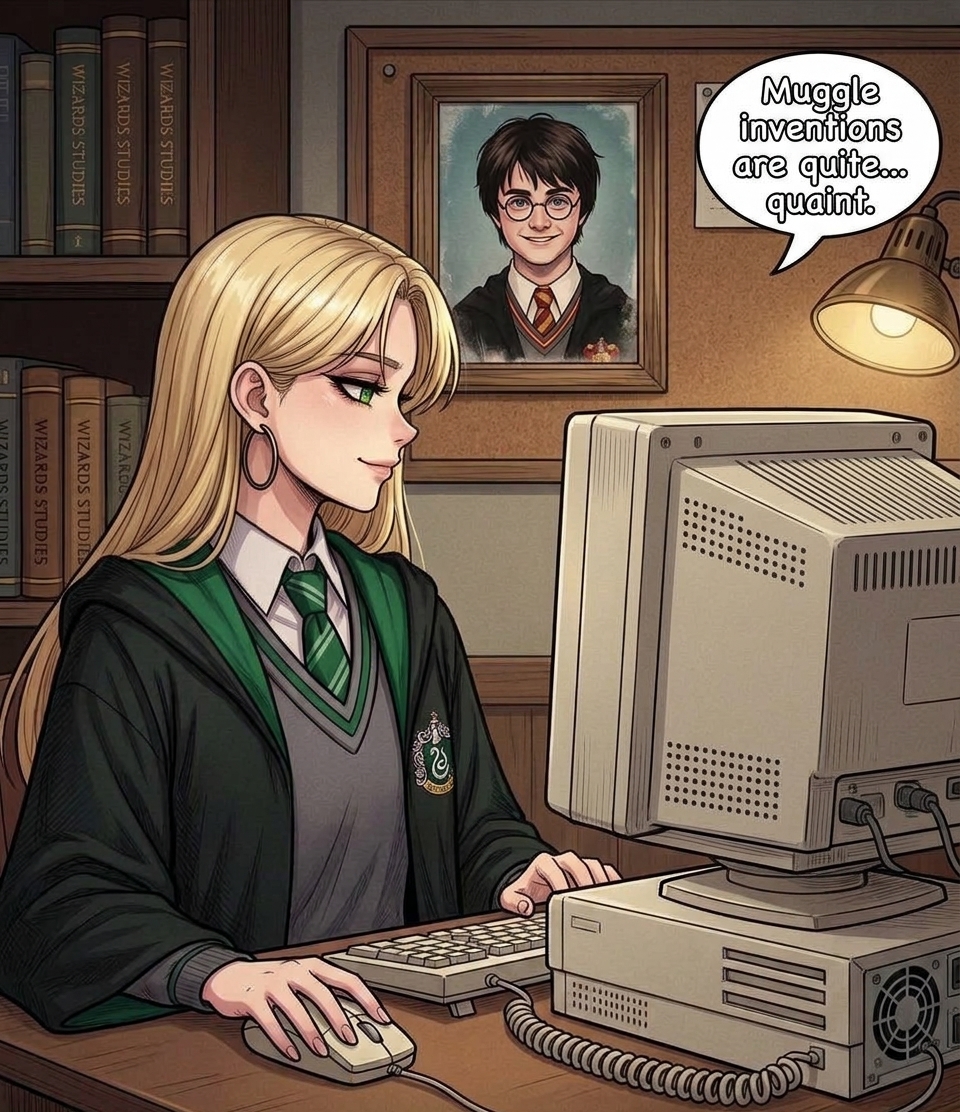
Credits in the image for @redteneri (over X) who design I used has a base for my quick Gemini illustration, wanted to add Malfoid because… why not? The computer is more or less time appropriated for the original story realese ;)