

Dear supporters and developer friends,
I am thrilled to share a milestone update with you today: ChaPose is officially available on the official microsoft/winget-pkgs repository!
This means Windows users can now deploy ChPose directly using a native, single-line command—no manual downloads, path configuration, or extra setup required.
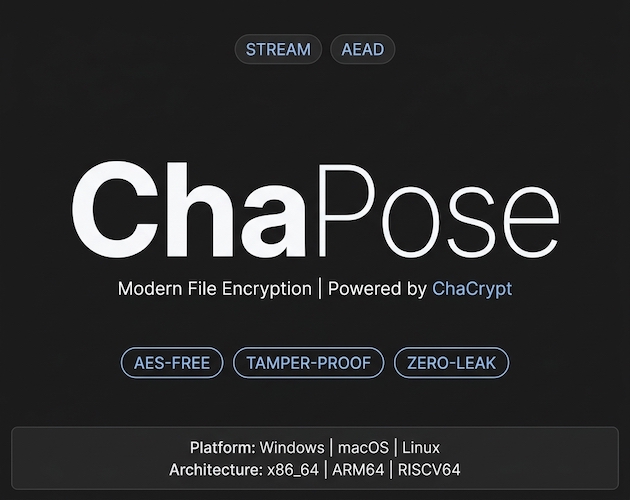
💡 What is Chapose?
ChaPose is a modern, high-performance command-line tool dedicated to single-file security:
• Industrial-Grade Security: Powered by the ChaCha20-Poly1305 authenticated encryption (AEAD) algorithm. In addition to robust data confidentiality, its built-in Poly1305 integrity verification ensures that if a ciphertext file is subjected to bit-flipping or tampering, decryption will fail and throw an error immediately—providing complete protection against tampering attacks.
• Zero-Leak Streaming Architecture: Built on a pure streaming engine, Chapose effortlessly handles files ranging from gigabytes to terabytes. Since it processes data in chunks without loading the entire file into memory or writing temporary plaintext swap files to disk, it ensures absolute cleanliness at the physical disk level.
🚀 Quick Install (Windows)
Simply run the following command in your Windows terminal:
winget install gai.chaposeTips:
• If you encounter any network issues while running winget, feel free to visit the ChaPose GitHub Repository to download the pre-compiled binary and install it manually.
• ChaPose also supports native binary installations on macOS and Linux (see the official repository for detailed one-liner scripts and Homebrew tap installation instructions).
🛠️ Minimal Usage Examples (Windows Command Line)
ChaPose features highly intuitive subcommands. In most scenarios, you can encrypt and decrypt files using a simple password. Additionally, both encryption and decryption support the -w flag to force-overwrite target output files if they already exist.
Encrypt a file (with overwrite flag): To encrypt a sensitive file (e.g., secret.txt) with a password, using
-wto overwrite any existing encrypted file:
chapose encrypt secret.txt -p "MyStrongPassword123" -wThis produces a highly secure secret.txt.cha file in the same directory.
Decrypt a file to a specific folder (with overwrite flag): To restore the encrypted file to a separate folder (e.g., .\restored), use the
-doption to specify the destination, and-wto overwrite existing files if necessary:
chapose decrypt secret.txt.cha -p "MyStrongPassword123" -d .\restored\ -wYour original secret.txt will be safely restored under the restored directory.
Get detailed help: To view all available commands and flags, simply run the built-in help guide:
chapose help
# Or check the usage of a specific subcommand:
chapose help encrypt
🔥 Advanced Tip: Automating Security Workflows with ft:filetools
Often, you need to do more than encrypt a single file—you might want to archive a folder, encrypt the archive, and safely wipe the original files.
For these workflows, Chapose pairs perfectly with ft:filetools (ft), a high-performance file management CLI created by the same author.
ft:filetools is a versatile cross-platform streaming tool designed for globbing, archiving, secure wiping (wipe), and general file cleanup, allowing you to orchestrate workflows seamlessly via YAML or shell scripting.
You can install it via Winget as well:
# https://github.com/huanguan1978/ft
winget install gai.filetools
Even without writing a YAML task file, you can orchestrate a secure Archive -> Encrypt -> Wipe pipeline right in your terminal (PowerShell or Cmd) with these sequential commands:
# 1. Archive the sensitive directory. The archive command automatically detects the .tgz extension to compress the output (matching all files by default when --pattern is omitted)

ft archive --source .\sensitive_docs --target docs.tgz

# 2. Encrypt the compressed archive using chapose (with -w to overwrite any existing output)

chapose encrypt docs.tgz -p "MyStrongPassword123" -w

# 3. Securely wipe the original plaintext source files (overwriting sectors to prevent forensic data recovery)

ft wipe --source .\sensitive_docs --levels=medium

# 4. Securely wipe the intermediate compressed archive to leave no trace of plaintext data on disk

ft wipe docs.tgz --levels=low
With this combination, your raw data is shredded immediately after encryption, completely eliminating the risk of residual data exposure. You can run ft help to explore more options.
🌟 Explore Best Practices
Beyond password-based encryption, ChaPose supports high-entropy random keyfiles (via chapose keyfile) and a zero-interactive configuration using the CHAPOSE_KEYFILE environment variable. Once set, you can encrypt and decrypt files without typing passwords or keys in the command line.
Check out the GitHub repository for full design specifications, comprehensive guides, and advanced usage:
👉 Chapose GitHub Repository https://github.com/huanguan1978/chacrypt/tree/main/chapose
Thank you all for your continued support, feedback, and for being part of this ecosystem!