

Download widget here: https://www.figma.com/community/widget/1486019986354610848/ooux-orca-object-mapper
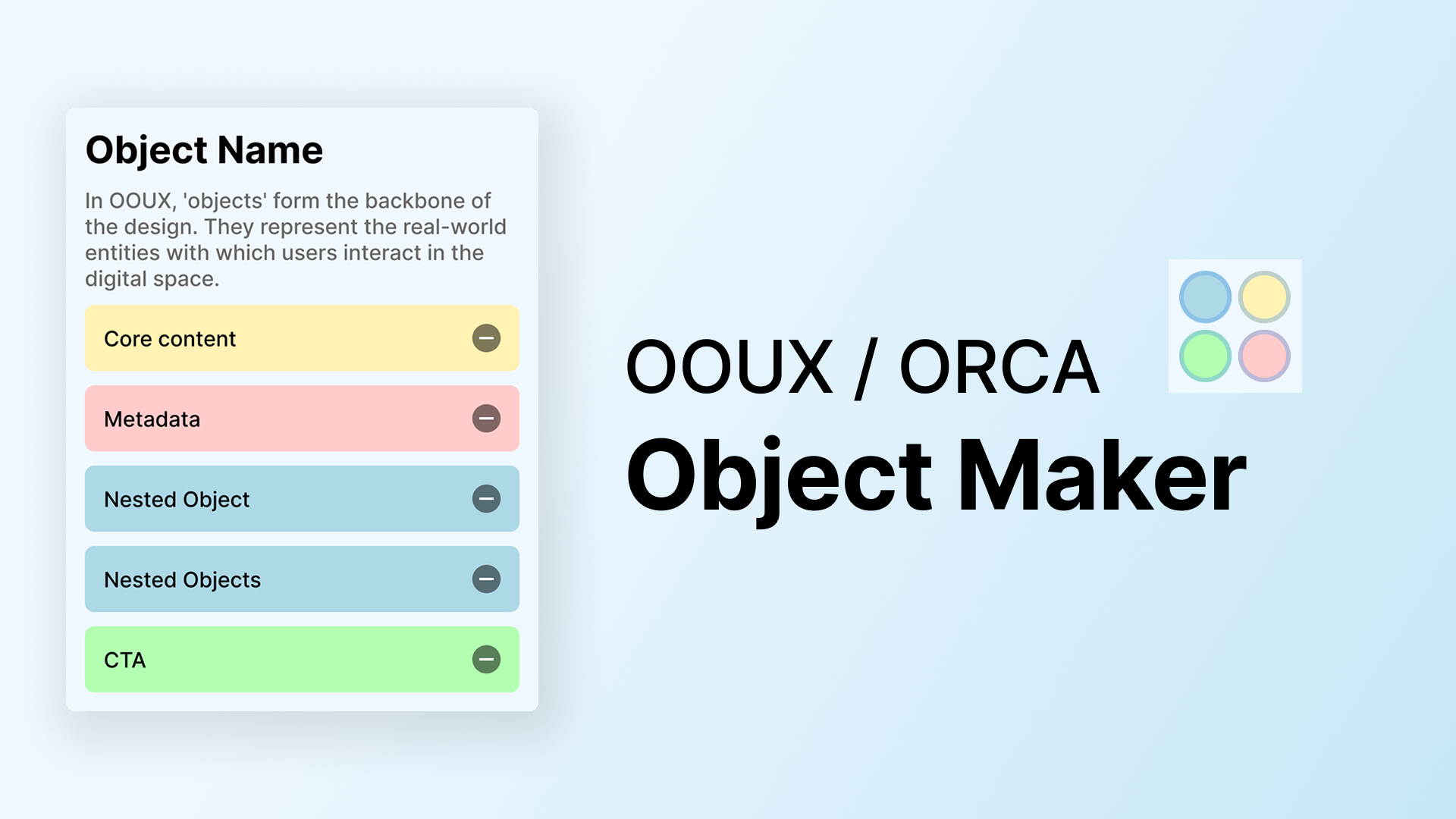
✨ What is this widget?
OOUX ORCA Object Mapper helps you visually organize objects using the Object-Oriented UX (OOUX) method and ORCA framework.
Break objects into Core Content, Metadata, Nested Objects, and Calls-to-Action (CTA) instances for a clear, structured UX.
Perfect for product designers, strategists, and teams who want to simplify complex systems.
✨ Object and Instances example:
If you're designing a "Project" object for a task management app:
Core Content: Project Name, Description
Metadata: Due Date, Status
Nested Objects: Tasks, Team Members
CTA: Add Task, Add Member, Update status
✨ Learn more about OOUX and ORCA:
https://www.ooux.com/resources/introducing-orca-the-third-diamond-in-your-ux-process
And more links in the Playground File
✨ Make object and its instances manually:
Name the object – Example: “Project”
Add instances – Click to add Core Content, Metadata, Nested Object, or CTA
Edit as needed – Rename or Rearrange instances for clarity. Switch to Free Mode to move boxes more freely.
Collaborate & refine – Share with your team to improve objects
✨ Create objects with JSON:
Import objects and instances using JSON instead of manual entry.
A high-quality ChatGPT prompt is provided to help you generate JSON faster.
Look for more guidance in the Playgroud file